
Inspiration is clutch & I received it for starting this bad boy, so why not dedicate the first post in how I Frankensteined (woah – I created a blog, a blog post, & a past tense verb all in one) it together?

My Goal:
Was to create a blog & WordPress site – I then had a brain blast (Queue Jimmy Neutron), what if I did this through some from of IaC? So I tried the basic goodies, you know:
- Terraform
- Ansible
- Docker
- AWS
- ChatGPT
- WUT!?
- Click-Opps
- Back-pocked that for last on the learning journey
All were fun to mess w/& see where I got stuck quicker than others to debug some of the code. However this post follows the option of AWS & I see joy in posting the other journeys I had later, but for now lets not see double & jerk that pistol & go to work (name that movie).
Lessons Learned:
- New ways to spend my Bennies ($$$) w/a AWS Account, ayyyy
- Create an RDS instance for the MySQL database
- Create an EC2 instance for the WordPress application
- Install and configure WordPress on EC2
- Upload and download files to and from S3
- Access your WordPress site from the internet
Step 1: Create a RDS instance for MySQL Database
- Prolly important to have something to store “my precious” (another movie quote) data aka goodiezzzz
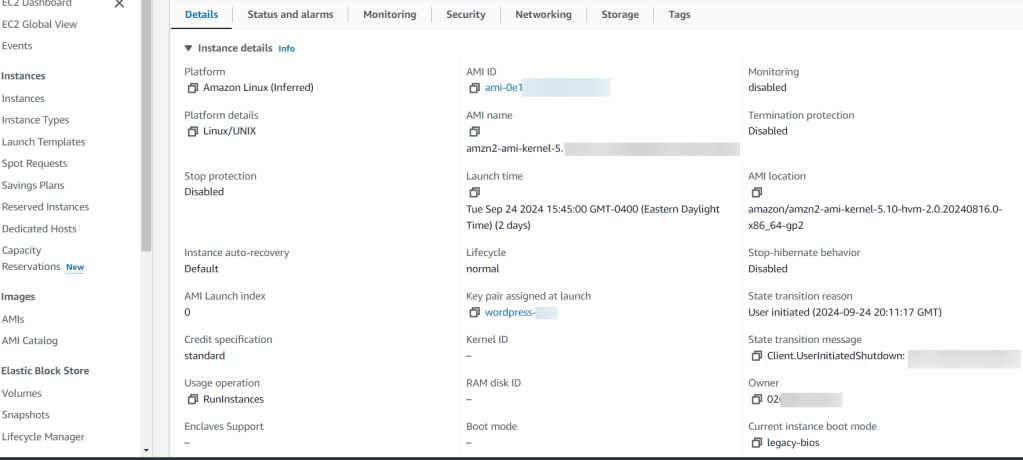
Step 2: Create EC2 Instance
- I wanted to get virtual & had a plethora of options to configure w/AMI, instance type, storage, tags, key names, security groups, etc.
- Oh yeah, I overlooked the key pair part…I didn’t save/remember that information – so I had to re-do this. #DOAHHHHH
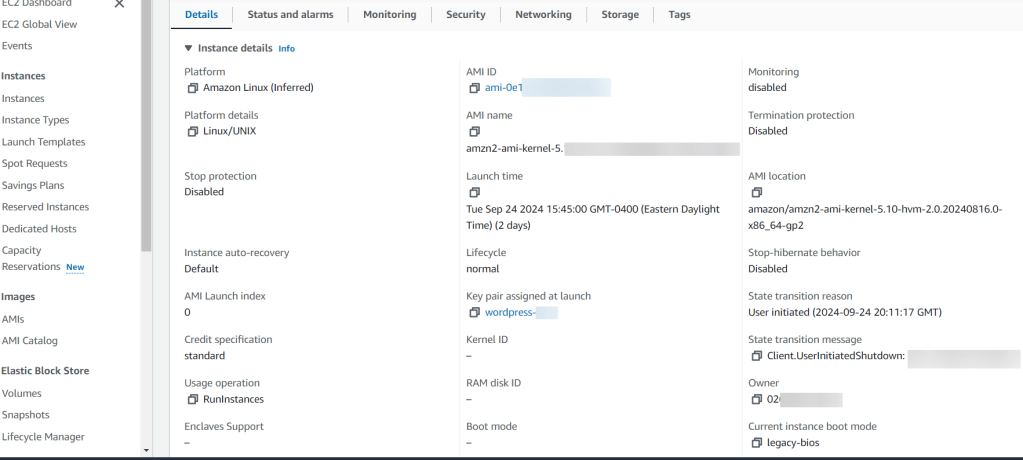
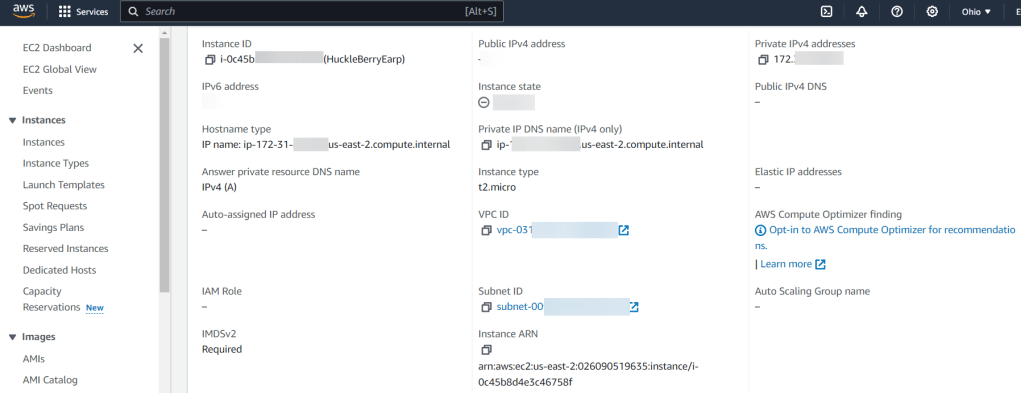
Step 3: SSH into EC2
- Here was a quick double check of my work that helped me re-navigate in the console to find key information to plug-in to my SSH command (yeah, I used PowerShell. Why? Cuz its the most powerfullest, duh)
- Example Below:
- ssh -i wordpress-key.pem ec2-user@public-ip-address
- Example Below:
- Then after some yum & systemctl – I had an apache test page… Woah, I know fancy.
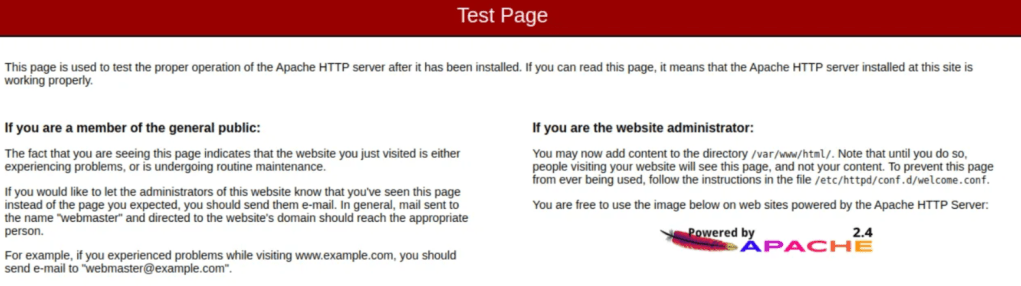
- Really had to pay attention to the next handful of commands to download the latest WordPress Package, Extract it, change ownership w/some chown, & then nano/vi into the configuration file.
- Couple Example Below (sparing you all the commands):
- wget https://wordpress.org/latest.tar.gz
- tar -xzf latest.tar.gz
- sudo chown -R apache:apache /var/www/html/
sudo find /var/www/html/ -type d -exec chmod 755 {} \;
sudo find /var/www/html/ -type f -exec chmod 644 {} \; - sudo nano /var/www/html/wp-config.php
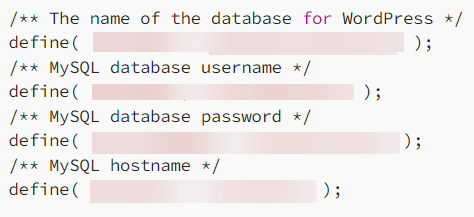
- Then after copy-pasta the public-IP-Address from AWS I started to click more stuff..

Conclusion:
- Just like that it was done & could check into the blog & AWS to see the specimen…. ANNNNND then I tore it down. Why? Cuz I was intrigued by the other options available & see the other avenues to create a blog. I don’t have a favorite, but as mentioned above I’ll have posts about how to create a WordPress blog in the handful of options above. Yeah, even some Chat GPT action, stay tuned.


 Say When..