
Goal:
GREAT-SCOTT! One just realized our EC2 instance is more compute power than required, & thats not all! Plus were spending wayyy to much chedahhhhhhhh (we want to save for more other goodies – like Pokemon cards & new fancy coffee mugs.. just a thought)
Lessons Learned:
- Configure InstanceType Parameter to “t3.micro”
- Launch Updated stack & ensure EC2 can connect
The Appetizer before configuring “t3.micro” & Updating the stack:
- Leverage a clutch link here:
- This link above engulfs a whole slue of base templates for anyone to leverage for you to need any AWS services for CloudFormation
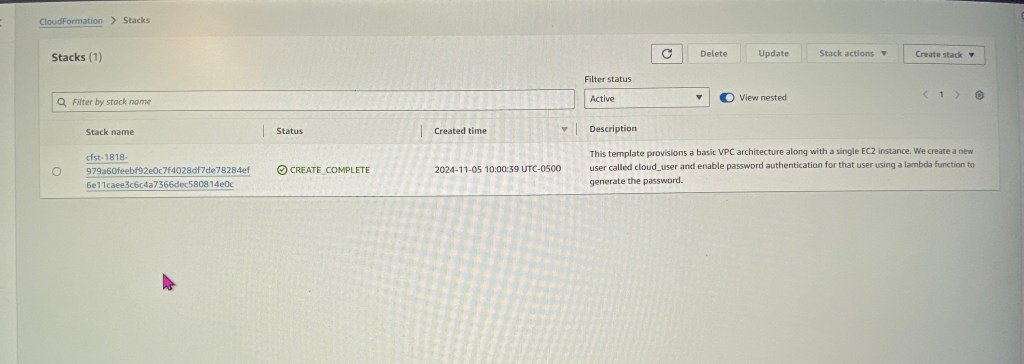
Configure InstanceType Parameter to “t3.micro”:
- After maneuvering to your CloudFormation stack & selecting update – take a peak at the template as seen below.
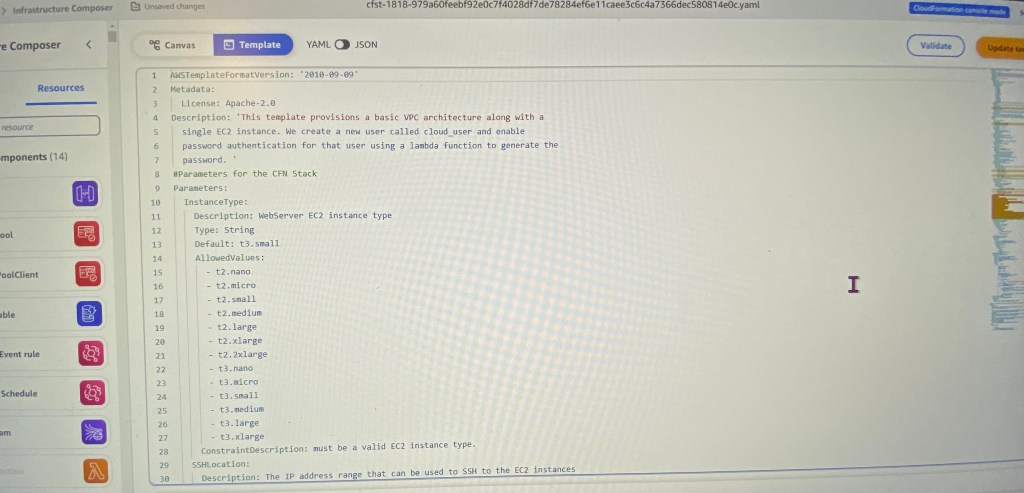
- Don’t fret, all these lines can be leveraged from the link above in the github repository.
- Screenshot below shows the “Default: t3.small” that requires update
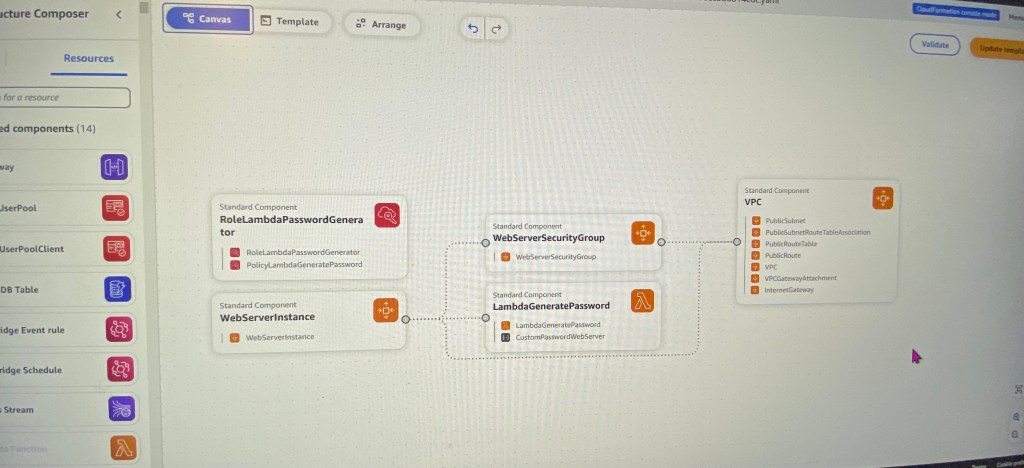
- This is a perty-neat feature I thunk you would find dope. Instead of lines of code, you can mold your own visual CloudFormation by selections on the side.
- OR you can just see how each AWS service connects to one another.

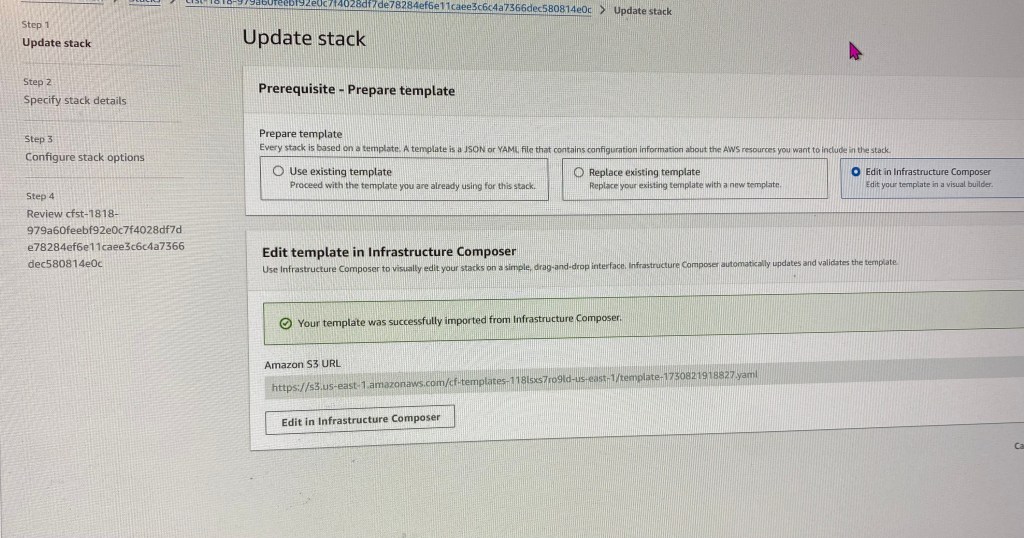
- After you make the minor edit for the EC2 size, select validate
- Once that is complete, your screen will look like this below
Launch Updated stack & ensure EC2 can connect:
- Queue Jeopardy theme song…
- After a couple minutes you will see updates to your template
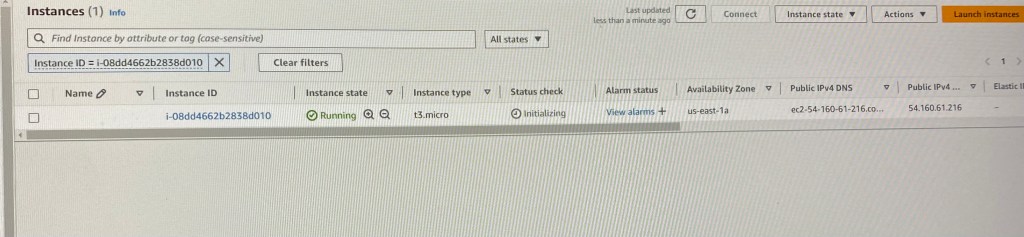
- Scroll down to find your instance ID to see if your instance update is complete
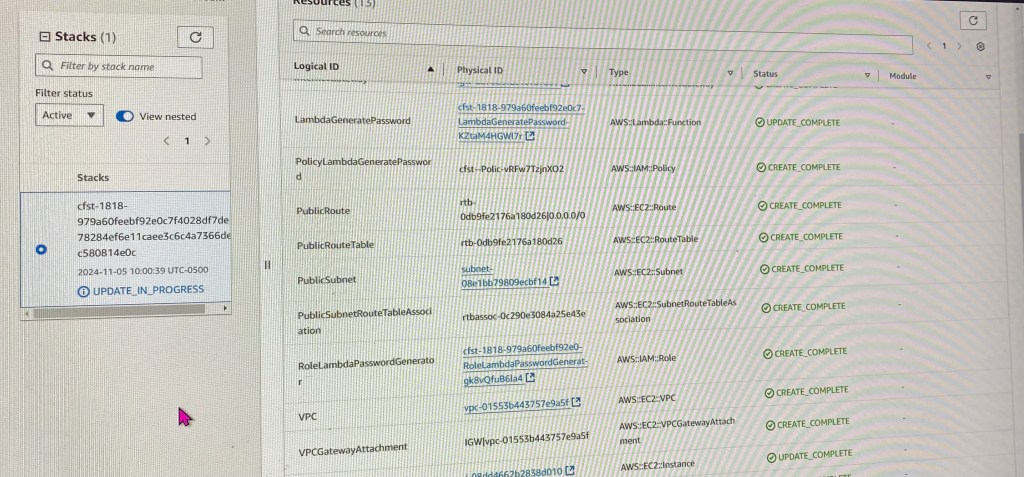
- SEEE!??!
- Wanna double check? Go to outputs & lastly snag your Public IP address
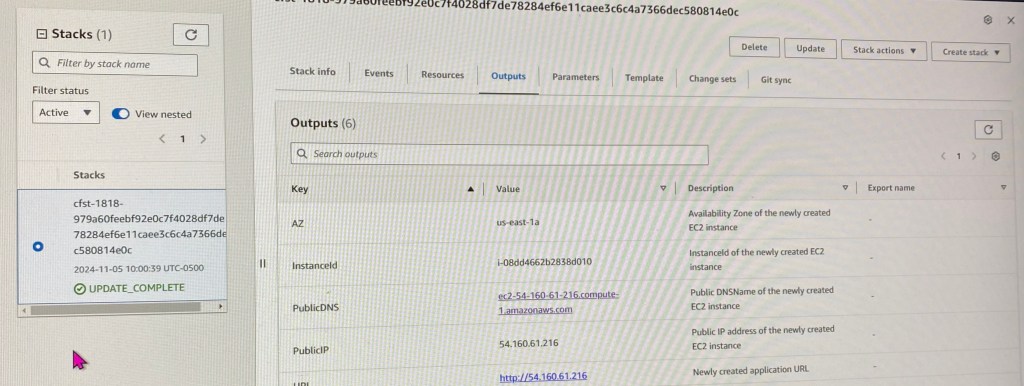

 Say When..