
Goal:
Lets see how to use AWS Config to monitor if EC2 instances that are launched comply w/the instance types specified in AWS Config
Lessons Learned:
- Create AWS Config Rule
- Make EC2 instance compliant w/config rule
Create AWS Config Rule:
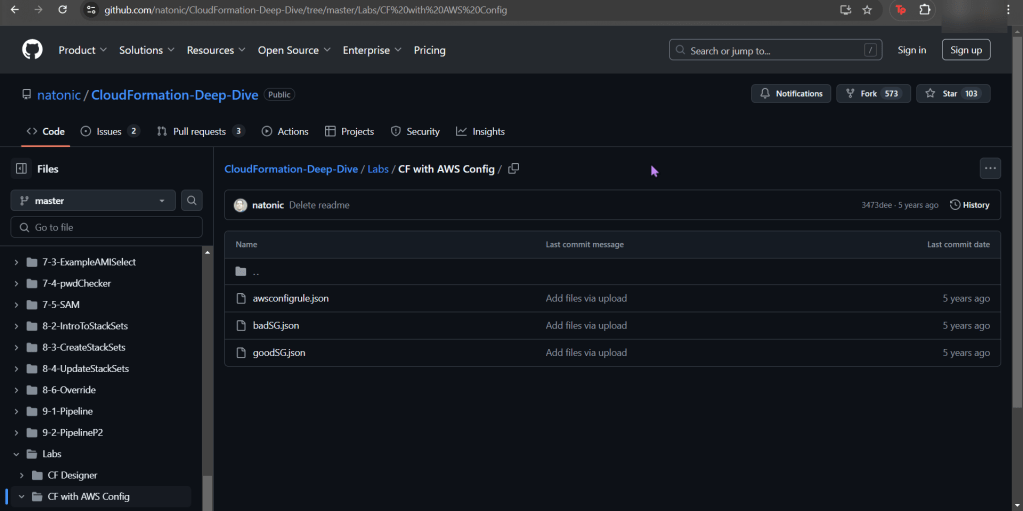
- You will see a couple json files, grab the 2nd one “badSG”
- Create a key-pair
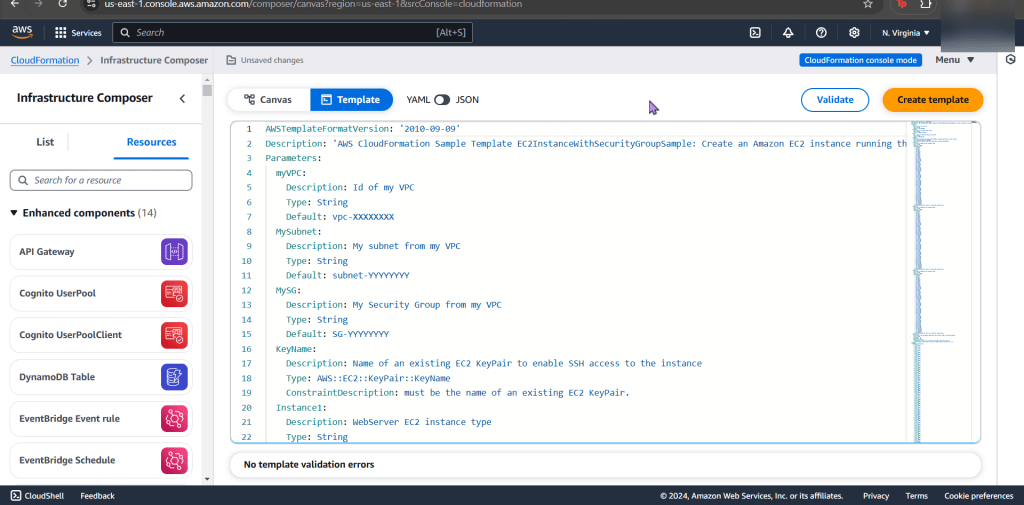
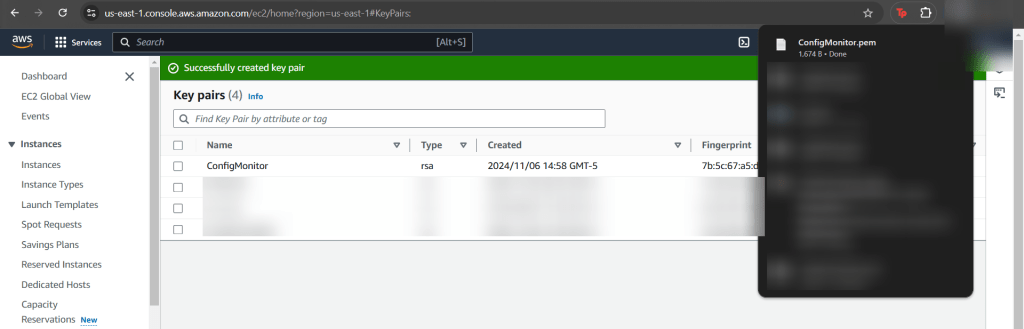
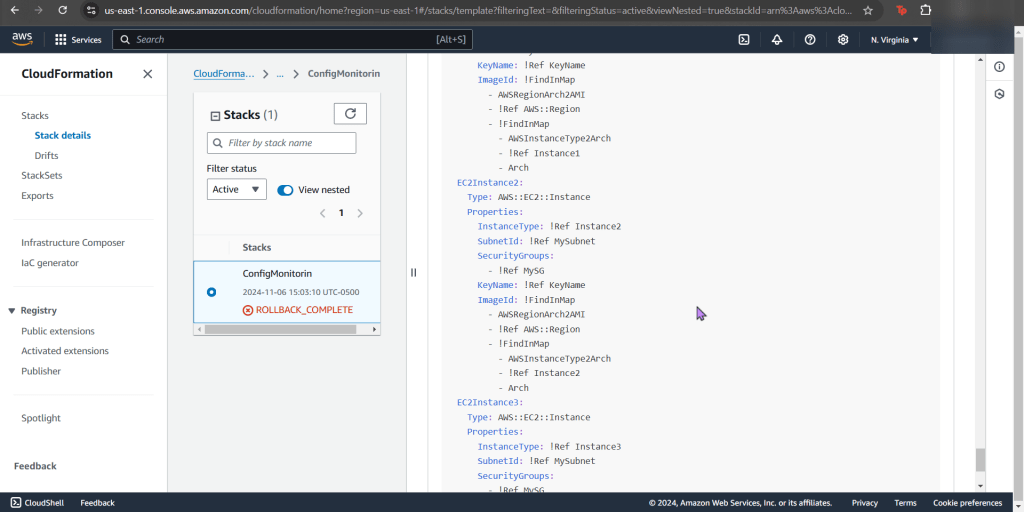
- Uhhhhh…wait why it fail?!
- This is sooooo helpful to peak at

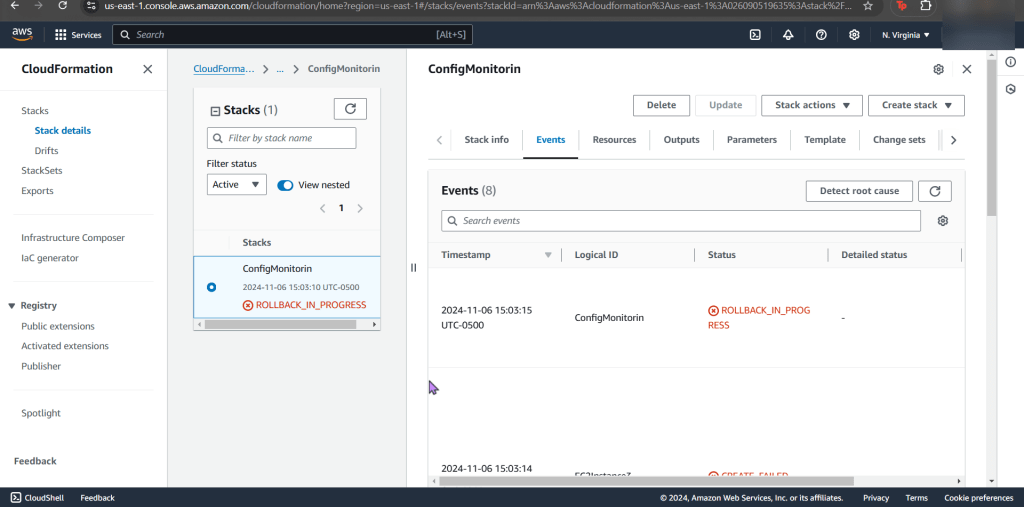

- Example of the issue in the CloudFormation Stack

- Here you can see we only say “securitygroups” – – – not, “SecuritygroupIDs”.
- Easy fix, once you find it in the documentation.
Create new stack for updated SG:
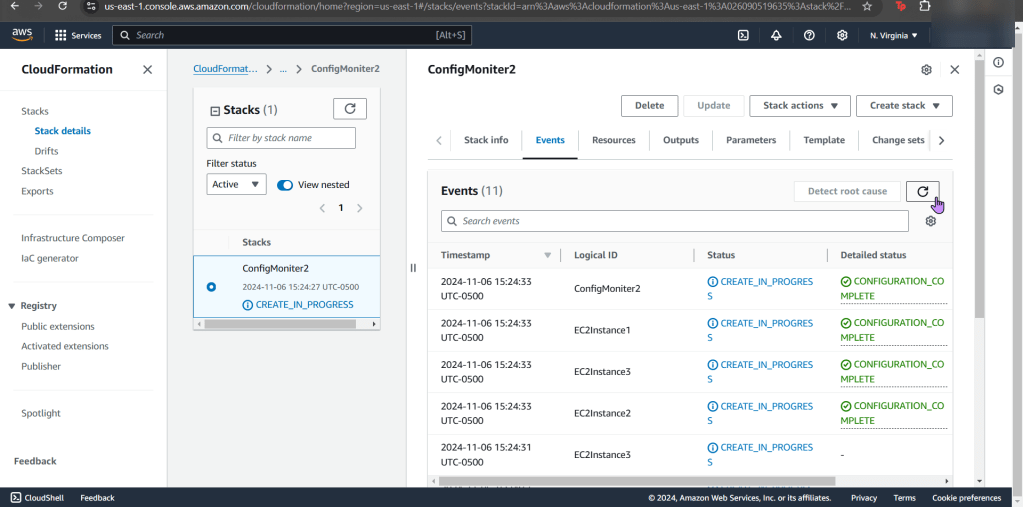
- Go ahead & post the 3rd json file in the “infrastructure composer” under CloudFormation
- Like before go get your subnet, SG, & VPC IDs
Make EC2 instance compliant w/config rule:
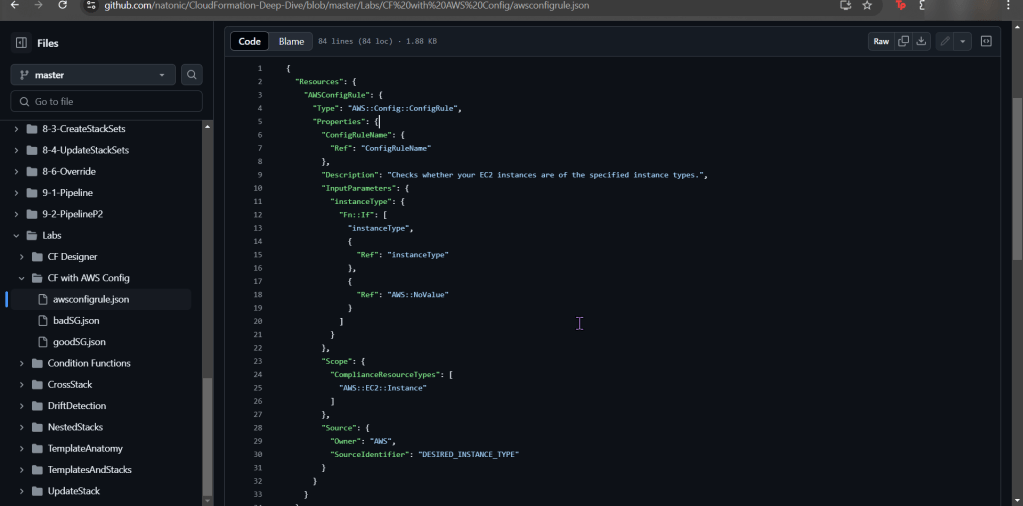
- Snag the 1st json file in the CloudFormation github link
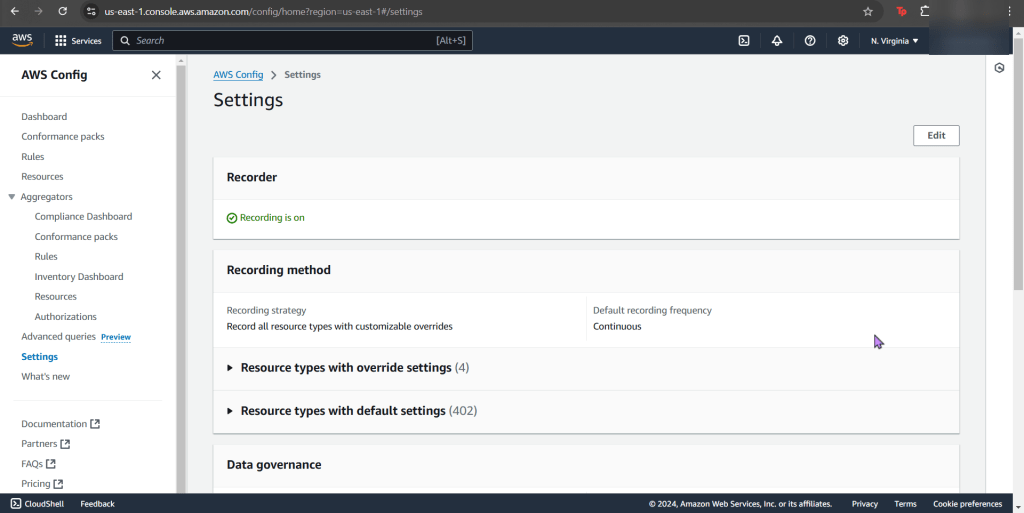
- Go to AWS Config
- Now create a new stack for config record
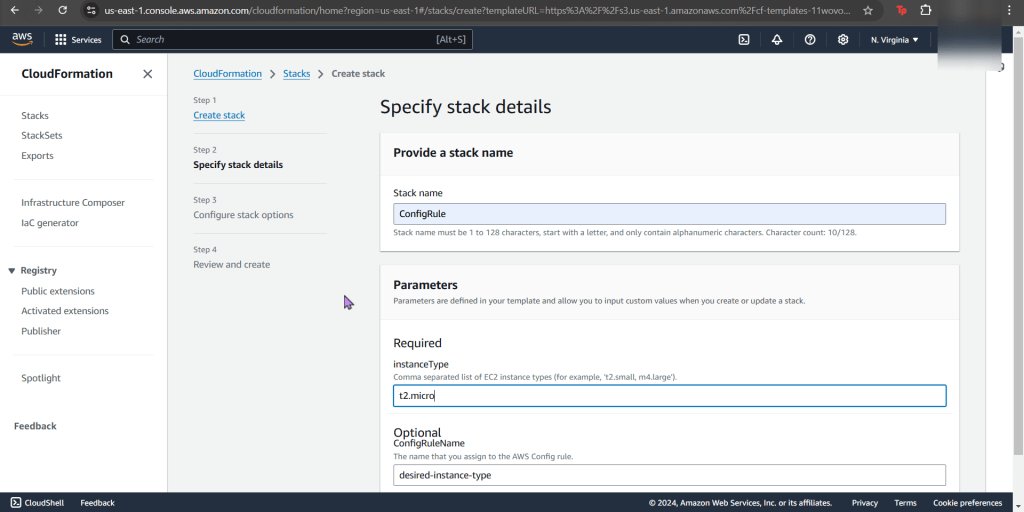
- Now your stack is created – wow.
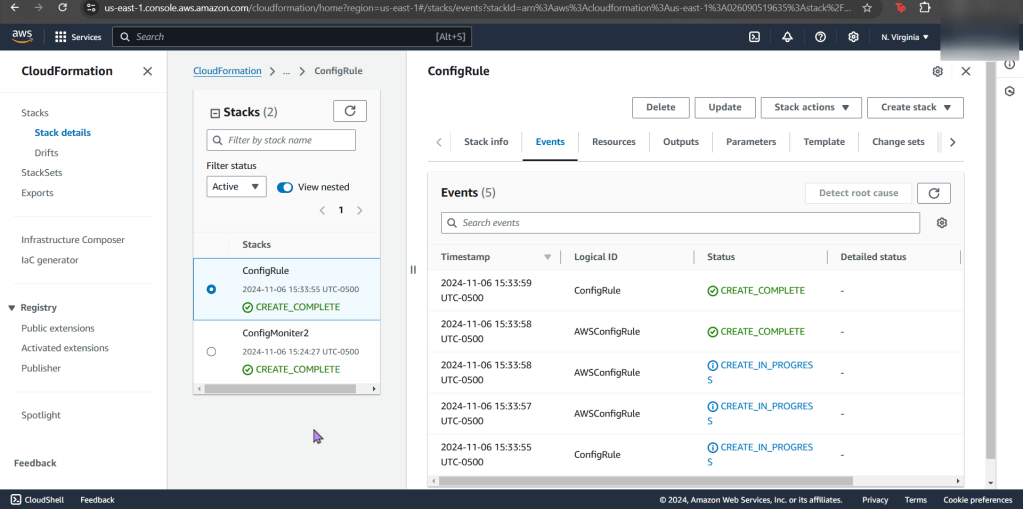
- Jump back to AWS Config to see your rules, are you compliant?
- If not, re-upload your CloudFormation template depending what your AWS Config found
- Example
- EC2 instance non-compliant
- Example
- If not, re-upload your CloudFormation template depending what your AWS Config found
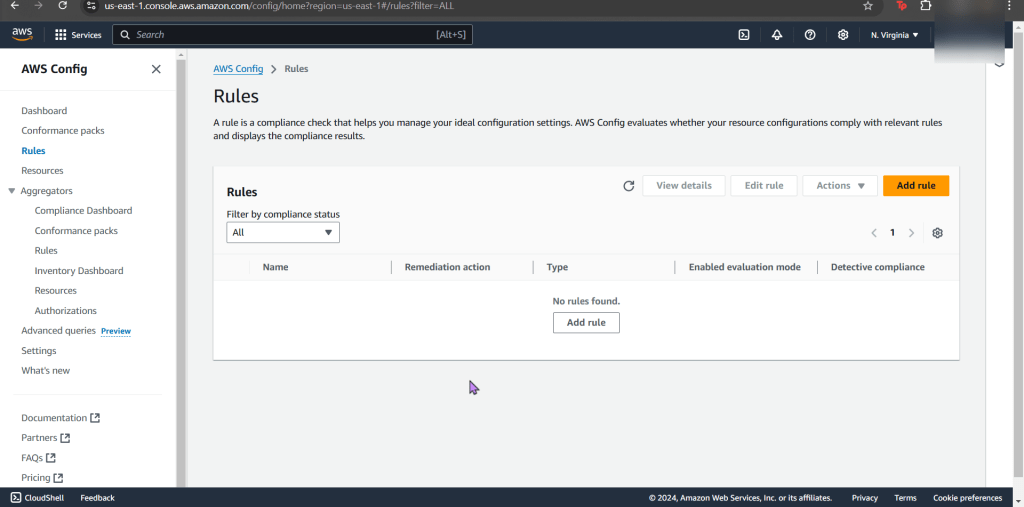
- Now what? Well delete whatever is not in use. OR don’t & see your bills pile up!

 Say When..