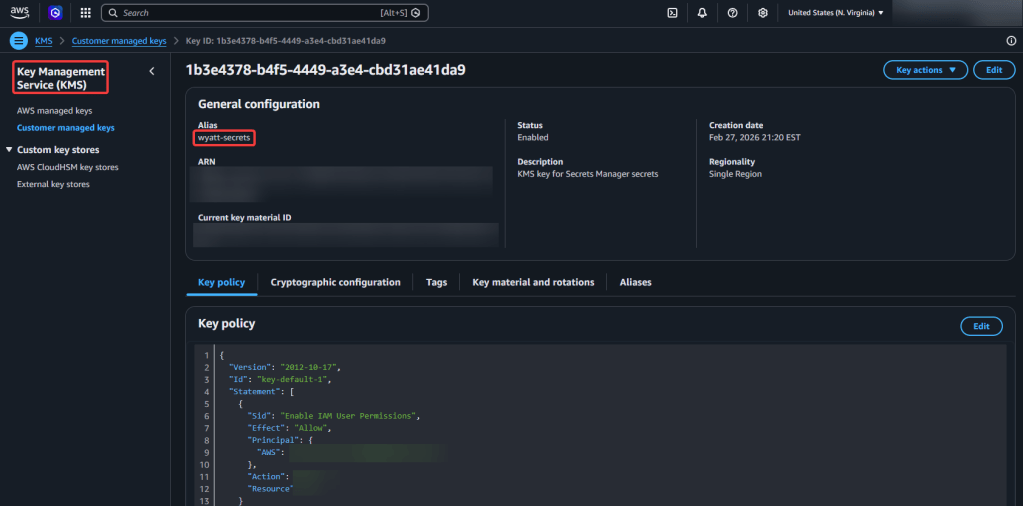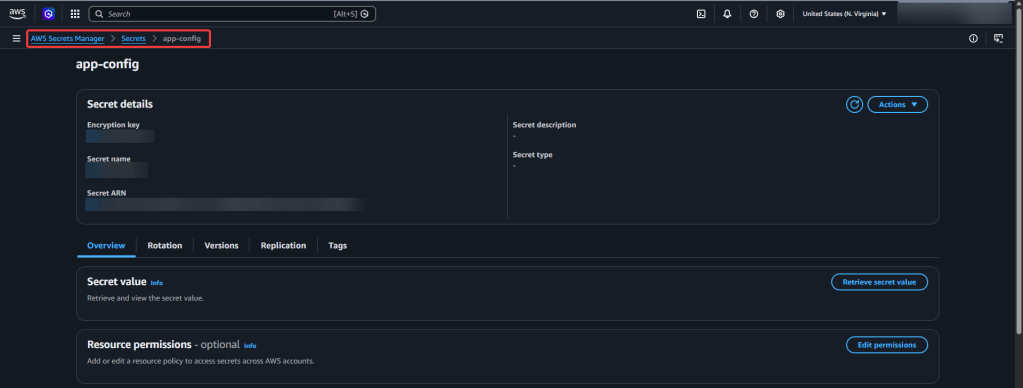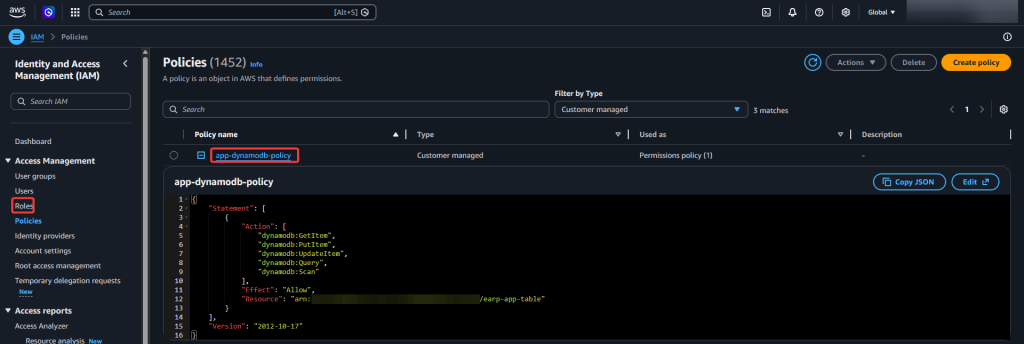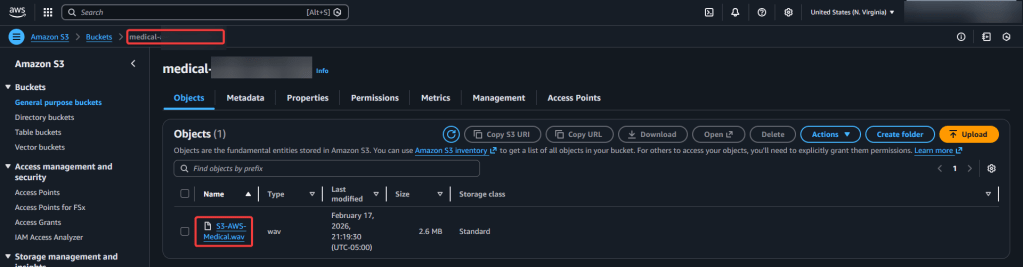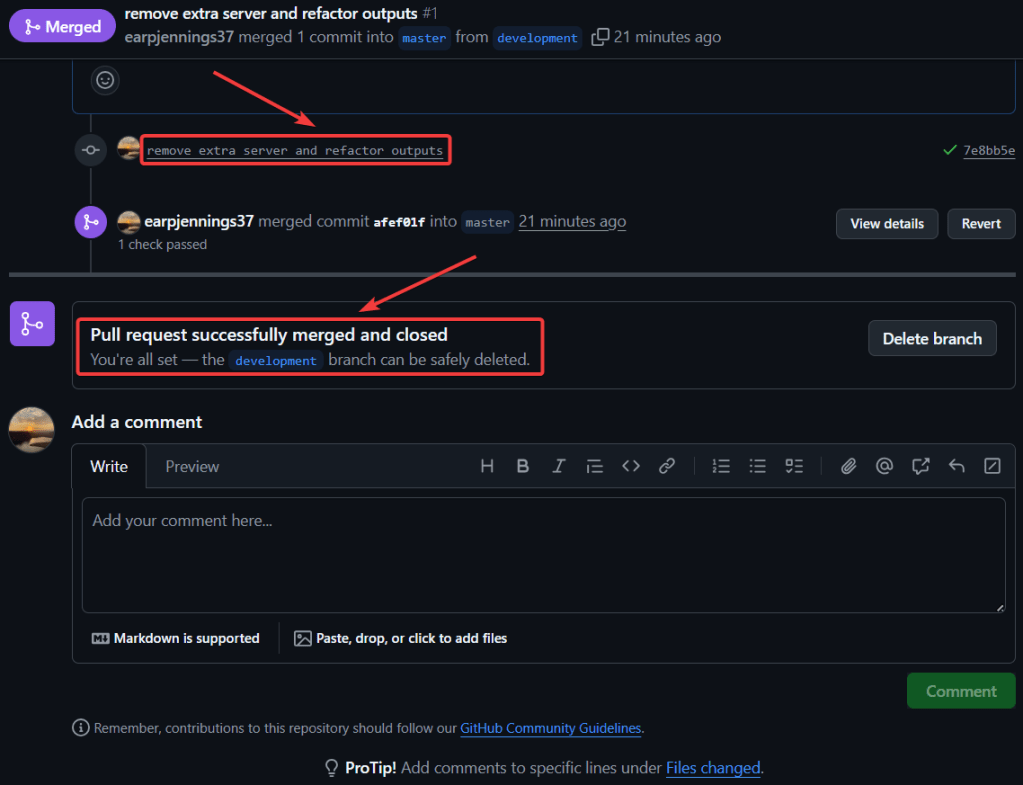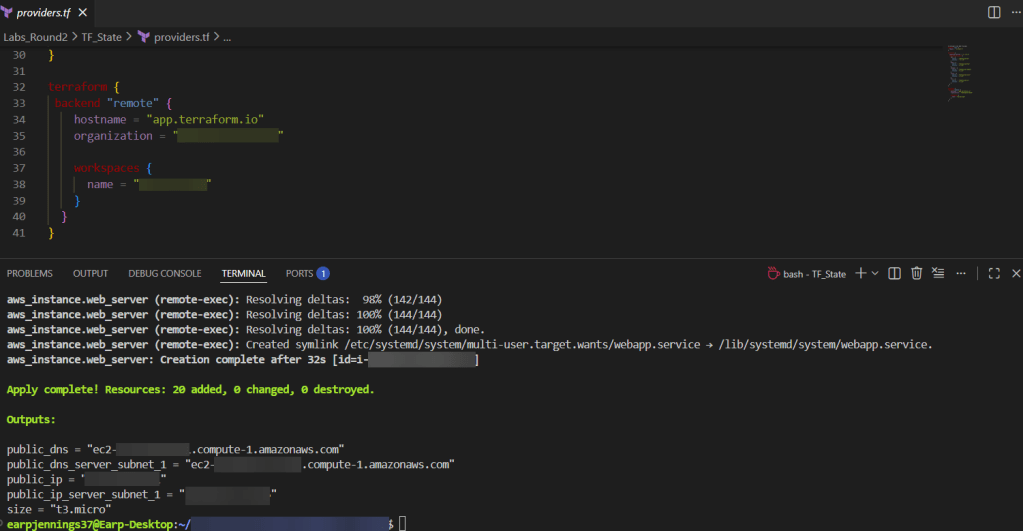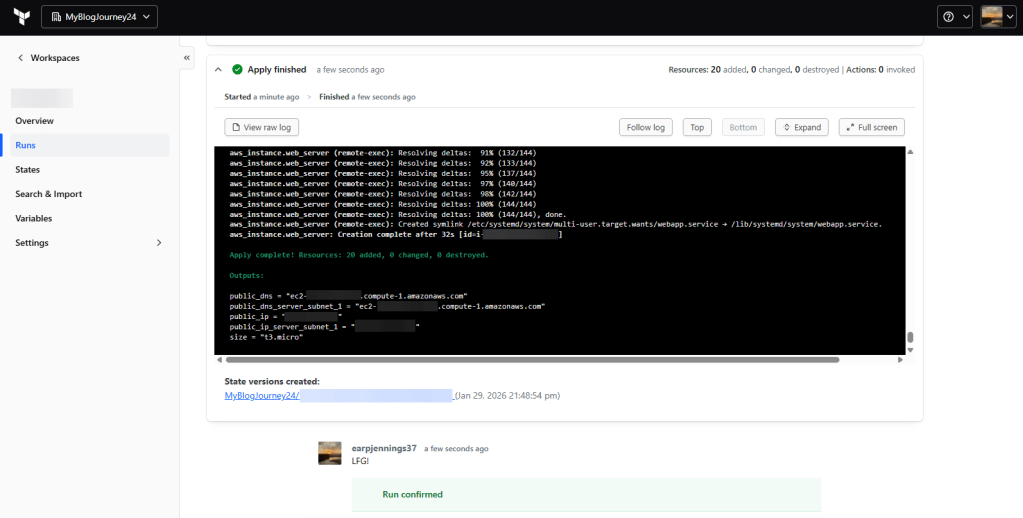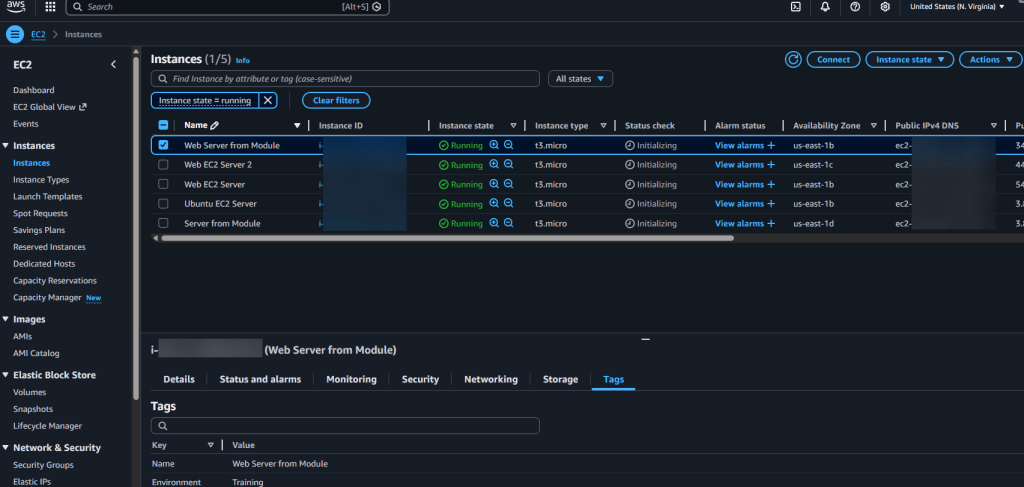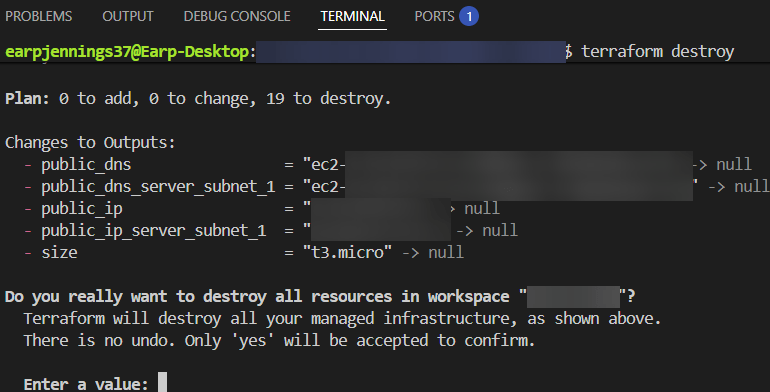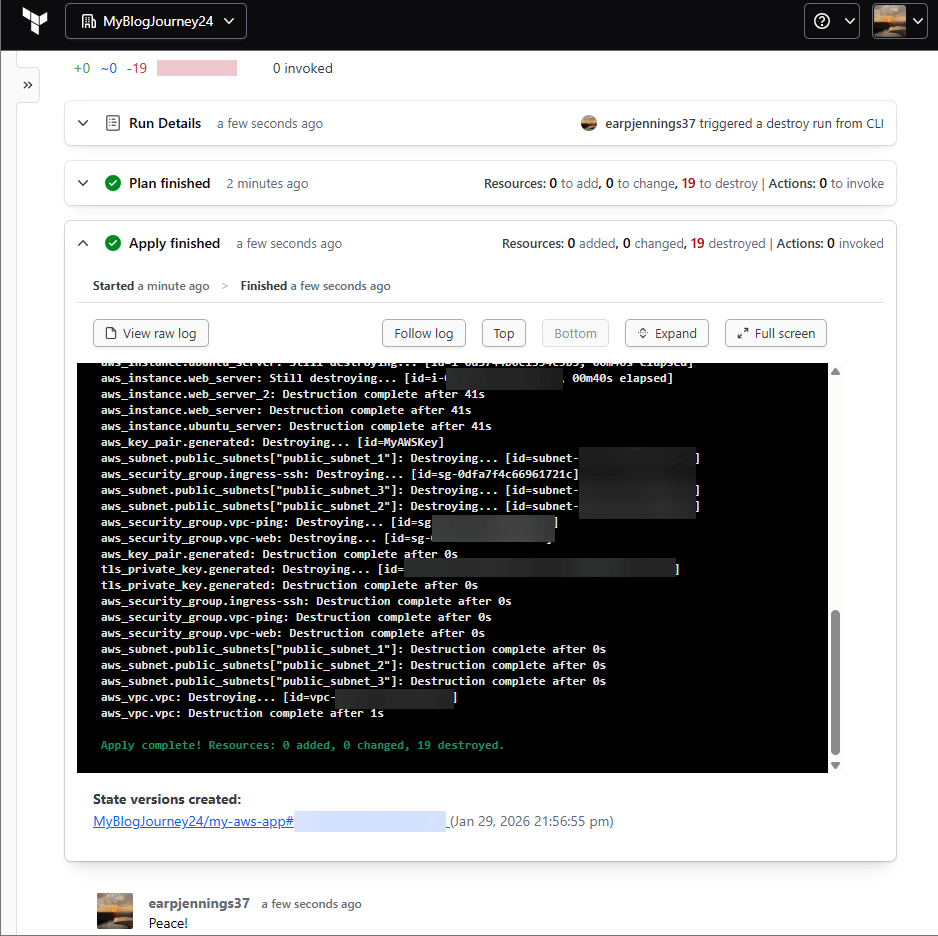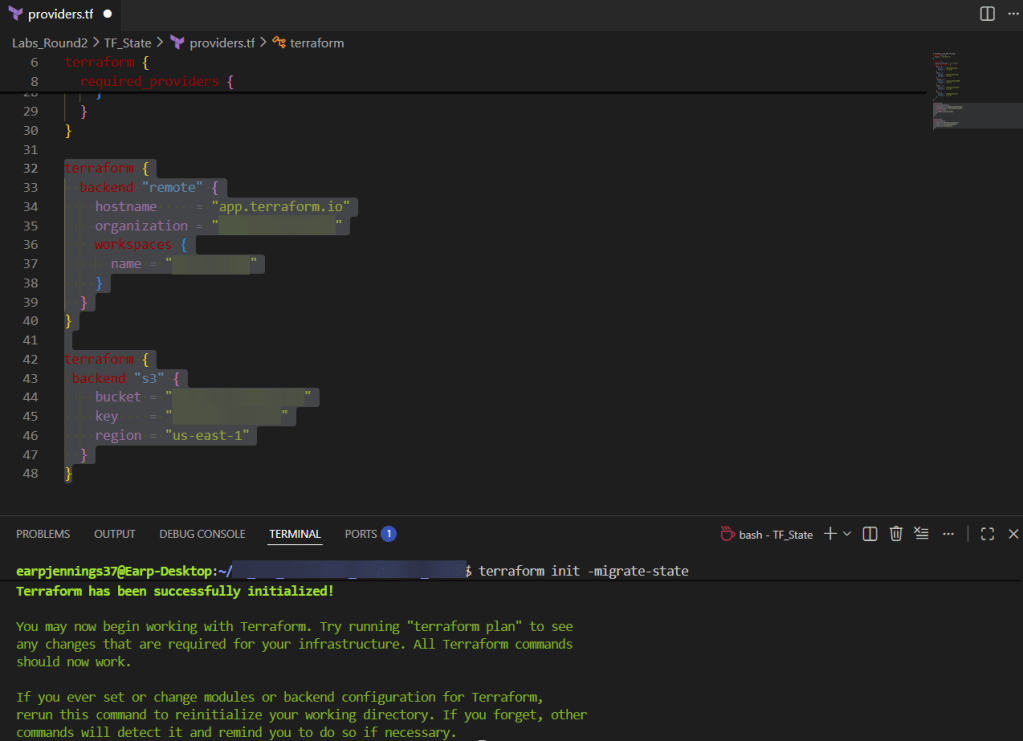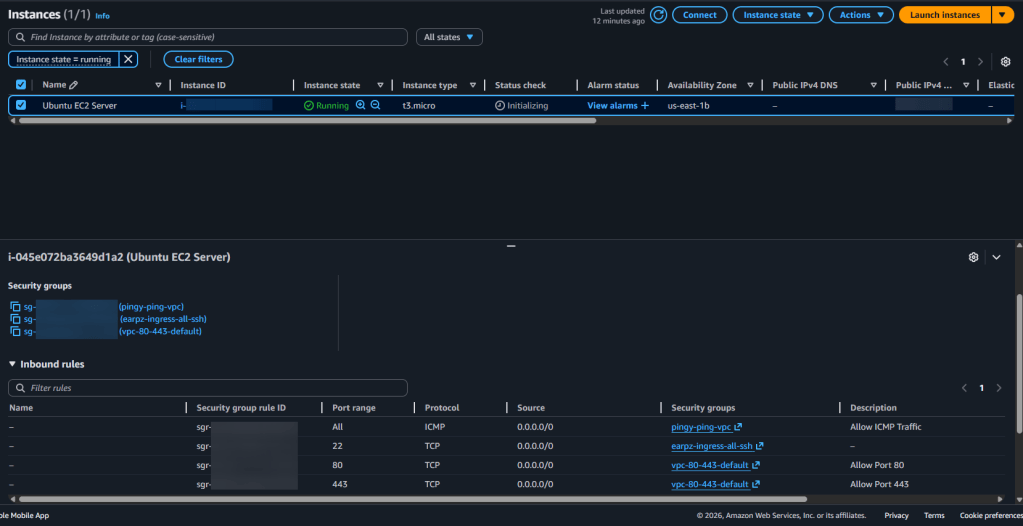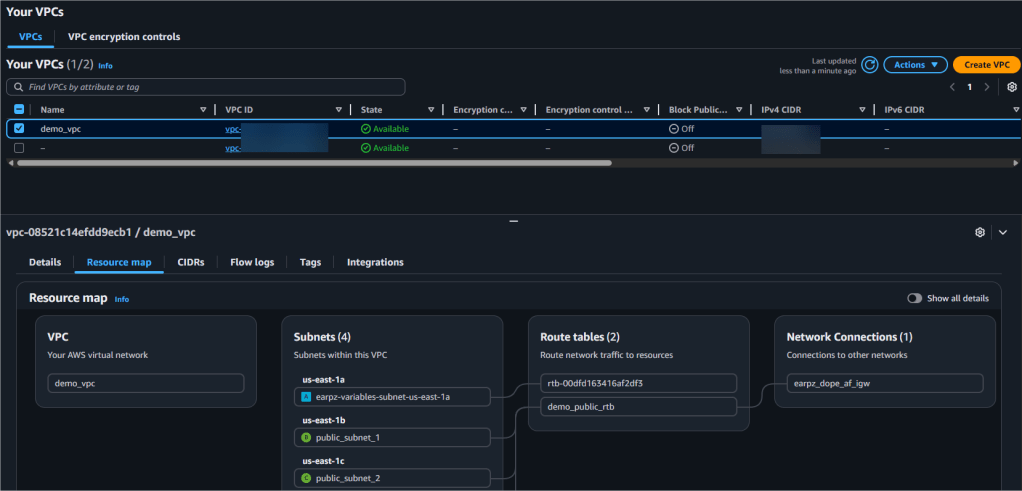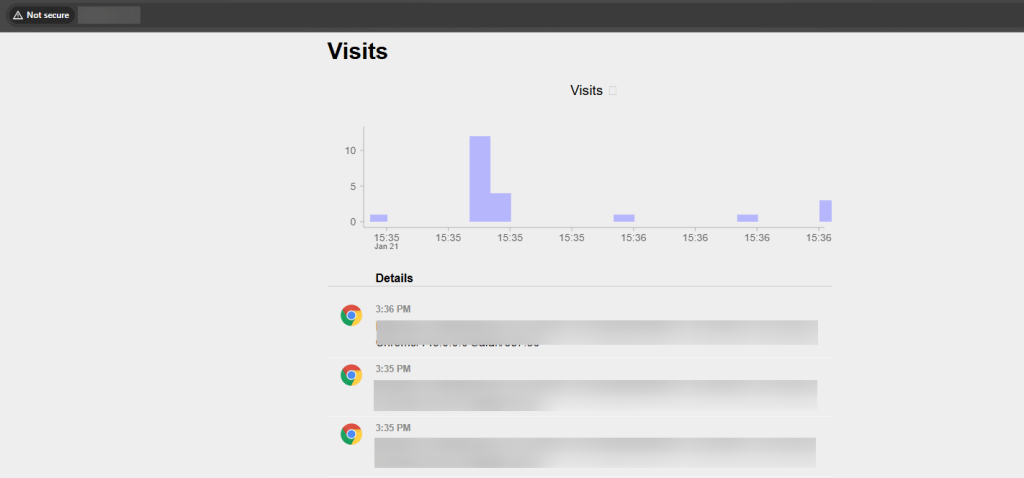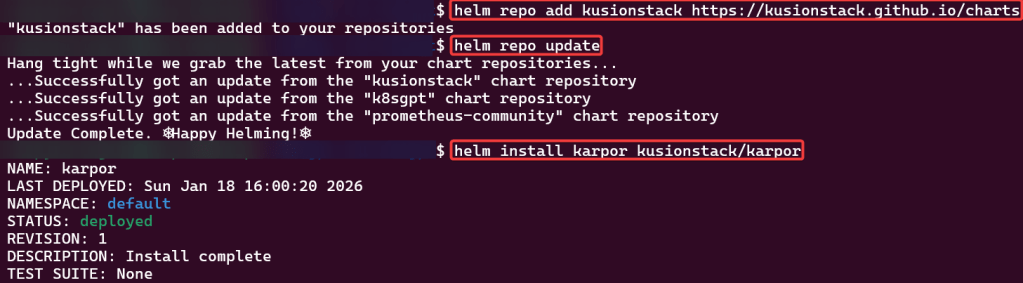
AWS IAM +1 to partayyyy

  • logged into AWS
    • aws configure
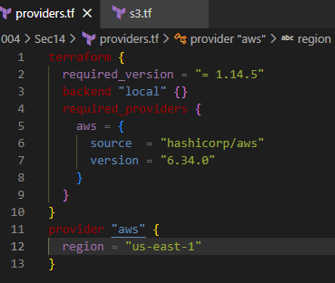
  • Created 4 tf files
    • main
    • variables
    • output
    • tfvars
main.tf
provider "aws" {
  region = var.aws_region
}

# Create IAM user
resource "aws_iam_user" "example_user" {
  name = var.user_name
}

# Attach policy to the user
resource "aws_iam_user_policy_attachment" "example_user_policy" {
  user       = aws_iam_user.example_user.name
  policy_arn = var.policy_arn
}

# Create access keys for the user
resource "aws_iam_access_key" "example_user_key" {
  user = aws_iam_user.example_user.name
}
output.tf
output "iam_user_name" {
  value = aws_iam_user.example_user.name
}

output "access_key_id" {
  value = aws_iam_access_key.example_user_key.id
}

output "secret_access_key" {
  value     = aws_iam_access_key.example_user_key.secret
  sensitive = true
}
variables.tf
variable "aws_region" {
  description = "AWS region"
  type        = string
  default     = "us-east-1"
}

variable "user_name" {
  description = "IAM username"
  type        = string
  default     = "example-user"
}

variable "policy_arn" {
  description = "IAM policy ARN to attach"
  type        = string
  default     = "arn:aws:iam::aws:policy/AmazonS3ReadOnlyAccess"
}
terrform.tfvars
aws_region = "us-east-1"
user_name  = "terraform-user"
policy_arn = "arn:aws:iam::aws:policy/AdministratorAccess"
  • terraform fmt
  • terraform init
  • terraform plan
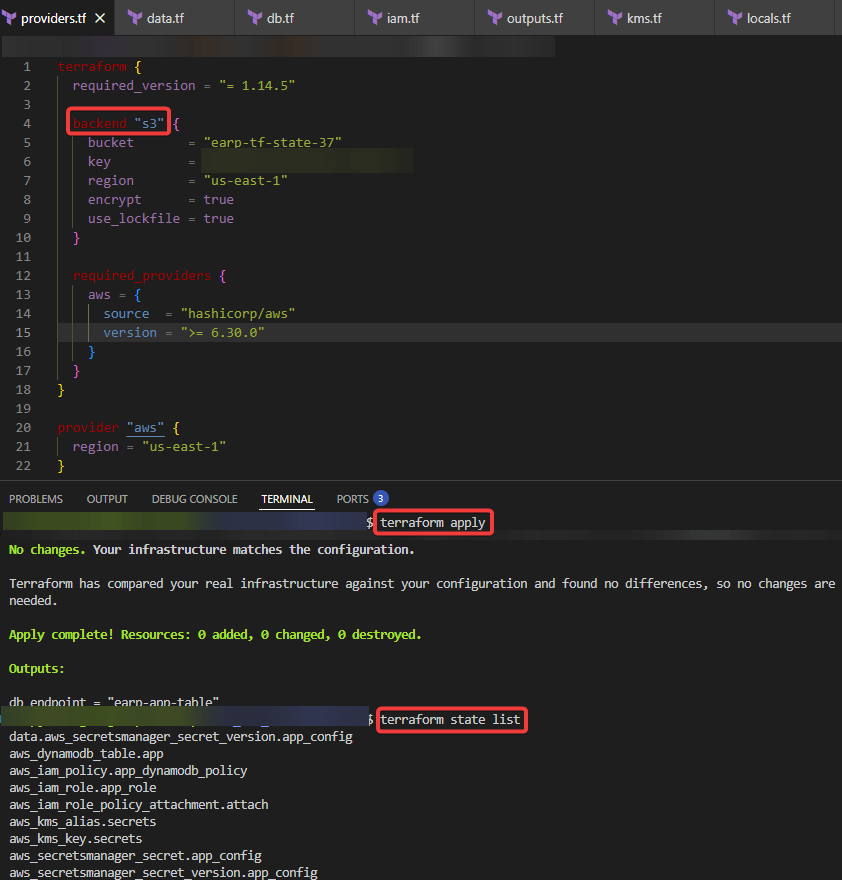
  • terraform apply

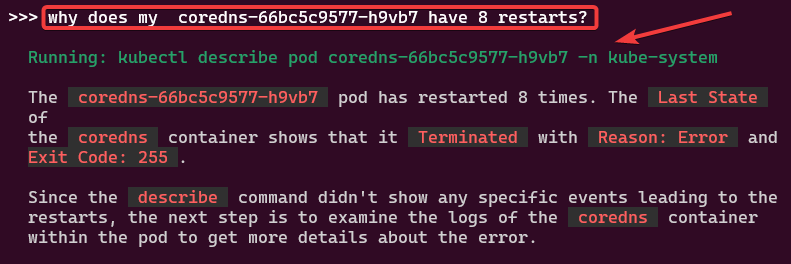
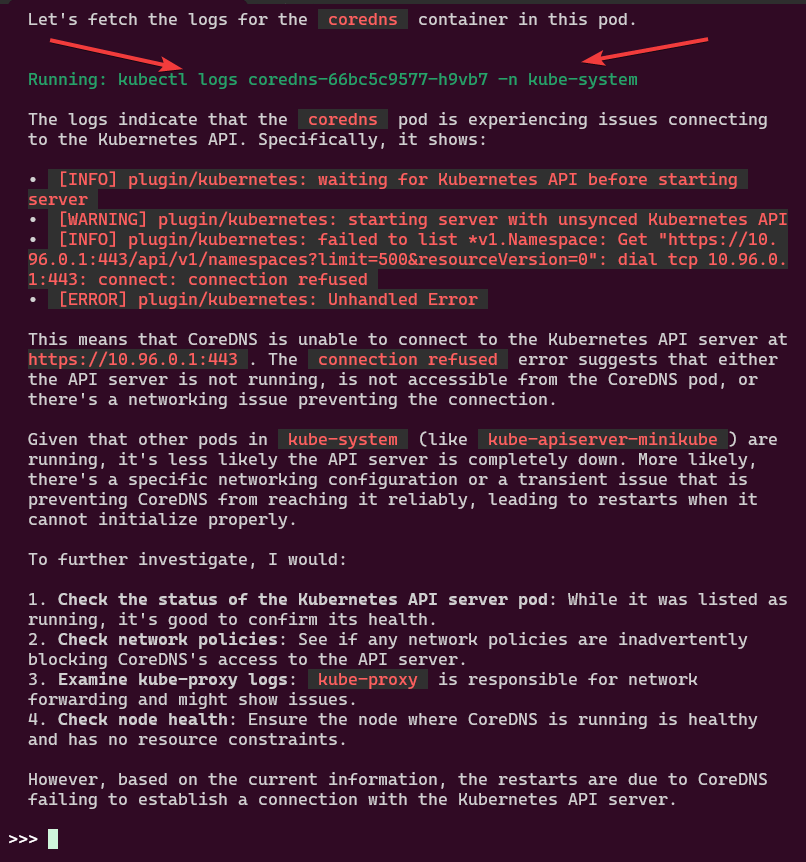
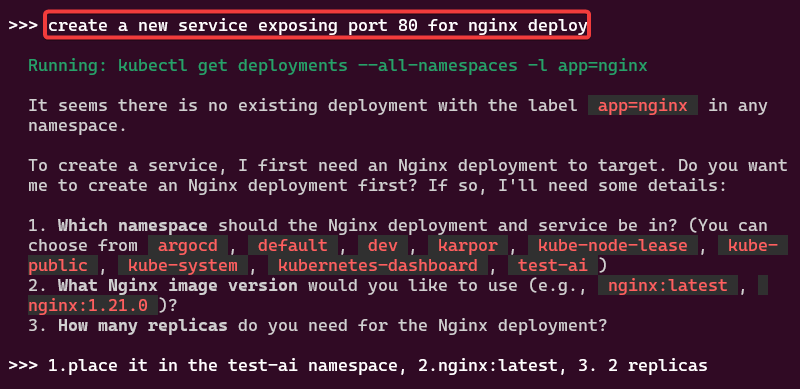
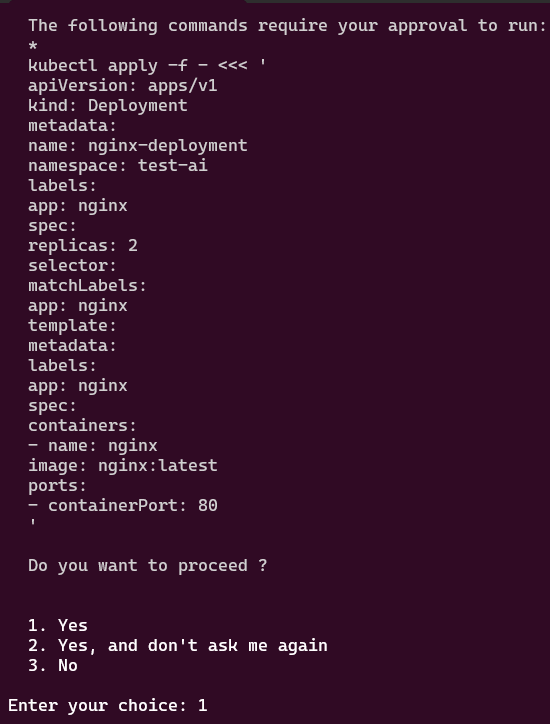
K8s on Roidz aka K8sGPT

Blog post includes installing K8s…GPT, see below for the goodies:

Installszz:

Github
https://github.com/k8sgpt-ai/k8sgpt
k8sgpt Docx:
https://docs.k8sgpt.ai/getting-started/in-cluster-operator/?ref=anaisurl.com
Ubuntu
# curl -LO https://github.com/k8sgpt-ai/k8sgpt/releases/download/v0.4.26/k8sgpt_amd64.deb
# sudo dpkg -i k8sgpt_amd64.deb
# k8sgpt version
# k8sgpt --help (handful of commands & flags available)

Pre-Reqzz:

Minikube
# unset KUBECONFIG
# minikube start
# minikube status
OpenAi
#  https://platform.openai.com/account/api-keys
K8sgpt
# k8sgpt generate
# k8sgpt auth add openai
# k8sgpt auth list

Troubleshoot why deployment is not running:

  • Create yaml file
  • Create namespace
  • Apply file
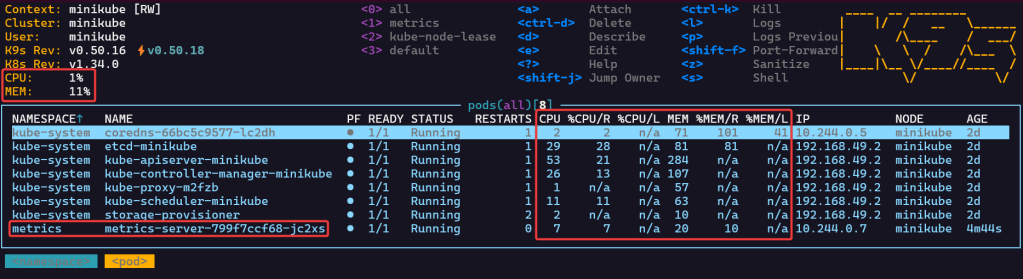
  • Review K9s
  • Utilize k8sgpt to see what’s going on…

2 Links to leverage:

# deployment2
apiVersion: apps/v1
kind: Deployment
metadata:
  name: nginx-deployment
  labels:
    app: nginx
spec:
  replicas: 3
  selector:
    matchLabels:
      app: nginx
  template:
    metadata:
      labels:
        app: nginx
    spec:
      containers:
      - name: nginx
        image: nginx:1.14.2
        ports:
        - containerPort: 80
        securityContext:
          readOnlyRootFilesystem: true
# kubectl create ns demo
# kubectl apply -f deployment2 -n demo
# k8sgpt analyse
# k8sgpt analyse --explain
Set pods, deployments, etc w/the following commands
# kubectl get pods -n demo
# kubectl get pods -A
# kubectl get deployments -n demo
# kubectl get pods --all-namespaces
# k8sgpt integration list
# k8sgpt filters list
# k8sgpt analyse --filter=VulnerabilityReport
# vi deployment2
# kubectl apply -f deployment2 -n demo
  • port-forward to ensure can access pod

K8s Operator:

# brew install helm
# helm repo add k8sgpt https://charts.k8sgpt.ai/
# helm repo update
# helm install release k8sgpt/k8sgpt-operator -n k8sgpt-operator-system --create-namespace --values values.yaml
Commands to see if your new ns installed:
# kubectl get ns
# kubectl get pods -n k8sgpt-operator-system
# k9s

ServiceMonitor to send reports to Prometheus & create DB for K8sgpt:

# helm repo add prometheus-community https://prometheus-community.github.io/helm-charts
# kube-prometheus-stack has been installed. Check its status by running:
  kubectl --namespace k8sgpt-operator-system get pods -l "release=prom"
Commands to squirrel away:
- Get Grafana 'admin' user password by running:
# kubectl --namespace k8sgpt-operator-system get secrets prom-grafana -o jsonpath="{.data.admin-password}" | base64 -d ; echo
- Access Grafana local instance:
# export POD_NAME=$(kubectl --namespace k8sgpt-operator-system get pod -l "app.kubernetes.io/name=grafana,app.kubernetes.io/instance=prom" -oname)
  kubectl --namespace k8sgpt-operator-system port-forward $POD_NAME 3000
- Get your grafana admin user password by running:
  kubectl get secret --namespace k8sgpt-operator-system -l app.kubernetes.io/component=admin-secret -o jsonpath="{.items[0].data.admin-password}" | base64 --decode ; ech

OpenAi API-Keyz for K8s Secret:

# export OPENAI_TOKEN=<YOUR API KEY HERE>
# kubectl create secret generic k8sgpt-sample-secret --from-literal=openai-api-key=$OPENAI_TOKEN -n k8sgpt-operator-system
# 
apiVersion: core.k8sgpt.ai/v1alpha1
kind: K8sGPT
metadata:
  name: k8sgpt-sample
  namespace: k8sgpt-operator-system
spec:
  ai:
    enabled: true
    model: gpt-4o-mini
    backend: openai
    secret:
      name: k8sgpt-sample-secret
      key: openai-api-key
  noCache: false
  version: v0.4.26
# kubectl apply -f k8sgpt-resource.yaml -n k8sgpt-operator-system
k9s
- services, shift-f, port-forward prometheus-operated:9090
# kubectl get results -n k8sgpt-operator-system
# kubectl port-forward service/prom-grafana -n prom 3000:80
Finding grafana password
- secrets & press-x

Help I am stuck – Namespace!

https://www.redhat.com/en/blog/troubleshooting-terminating-namespaces
Open 2 terminals:
- Terminal 1
# minikube start
# minikube dashboard --url
- Terminal 2
# kubectl get namespace k8sgpt
-operator-system -o json > tmp.json
# vi tmp.json
# curl -k -H "Content-Type: application/json" -X PUT --data-binary @tmp.json http://127.0.0.1:38717/api/v1/namespaces/k8spt-operator-system/finalize

microk8s or mini-me?

Pre-Reqx:

# snap install kubectl -classic
# kubectl version --client
# sudo snap install microk8s --classic
# sudo usermod -a -G microk8s <username>
# sudo chown -R <username> ~/.kube
# newgrp microk8s
# microk8s kubectl get nodes
# cd $HOME
# mkdir .kube
# cd .kube
# microk8s config > config
# microk8s start

K8s Cluster:

  • Might have to add SSH keys – so go to your github account, setting, ssh keys, & add new SSH key
# git clone git@github.com:<docker_hub_name>/react-article-display.git
# cd react-article-display
# docker build -t <docker_hub_name>/react-article-display:demo .
# docker run -d -p 3000:80 <docker_hub_name>/react-article-display:demo
localhost:3000
# docker stop <see string above from previous command>
# docker login
# docker push <image name>
# kubectl run my-app-image --image <above>
# kubectl get pods
# kubectl port-forward my-app-image 3000:80

KCNA: P1 & P2 Cloud Arch. Fundyzz Containers w/Docker

Blog post includes covering Cloud Architecture Fundamental’s in preparation for the KCNA.

  • Autoscaling
    • Reactive
    • Predictive
    • Vertical
    • Horzontal
    • Cluster Autoscaler
      • HPAs
        • Scale # of replicas in an app
      • VPAs
        • Scale resource requests & limits of a pod
    • Keda
      • Scaled object should scale & what are triggers while scaling to 0
  • Serverless
    • Event driven & billed accordingly upon execution
    • Knative & OpenFaaS & CloudEvents
  • Cloud Native Personas
    • DevOps Engineer
    • Site Reliability Engineer
    • CloudOps Engineer
    • Security Engineer
    • DevSecOps Engineer
    • Full Stack Developer
    • Data Engineer
  • Open Standards
    • Docker, OCI, runc
    • PodMan – image-spec
    • Firecracker – runtime-spec
    • Container Network Interface (CNI)
      • Calico
    • Container Storage Interface (CSI)
      • Rook
    • Container Runtime Interface (CRI)
      • Goes to containerd, kata, firecracker, etc..
    • Service Mesh Interface (SMI)
      • Istio!

Blog post includes covering Containers w/Docker in preparation for the KCNA.

  • Docker Desktop
    • docker vs docker desktop
    • k8s w/docker desktop
  • Containers:
    • History womp womp
    • Linux
      • user, pid, network, mount, uts, ipc, namespace, & cgroups
  • Images
    • container vs container image
    • registry
    • tag
    • layers
    • union
    • digest vs ids
  • Running Containers
    • docker run -it –rm…
  • Container Networking Services/Volumes
    • docker run –rm nginx
    • docker run -d –rm nginx
    • docker ps
    • docker run -d –rm -P nginx
    • curl
    • docker run -d –rm -p 12345:80 nginx
    • docker exec -it bash
  • Building Containers
    • https://github.com/abishekvashok/cmatrix
    • docker pull, images, build . -t,
    • vim
      • FROM
      • #maintainer
      • LABEL
    • docker run –rm -it sh
      • git clone
        • apk update, add git
      • history
    • vim
      • history
    • docker buildx create, use, build –no-cache linux/amd64, . -t –push
    • docker system prune

KCNA: P6 Delivery Boy!

Blog post includes covering Cloud Application Delivery in preparation for the KCNA.

  • ArgoCD

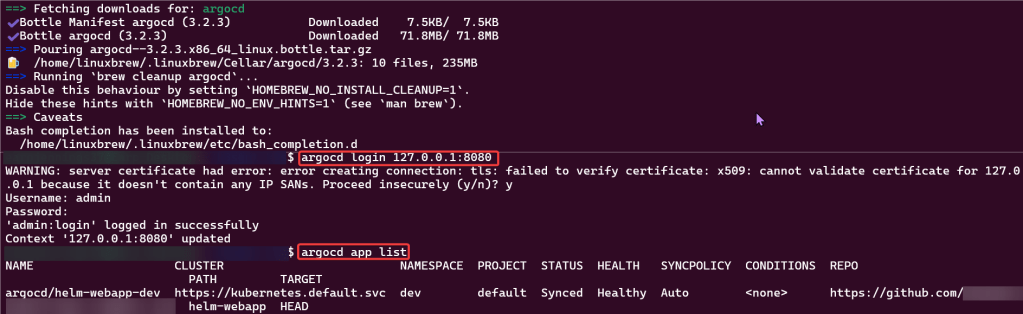
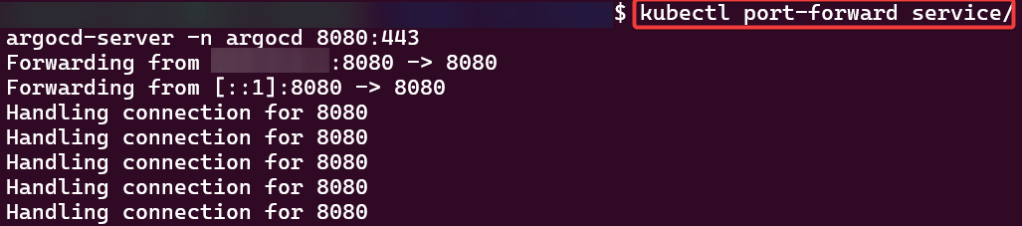
ArgoCD: https://github.com/spurin/argo-f-yourself

# kubectl create namespace argocd
# kubectl apply -n argocd -f https://raw.githubusercontent.com/argoproj/argo-cd/stable/manifests/install.yaml
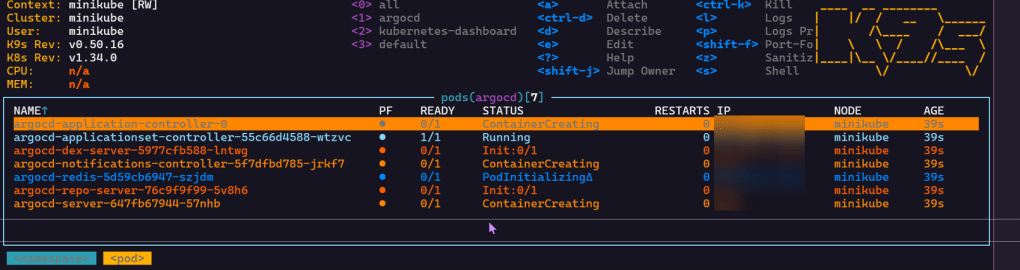
# watch --differences kubectl get all -n argocd
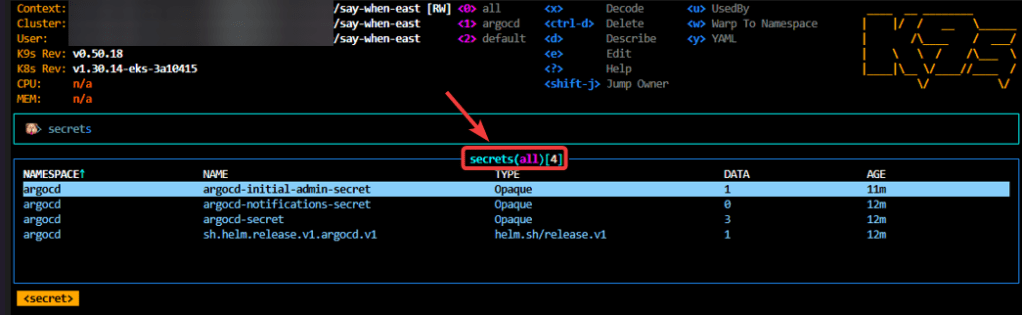
# kubectl -n argocd get secret argocd-initial-admin-secret -o jsonpath="{.data.password}" | base64 -d
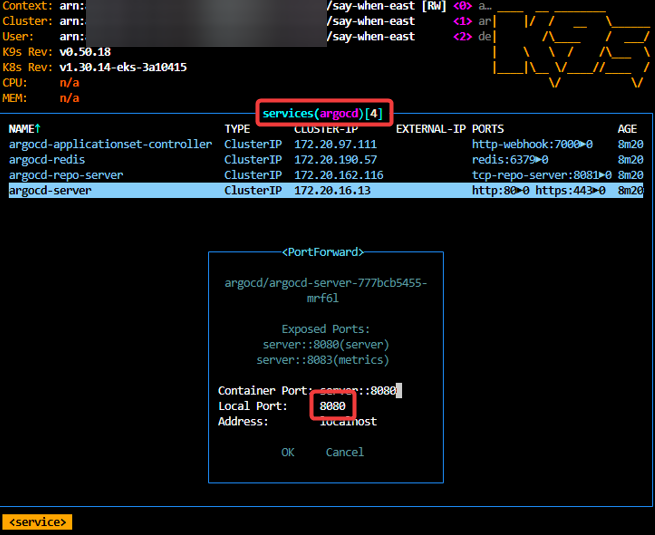
# kubectl -n argocd get svc

KCNA: P5 Automate Em’ All

Blog post includes covering K8s Automation, Telemetry, & Observability in preparation for the KCNA.

  • Helm Charts
  • Prometheus
  • Grafana
  • Probes & Kubelet
  • When Nodes Fail

Helm Charts: there magic simply put..conduct your standard linux practices & can navigate thru your helm chart install

# apt update && apt install -y git tree
# curl https://raw.githubusercontent.com/helm/helm/main/scripts/get-helm-3 | bash
# cd flappy-app
# vim Chart.yaml
# vim values.yaml
# helm install flappy-app ./flappy-app-0.1.0.tgz
# export POD_NAME=$(kubectl get pods --namespace default -l "app.kubernetes.io/name=flappy-app,app.kubernetes.io/instance=flappy-app" -o jsonpath="{.items[0].metadata.name}"); export CONTAINER_PORT=$(kubectl get pod --namespace default $POD_NAME -o jsonpath="{.spec.containers[0].ports[0].containerPort}"); echo "Visit http://127.0.0.1:8080 to use your application"; kubectl --namespace default port-forward $POD_NAME 8080:$CONTAINER_PORT
# kubectl get deployment; echo; kubectl get pods; echo; kubectl get svc

Prometheus & Grafana: 1st – add specific helm version for prometheus. 2nd – add nginx pod every 30 seconds. 3rd – then use cluster-ip to see the pods being added in prometheus & grafana.

# apt update && apt install -y git
# curl https://raw.githubusercontent.com/helm/helm/main/scripts/get-helm-3 | bash
# helm repo add prometheus-community https://prometheus-community.github.io/helm-charts
# helm search repo prometheus-community/kube-prometheus-stack -l
# helm install my-observability prometheus-community/kube-prometheus-stack --version 55.5.0
# kubectl get all -A
# kubectl get svc
# for i in {1..10}; do kubectl run nginx-${i} --image=nginx; sleep 30; done
# helm uninstall my-observability
# kubectl -n kube-system delete service/my-observability-kube-prom-kubelet --now

When Nodes Fail:

  • Start as Healthy Nodes
  • Deployment
  • Stop kubelet & fail
    • Documentation informs us that we wait 5 minutes before posting as unknown & evicted
  • Grep to see pods moving from node to node
  • If a node stops reporting & taking pods… it becomes NotReady, existing workload continues if permitted, after 5 minutes the node controller evicts the pods onto healthy nodes, & can describe to see the status as unknown

Probes & The Kubelet:

  • Health Checks tell k8s what to do w/a container..
    • Liveness Probe
      • ARE YOU ALIVE!? if fails, kubelet restarts container
    • Readiness Probe
      • Ready for traffic? if fails, kubelet tells API to remove pod from svc endpt
        • Does NOT restart
    • Startup Probe
      • Kubelet checks if application is inside the container & started
        • If probe is running, liveness, & readiness checks are paused..once succeeds & probes take over
    • Probes don’t act on their own

KCNA: P4 K8s Going Deep Homeboy.. part 2

Blog post includes covering Kubernetes Deep Dive in preparation for the KCNA.

  • RBAC

Security: 1st – create yaml file for ubuntu & can shell into root. 2nd – update spec for non-priv user & can escalate priv, 3rd – add spec to not allowed in escalating priv.

# kubectl run ubuntu --image=spurin/rootshell:latest -o yaml --dry-run=client -- sleep infinity | tee ubuntu_secure.yaml
# apiVersion: v1
kind: Pod
metadata:
  creationTimestamp: null
  labels:
    run: ubuntu
  name: ubuntu
spec:
  containers:
  - args:
    - sleep
    - infinity
    image: spurin/rootshell:latest
    name: ubuntu
    resources: {}
  dnsPolicy: ClusterFirst
  restartPolicy: Always
status: {}
apiVersion: v1
kind: Pod
metadata:
  creationTimestamp: null
  labels:
    run: ubuntu
  name: ubuntu
spec:
  securityContext:
    runAsUser: 1000
    runAsGroup: 1000
  containers:
  - args:
    - sleep
    - infinity
    image: spurin/rootshell:latest
    name: ubuntu
    resources: {}
  dnsPolicy: ClusterFirst
  restartPolicy: Always
status: {}
EOF
cat <<EOF > ubuntu_secure.yaml
apiVersion: v1
kind: Pod
metadata:
  creationTimestamp: null
  labels:
    run: ubuntu
  name: ubuntu
spec:
  securityContext:
    runAsUser: 1000
    runAsGroup: 1000
  containers:
  - args:
    - sleep
    - infinity
    image: spurin/rootshell:latest
    name: ubuntu
    resources: {}
    securityContext:
      allowPrivilegeEscalation: false
  dnsPolicy: ClusterFirst
  restartPolicy: Always
status: {}
EOF

Stateful Sets: create yaml w/3 replicas, delete pod & watch magic to re-appear! 2nd – create clusterip service. 3rd – curl into shell & add rolling update.

# kubectl delete pod/nginx-2 --now
# kubectl get pods -o wide
# kubectl patch statefulset/nginx -p '{"spec":{"updateStrategy":{"rollingUpdate":{"partition":2}}}}'
# kubectl set image statefulset/nginx nginx=nginx:alpine && kubectl rollout status statefulset/nginx

Persistent Storage: 1st – update yaml spec for volume mount. 2nd – shell into pod, create a note. 3rd – delete the pod & watch to spin back up, shell back into see the note.

cat <<EOF > statefulset.yaml
apiVersion: apps/v1
kind: StatefulSet
metadata:
  labels:
    app: nginx
  name: nginx
spec:
  replicas: 3
  selector:
    matchLabels:
      app: nginx
  serviceName: nginx
  template:
    metadata:
      labels:
        app: nginx
    spec:
      containers:
      - image: nginx
        name: nginx
        volumeMounts:
        - name: nginx
          mountPath: /data
  volumeClaimTemplates:
  - metadata:
      name: nginx
    spec:
      accessModes: [ "ReadWriteOnce" ]
      storageClassName: "local-path"
      resources:
        requests:
          storage: 1Gi
EOF
# kubectl delete -f statefulset.yaml && kubectl apply -f statefulset.yaml
# watch --differences kubectl get pods -o wide
# kubectl get pvc
# kubectl get pv
# kubectl exec -it nginx-0 -- bash
# kubectl delete statefulset/nginx --now; for i in 0 1 2; do kubectl delete pvc/nginx-nginx-$i --now; done; kubectl delete service/nginx; rm statefulset.yaml

RBAC: 1st variation of echo & base64 -d the CLIENT_KEY_DATA or CERTIFICATE_AUTHORITY_DATA.

RBAC – Cluster Role Binding: 1st – create own super user group by creating clusterrole & then bind together.

# kubectl get clusterrolebindings -o wide
# kubectl describe ClusterRole/cluster-admin

Manual – genrsa, key & csr, CSR_DATA & CSR_USER, yaml, apply, get csr base64 -d,

Automate RBAC Kubeconfig file: 1st – configure key & CSR, apply CSR, capture k8s info, create kubeconfig file, & cleanup k8s CSRs

# apt update && apt install -y git jq openssl
# git clone https://github.com/spurin/kubeconfig-creator.git
# 

Watch-Only RBAC Group: 1st – create cluster role & clusterrolebinding. 2nd, – see if can access w/specific role. 3rd – run shell script & get nodes.

# ./kubeconfig_creator.sh -u uatu -g cluster-watchers

Roles & RoleBindings w/Namespaces: 1st create NS w/role & rolebinding. 2nd – see if user can access NS. 3rd – run shell to add more users.

# kubectl create namespace gryffindor
# kubectl -n gryffindor create role gryffindor-admin --verb='*' --resource='*'
# kubectl -n gryffindor create rolebinding gryffindor-admin --role=gryffindor-admin --group=gryffindor-admins
# kubectl -n gryffindor auth can-i '*' '*' --as-group="gryffindor-admins" --as="harry"
# ./kubeconfig_creator.sh -u harry -g gryffindor-admins -n gryffindor

KCNA: P4 K8s Going Deep Homeboy.. part 1

Blog post includes covering Kubernetes Deep Dive in preparation for the KCNA.

API: run kubectl proxy to interact w/API in background, curl IP request/local-host, create yaml file for pod, and delete/rm pods.

kubectl proxy & echo $! > /var/run/kubectl-proxy.pid
curl --location 'http://localhost:8001/api/v1/namespaces/default/pods?pretty=true' 
--header 'Content-Type: application/json' 
--header 'Accept: application/json' 
--data '{
    "kind": "Pod",
    "apiVersion": "v1",
    "metadata": {
        "name": "nginx",
        "creationTimestamp": null,
        "labels": {
            "run": "nginx"
        }
    },
    "spec": {
        "containers": [
            {
                "name": "nginx",
                "image": "nginx",
                "resources": {}
            }
        ],
        "restartPolicy": "Always",
        "dnsPolicy": "ClusterFirst"
    },
    "status": {}
}'
kubectl get pods
kill $(cat /var/run/kubectl-proxy.pid)
rm /var/run/kubectl-proxy.pid
kubectl get pods

Scheduling: create yaml file for scheduler, pod is pending cuz no scheduler selected created, git clone, & view pod

kubectl run nginx --image=nginx -o yaml --dry-run=client | tee nginx_scheduler.yaml
cat <<EOF > nginx_scheduler.yaml
apiVersion: v1
kind: Pod
metadata:
  creationTimestamp: null
  labels:
    run: nginx
  name: nginx
spec:
  schedulerName: my-scheduler
  containers:
  - image: nginx
    name: nginx
    resources: {}
  dnsPolicy: ClusterFirst
  restartPolicy: Always
status: {}
EOF
apt update && apt install -y git jq
git clone https://github.com/spurin/simple-kubernetes-scheduler-example.git
cd simple-kubernetes-scheduler-example; more my-scheduler.sh
# ./my_scheduler.sh 
🚀 Starting the custom scheduler...
🎯 Attempting to bind the pod nginx in namespace default to node worker-2
🎉 Successfully bound the pod nginx to node worker-2
# kubectl get pods -o wide
NAME    READY   STATUS    RESTARTS   AGE   IP          NODE       NOMINATED NODE   READINESS GATES
nginx   1/1     Running   0          28s   10.42.2.3   worker-2   <none>           <none>

Node Name: change spec to nodename specific area & notice variance of spec usage

# cat <<EOF > nginx_scheduler.yaml
apiVersion: v1
kind: Pod
metadata:
  creationTimestamp: null
  labels:
    run: nginx
  name: nginx
spec:
  nodeName: worker-2
  containers:
  - image: nginx
    name: nginx
    resources: {}
  dnsPolicy: ClusterFirst
  restartPolicy: Always
status: {}
EOF
# kubectl apply -f nginx_scheduler.yaml
# kubectl get pods -o wide

Node Selector: now change spec to nodeselector from label selector

# cat <<EOF > nginx_scheduler.yaml
apiVersion: v1
kind: Pod
metadata:
  creationTimestamp: null
  labels:
    run: nginx
  name: nginx
spec:
  nodeSelector:
    kubernetes.io/hostname: worker-1
  containers:
  - image: nginx
    name: nginx
    resources: {}
  dnsPolicy: ClusterFirst
  restartPolicy: Always
status: {}
EOF
# kubectl apply -f nginx_scheduler.yaml
# kubectl get pods -o wide

Storage: create ubuntu yaml, add volume mount to file, & shell into the ubuntu pod to see storage mount

# kubectl run --image=ubuntu ubuntu -o yaml --dry-run=client --command sleep infinity | tee ubuntu_emptydir.yaml

# cat <<EOF > ubuntu_emptydir.yaml
apiVersion: v1
kind: Pod
metadata:
  creationTimestamp: null
  labels:
    run: ubuntu
  name: ubuntu
spec:
  containers:
  - command:
    - sleep
    - infinity
    image: ubuntu
    name: ubuntu
    resources: {}
    volumeMounts:
    - mountPath: /cache
      name: cache-volume
  dnsPolicy: ClusterFirst
  restartPolicy: Always
  volumes:
  - name: cache-volume
    emptyDir: {
      medium: Memory,
    }
status: {}
EOF
# kubectl get pods -o wide
# kubectl exec -it ubuntu -- bash

Persistent Storage: create yaml pv & pvc (mention pv name in spe),

# cat <<EOF > manual_pv.yaml
apiVersion: v1
kind: PersistentVolume
metadata:
  name: manual-pv001
spec:
  storageClassName: local-path
  capacity:
    storage: 10Gi
  accessModes:
    - ReadWriteOnce
  hostPath:
    path: "/var/lib/rancher/k3s/storage/manual-pv001"
    type: DirectoryOrCreate
EOF
------------------------------------
# cat <<EOF > manual_pvc.yaml
apiVersion: v1
kind: PersistentVolumeClaim
metadata:
  name: manual-claim
spec:
  accessModes:
    - ReadWriteOnce
  volumeMode: Filesystem
  resources:
    requests:
      storage: 10Gi
  storageClassName: local-path
  volumeName: manual-pv001
EOF

Dynamic PVC: create yaml for pvc, edit yaml for volume mount to manua/dynamic claim, then add to node-selector a specific node desired.

# cat <<EOF > dynamic_pvc.yaml
apiVersion: v1
kind: PersistentVolumeClaim
metadata:
  name: dynamic-claim
spec:
  accessModes:
    - ReadWriteOnce
  volumeMode: Filesystem
  resources:
    requests:
      storage: 10Gi
  storageClassName: local-path
EOF
# kubectl run --image=ubuntu ubuntu -o yaml --dry-run=client --command sleep infinity | tee ubuntu_with_volumes.yaml
# cat <<EOF > ubuntu_with_volumes.yaml
apiVersion: v1
kind: Pod
metadata:
  creationTimestamp: null
  labels:
    run: ubuntu
  name: ubuntu
spec:
  containers:
  - command:
    - sleep
    - infinity
    image: ubuntu
    name: ubuntu
    resources: {}
    volumeMounts:
    - mountPath: /manual
      name: manual-volume
    - mountPath: /dynamic
      name: dynamic-volume
  dnsPolicy: ClusterFirst
  restartPolicy: Always
  volumes:
    - name: manual-volume
      persistentVolumeClaim:
        claimName: manual-claim
    - name: dynamic-volume
      persistentVolumeClaim:
        claimName: dynamic-claim
status: {}
EOF
# cat <<EOF > ubuntu_with_volumes.yaml
apiVersion: v1
kind: Pod
metadata:
  creationTimestamp: null
  labels:
    run: ubuntu
  name: ubuntu
spec:
  nodeSelector:
    kubernetes.io/hostname: worker-1
  containers:
  - command:
    - sleep
    - infinity
    image: ubuntu
    name: ubuntu
    resources: {}
    volumeMounts:
    - mountPath: /manual
      name: manual-volume
    - mountPath: /dynamic
      name: dynamic-volume
  dnsPolicy: ClusterFirst
  restartPolicy: Always
  volumes:
    - name: manual-volume
      persistentVolumeClaim:
        claimName: manual-claim
    - name: dynamic-volume
      persistentVolumeClaim:
        claimName: dynamic-claim
status: {}
EOF

Network Policies: 1st – create pod, expose port, & curl to see access. 2nd – policy to restrict access w/label…cant access now..

# kubectl run nginx --image=nginx
# kubectl expose pod/nginx --port=80
# kubectl run --rm -i --tty curl --image=curlimages/curl:8.4.0 --restart=Never -- sh
# curl nginx.default.svc.cluster.local
If you don't see a command prompt, try pressing enter.
~ $ curl nginx.default.svc.cluster.local
<!DOCTYPE html>
<html>
<head>
<title>Welcome to nginx!</title>
<style>
html { color-scheme: light dark; }
body { width: 35em; margin: 0 auto;
font-family: Tahoma, Verdana, Arial, sans-serif; }
</style>
</head>
<body>
<h1>Welcome to nginx!</h1>
<p>If you see this page, the nginx web server is successfully installed and
working. Further configuration is required.</p>

<p>For online documentation and support please refer to
<a href="http://nginx.org/">nginx.org</a>.<br/>
Commercial support is available at
<a href="http://nginx.com/">nginx.com</a>.</p>

<p><em>Thank you for using nginx.</em></p>
</body>
</html>
~ $ exit
pod "curl" deleted
# cat <<EOF > networkpolicy.yaml
apiVersion: networking.k8s.io/v1
kind: NetworkPolicy
metadata:
  name: allow-nginx-access
  namespace: default
spec:
  podSelector:
    matchLabels:
      run: nginx
  policyTypes:
    - Ingress
  ingress:
    - from:
      - podSelector:
          matchLabels:
            run: curl
EOF

Pod Disruption Budgets: 1st – create replica-set deployment, & cordon node. 2nd – drain to now notice disruption cuz control-plane & worker-1 are “protected” & you all worker-2 nodes are empty. 3rd – uncordon. 4th – create PDB, & notice cant cordon or drain more than the PDB created.

# kubectl create deployment nginx --image=nginx --replicas=5
# kubectl cordon control-plane && kubectl delete pods -l app=nginx --field-selector=spec.nodeName=control-plane --now
# kubectl drain worker-2 --delete-emptydir-data=true --ignore-daemonsets=true
# kubectl uncordon control-plane worker-1 worker-2
# kubectl create pdb nginx --selector=app=nginx --min-available=2
# kubectl cordon control-plane worker-1 worker-2; kubectl drain control-plane worker-1 worker-2 --delete-emptydir-data=true --ignore-daemonsets=true
# kubectl uncordon worker-1 worker-2

Security: