

Blog post includes covering Kubernetes Fundamental’s in preparation for the KCNA.
- Deployments & ReplicaSets
- Services
- Jobs
- ConfigMaps
- Secrets
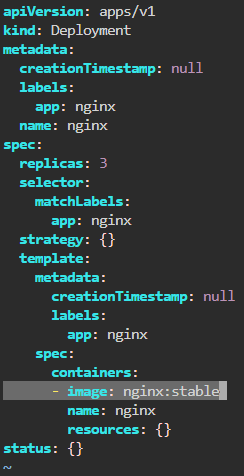
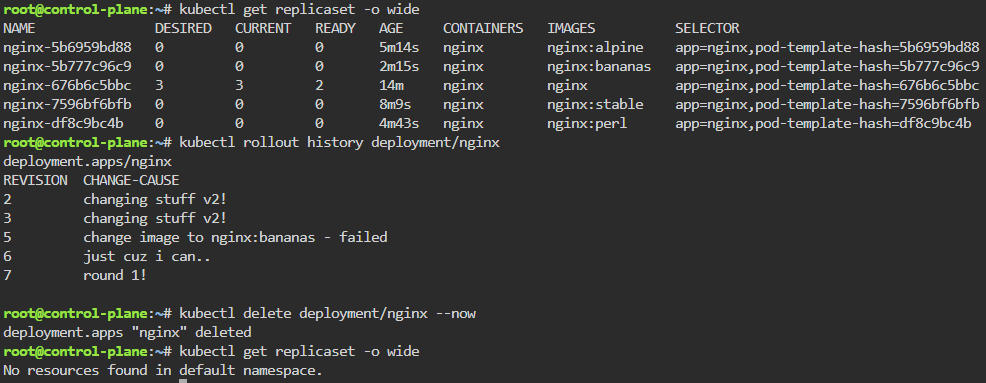
Deployments & Replicasets: create image deployment & replicaset, annotate/version yaml alteration by changing scale or image name, view rollout history, & undo/revert back deployment to specific version/annotation.
kubectl create deployment nginx --image=nginx --dry-run=client -o yaml | tee nginx-deployment.yaml | kubectl apply -f -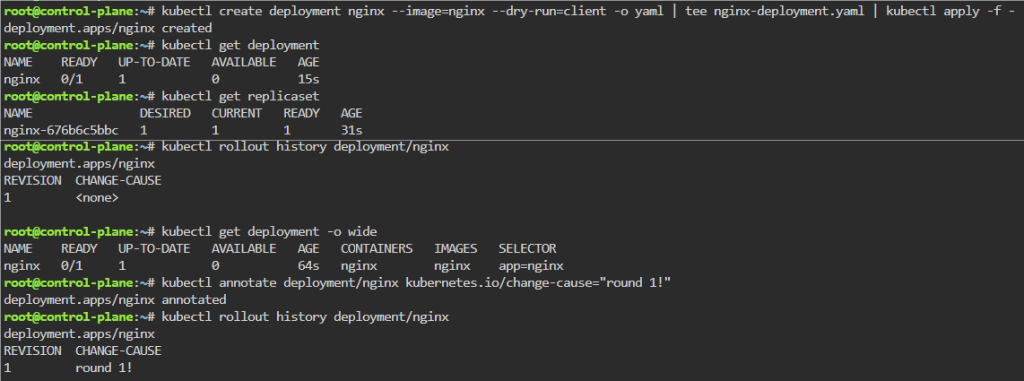
kubectl scale deployment/nginx --replicas=4; watch kubectl get pods -o wide
kubectl rollout history deployment/nginx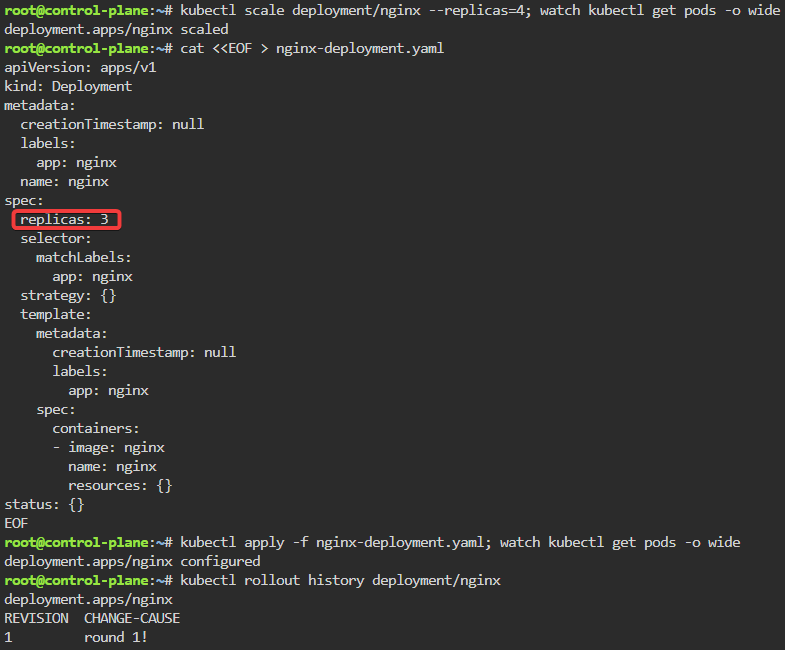
kubectl get pods -o wide
kubectl rollout undo deployment/nginx --to-revision=1 && kubectl rollout status deployment/nginx
kubectl delete deployment/nginx --now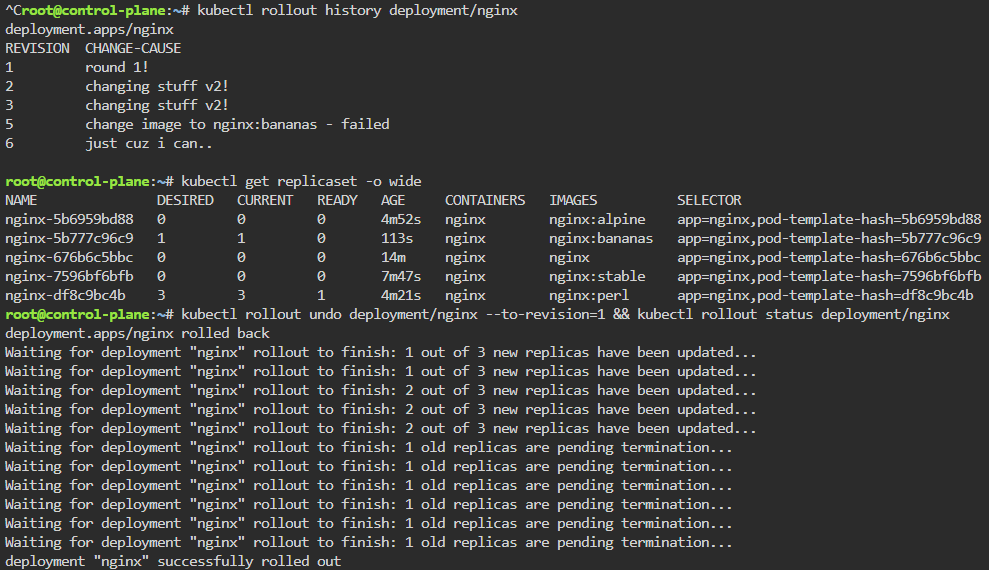
Jobs/Cron-Job: create a job & watch rollout of pod, alter yaml file to add pod amount, grep to see log of answer, then also can set cronjob of when to launch a pod.
kubectl create job calculatepi --image=perl:5.34.0 -- "perl" "-Mbignum=bpi" "-wle" "print bpi(2000)"
watch kubectl get jobs

kubectl apply -f calculatepi.yaml && sleep 1 && watch kubectl get pods -o wide
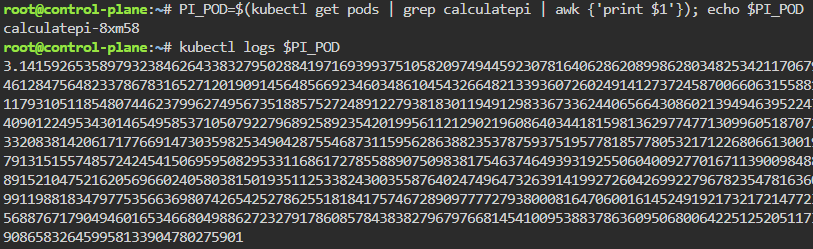
PI_POD=$(kubectl get pods | grep calculatepi | awk {'print $1'}); echo $PI_POD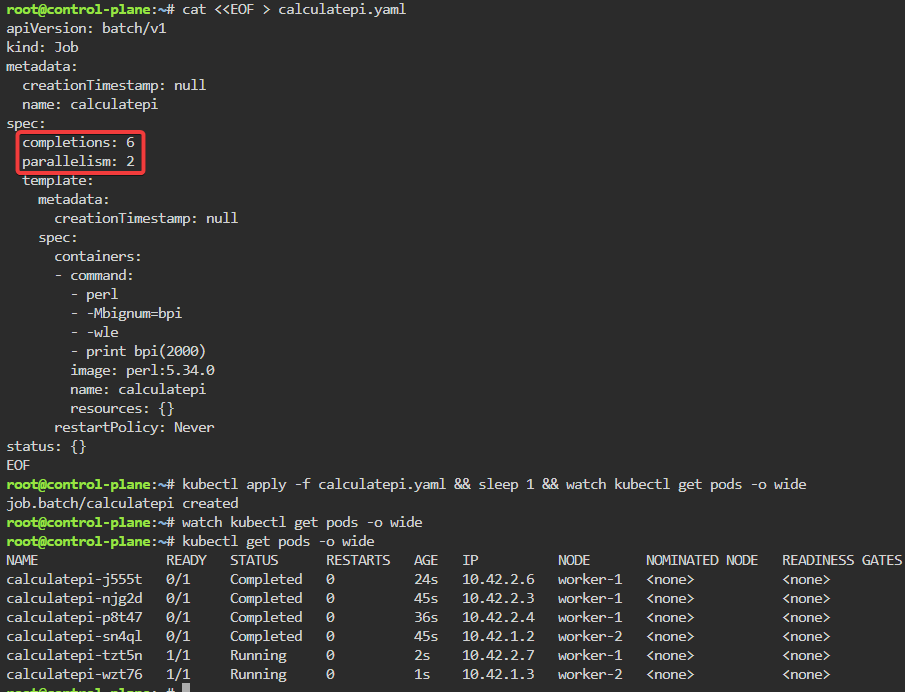
kubectl create cronjob calculatepi --image=perl:5.34.0 --schedule="* * * * *" -- "perl" "-Mbignum=bpi" "-wle" "print bpi(2000)"
ConfigMaps: create configmap, edit, run, logs, delete…rinse & repeat.
kubectl create configmap colour-configmap --from-literal=COLOUR=red --from-literal=KEY=value
kubectl describe configmap/colour-configmap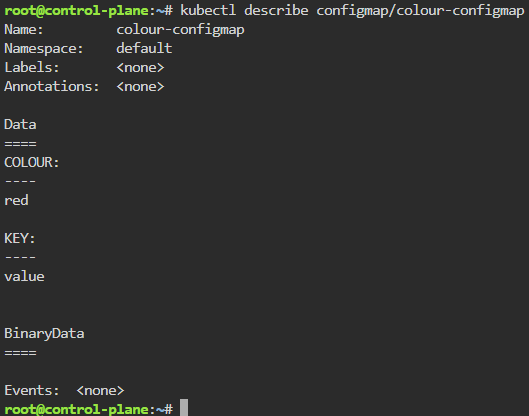
cat configmap-colour.properties
kubectl create configmap colour-configmap --from-env-file=configmap-colour.properties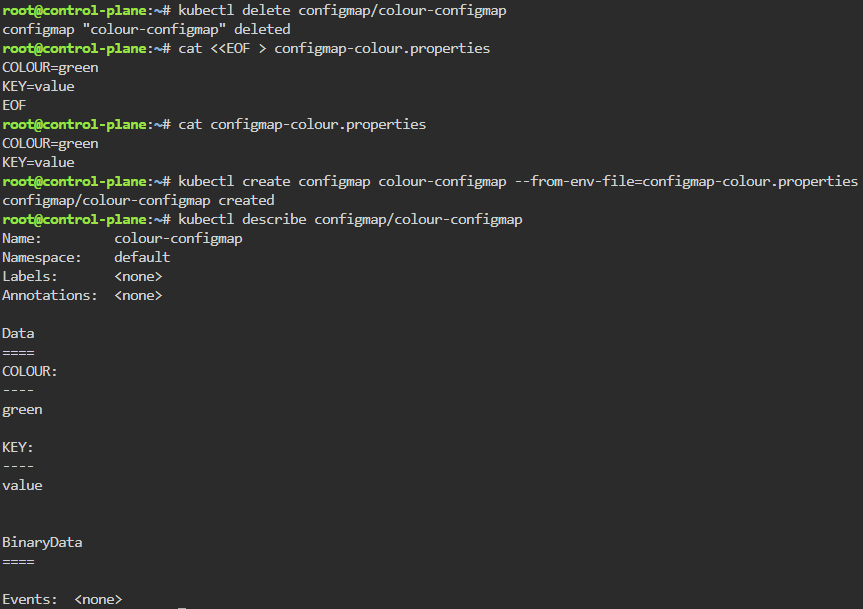
kubectl run --image=ubuntu --dry-run=client --restart=Never -o yaml ubuntu --command bash -- -c 'env; sleep infinity' | tee env-dump-pod.yaml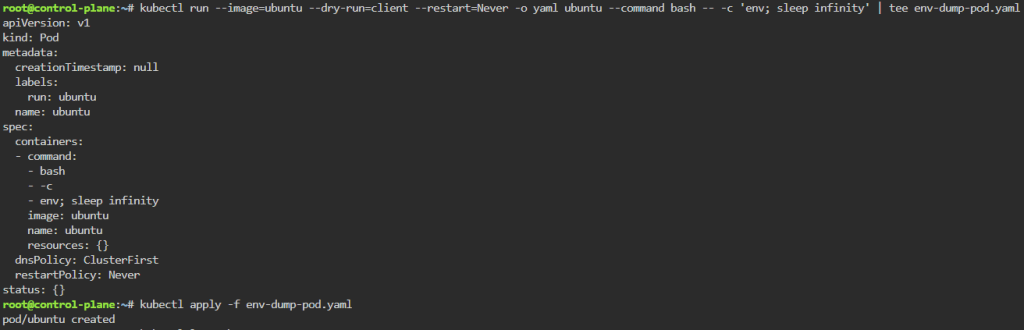
kubectl delete -f env-dump-pod.yaml --now; kubectl apply -f env-dump-pod.yaml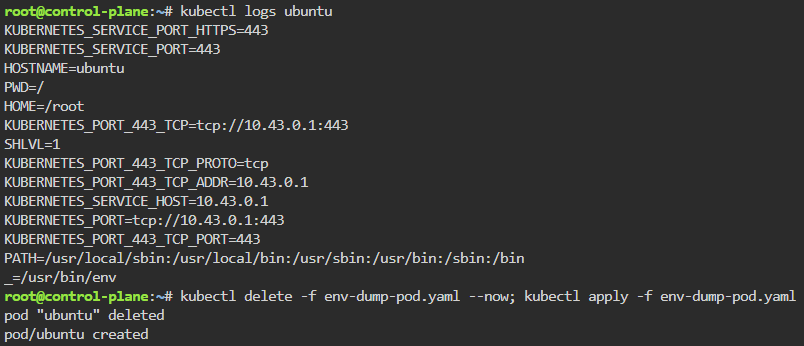
Secrets: create a secret color, echo decode w/base64, & then cat to apply
kubectl create secret generic colour-secret --from-literal=COLOUR=red --from-literal=KEY=value --dry-run=client -o yaml
echo -n value | base64
echo dmFsdWU= | base64 -d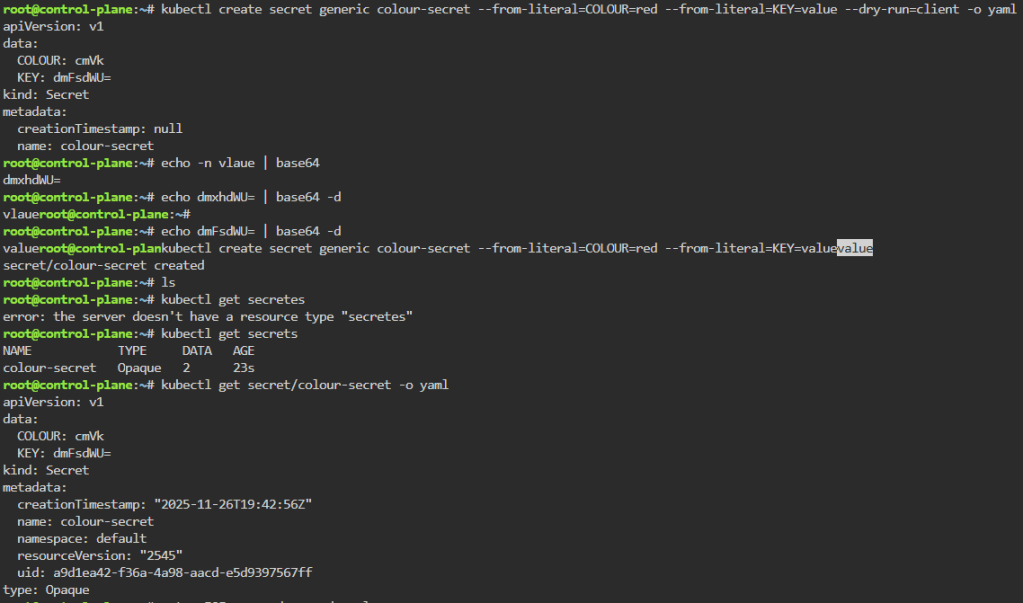
kubectl get secret/colour-secret -o yaml
kubectl apply -f env-dump-pod.yaml
kubectl logs ubuntu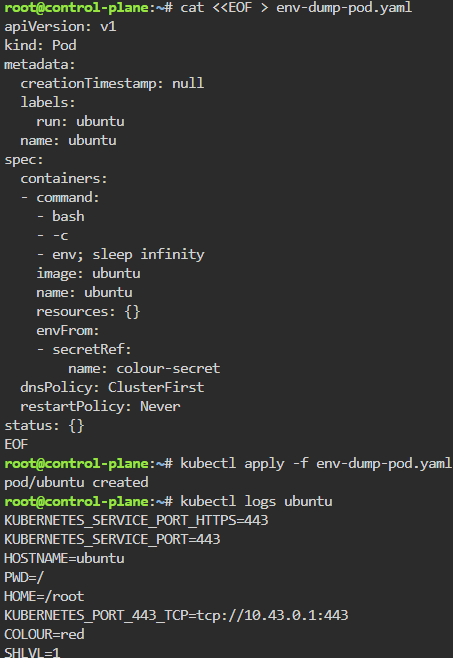
Services:
- Can cover multiple types –
- ClusterIP
- NodePort
- LoadBalancer
- ExternalName
- Headless
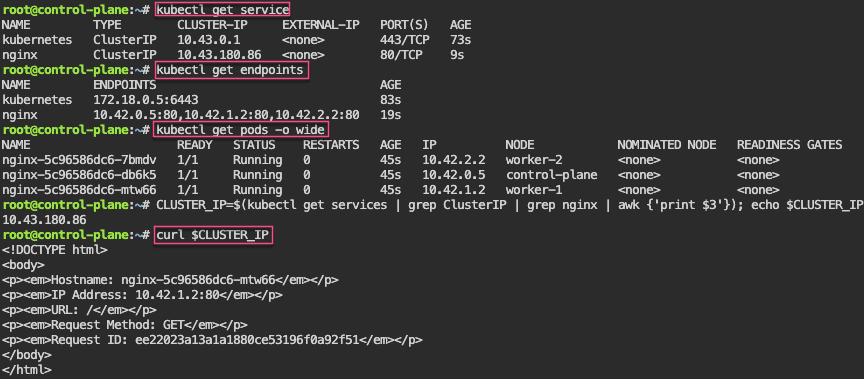
Service – ClusterIP: create image deployment on port 80 w/3 replicas, expose, get IP, & shell into curl
kubectl create deployment nginx --image=spurin/nginx-debug --port=80 --replicas=3 -o yaml --dry-run=client
kubectl create deployment nginx --image=spurin/nginx-debug --port=80 --replicas=3
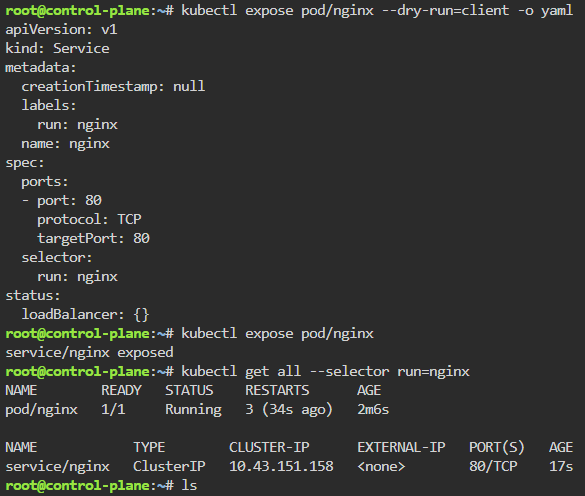
kubectl expose deployment/nginx --dry-run=client -o yaml
kubectl expose deployment/nginx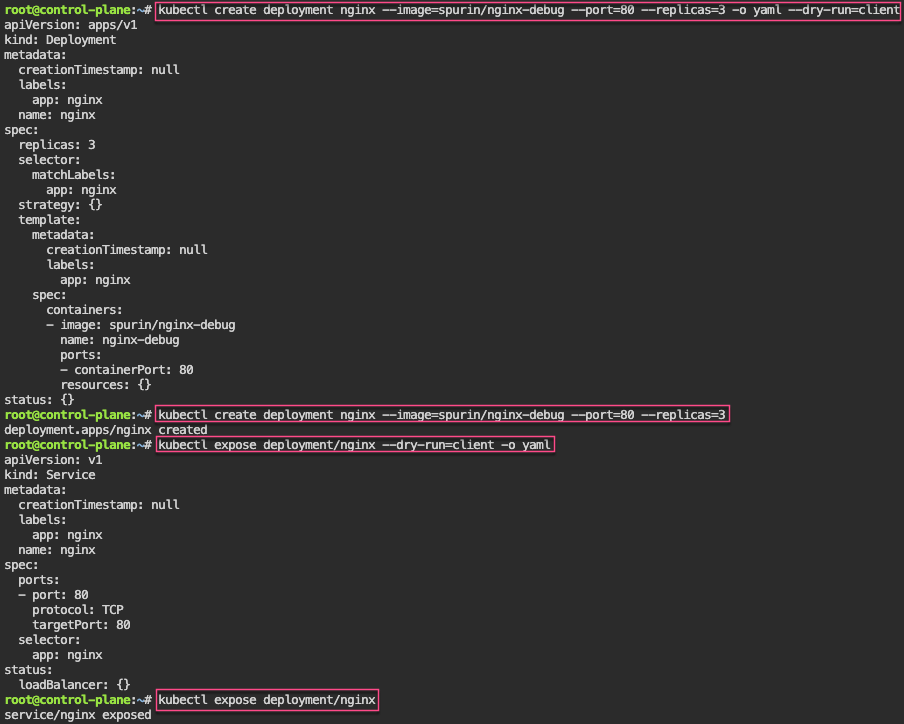
kubectl run --rm -it curl --image=curlimages/curl:8.4.0 --restart=Never -- sh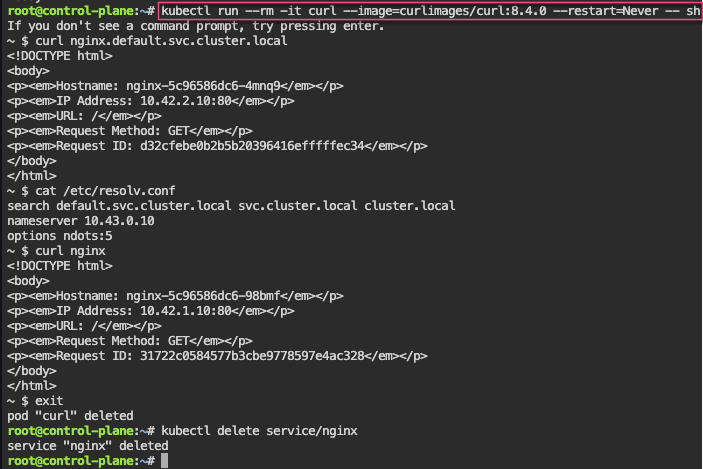
Service – NodePort: expose a node, grep to get control-plane-ip & nodeport-port, then shell into curl the pod information
kubectl expose deployment/nginx --type=NodePort
CONTROL_PLANE_IP=$(kubectl get nodes -o wide | grep control-plane | awk {'print $6'}); echo $CONTROL_PLANE_IP
NODEPORT_PORT=$(kubectl get services | grep NodePort | grep nginx | awk -F'[:/]' '{print $2}'); echo $NODEPORT_PORT
curl ${CONTROL_PLANE_IP}:${NODEPORT_PORT}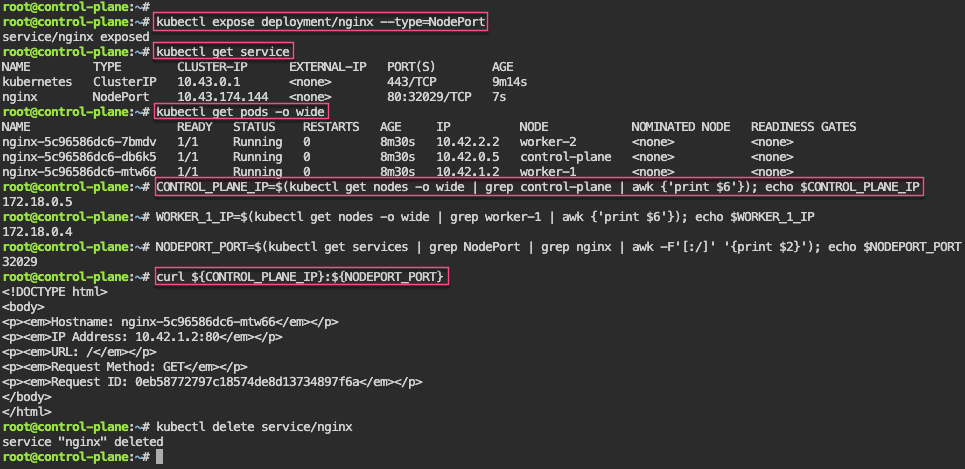
Service – LoadBalancer: expose LB to port 80, grep to get IP & port, then scale to watch the IP change from each of the 3 scaled pods
kubectl expose deployment/nginx --type=LoadBalancer --port 8080 --target-port 80
LOADBALANCER_IP=$(kubectl get service | grep LoadBalancer | grep nginx | awk '{split($0,a," "); split(a[4],b,","); print b[1]}'); echo $LOADBALANCER_IP
LOADBALANCER_PORT=$(kubectl get service | grep LoadBalancer | grep nginx | awk -F'[:/]' '{print $2}'); echo $LOADBALANCER_PORT
kubectl scale deployment/nginx --replicas=1; watch --differences "curl ${LOADBALANCER_IP}:${LOADBALANCER_PORT} 2>/dev/null"
watch --differences "curl ${LOADBALANCER_IP}:${LOADBALANCER_PORT} 2>/dev/null"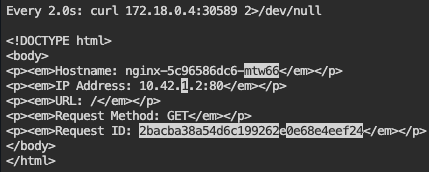
Service – ExternalName: create various deployments on port 80, then expose them, & finally curl IP to shell into deployment name
kubectl create deployment nginx-blue --image=spurin/nginx-blue --port=80
kubectl expose deployment/nginx-blue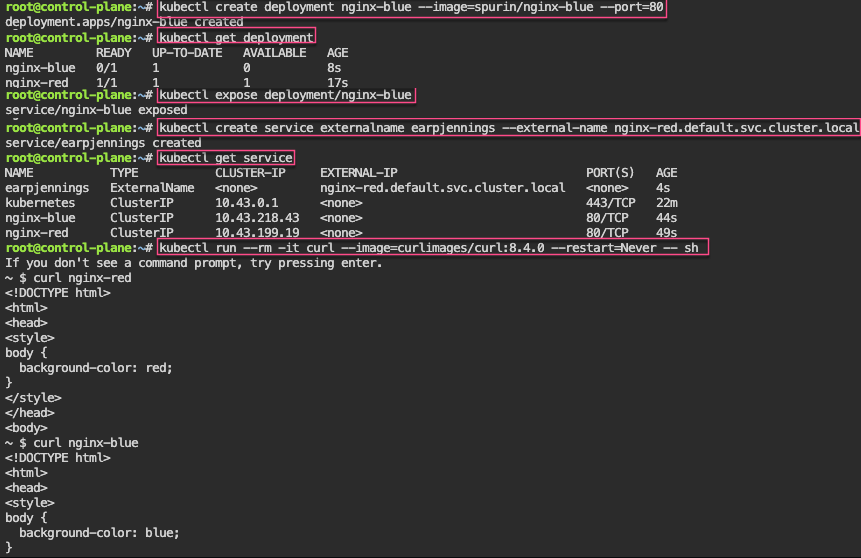
kubectl create service externalname my-service --external-name nginx-red.default.svc.cluster.local
kubectl run --rm -it curl --image=curlimages/curl:8.4.0 --restart=Never -- sh
curl nginx-blue




















 Say When..