Deep Pass of Secret’s to Kubernetes Container

Kubernetes is dope for data bro! Watch how we send configuration data from containers to applications that were stored in secrets & ConfigMaps.

  • Created password file & store it in ….. secrets..
  • Create the Nginx Pod

Generate a file for the secret password file & data:

Vi pod.yml:

Kubectl exec — curl -u user: <PASSWORD> <IP_ADDRESS>:

Be Like 2 Kubernetes in a Pod

Alright alright alright…. lets create a lil baby pod & eventually create an entire Kubernetes application!!

  • Create YAML file w/the pod details for the nginx pod
  • Create the pod…just do it!
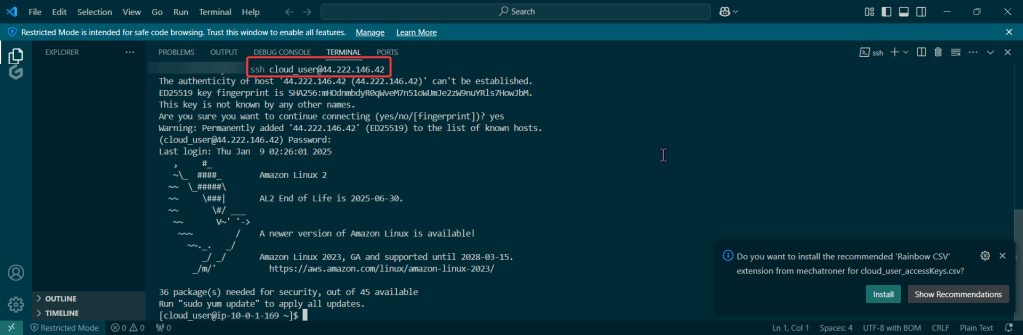
  • SSH!!

Vi Nginx.yaml:

Kubectl create -f ~/nginx.yml:

  • Create the pod bro

kubectl get pods -n web:

  • Double check the pod is created dude

kubectl describe pod nginx -n web:

  • Looooook at daaa deeeeetaillllllllzzzuhhh

Falco to Detect Threats on Containers in Kubernetes!

Falco Lombardi is… ahem.. Falco is able to detect any shady stuff going on in your Kubernetes environment in no time.

  • Create a Falco Rules File to Scan the Container
  • Run Falco to Obtain a Report of ALL the Activity
  • Create rule to scan container, basically this scripts rule will:
  • Run Falco for up to a minute & see if anything is detected
    • -r = rule
    • -M = time

Kubernetes Cluster & Terraform

Goal:

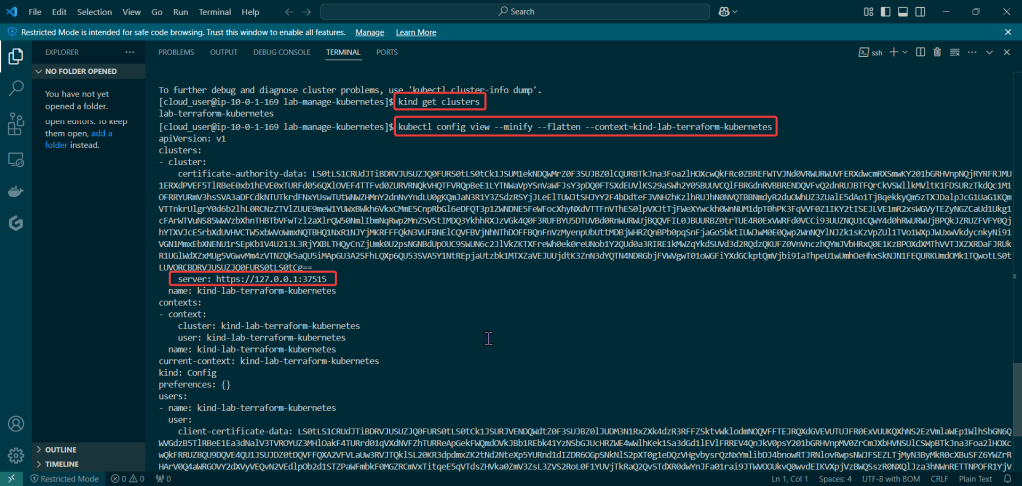
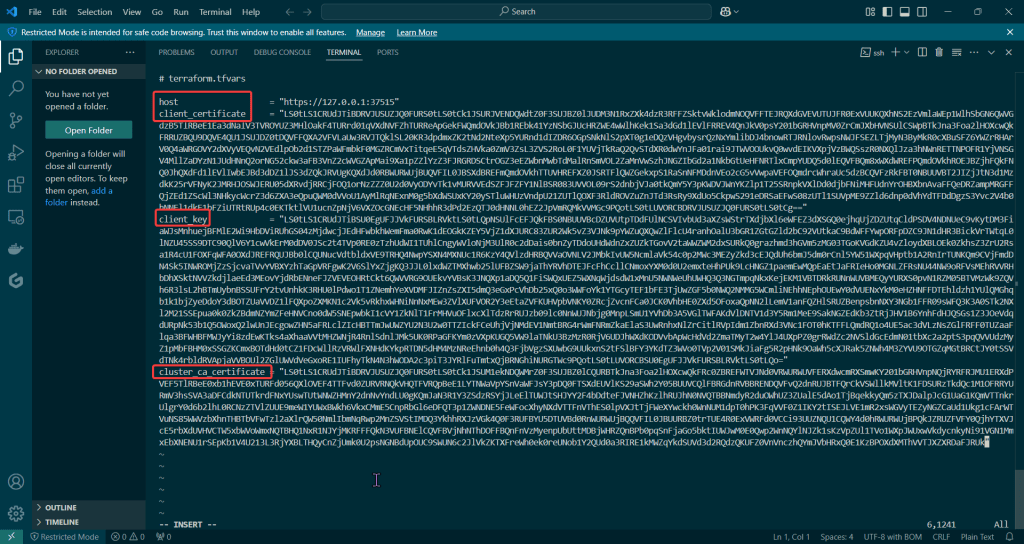
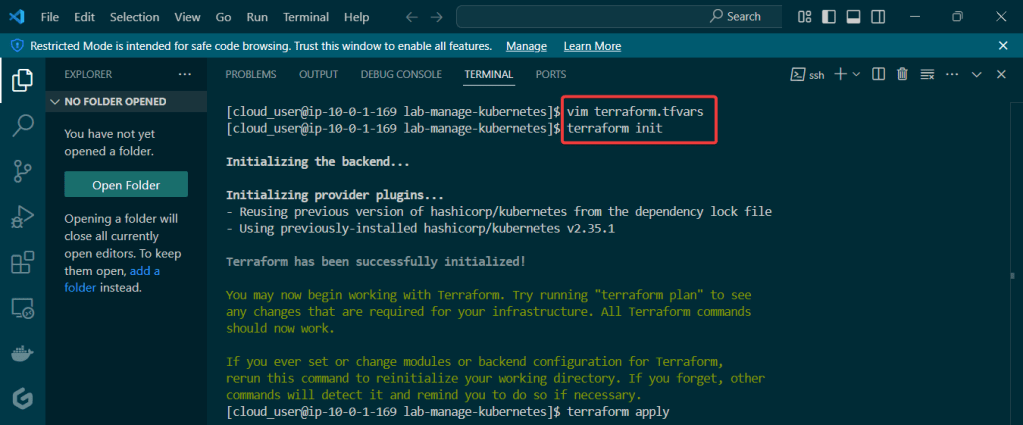
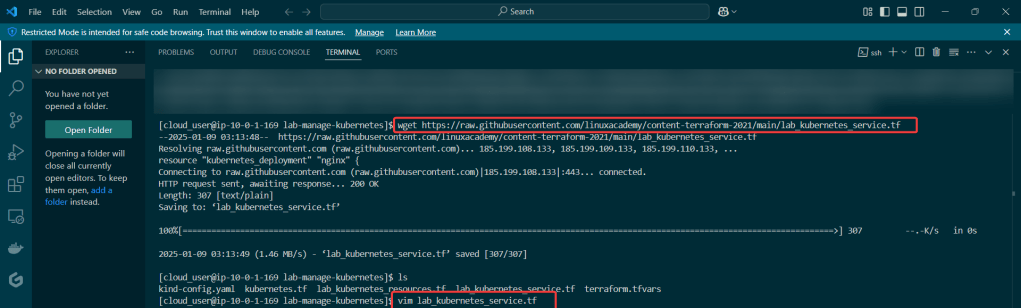
Lets see if I can deploy a web app to my EKS cluster & Terraform. After EKS cluster is deployed w/Terraform I’ll provision the cluster & run Node.js & use MongoDB as the backend DB.

Basically it goes like this:

  • Web Browser – – – EKS Cluster – – – Public Endpoint
  • Namespace – – – Node.js – – – Docker Image Repository – – – MongoDB

Lessons Learned:

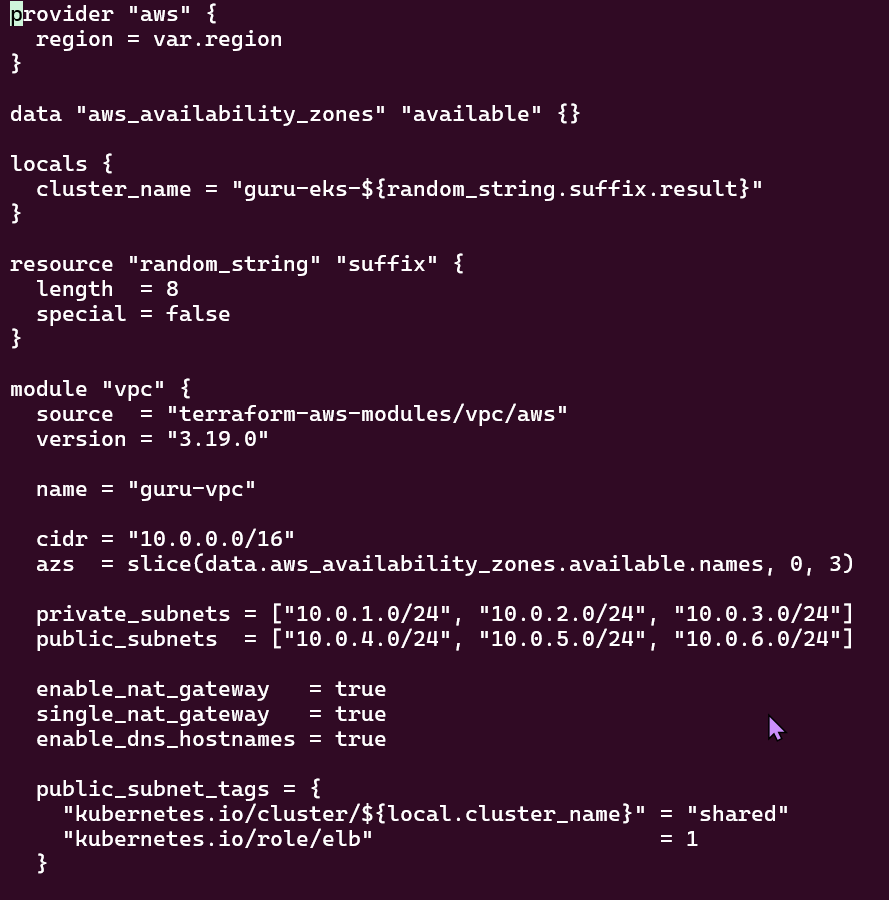
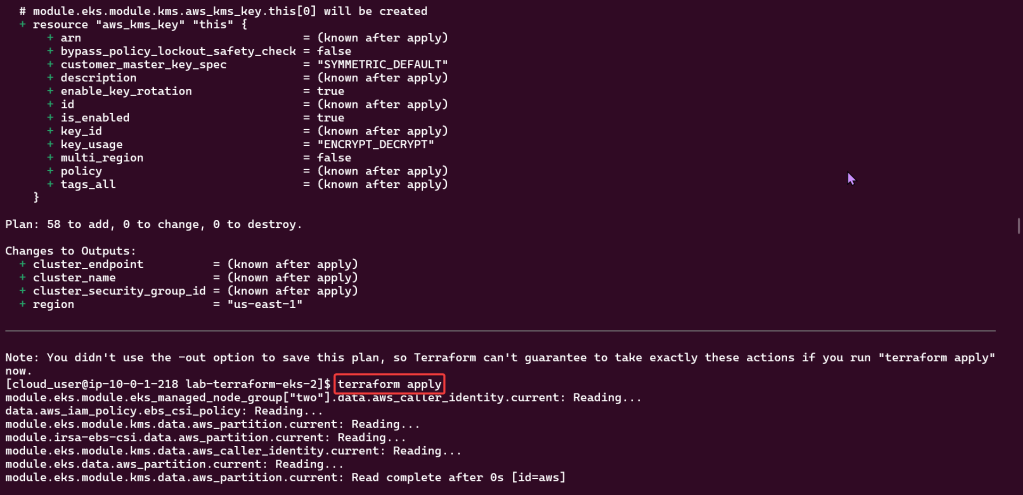
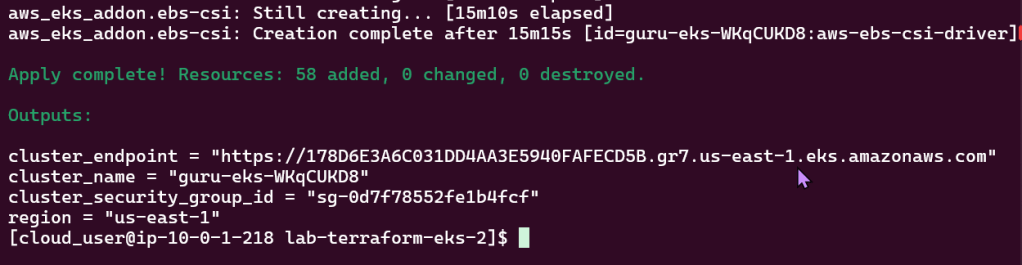
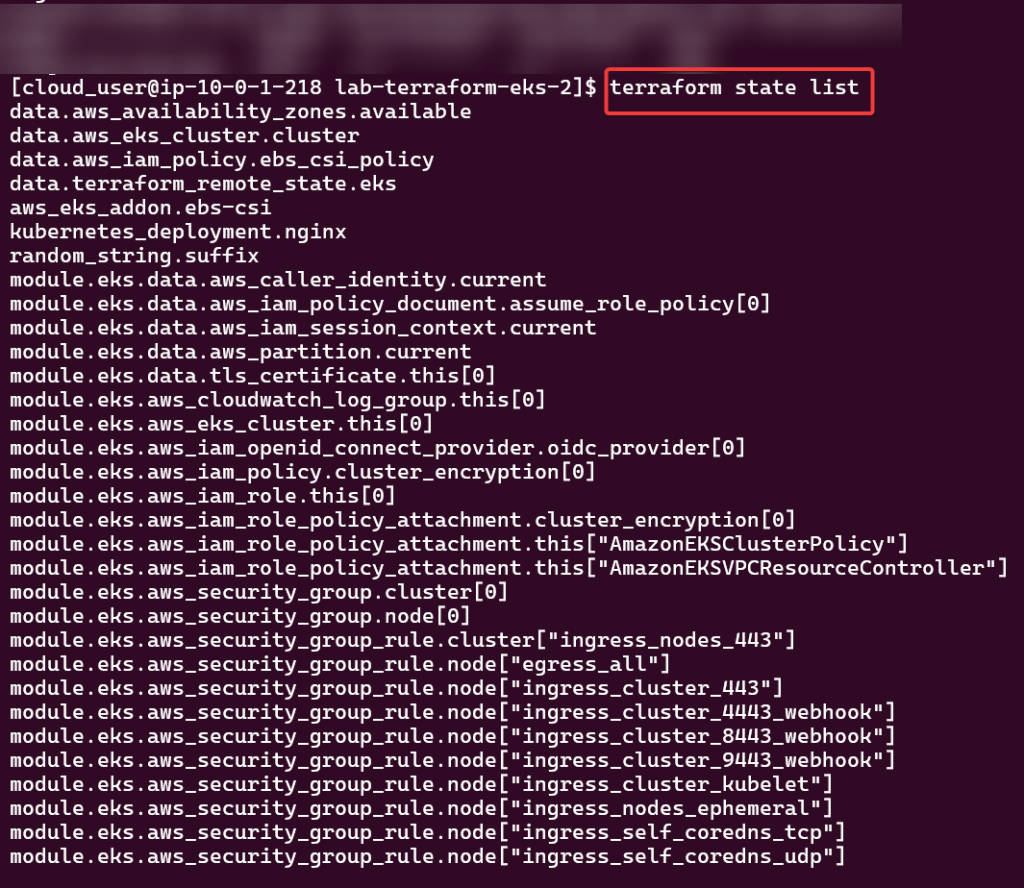
  • Deploy EKS Cluster w/Terraform:
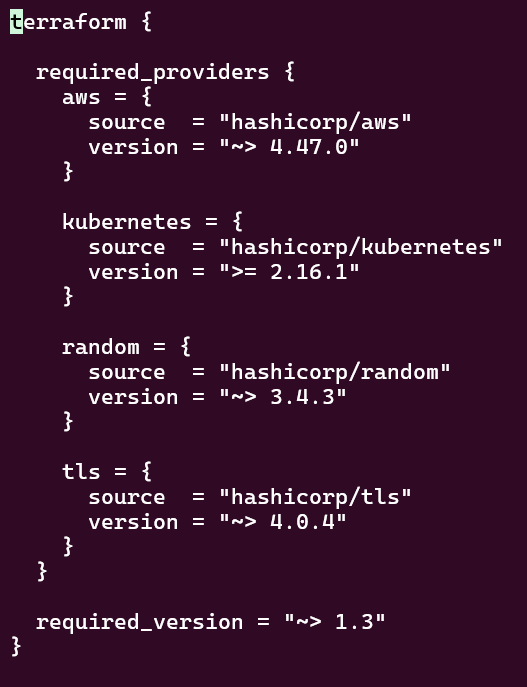
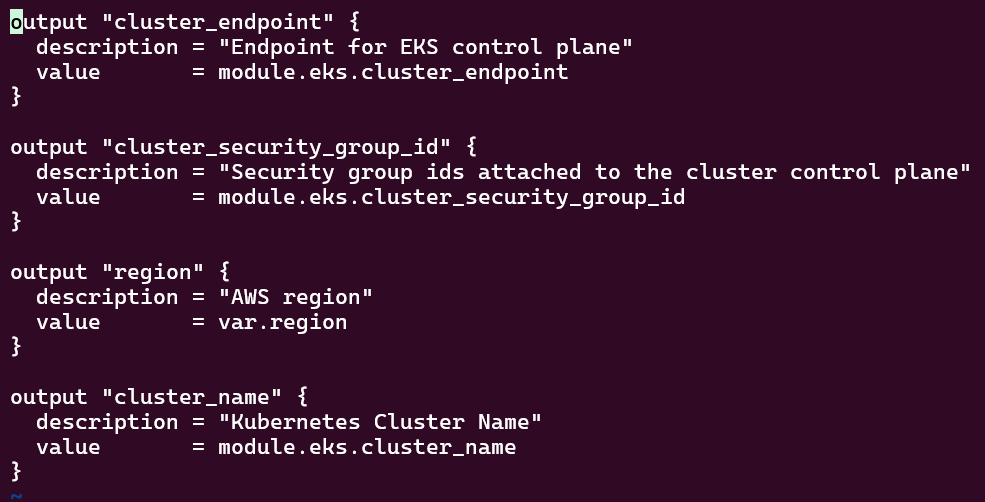
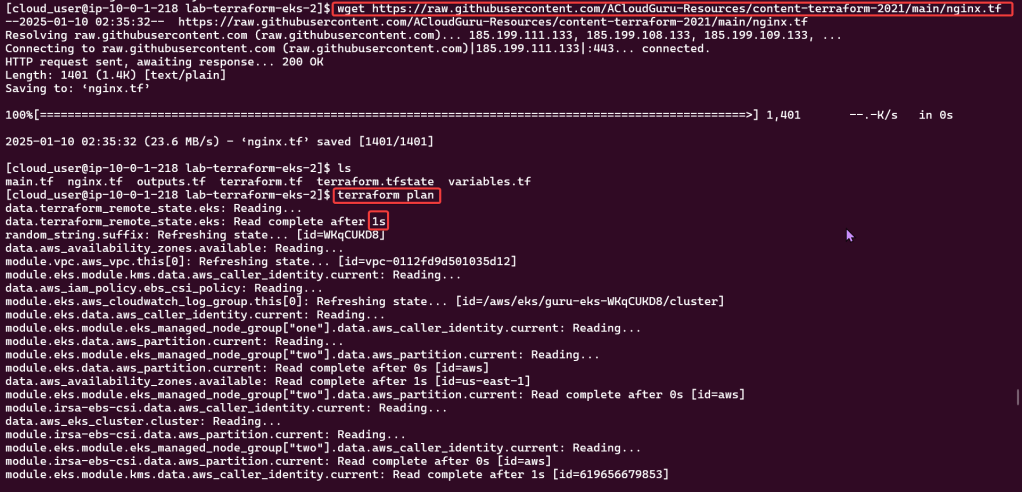
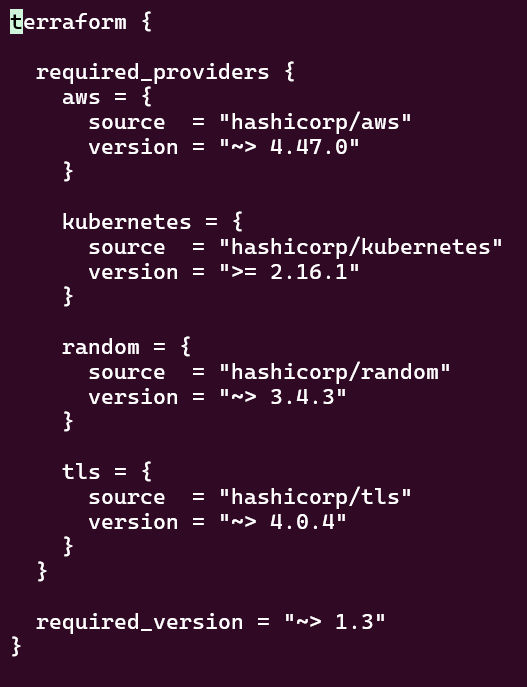
  • Complete Terraform Configuration:
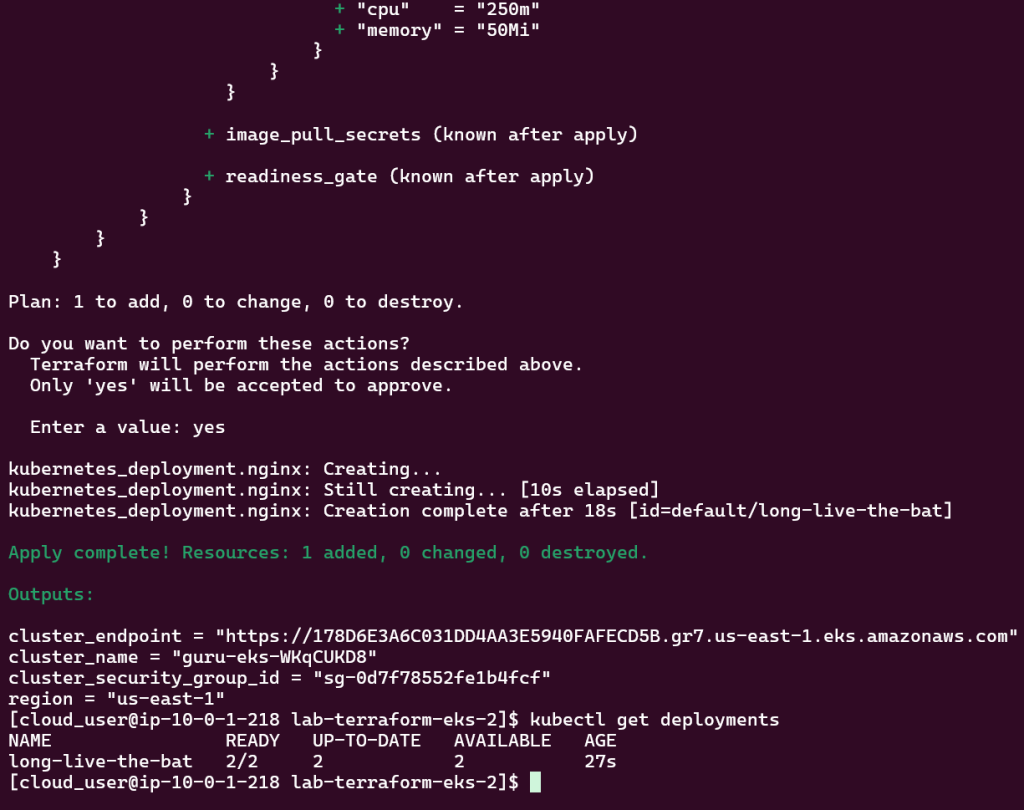
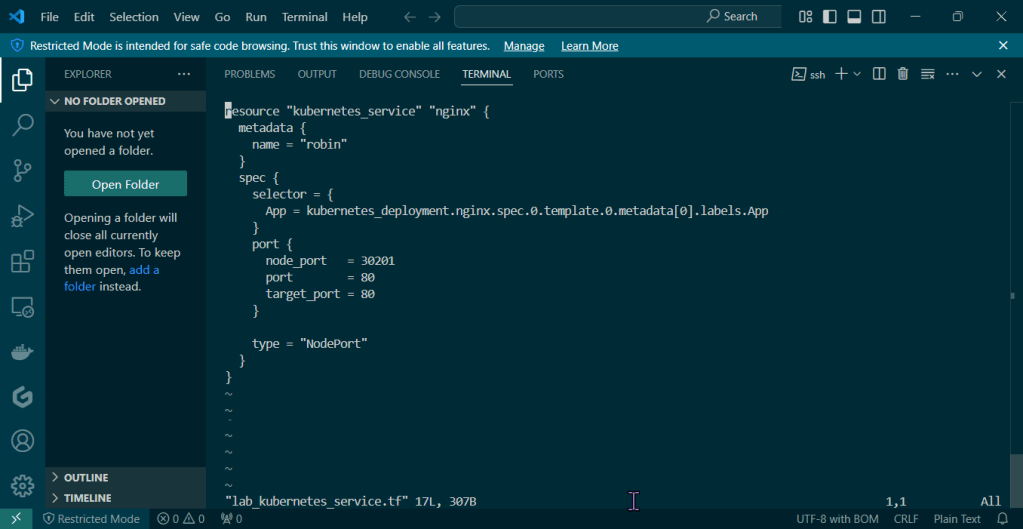
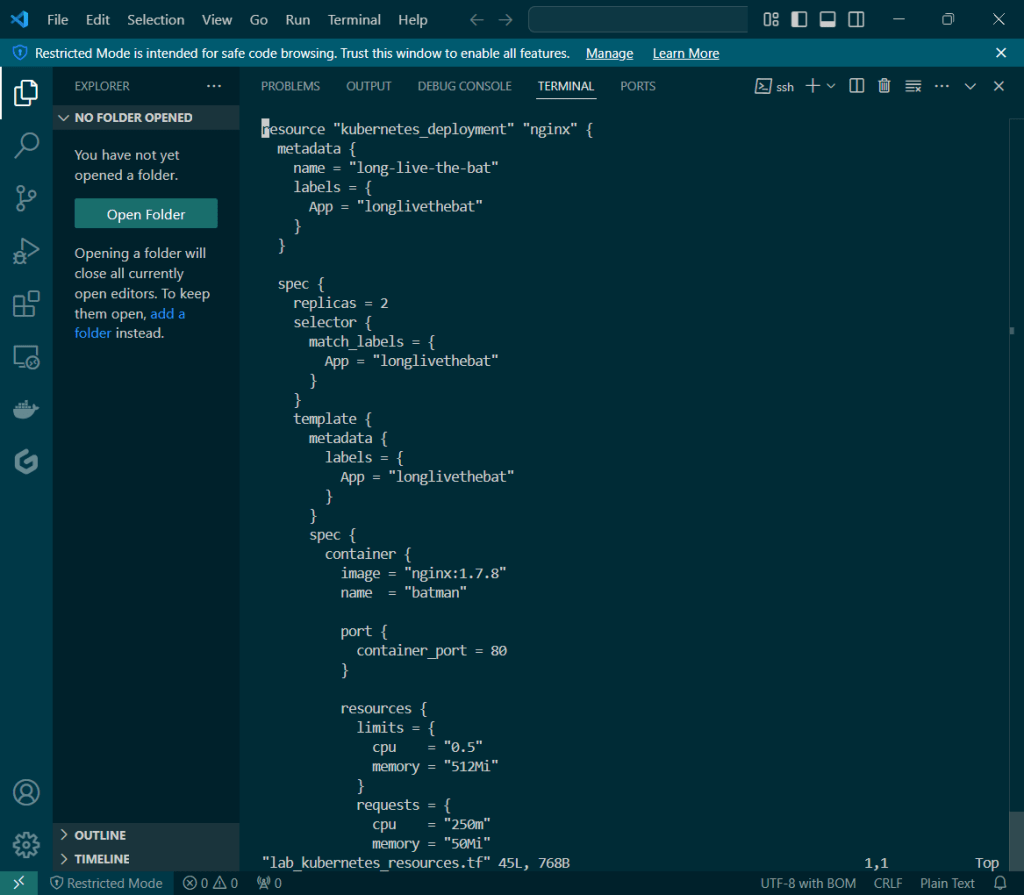
  • Deploy Web App w/Terraform:
  • Scale Kubernetes Web App:

Deploy EKS Cluster w/Terraform:

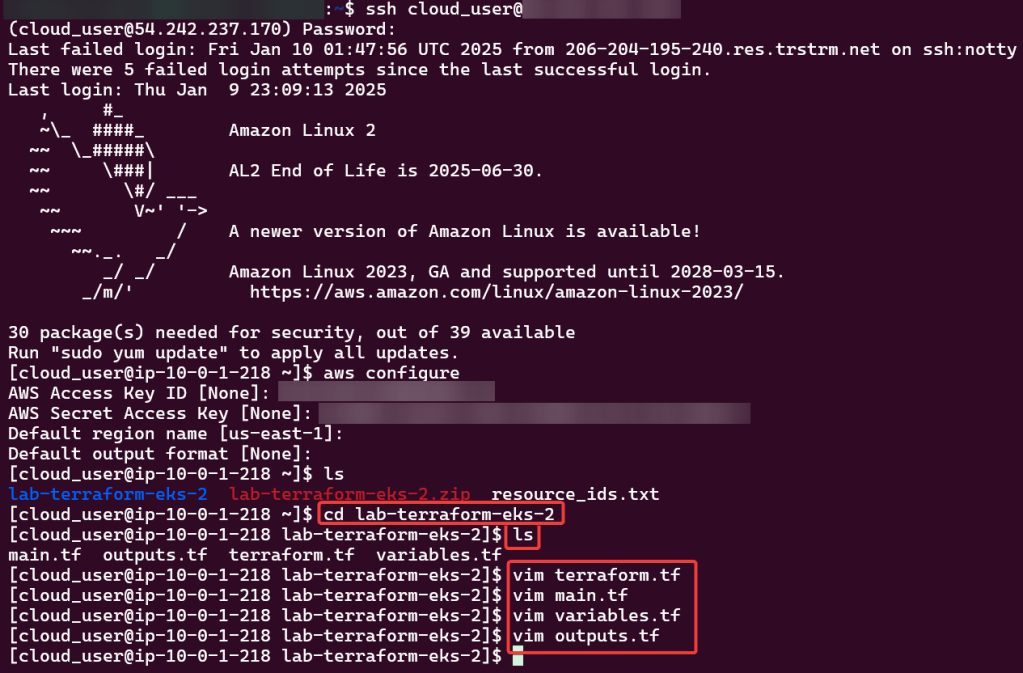
  • Cloud User – – – Security Credz – – – Access Keys
  • Add key details in CLI

Couple Commands to Leverage for Sanity Check:

  • LS files
  • Unzip
  • LS
  • CD
  • LS
    • Now can see all TF files

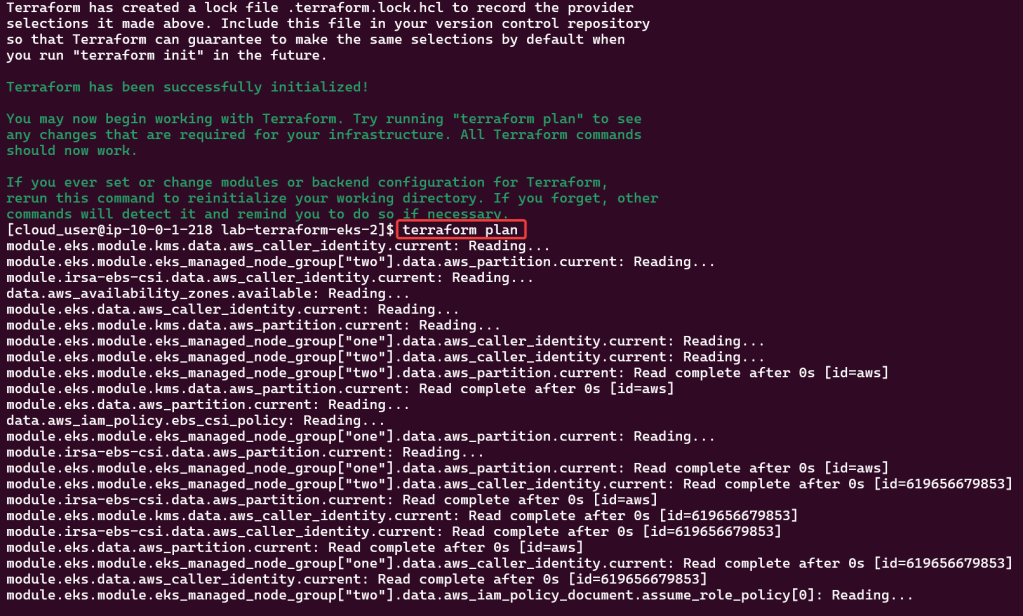
Terraform – init, fmt, apply:

Complete Terraform Configuration:

Double Check its Running:

Couple Commands:

Vim modules/pac-man/pac-man-deployment.tf:

Vim pac-man.tf:

Terraform – Fmt, Init, & Apply:

Deploy Web App w/Terraform:

Scale Kubernetes Web App:

Change Deployment Files

  • MongoDB = 2
  • Pacman Pods = 3

Double Check Working:

Prometheus 2 the movie, Featuring Kubernetes & Grafana

Goal:

Imma monitor a CI/CD pipeline w/3 tools, wanna see if we use Prometheus to synthesize the data & Grafana to display the data? Our goal is get some insight on performance dawg!

Lessons Learned:

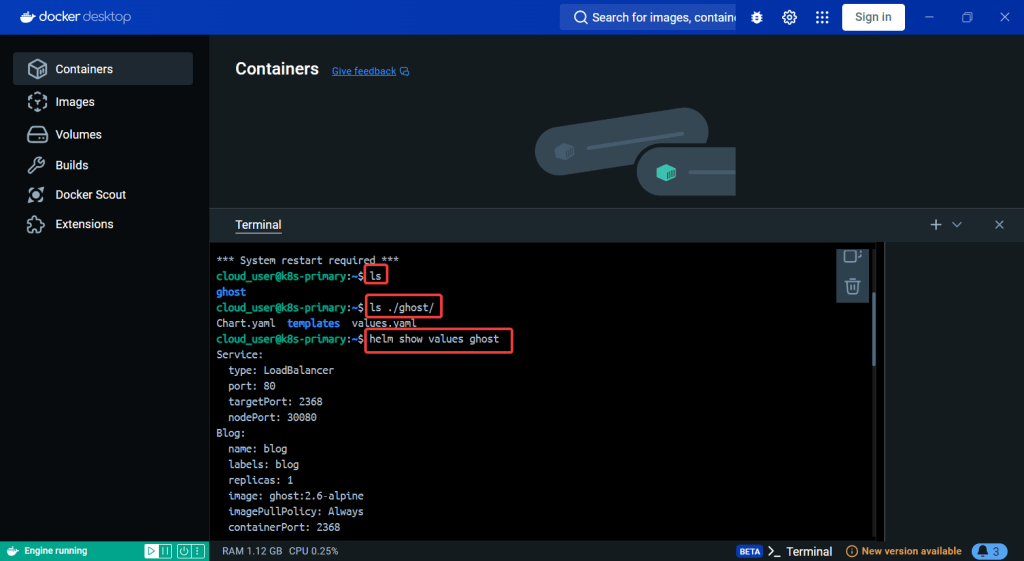
  • Use Helm to install Grafana
  • Install Prometheus in Kubernetes Cluster
  • Install Grafana in Kubernetes Cluster

Use Helm to install Grafana

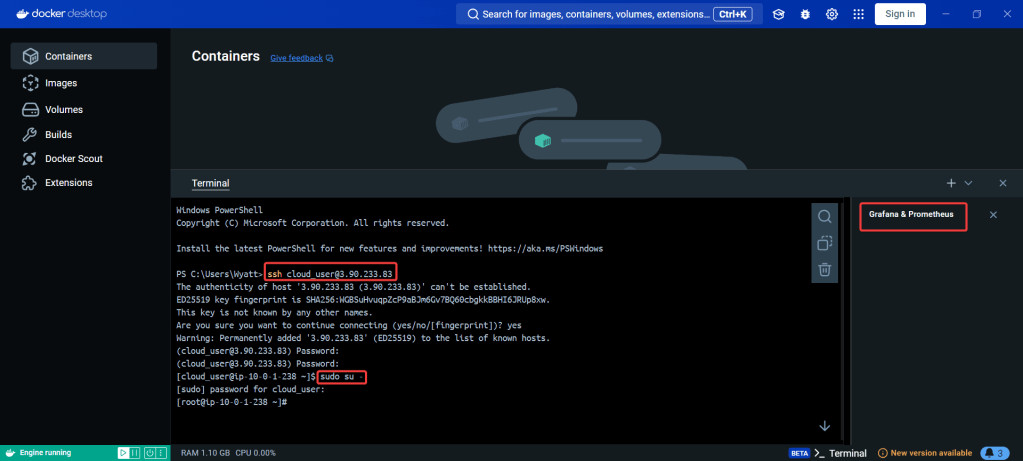
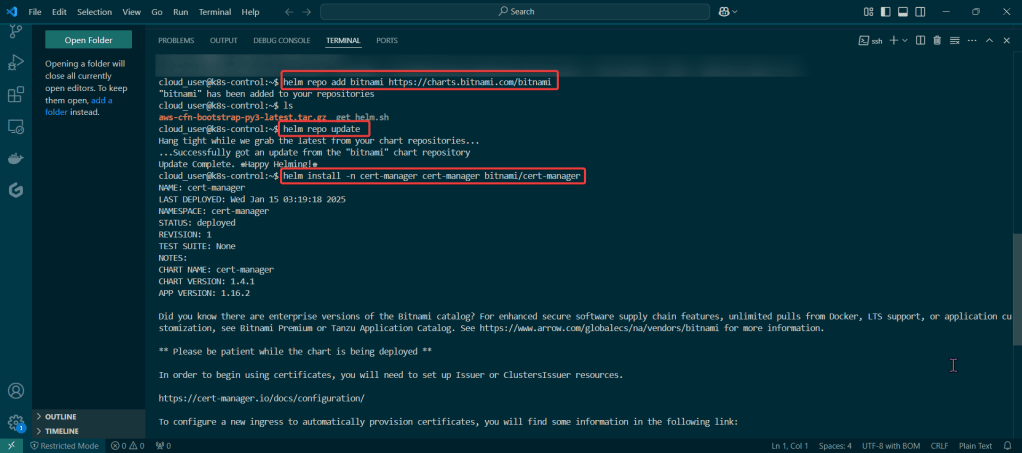
SSH into Master Public IP:

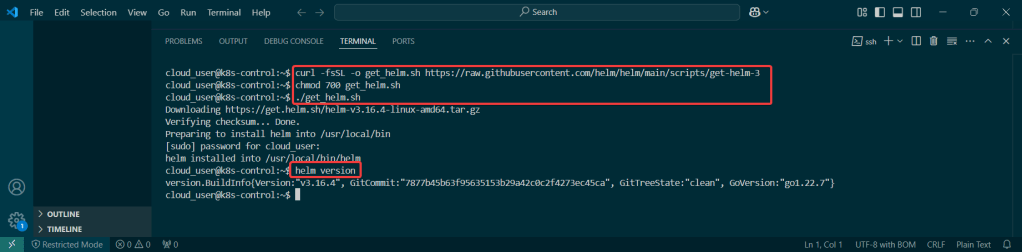
Initiate Helm:

Install Prometheus in Kubernetes Cluster

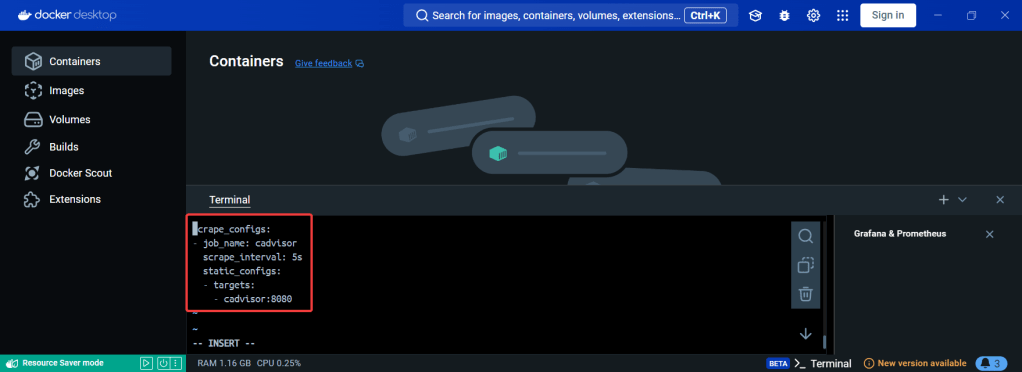
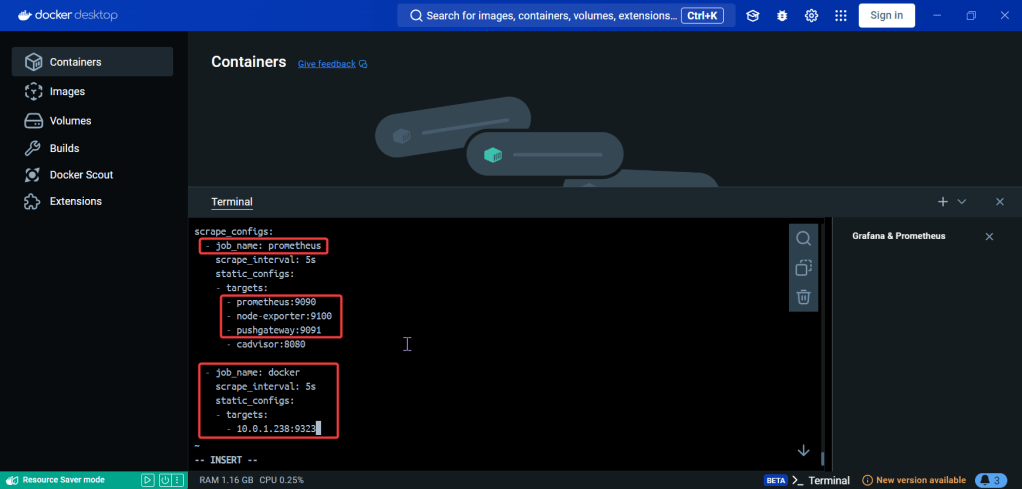
Create Prometheus YAML File:

Install Prometheus:

Install Grafana in Kubernetes Cluster

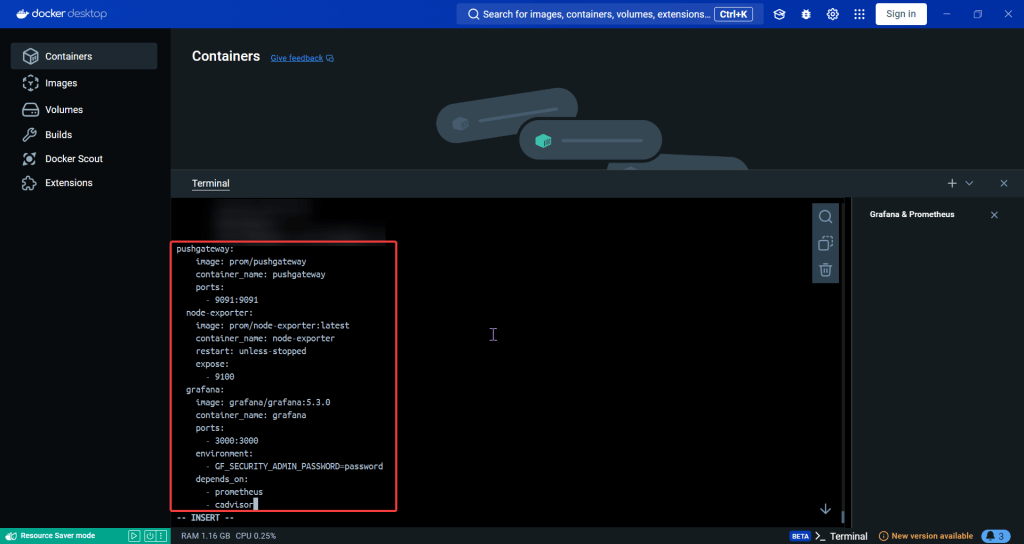
Create Grafana YAML File:

Install Grafana:

Create Grafana-Extension YAML File:

Log-in to Grafana:

Canary in Coal Mine to find Kubernetes & Jenkins

Goal:

Our coal mine (CICD pipeline) is struggling, so lets use canary deployments to monitor a Kubernetes cluster under a Jenkins pipeline. Alright, lets level set here…

  • You got a Kubernetes cluster, mmmmkay?
  • A pipeline from Jenkins leads to CICD deployments, yeah?
  • Now we must add the deetz (details) to get canary to deploy

Lessons Learned:

  • Run Deployment in Jenkins
  • Add Canary to Pipeline to run Deployment

Run Deployment in Jenkins:

Source Code:

  • Create fork & update username

Setup Jenkins (Github access token, Docker Hub, & KubeConfig):

Jenkins:

  • Credz
    • Github user name & password (Access token)

Github:

  • Generate access token

DockerHub:

  • DockerHub does not generate access tokens

Kubernetes:

Add Canary to Pipeline to run Deployment:

Create Jenkins Project:

  • Multi-Branch Pipeline
  • Github username
  • Owner & forked repository
    • Provided an option for URL, select deprecated visualization
  • Check it out homie!

Canary Template:

  • We have prod, but need Canary features for stages in our deployment!
  • Pay Attention:
    • track
    • spec
    • selector
    • port

Add Jenkinsfile to Canary Stage:
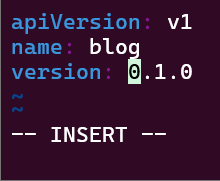
  • Between Docker Push & DeployToProduction
    • We add CanaryDeployment stage!

Modify Productions Deployment Stage:
EXECUTE!!

Xbox Controller w/EKS & Terraform

Goal:

Okay, were not using Xbox controllers… but PS5 controllers! JK.. but what we will mess w/is deploy an EKS cluster to create admission controllers from a Terraform configuration file.

  • So what had happen was…
    • Deploy homebrew w/AWS CLI, kubectl, & terraform
    • Which will communicate to AWS EKS & VPC.
    • Got it? Okay dope, lets bounce.

Lessons Learned:

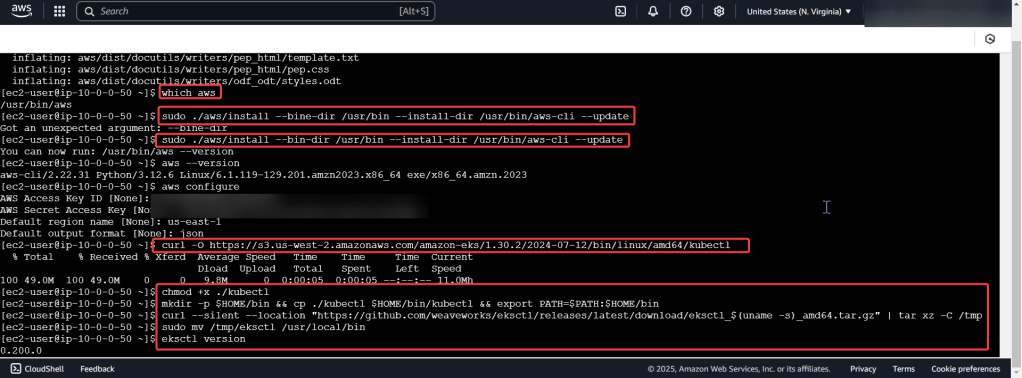
  • Installing Homebrew, AWS CLI, Kubernetes CLI, & Terraform
  • Deploy EKS Cluster

Install da Toolzz:

Homebrew:

Brew Install:

  • AWS CLI
  • Kubernetes-cli (kubectl)
  • Terraform

Deploy EKS Cluster

Create Access Keys:

Clone Repo:

Move into EKS Directory:

Initialize Directory:

Apply Terraform Configuration:

Configure Kubernetes CLI w/EKS Cluster:

Are you connected bruh?

Need stronger EBS Volumes?

Goal:

You say you might need more storage capacity cuz of data through-put issues? So just-in-case we should change the root EBS volume of our EC2 through a bastion host & auto-scaling groups.

Lessons Learned:

  • Create an EBS snapshot
  • Create a bigger, better EBS volume
  • Attach a bigger, better EBS volume to an EC2
  • Create a auto-scaling template & update the current auto-scaling group

Create an EBS snapshot:

Create a bigger, better EBS volume:
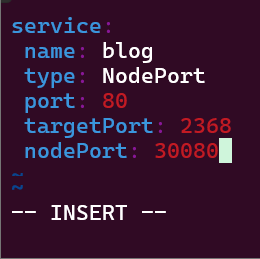
Stop the Instance!

Attach a bigger, better EBS volume to an EC2:
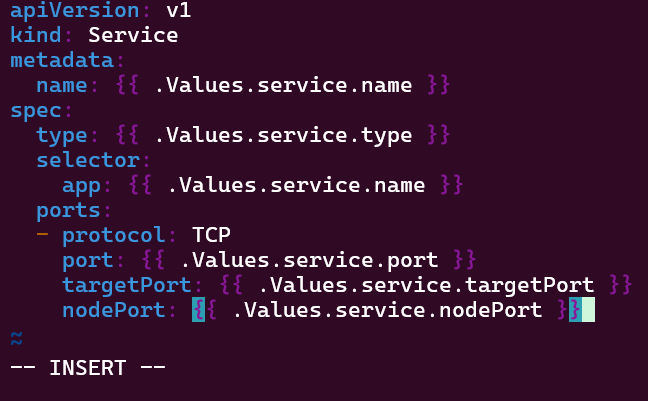
SSH!:

  • LOOKIE LOOKIE!!

Create a auto-scaling template & update the current auto-scaling group:

TERMINATE!!

  • If you can delete/terminate instances, then your fault tolerant! Scorrrrrrrrrrrrrre

ELB for the win!

Goal:

Sooooooo dont be mad, promise you wont be mad?… well, the environment is broken.. Lets take a look at the ELB DNS connection for an EC2.

  • Why can we connect to the public IP address, but not the EBS DNS?

Lessons Learned:

  • How to fix ELB security group that does NOT allow HTTP traffic
  • EC2 instance health checks are not passing

ELB Security Group:

Order of Operation Steps:

  • Under EC2
  • Scroll to “Load Balancers”
  • Select “Security”
  • Next look at “Security Groups”
  • We notice that there is only 1 inbound rule, for port 22…

The Fix/Solution:

  • Add Allow rule for HTTP traffic on port 80 to ELB security group

EC2 Health Check:

Order of Operation Steps:

  • Under Load Balancers
  • Select Health Checks
  • You see the wrong ping port..
  • CHANGGGGE IT

The Fix/Solution:

  • Change health check “ping port” on ELB to port 80
  • Now you can test the DNS name to see your webpage working properly.

Grab the Network wheel, our SGs & NACLs are 2-trackin!

Goal:

Uhh-ohh, we let the newbie drive & were off the road… lets take a peak under the hood & see why we can’t connect to the internet. We understand why an instance cant connect to internet. This post should share an order of operations if one does not know why an instance is not connecting to the internet.

Lessons Learned:

  • Determine why instance cant connect to internet
  • ID issues preventing instances from connecting to the internet
  • Important Notes:
    • We have 3 VPCs w/SSH connection & NACLs configured through route table
    • Instance 1 & 2 have connection to internet & are a-okay…
    • Instance 3 is not connected to the internet, so we outtah’ figure out the problem.

Order of Operations:

  • Instance
  • Security Group
  • Subnet
  • NACL
  • Route table
  • Internet gateway

Solution:

  • Instance
    • No public IP address
  • NACL
    • Deny rules for inbound & outbound that prevents all pinging & traffic to instance
  • Route Table
    • Did not have route to internet gateway

Determine why instance cant connect to internet:

Instance:

  • Start w/networking & manage IP address
    • See no public IP address below in screenshot
  • Wham bam thank ya mam! Fixed!… Wait, it isn’t?

Security Group:

  • Can we ping the instance?
  • Remember when looking at rules, just cuz says private – doesn’t mean it is! So check the inbound/outbound rules details

PING!

  • Nothing. Okay, I reckon to keep lookin..

Subnet:

  • Look at private IP address & then VPC
    • Specifically under subnets pay attention to the VPC ID
  • Looks okay so far, keep on keepin on!

NACLs:

  • We found the issue!! The NACL rules deny all inbound/outbound traffic into the instance!
    • Even tho the security group does allow traffic, remember the order of operations from in-to-out..

PING!!

  • Still nothing, hmm..

Route Table:

  • Ah-ha! We found the issue…again!
    • There is no route to the internet gateway

ID issues preventing instances from connecting to the internet:

Instance:

  • Allocate an Elastic IP Address, not a public one!!

NACLs:

  • The options we have are:
    • Change the NACL security rules
    • Get a different NACL w/proper rules in it
      • In prod… dont do this cuz it can affect all the subnets inside of it.
  • Under public-subnet4 (which was the original VPC ID we had for instance 3), select edit network ACL association, & change to the NACL to the public-subnet3

Route Tables:

  • The options we have are:
    • Add a route to the table that allows traffic to flow from subnet to internet gateway
      • Remember in other environments, there maybe others using this route table only permitting private access, so not modify.
    • Select route table that has appropriate entries
  • Here we edit the route table association & then notice the difference in the route table permitting connection/traffic

Ping!

  • YEEEEEEEEEEEEEEEEEEEEEEEEEEEEEEEEEEEEEEEEEEEEEET!!
  • Now if you desired you can SSH into the instance