Get-Er-Dun; Helm Charts Edition

Goal:

Quick our homework is due in a half hour…lets copy (leverage…refer..) your buddies! But how can we do it the quickest way possible!? Helm charts you say? What are these… Helm Charts you speak of?

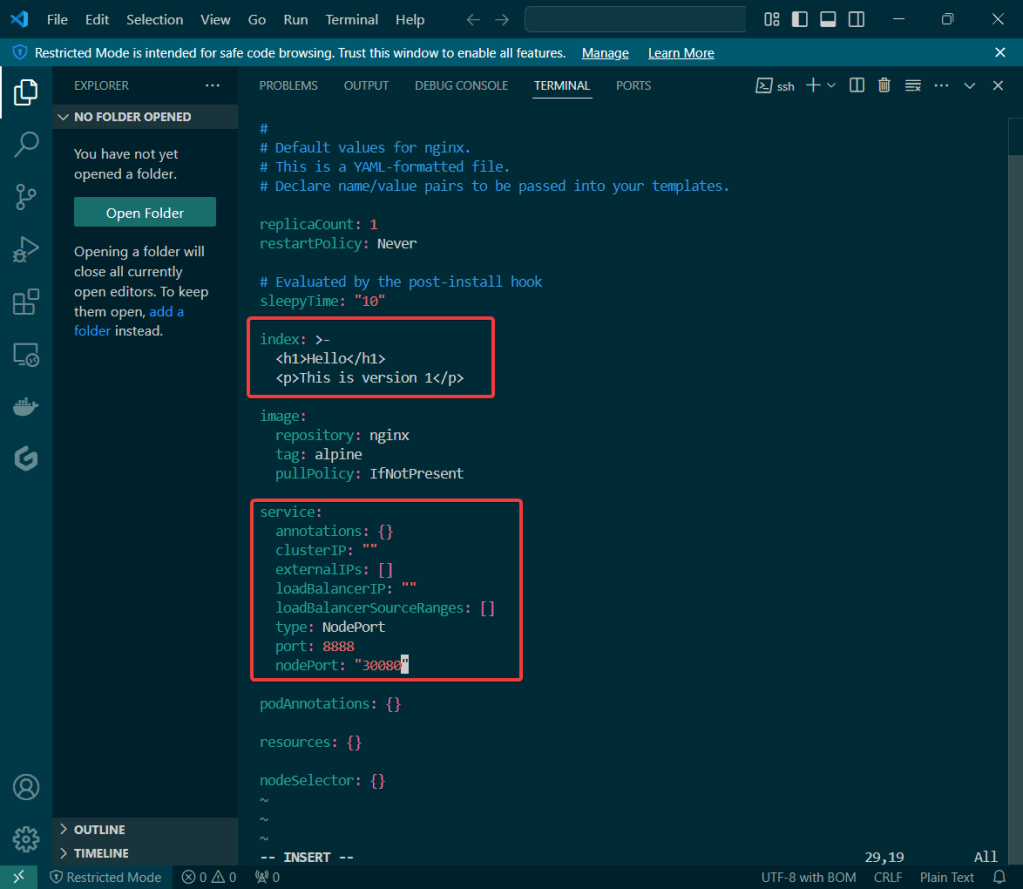
So your telling me I can modify a chart to access my application on a node port in the cluster & make changes? Well lets get-r-dun!

Lessons Learned:

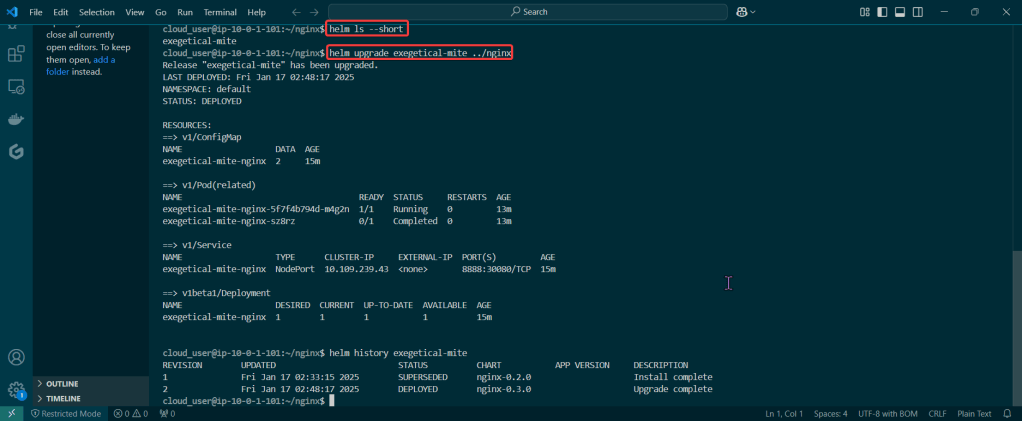
  • Create a release of a Helm chart from the directory
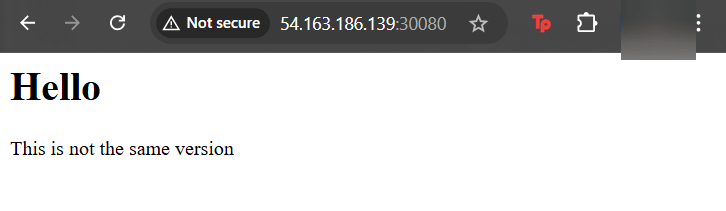
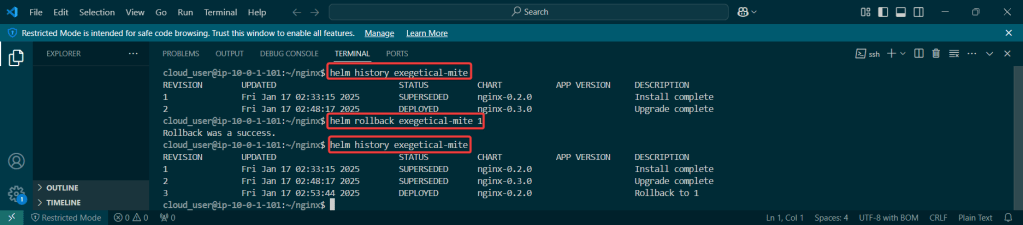
  • Double-check the node port our homework isn’t the same on the node port cluster

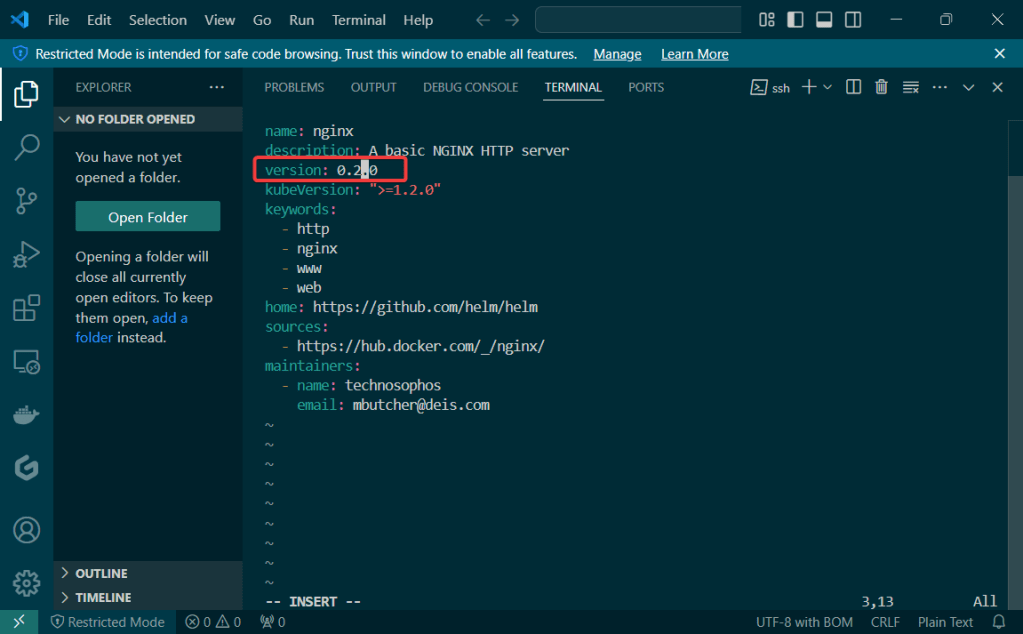
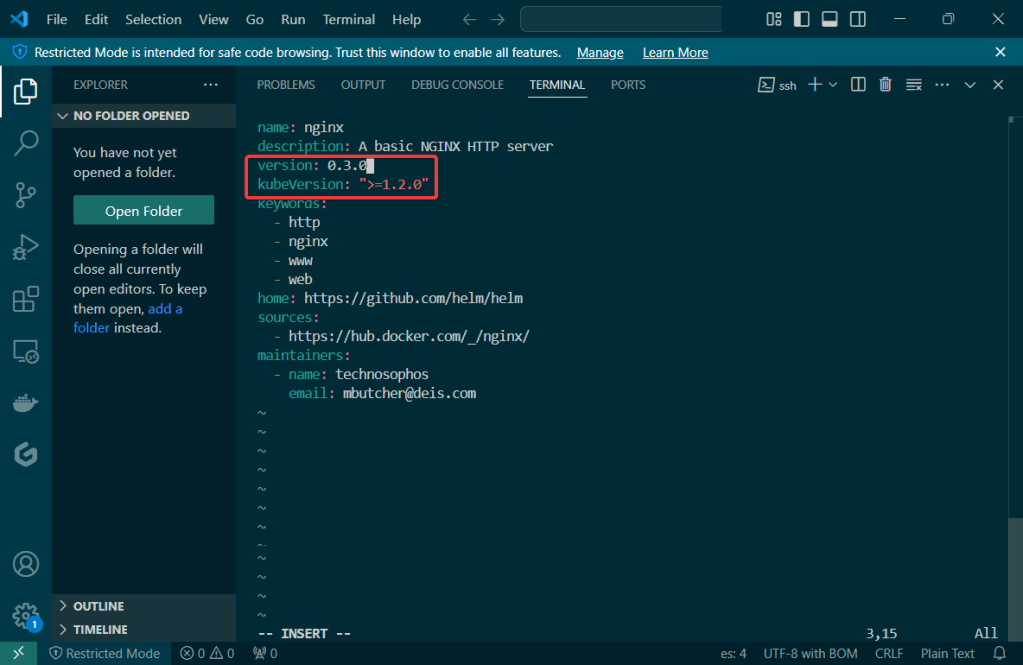
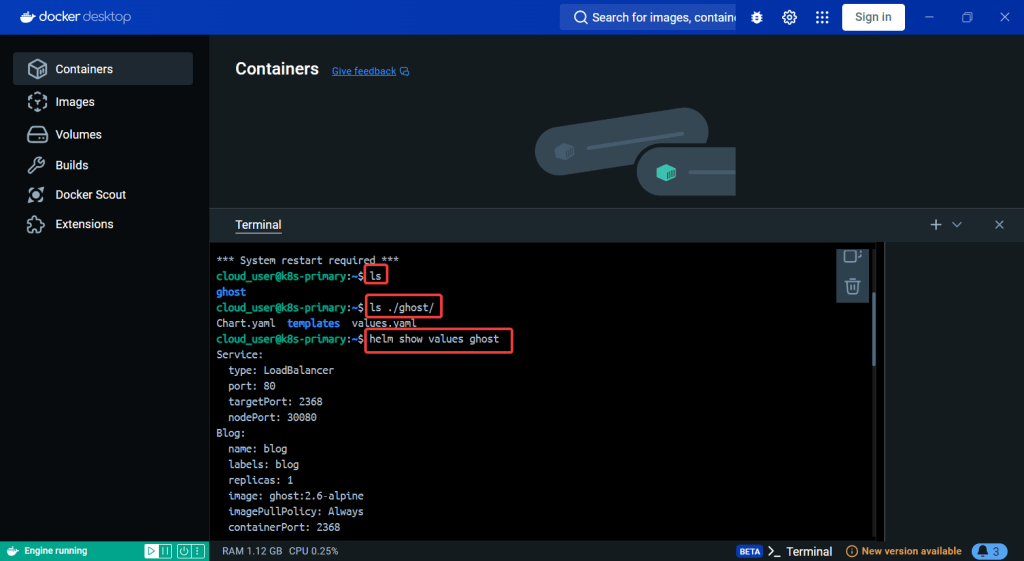
Create a release of a Helm chart from the directory:

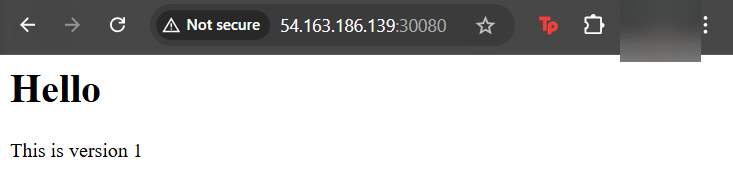
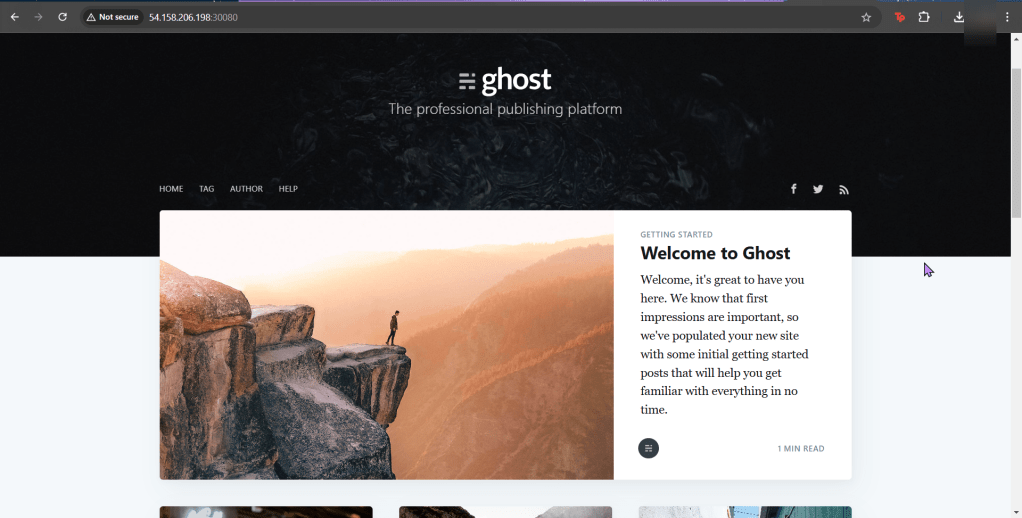
Double-check the node port our homework isnt the same on the node port cluster:

Just Deploy Kubernetes App w/Helm already!

Goal:

Ever heard of Helm? Or Kubernetes? You have? … Are you lying? Nonetheless, below is how to use the tools to easily manage apps in Kubernetes.

Lessons Learned:

  • Do it. Just do it. Install Helm.
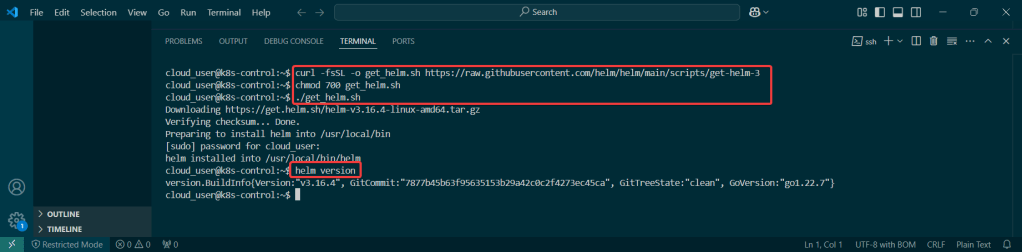
    • Helm has official installer script to grab latest version of Helm & install locally
  • Put the lime in the coconut…aka – Install a Helm Chart in the Cluster

Do it. Just do it. Install Helm:

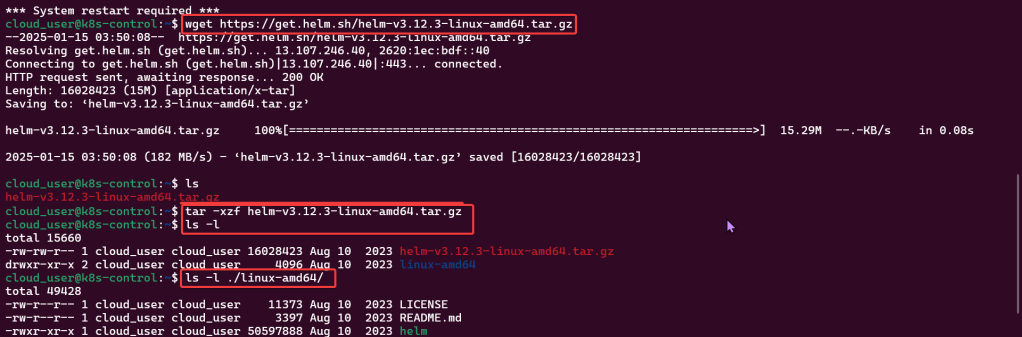
Curl & chmod to get Helm:

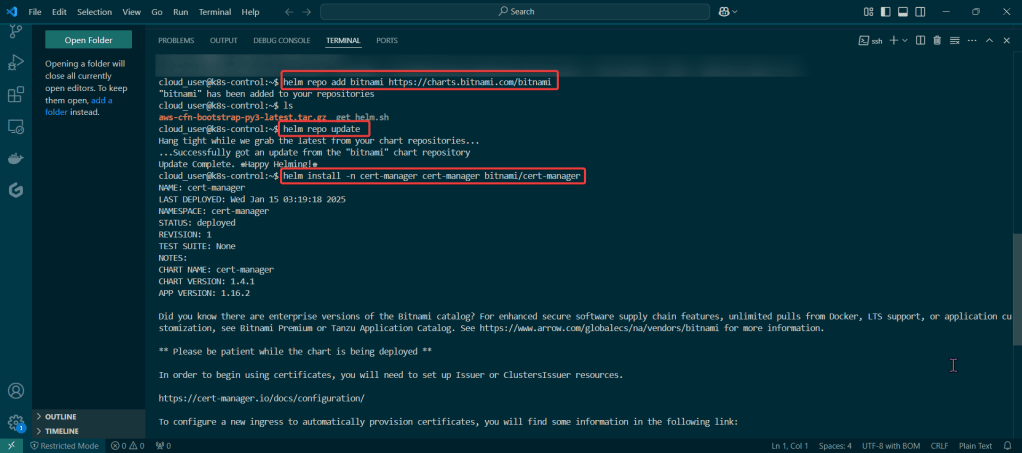
Put the lime in the coconut…aka – Install a Helm Chart in the Cluster:

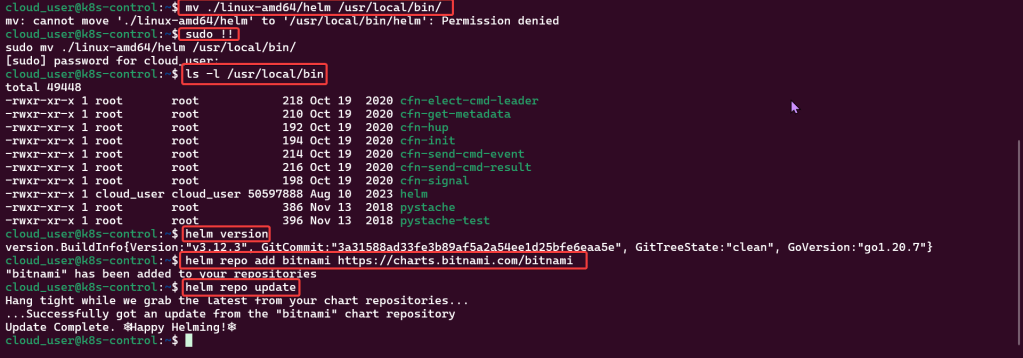
Add Bitnami, update chart listing, & install cert-manager namespace:

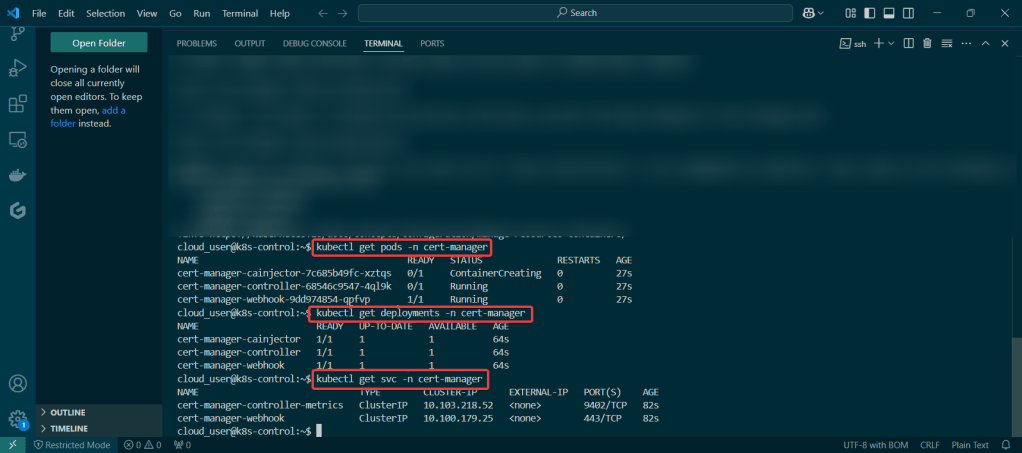
View pods, deployment, & services created by installing Helm:

Dude, where is my Helm Chart?

Goal:

Scenario:

  • Uhhhhh dude, wheres my car? REMIX!
  • Uhhhhh dude, where’s my chart? But I have a Kubernetes deployment & I just want to convert it to a Helm chart! Wait you can do that? TEACH ME!

You right now:

Golly, it be nice to have a chart right now…also would be really nice to know how to have a Kubernetes deployment be converted into a Helm chart..Sooooooo, lets use what we got & convert this bad boiiiiii into a ….. HELM CHART (mic drop).

TLDR:

  • Basically your app is in prod already has a manifest & convert it to a helm chart to release the resources w/a template for Kubernetes from a values file

Lessons Learned:

  • Convert Service Manifest into a Service Template in a New Helm Chart
  • Convert Application Manifest into a Deployment Template in a New Helm Chart
  • Check the Manifests & Deploy NodePort Application

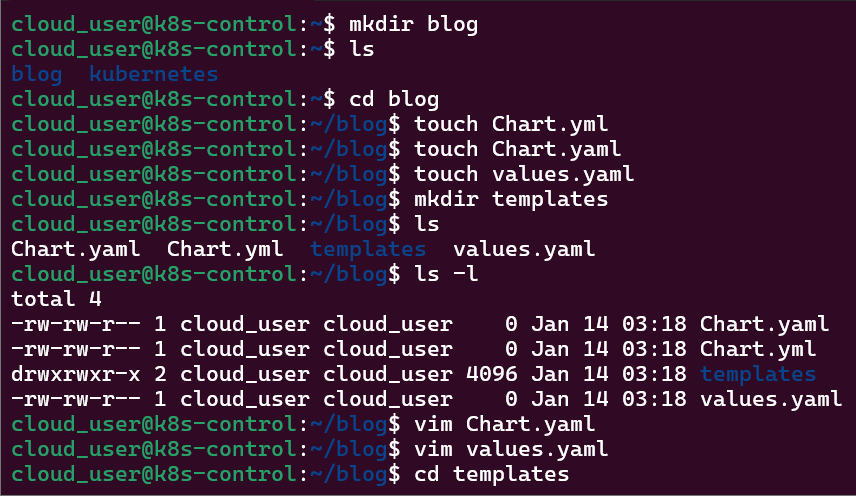
Convert Service Manifest into a Service Template in a New Helm Chart:

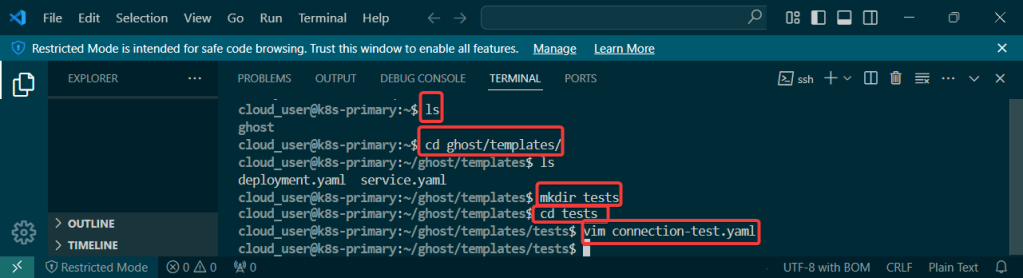
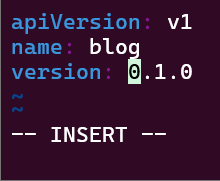
Make directories & YAML files:

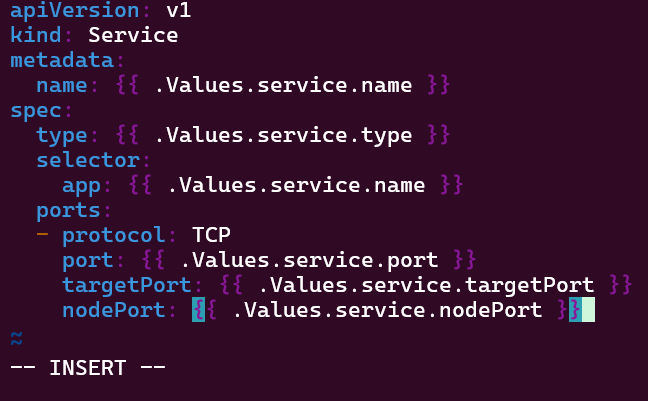
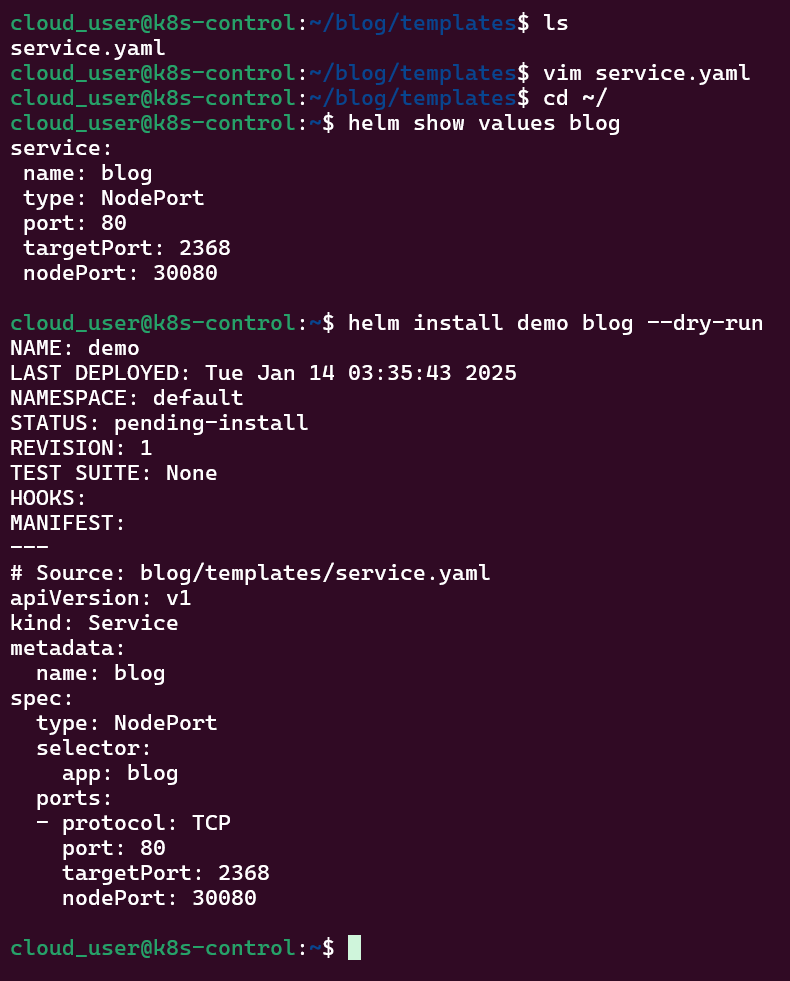
Copy yaml file, update service file, & run Helm:

Convert Application Manifest into a Deployment Template in a New Helm Chart:

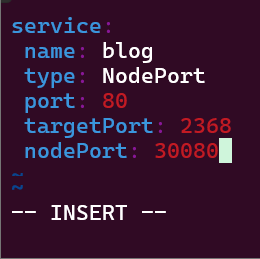
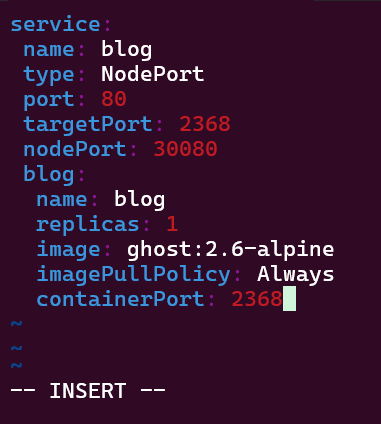
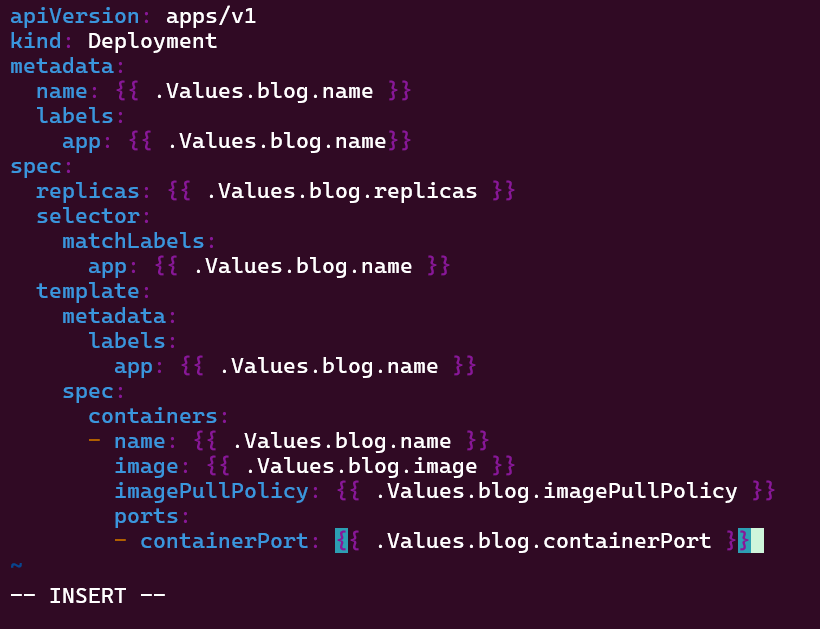
Edit values.yaml & copy application.yaml to edit:

Check the Manifests & Deploy NodePort Application:

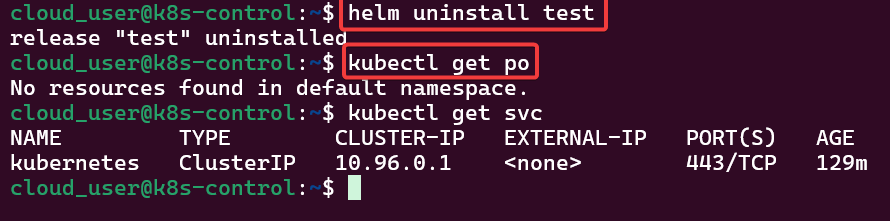
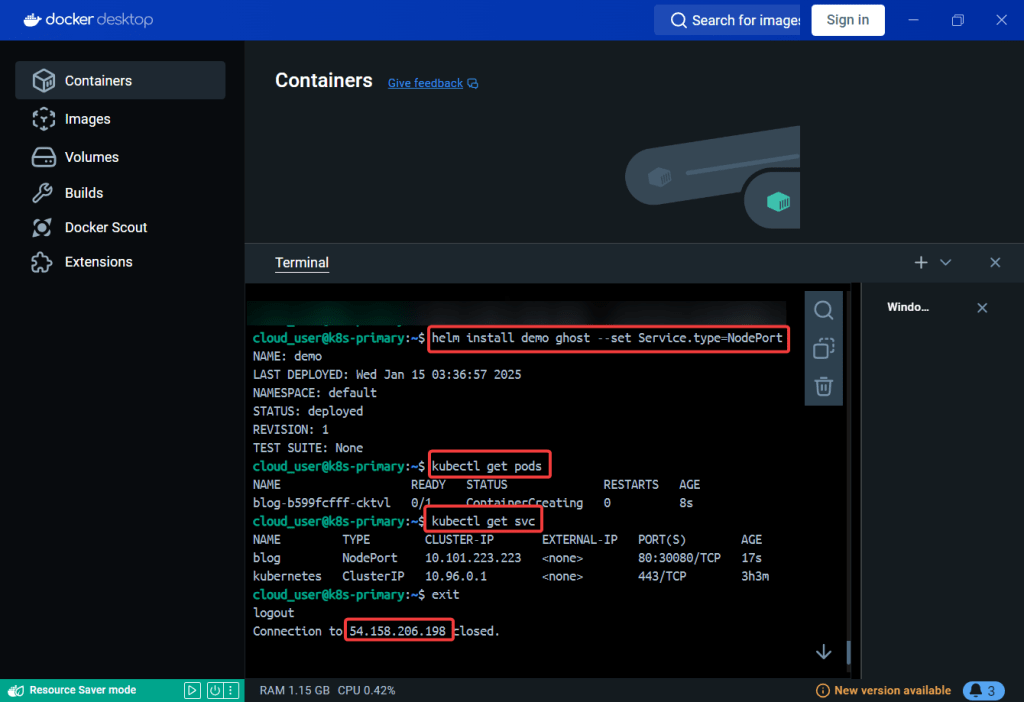
Run helm install & deploy, get pod/svc details: