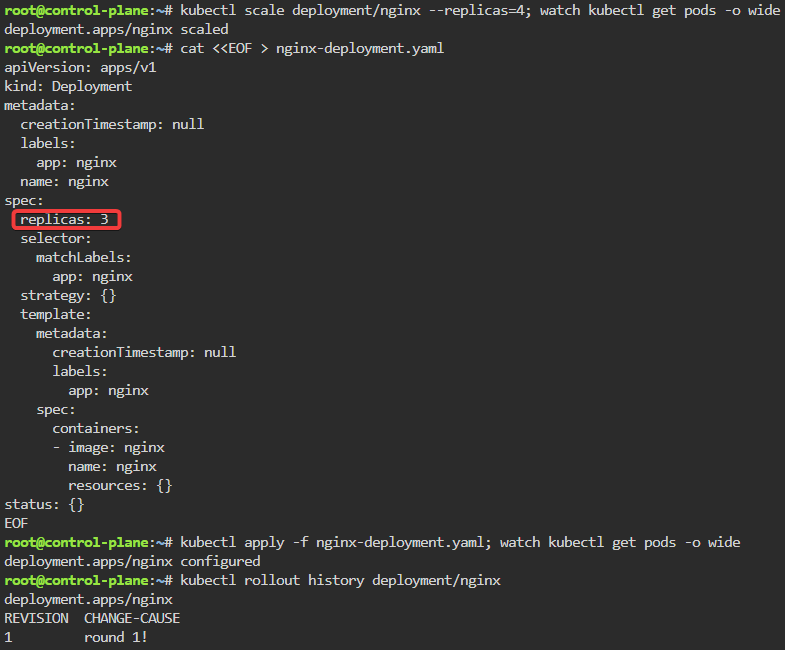
kubectl scale deployment/nginx --replicas=4; watch kubectl get pods -o wide
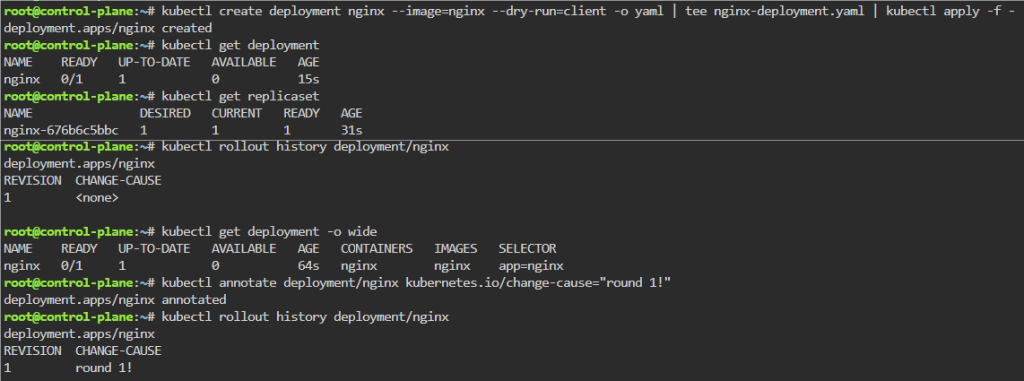
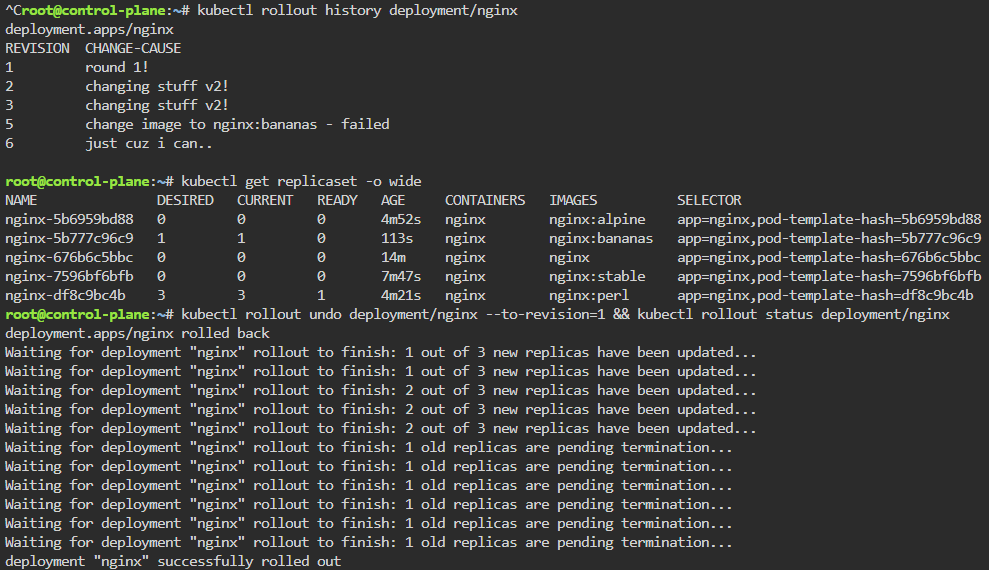
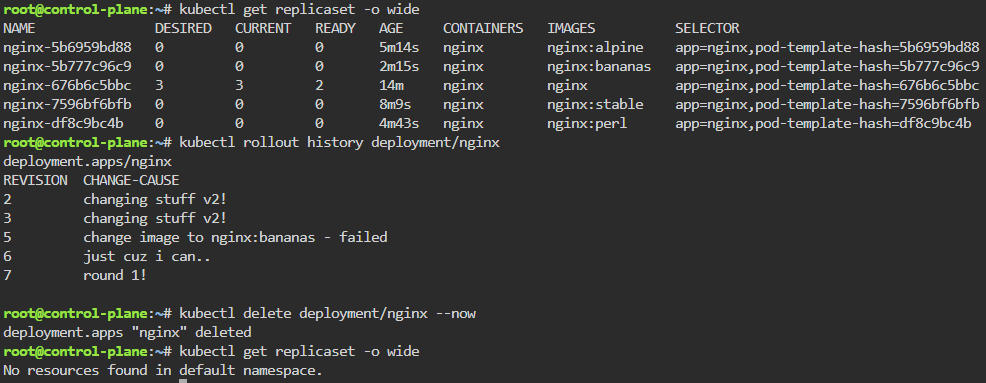
kubectl rollout history deployment/nginx
kubectl get pods -o wide
kubectl rollout undo deployment/nginx --to-revision=1 && kubectl rollout status deployment/nginx
kubectl delete deployment/nginx --now
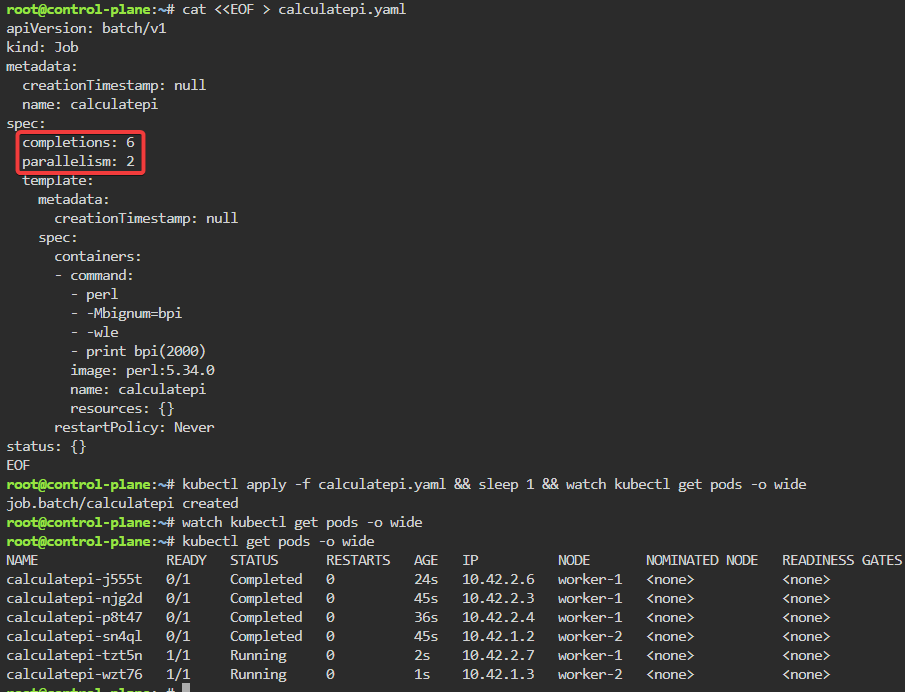
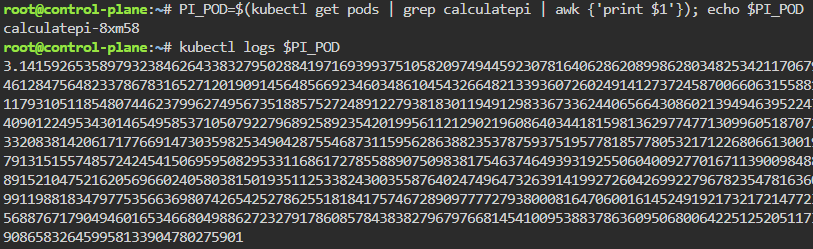
Jobs/Cron-Job: create a job & watch rollout of pod, alter yaml file to add pod amount, grep to see log of answer, then also can set cronjob of when to launch a pod.
kubectl create job calculatepi --image=perl:5.34.0 -- "perl" "-Mbignum=bpi" "-wle" "print bpi(2000)"
watch kubectl get jobs
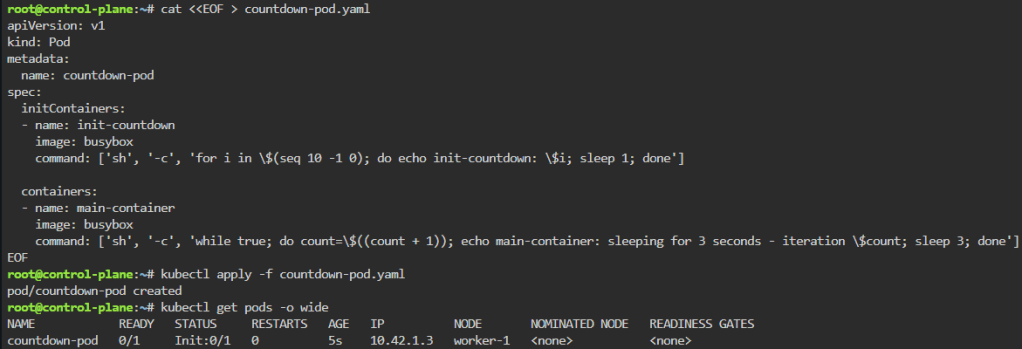
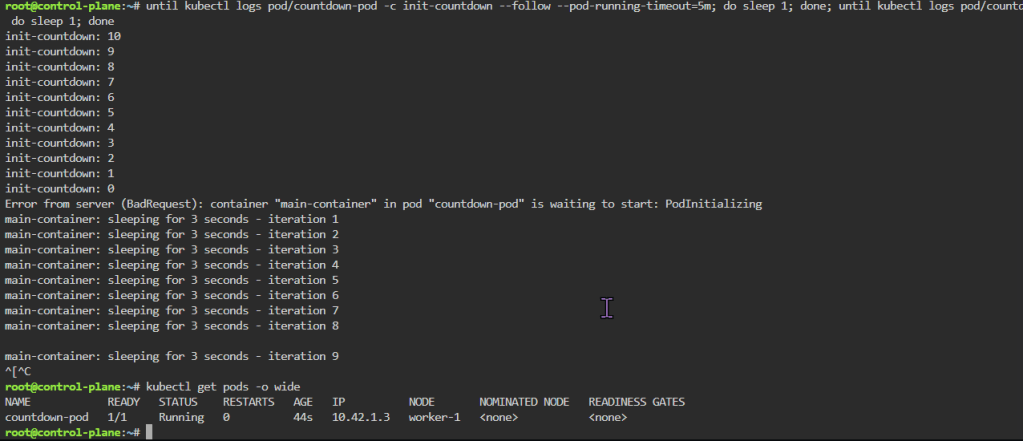
until kubectl logs pod/countdown-pod -c init-countdown --follow --pod-running-timeout=5m; do sleep 1; done; until kubectl logs pod/countdown-pod -c main-container --follow --pod-running-timeout=5m; do sleep 1; done
kubectl get pods -o wide
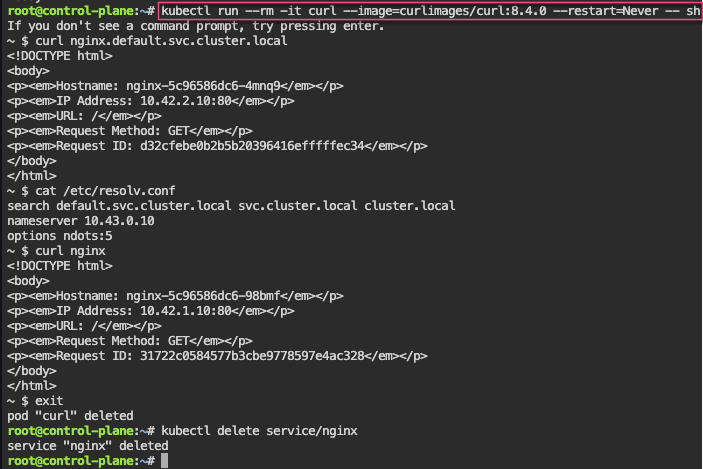
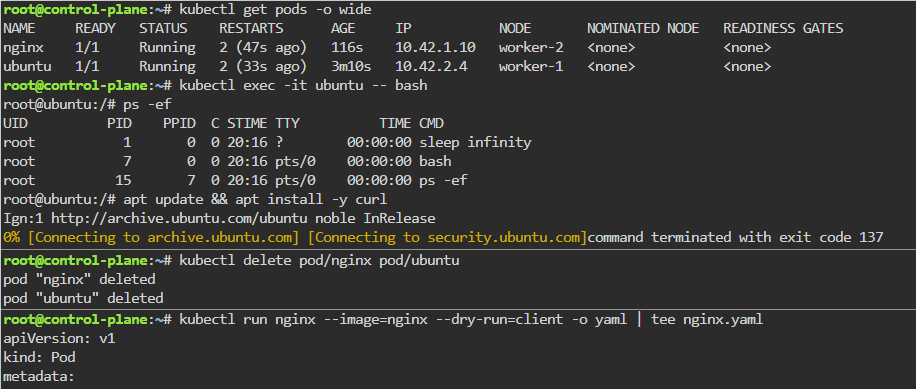
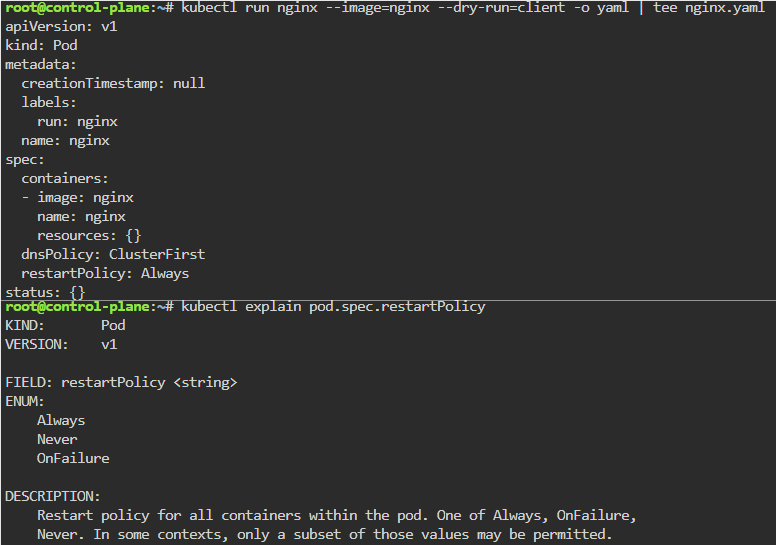
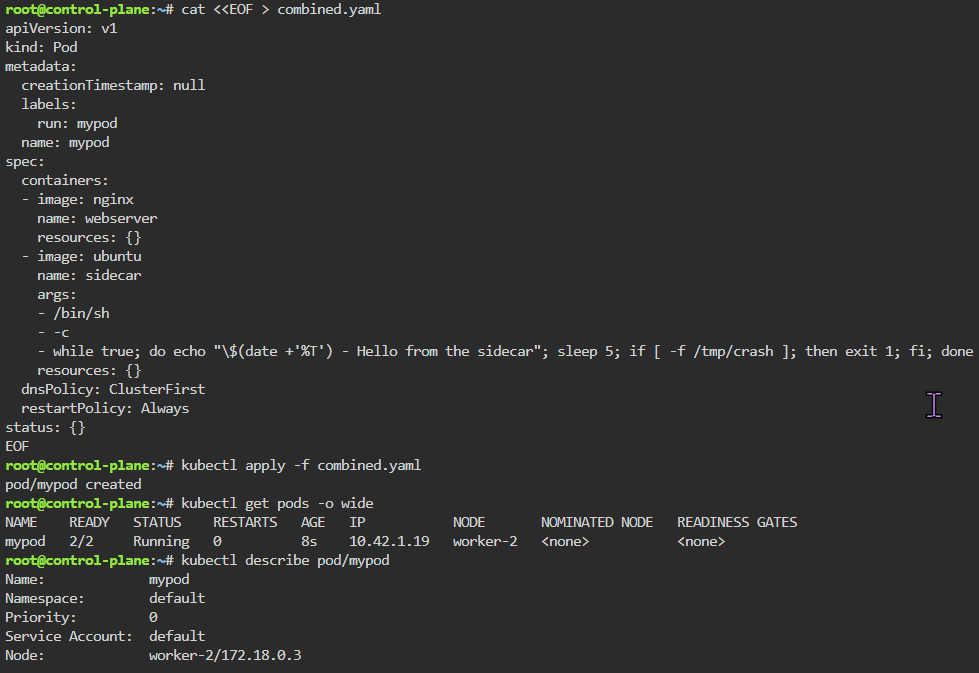
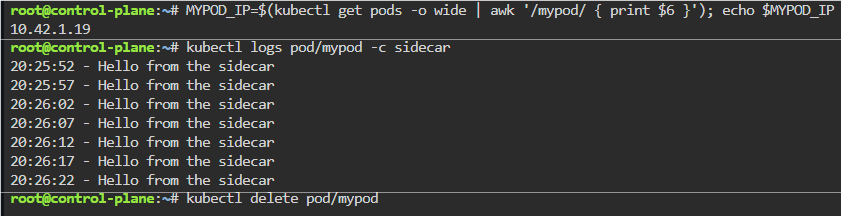
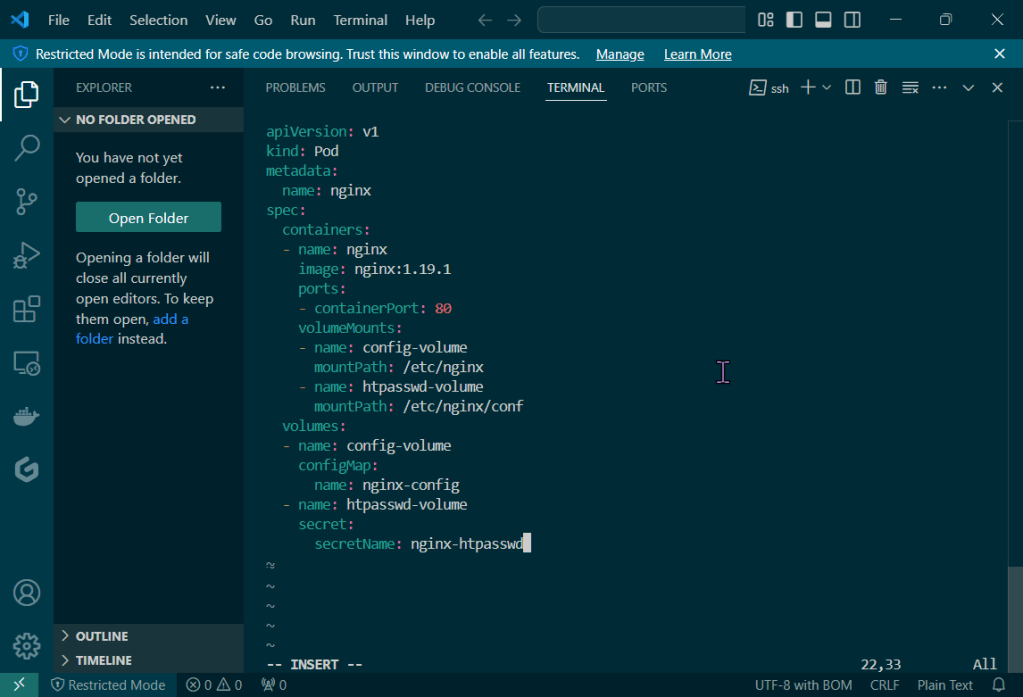
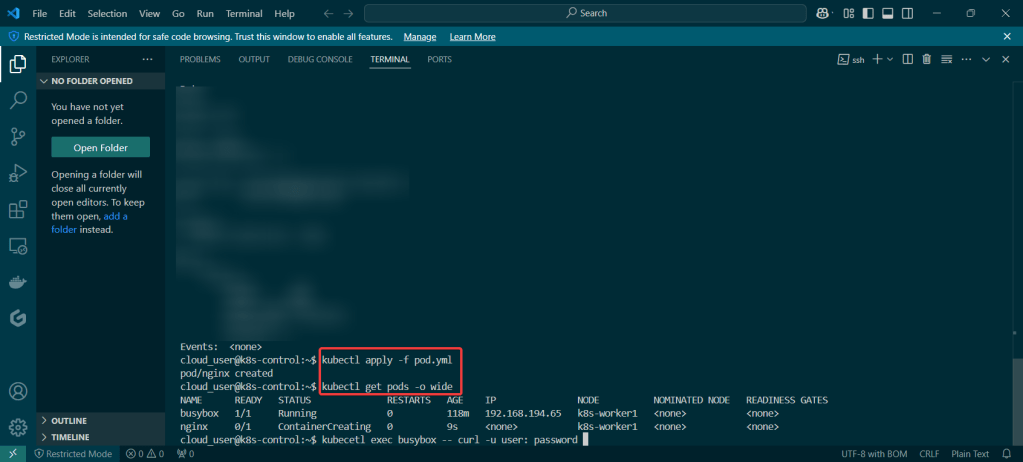
K8 Pods: create image, port forward, curl/shell into pod, create another yaml file image combined as sidecar, & output sidecar response of pod containers
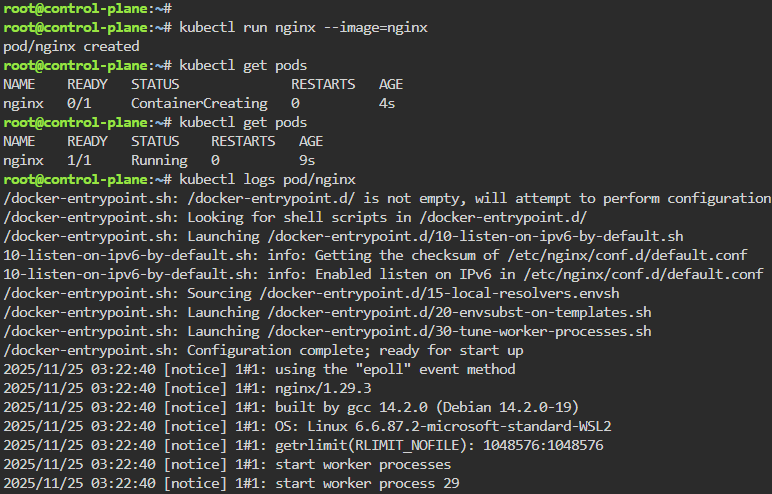
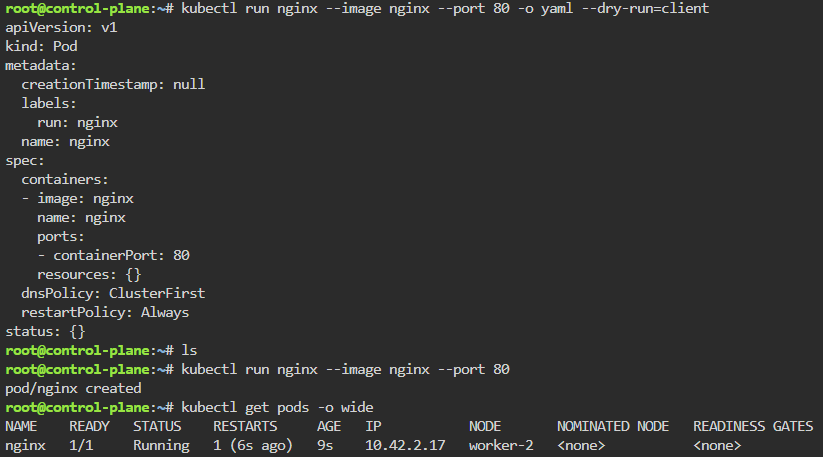
kubectl run nginx --image=nginx
kubectl get pods
kubectl logs pod/nginx
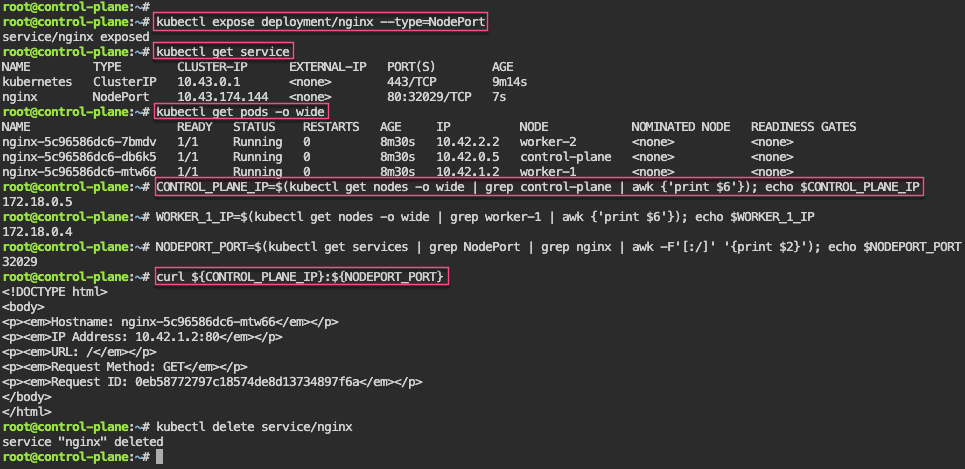
kubectl get pods -o wide
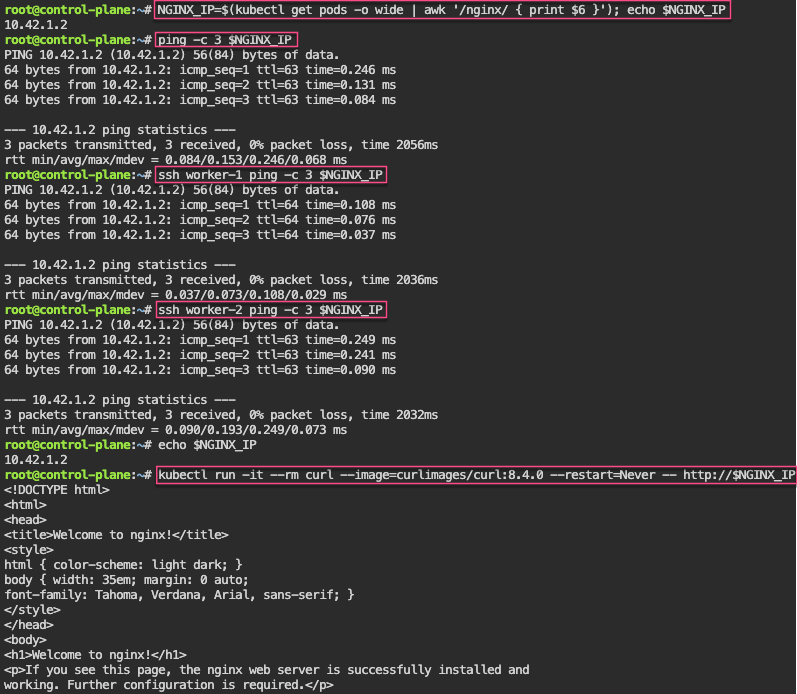
NGINX_IP=$(kubectl get pods -o wide | awk '/nginx/ { print $6 }'); echo $NGINX_IP
kubectl get pods -o wide
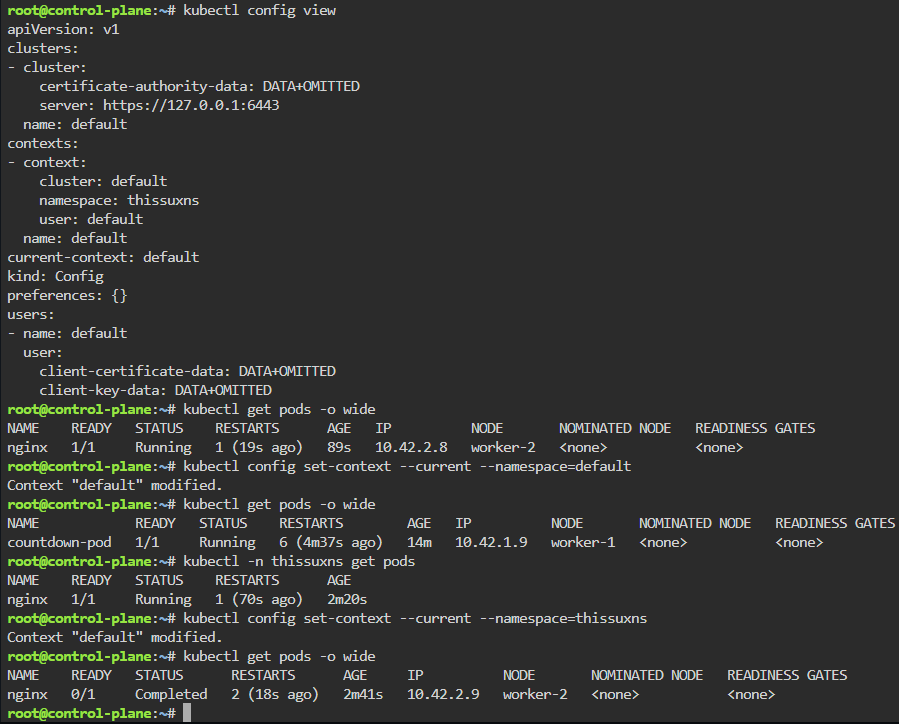
kubectl config set-context --current --namespace=default
kubectl get pods -o wide
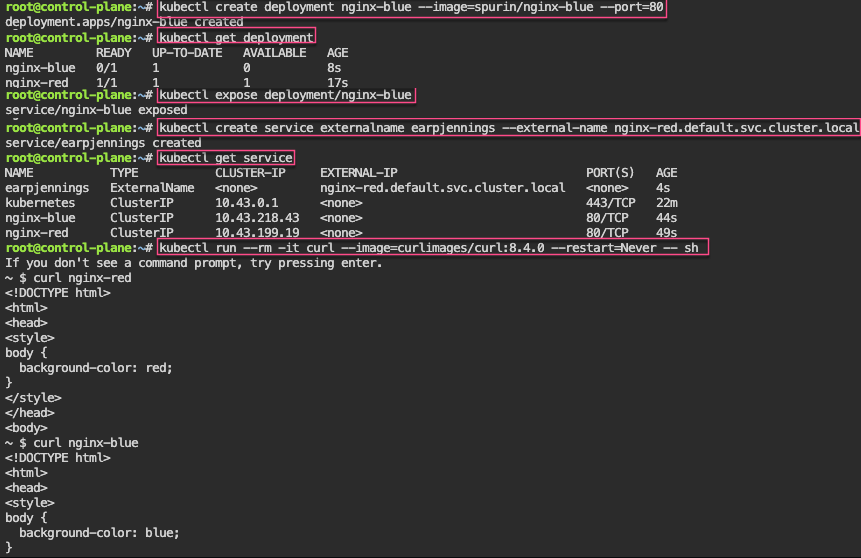
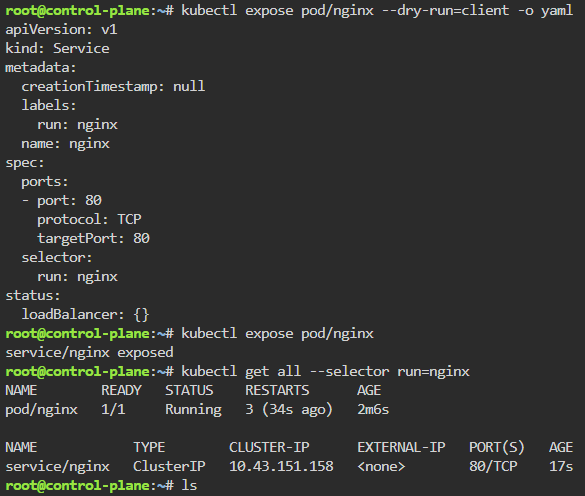
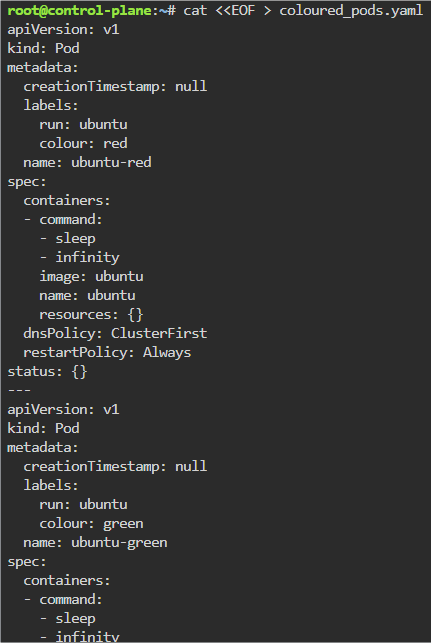
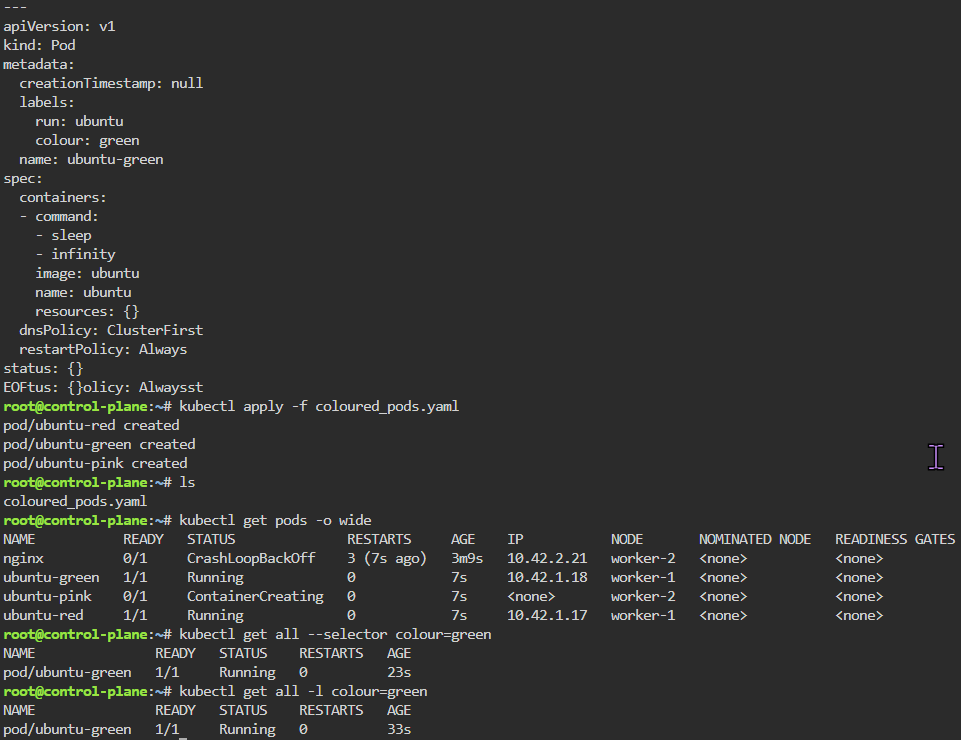
Labels: starting pod on port 80, utilize selector label, apply new yaml file of 3 options for selector label, & then get pods for just that particular label selector
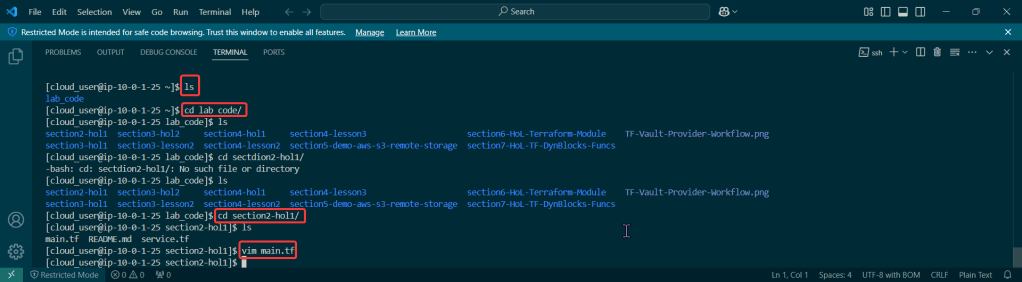
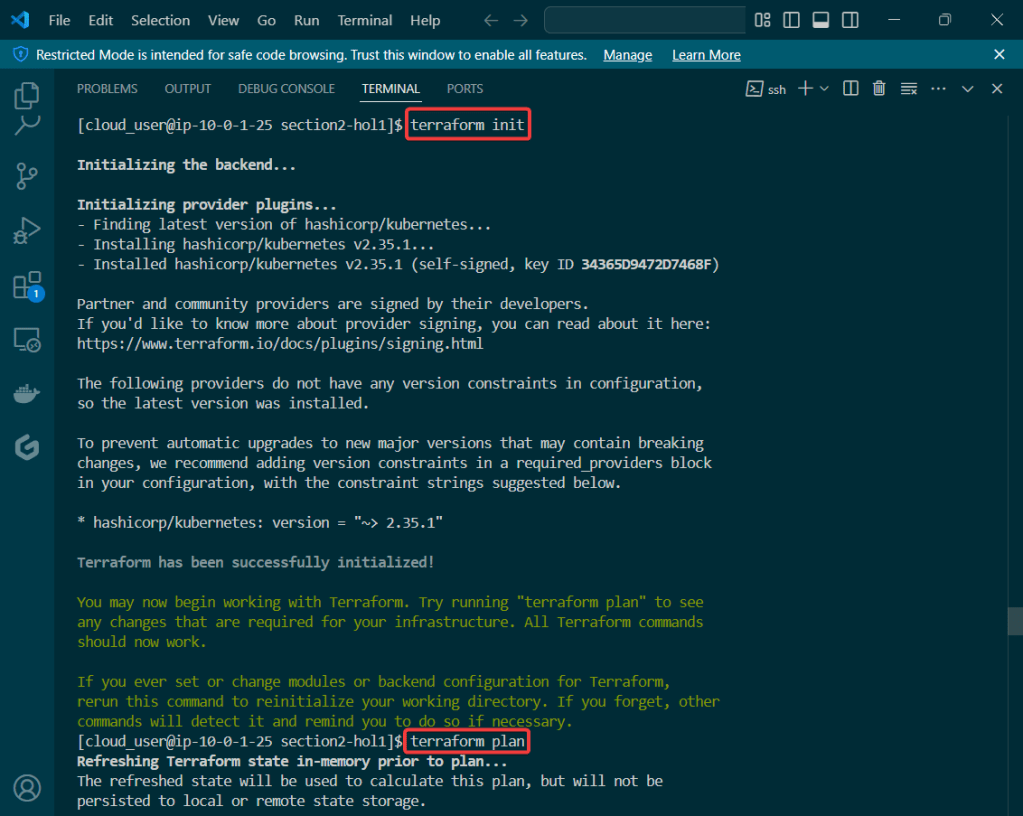
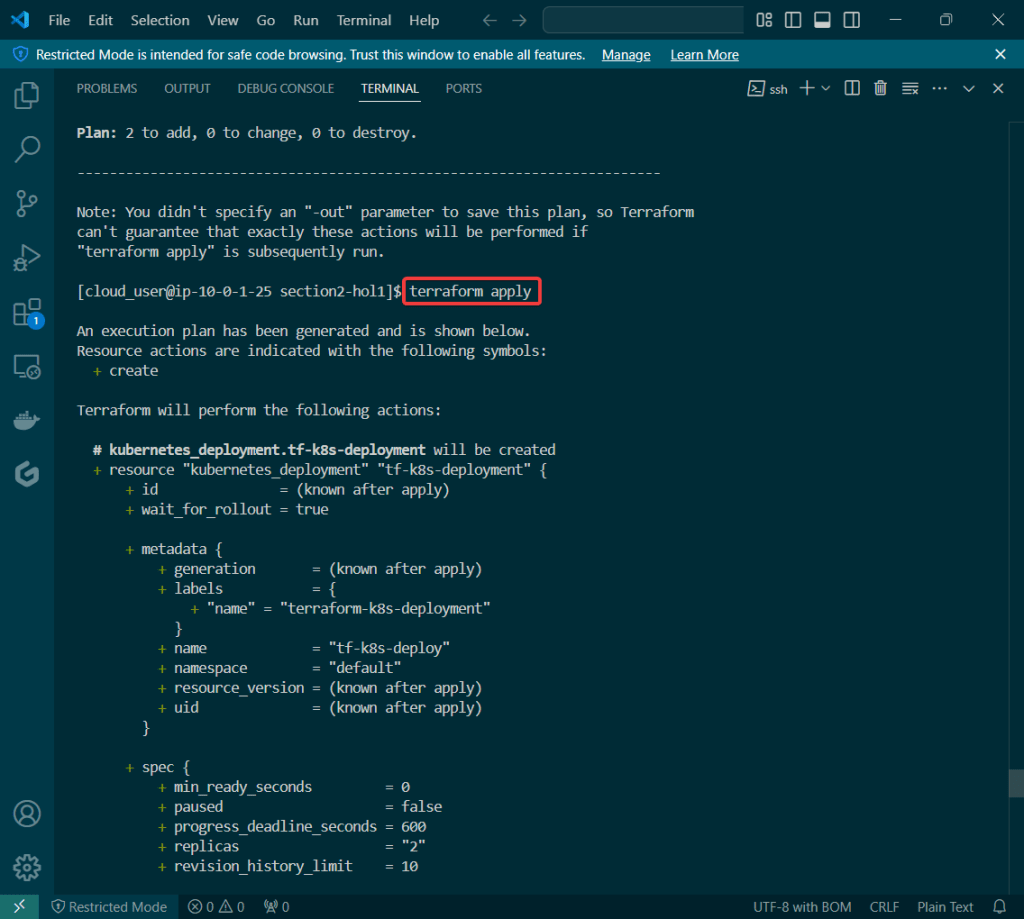
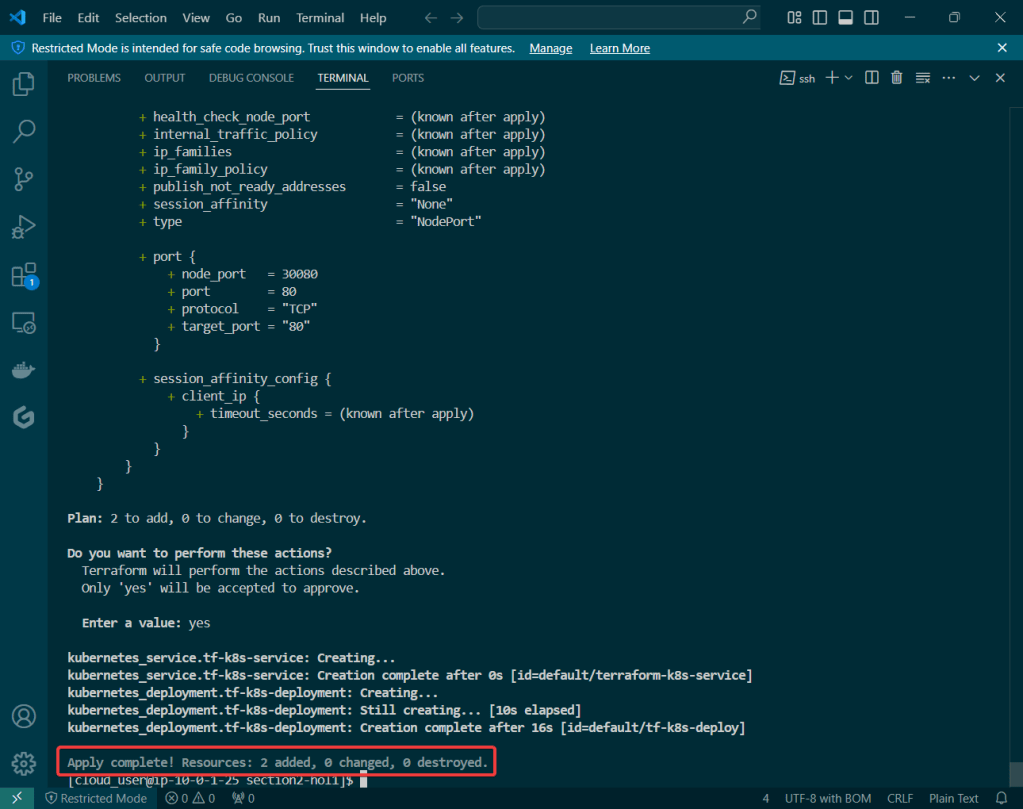
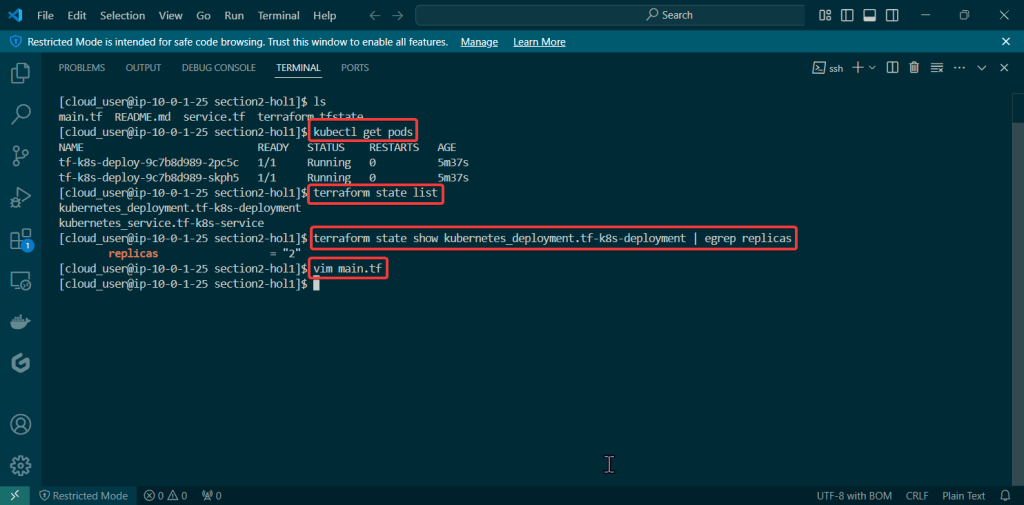
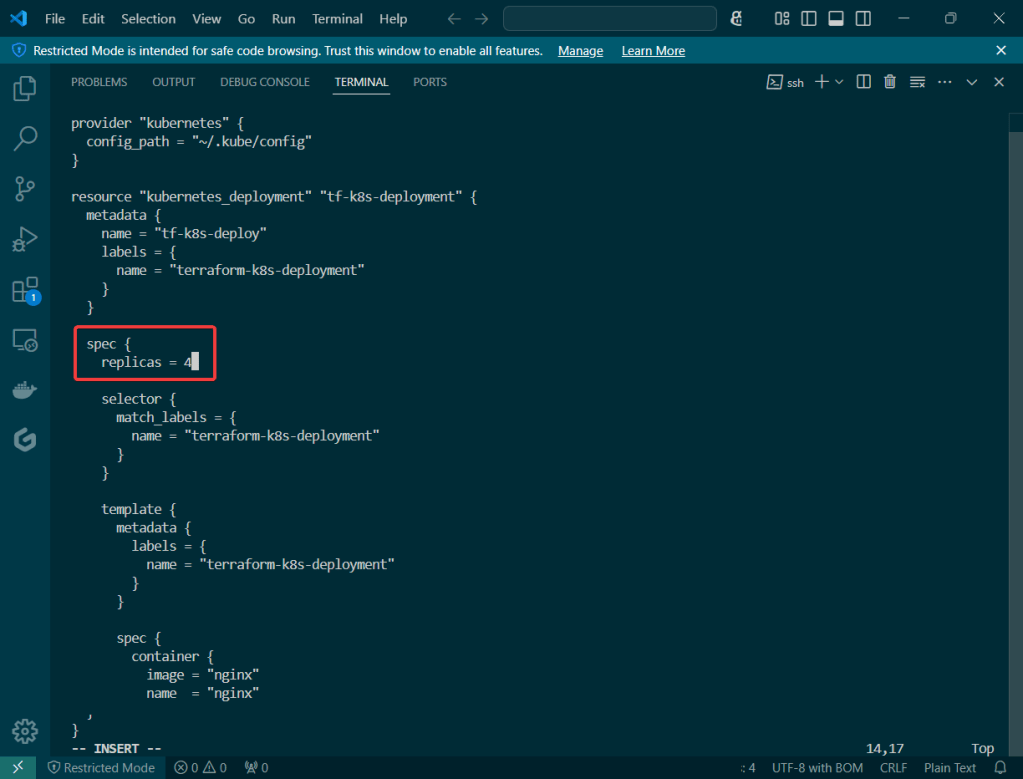
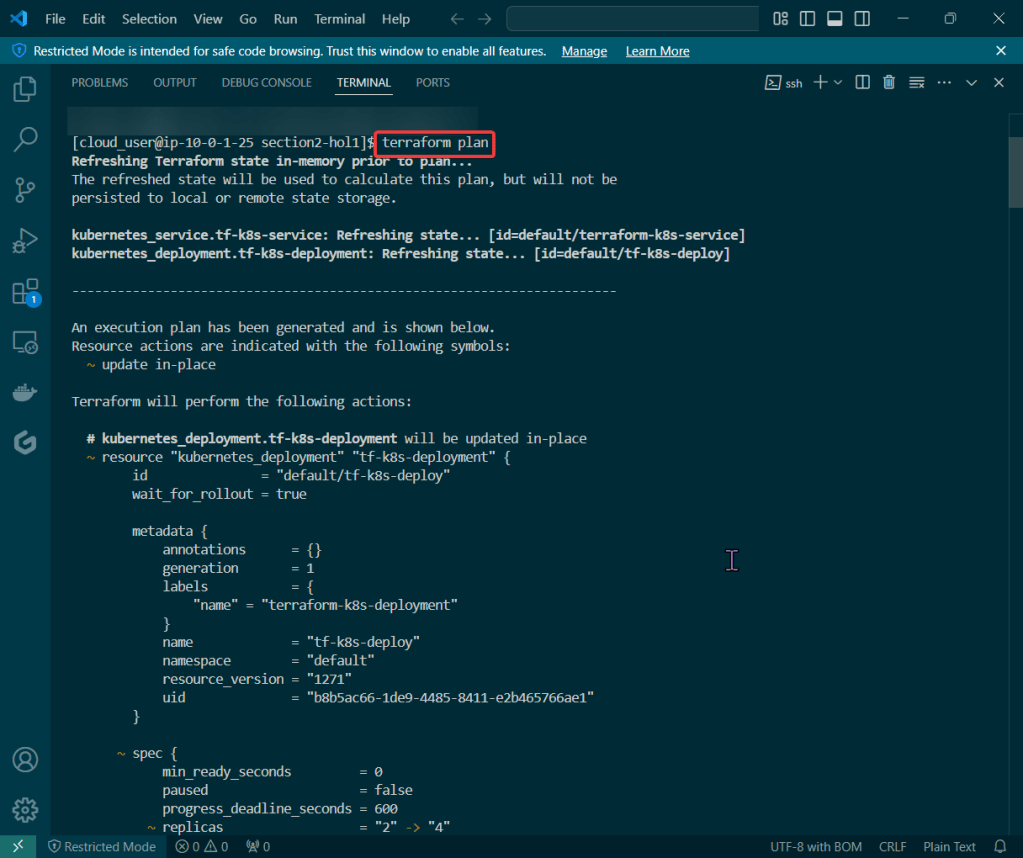
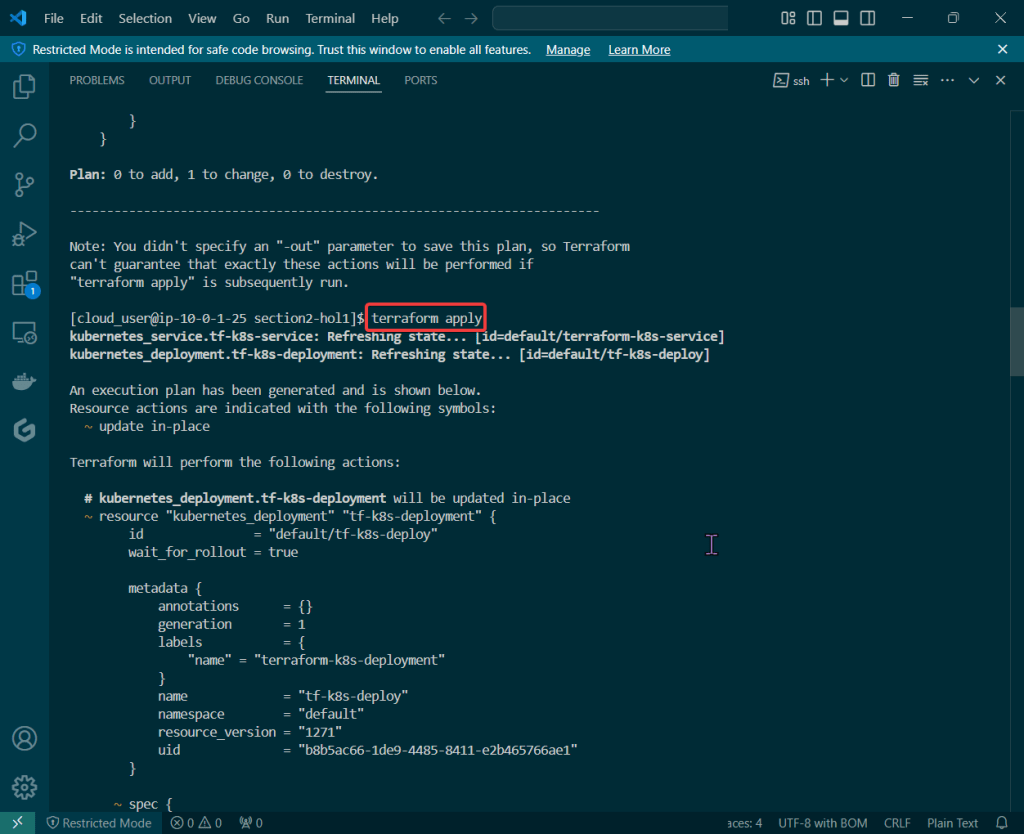
Let’s blend some pimp tools together & launch something into space – cyber space that is. Below is an example to show useful it is to understand Terraform state, deploy resources w/Kubernetes, & see how Terraform maintains the state file to track all your changes along w/deploying containers!




















 Say When..