Our coal mine (CICD pipeline) is struggling, so lets use canary deployments to monitor a Kubernetes cluster under a Jenkins pipeline. Alright, lets level set here…
You got a Kubernetes cluster, mmmmkay?
A pipeline from Jenkins leads to CICD deployments, yeah?
Now we must add the deetz (details) to get canary to deploy
DevSecOps IaC tooling resembles my favorite anime/cartoons –
Dragon Ball Z
Pokemon
X-Men
Avengers
Justice League
& now this is your queue to think of your bestest squaaaaad.
My Goal:
W/that said, why not look at how these dope tools can integrate together!? This post is dedicated to showing how AWS, Ansible, Jenkins, & Terraform can work together.
Lessons Learned (so what had happen was…):
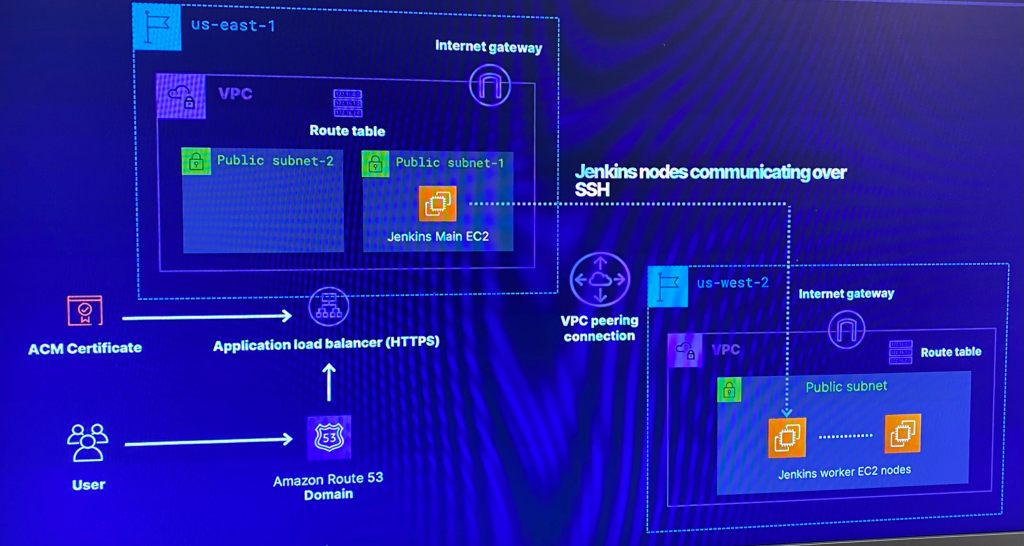
Deploy a distributed multi-region Jenkins CI/CD Pipeline
Include VPC (& of course peering!) along w/gateways, public subnets & security groups
In addition are EC2 that have Jenkins running w/main & worker nodes
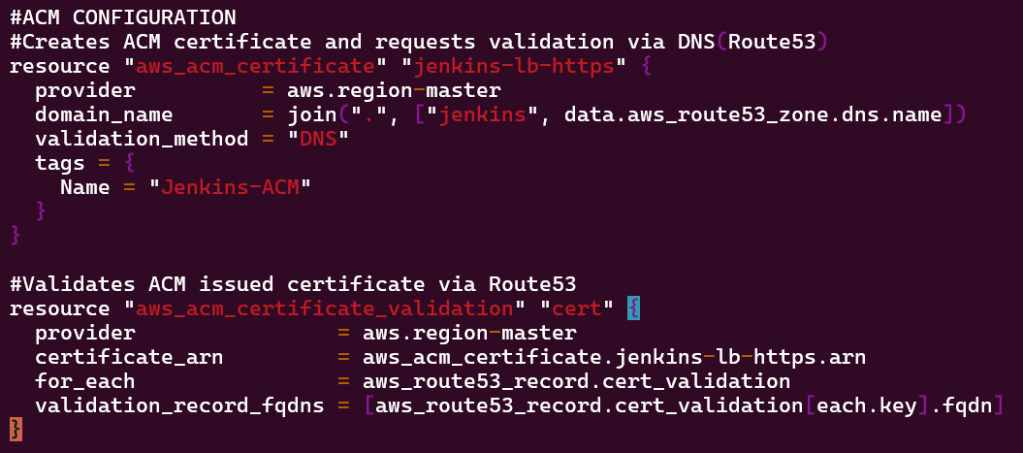
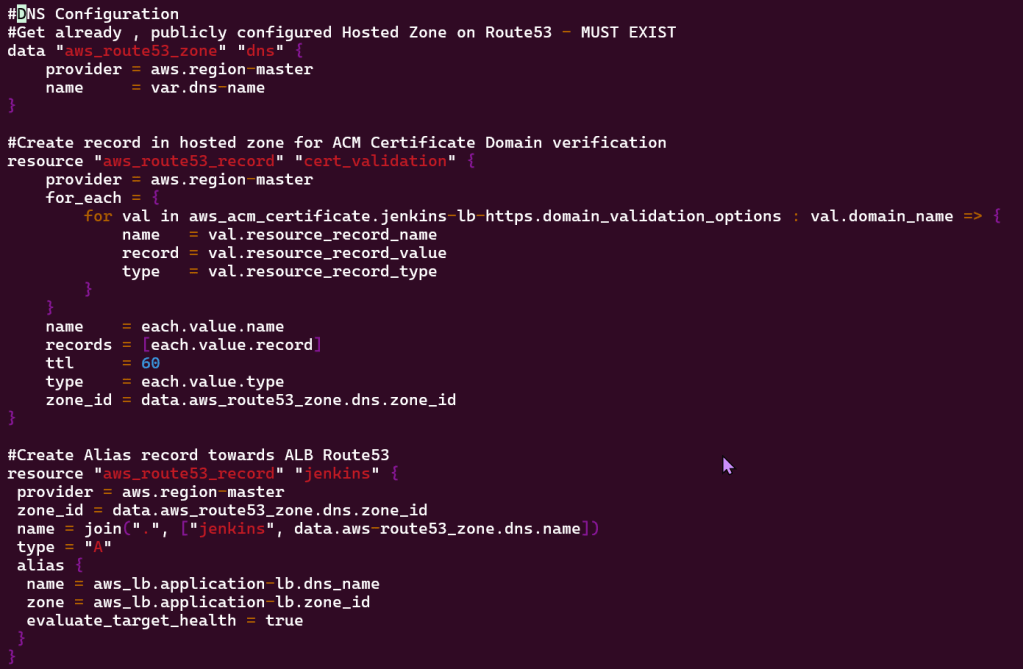
Place Jenkins main node behind an ALB that is attached to allow HTTPs traffic w/a SSL certificate from AWS certificate manager in a Route 53 public zone
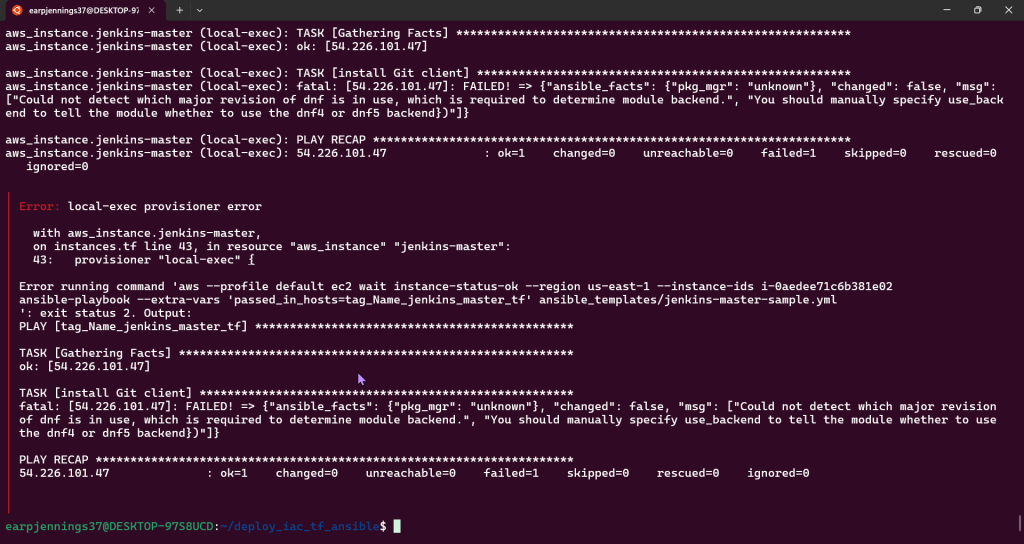
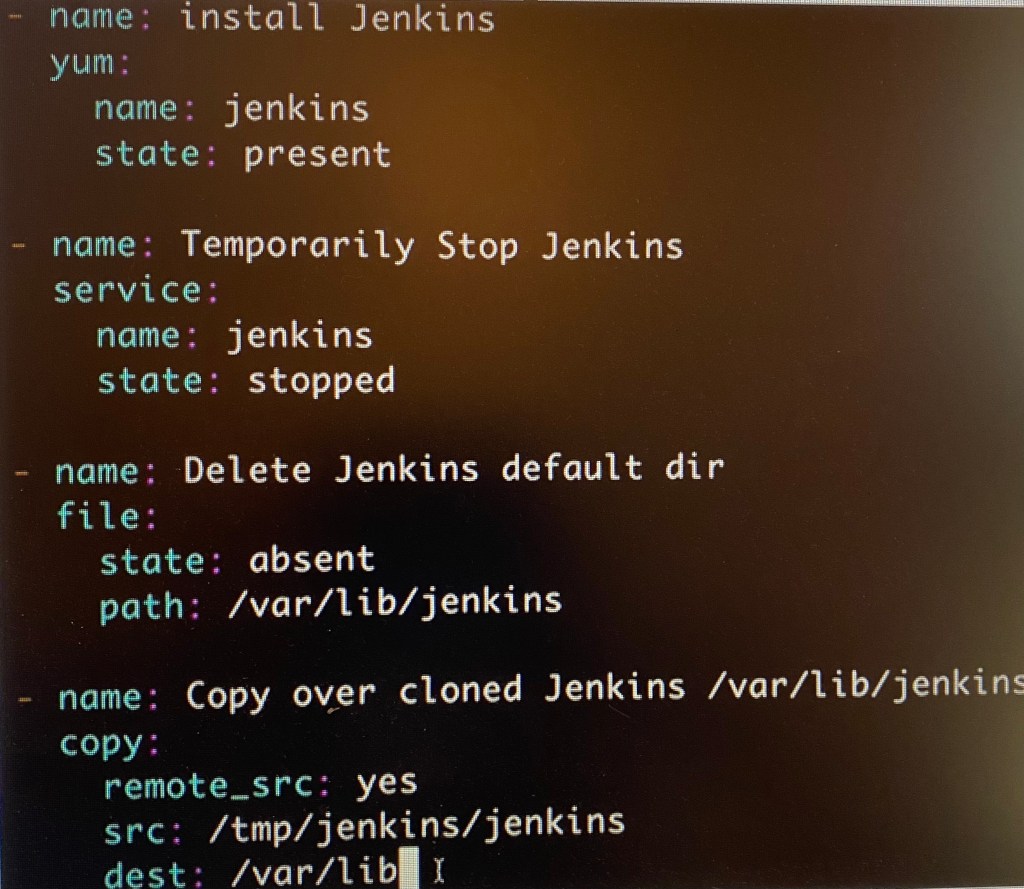
Create Ansible playbooks to install software for Jenkins & apply configurations
So w/out further a-due, provide me an applause (I know, so humble) for the next 7 minute read!
6–9 minutes
Below is a table of contents for your ability to jump around to key places you fancy (click here to see table of contents)
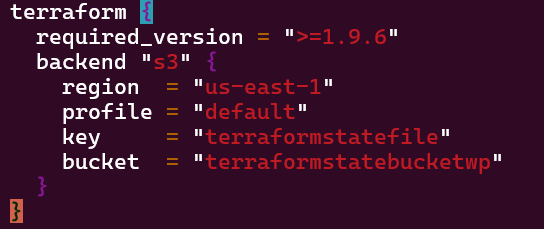
S3 bucket names are global, so don’t copy-pasta my bucket or you will get an error
The bucket name can be between 3 and 63 characters long, and can contain only lower-case characters, numbers, periods, and dashes.
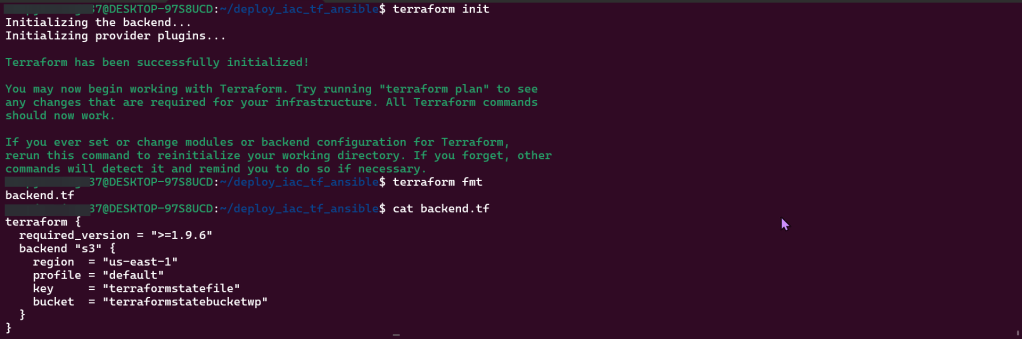
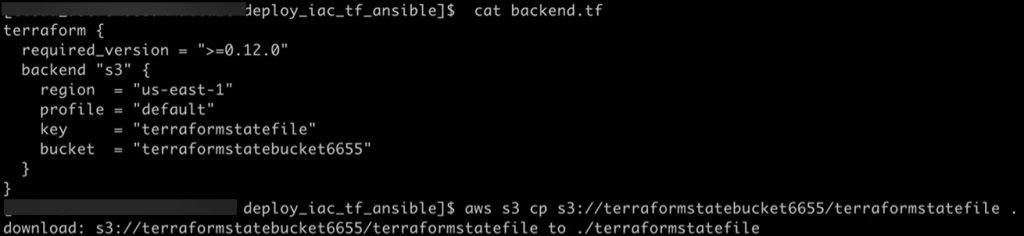
Vim Backend.tf
Step showed how to tie AWS & Terraform together in a quick script, screenshots below
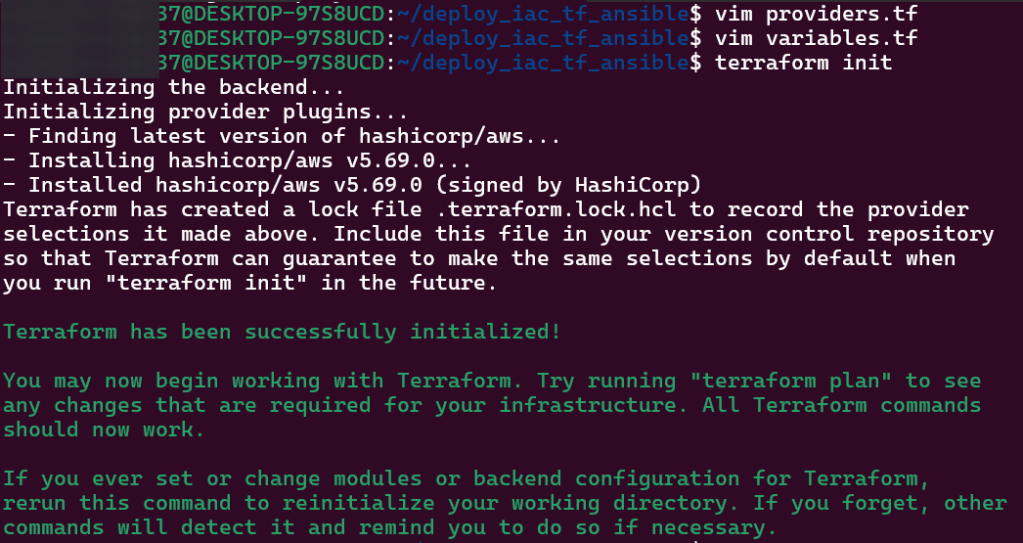
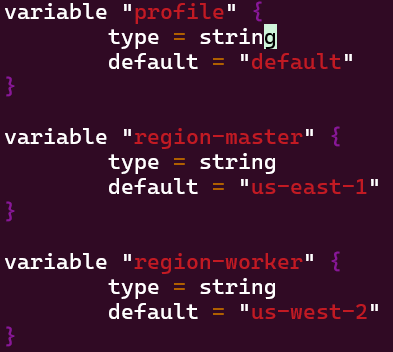
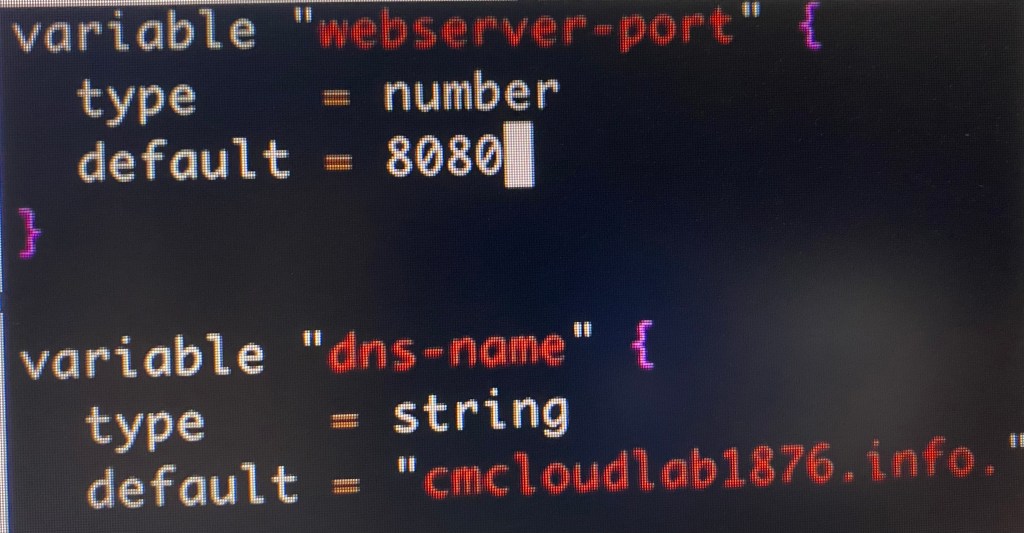
Vim Providers.tf & Variables.tf in Terraform:
Created 2 files that will be the key/foundation to the rest of infrastructure built & reference. This is the source code used to manage Terraform resources:
The first file/variable is where the EC2 instances are deployed in
The second file displays the providers region.
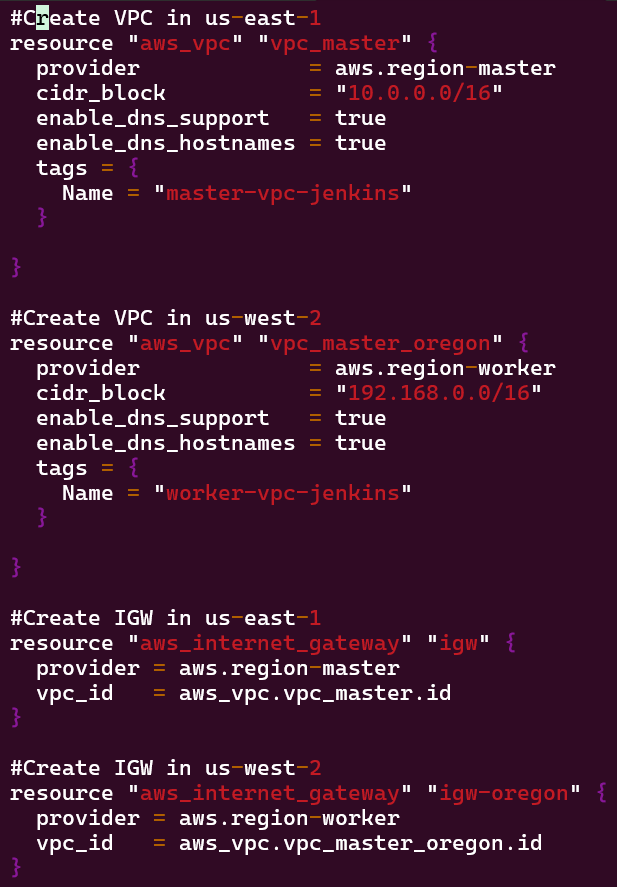
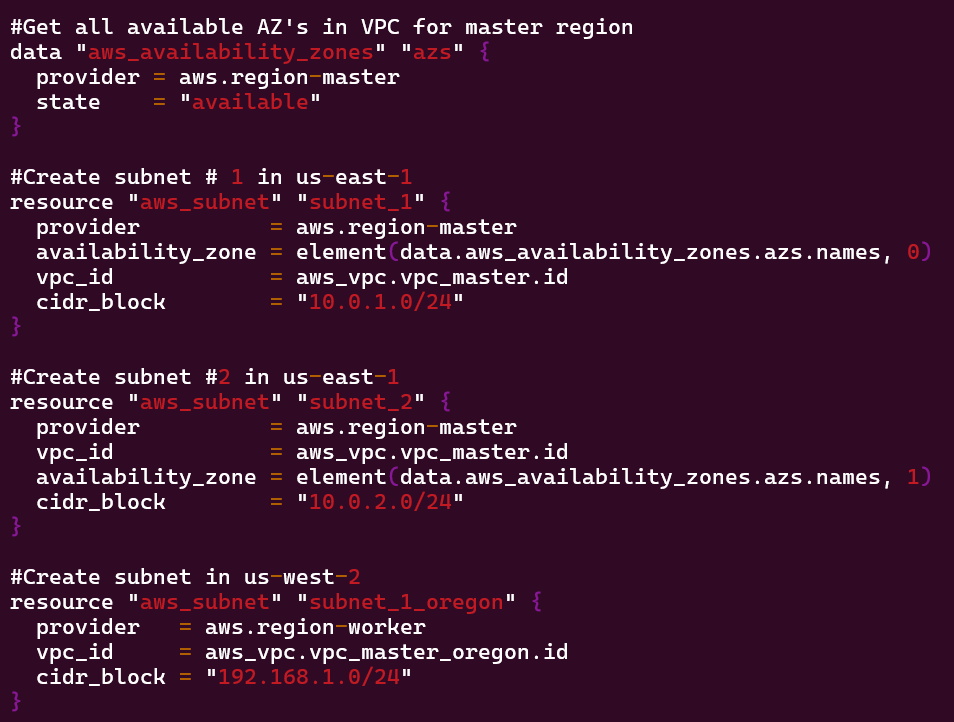
Network Deployment – VPC, Subnets, Security Groups, & Internet Gateways:
Goal is to create:
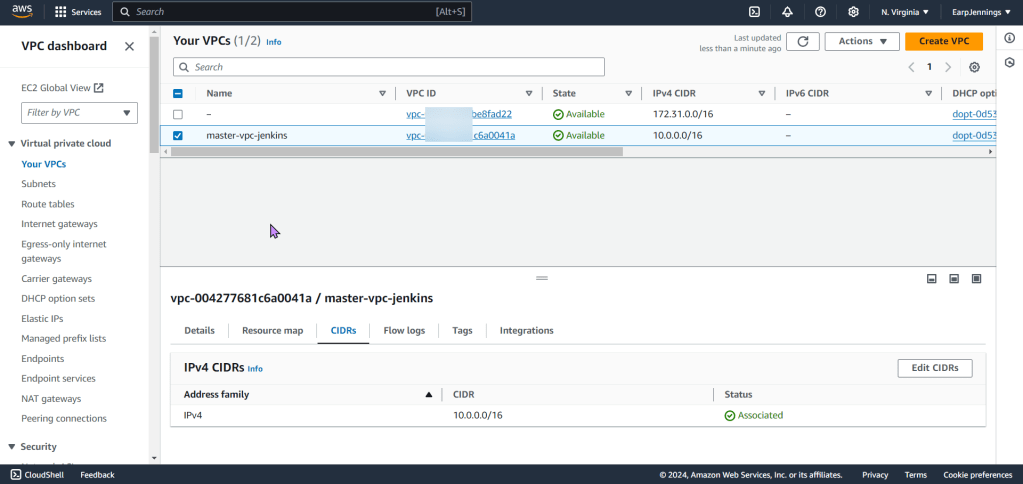
Environment w/VPC, internet gateway, & 2 public subnets
Environment w/VPC, internet gateway, & 1 public subnet
Lessons Learned:
vim networks.tf
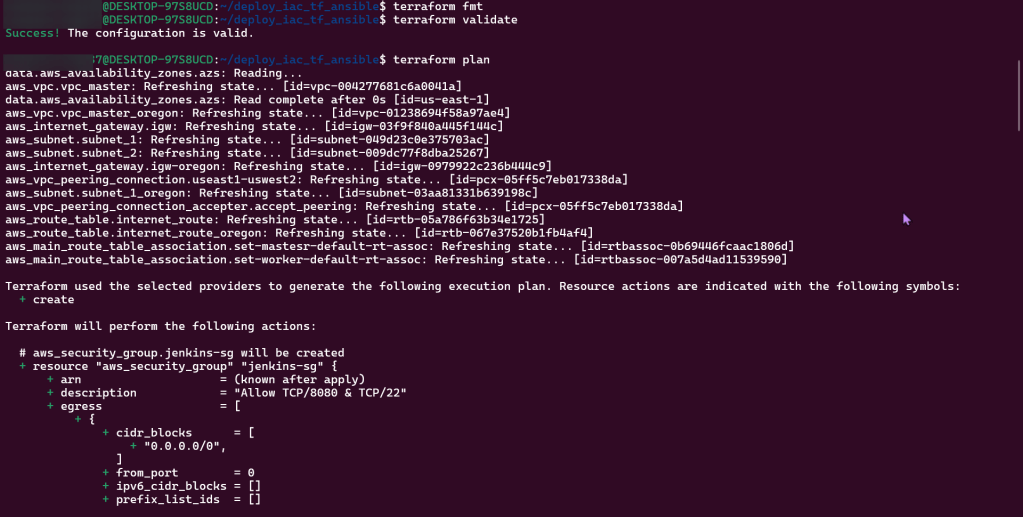
terraform fmt
terraform validate
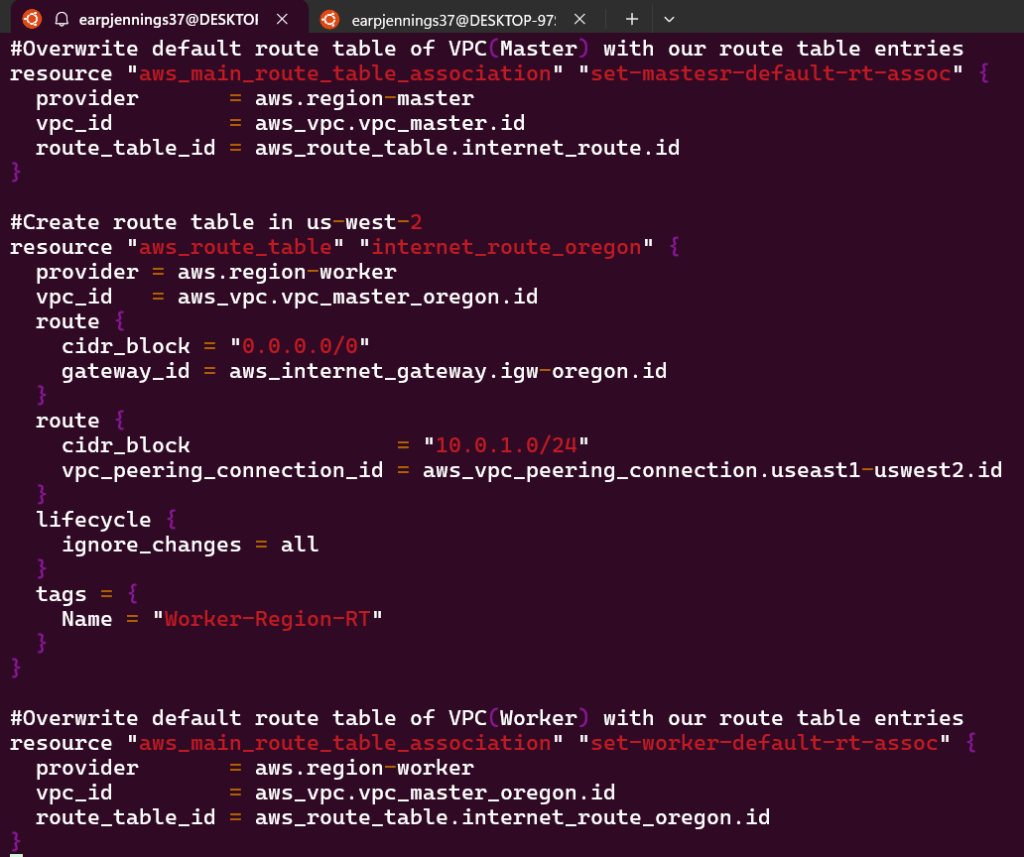
Goal is to create:
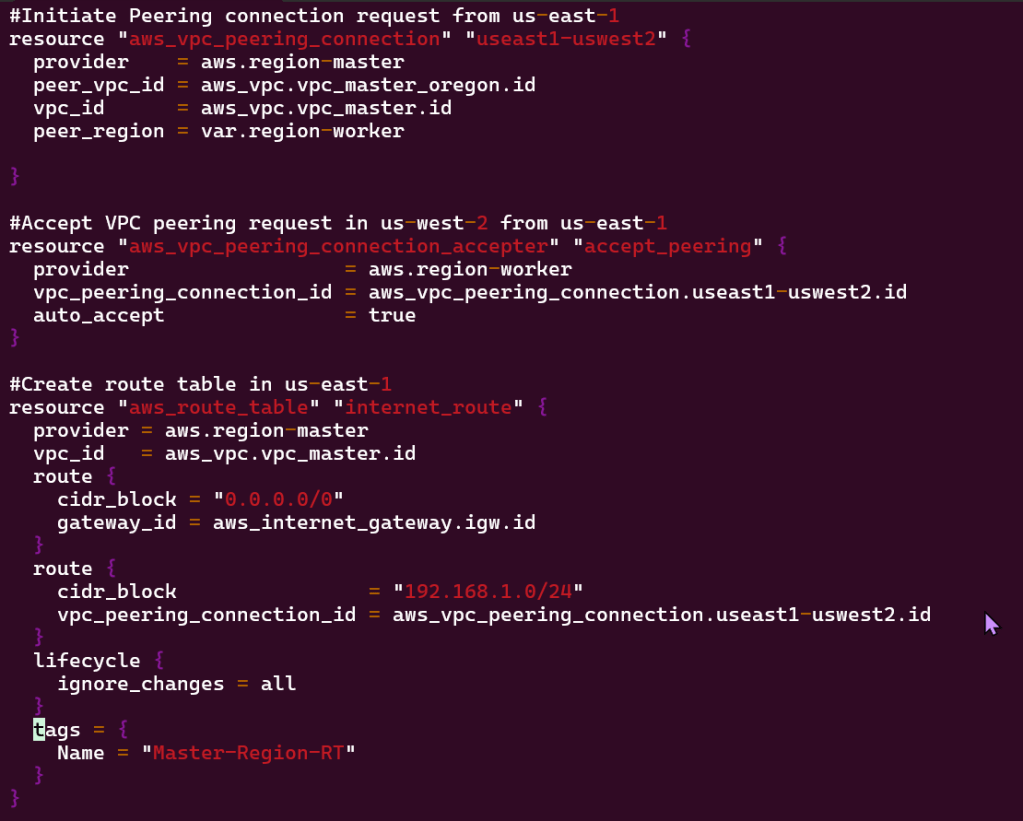
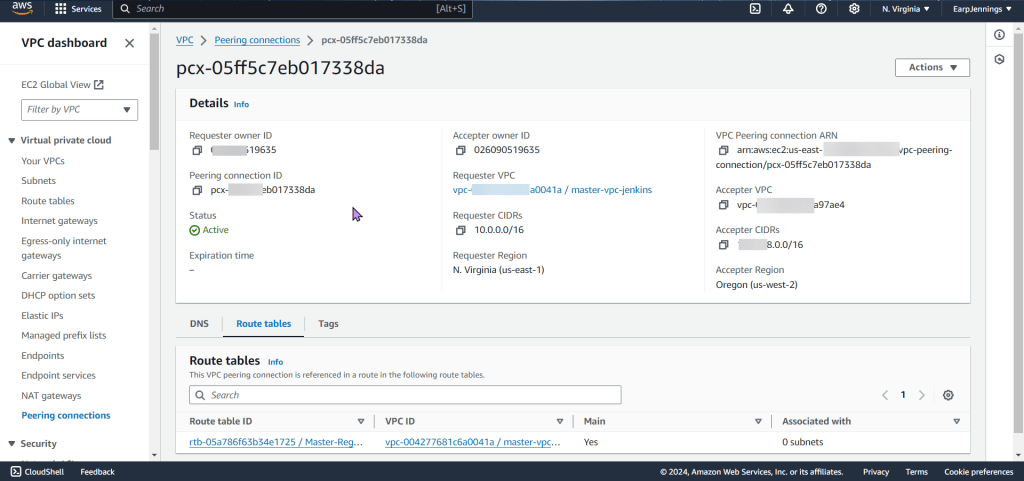
VPC Peering connection between 2 regions
As well as route tables for each VPC
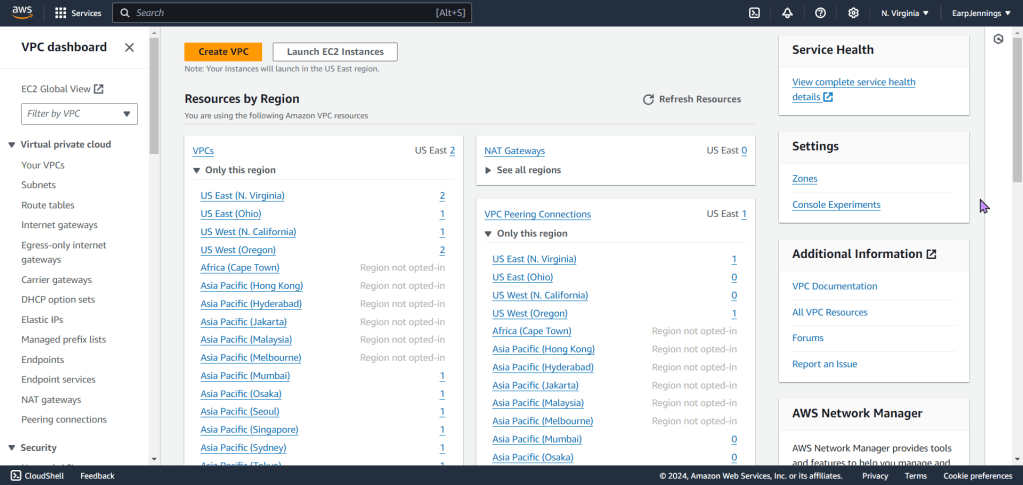
View the magic in AWS!!
Lessons Learned:
Vim networks.tf
terraform fmt
terraform validate
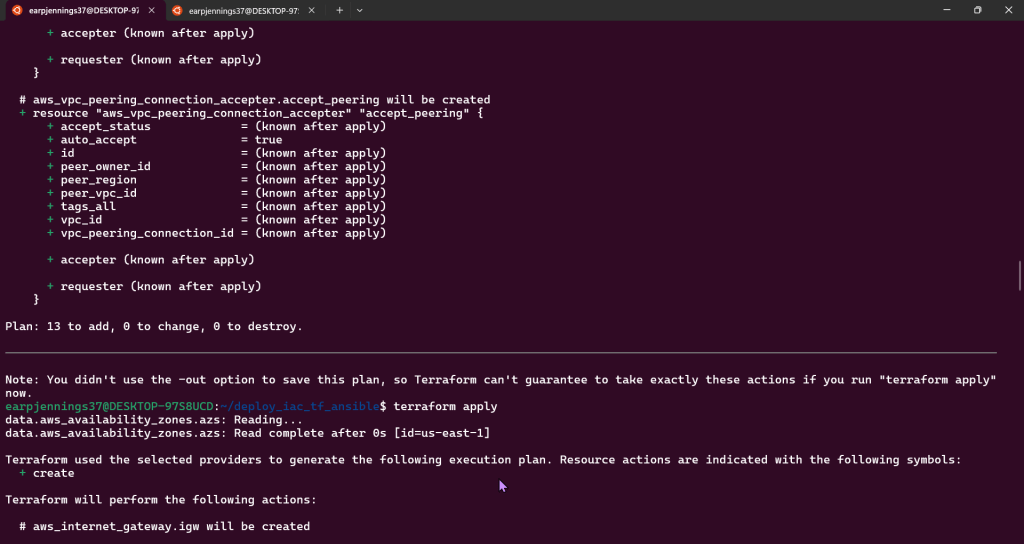
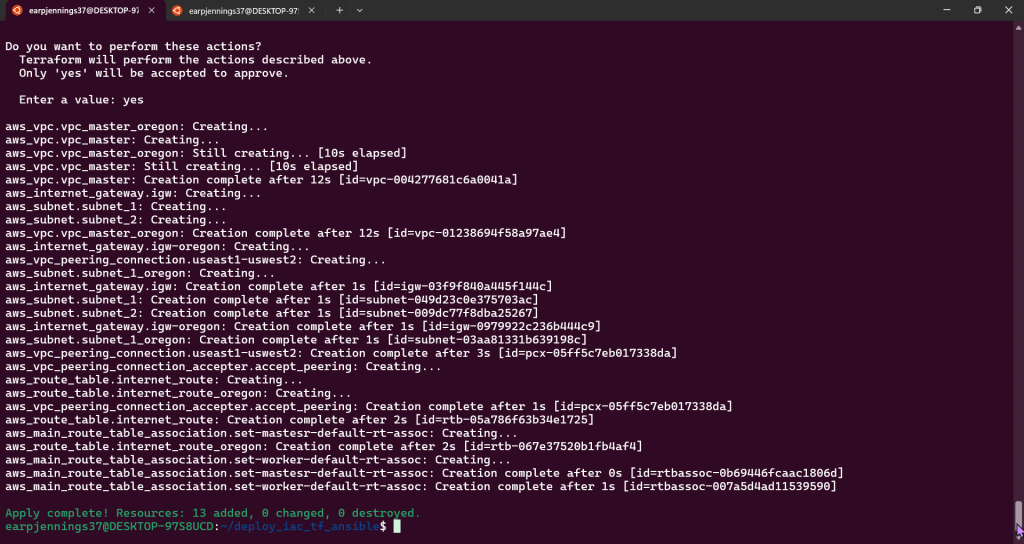
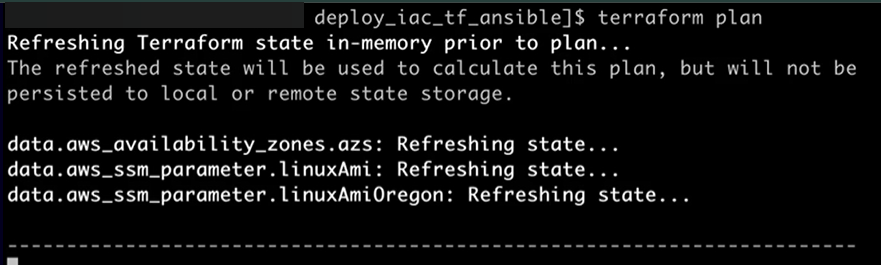
terraform plan
Terraform Fmt & Validate:
Terraform Plan:
AWS account to see Terraform communicating w/AWS #maaaaaaagic
Goal is to create:
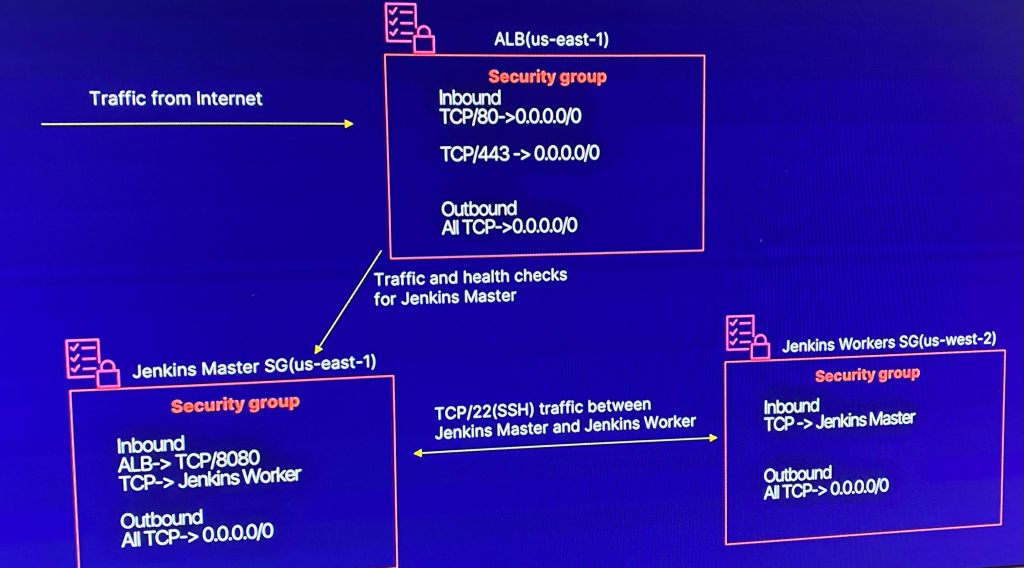
Deploy Security Groups w/ALB communicating w/Jenkins Master & Worker
Lessons Learned:
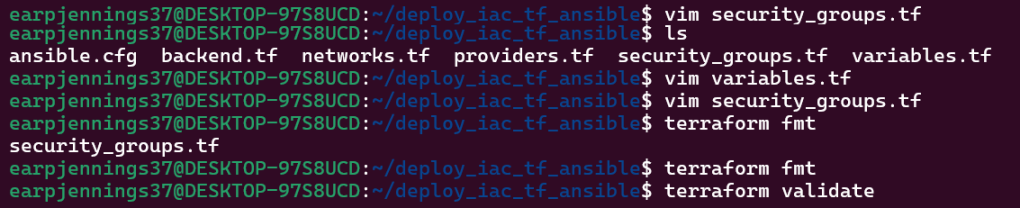
Vim Security_groups.tf
Vim variables.tf
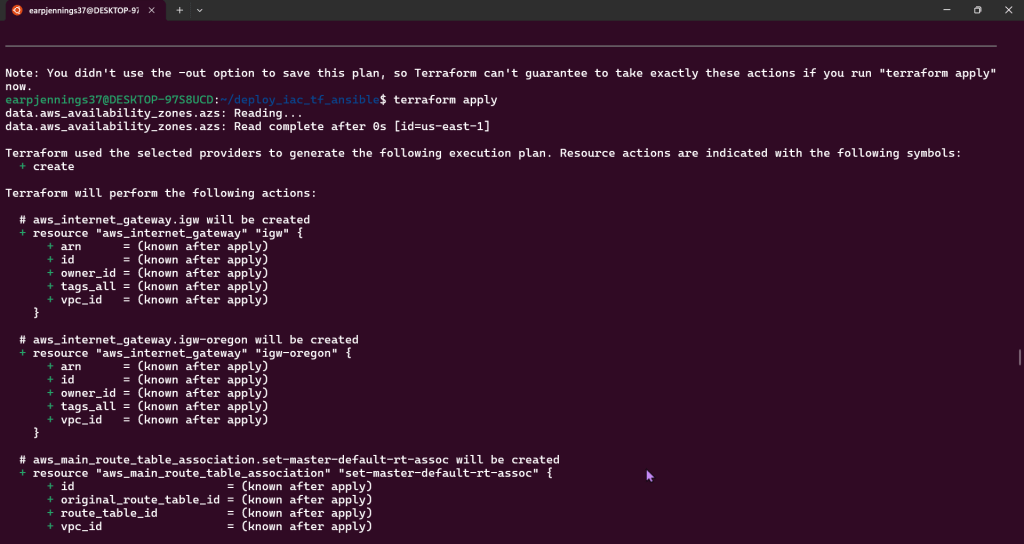
Terraform plan
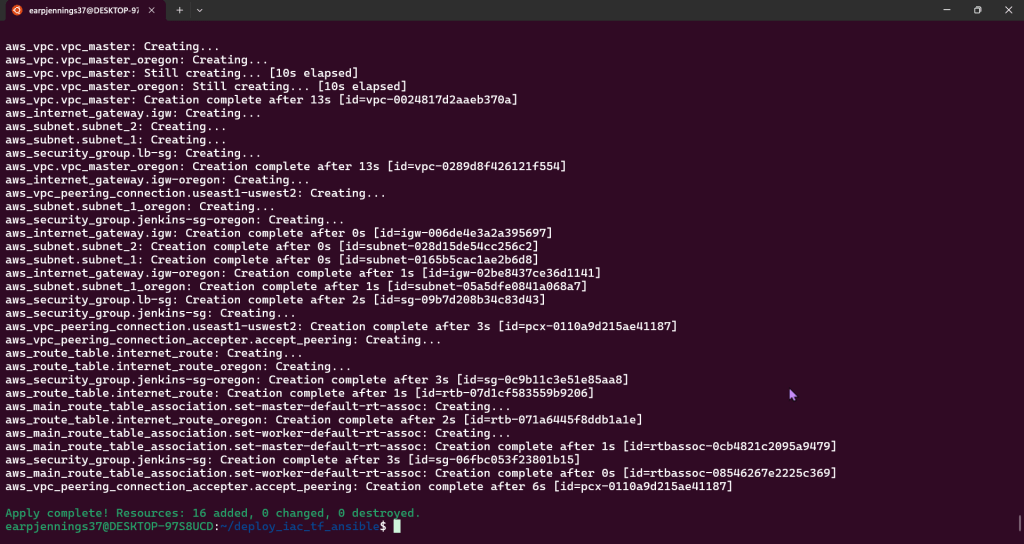
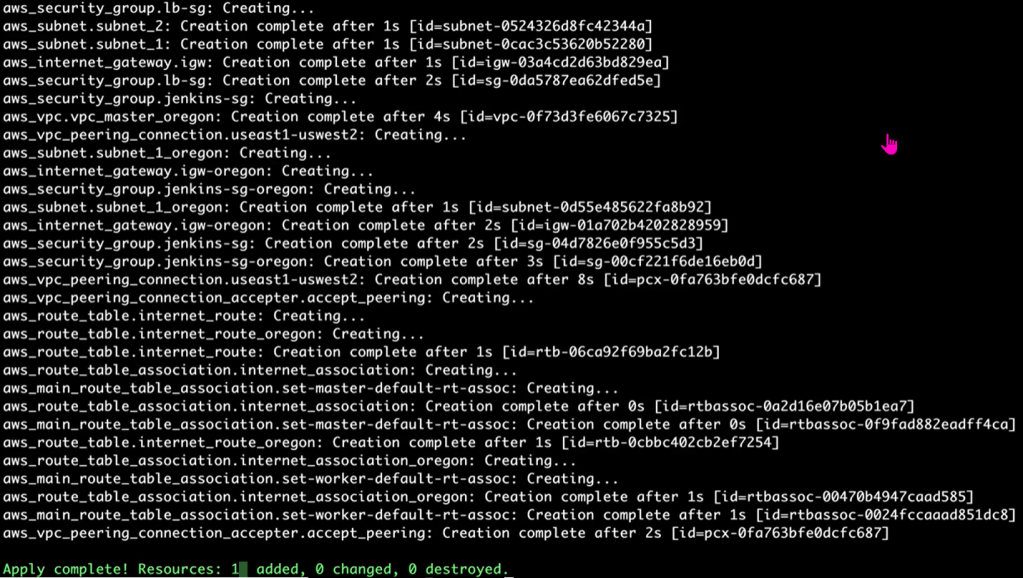
Terraform apply
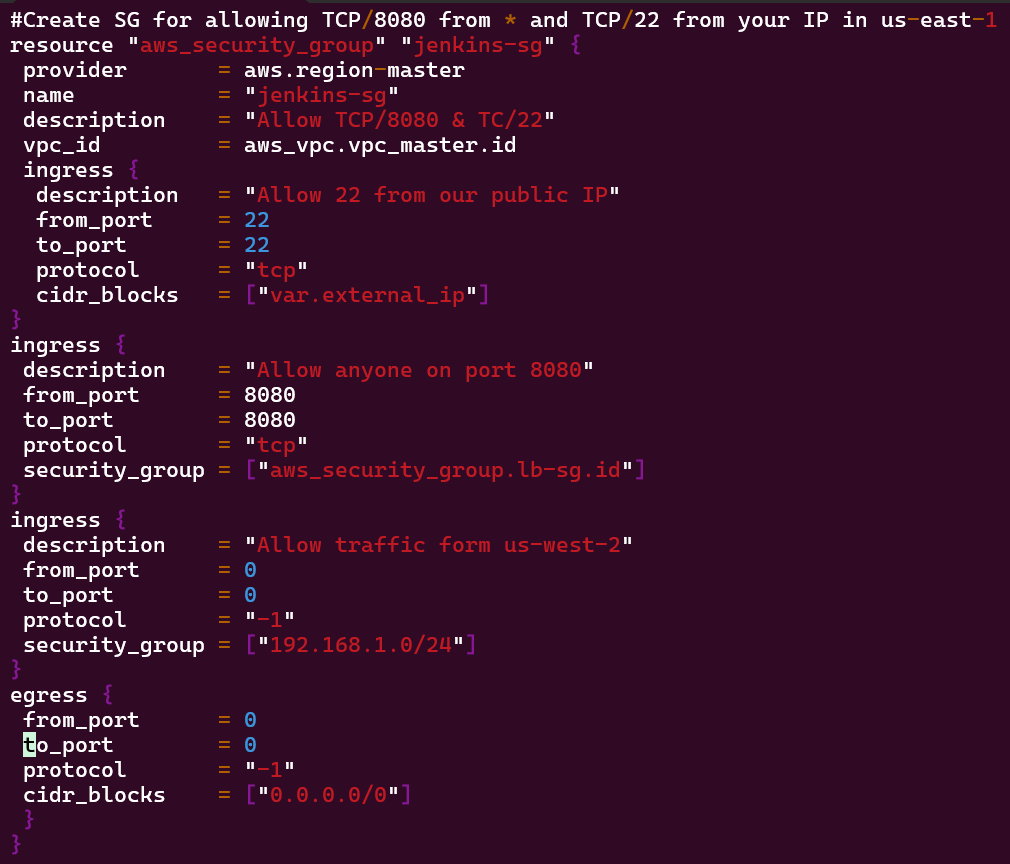
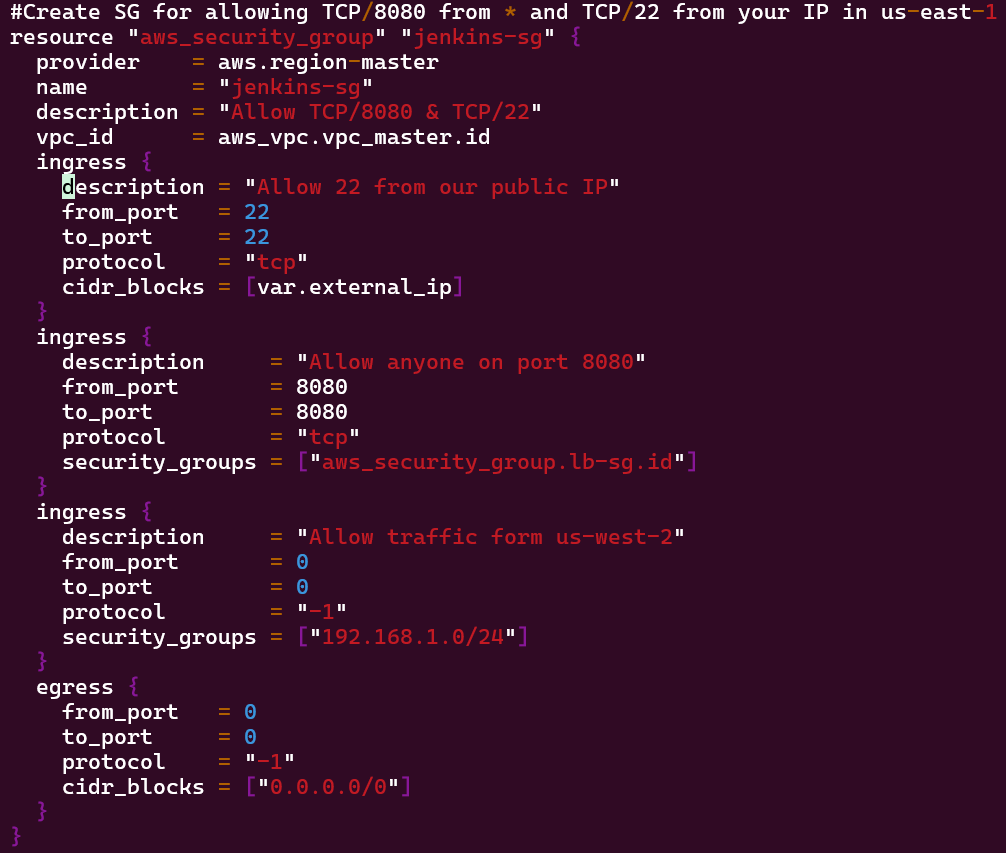
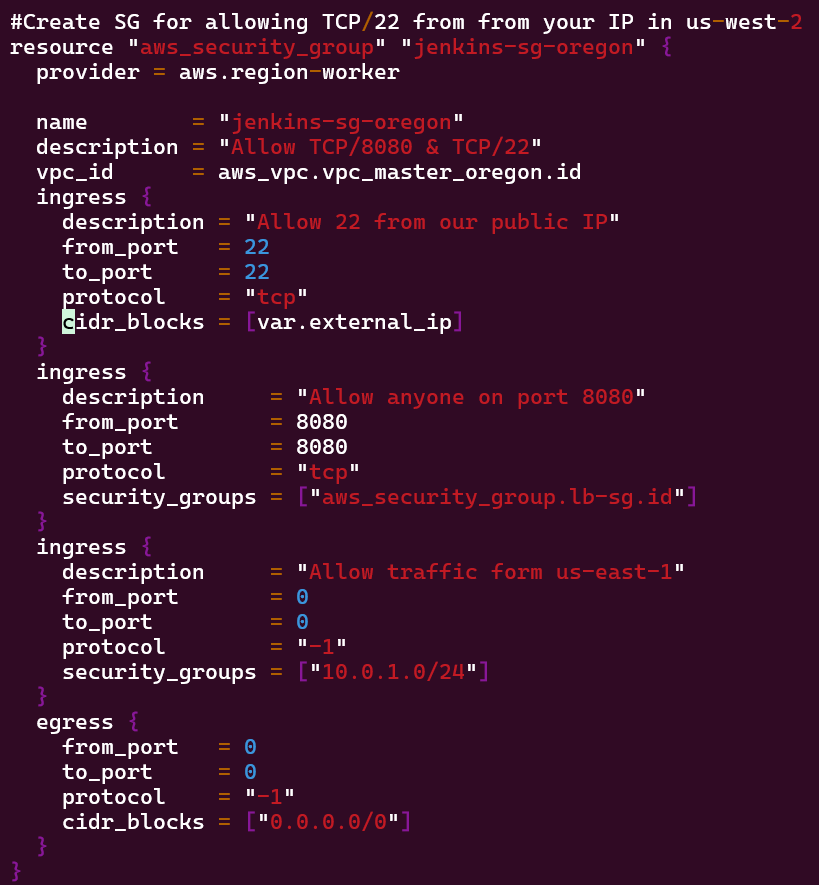
Vim security_groups.tf:
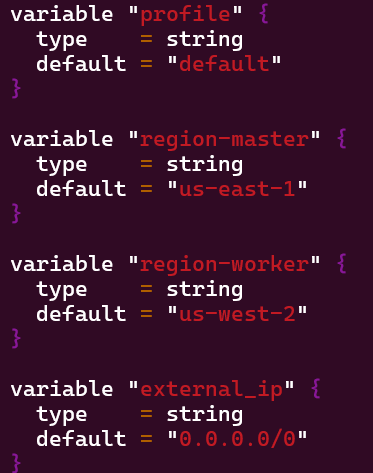
Vim Variables.tf:
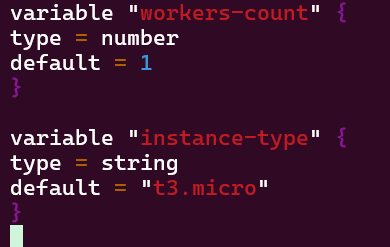
Added Jenkins worker variable
Terraform Plan:
Terraform Apply:
VM Deployment – AMIs, Key Pairs, & Jenkins:
Goal is to create:
Deploying application node to Jenkins application that will fetch AMI IDs
Data Source (SSM Parameter Store) to AMI IDs
Lessons Learned:
Terraform Data Source for SSM Parameter
SSM Parameter Store – Parameter for Public AMI IDs
Terraform SSM Data Source Returns AMI ID
Vim Instances.tf
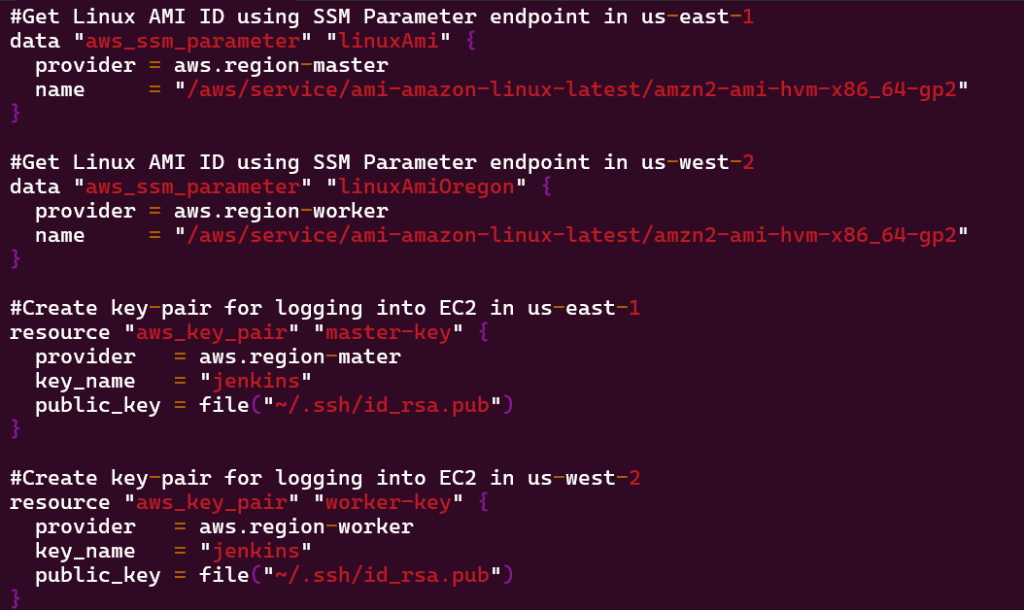
#Get Linux AMI ID using SSM Parameter endpoint in us-east-1 data “aws_ssm_parameter” “linuxAmi” { provider = aws.region-master name = “/aws/service/ami-amazon-linux-latest/amzn2-ami-hvm-x86_64-gp2” }
#Get Linux AMI ID using SSM Parameter endpoint in us-west-2 data “aws_ssm_parameter” “linuxAmiOregon” { provider = aws.region-worker name = “/aws/service/ami-amazon-linux-latest/amzn2-ami-hvm-x86_64-gp2” }
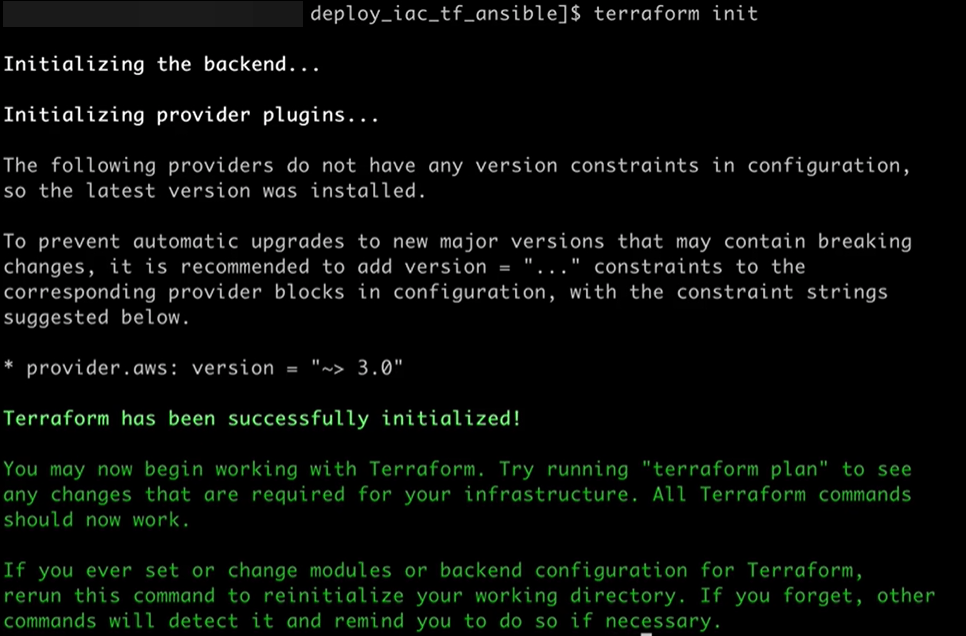
Terraform Init & fmt & validate:
Terraform Plan:
Vim Backend.tf:
Goal is to create:
Deploying EC2 key pairs into Jenkins EC2 instance to permit SSH access
Lessons Learned:
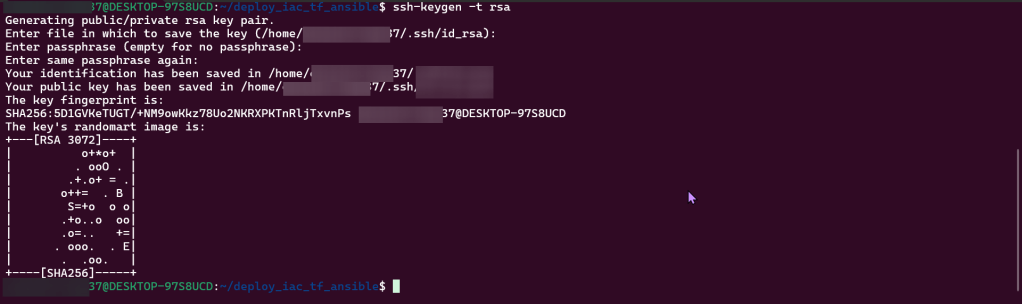
Create SSH-key gen private/public key
Edit script to incorporate key-pairs for both regions
SSH:
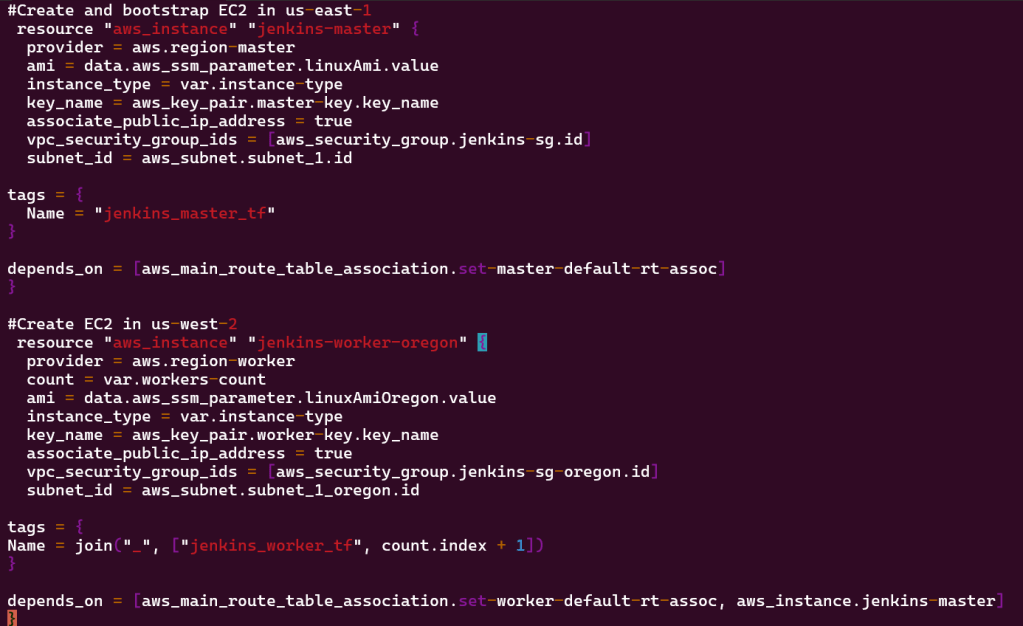
Vim instances.tf
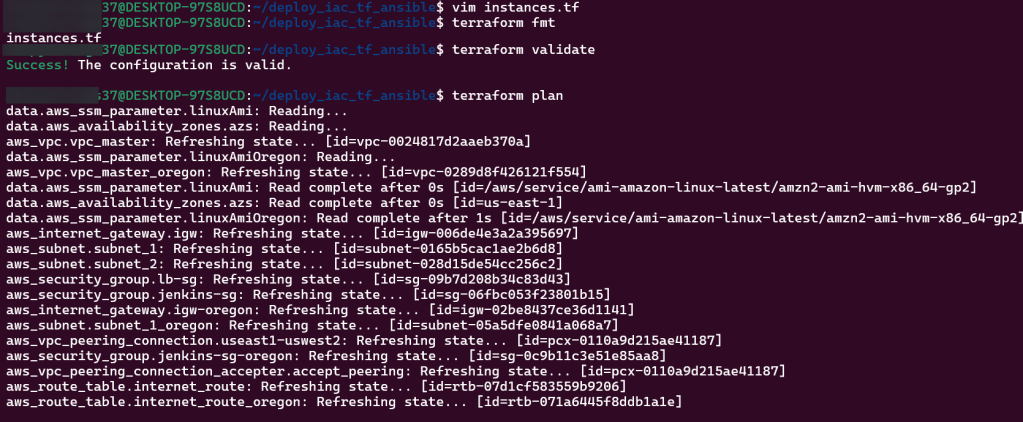
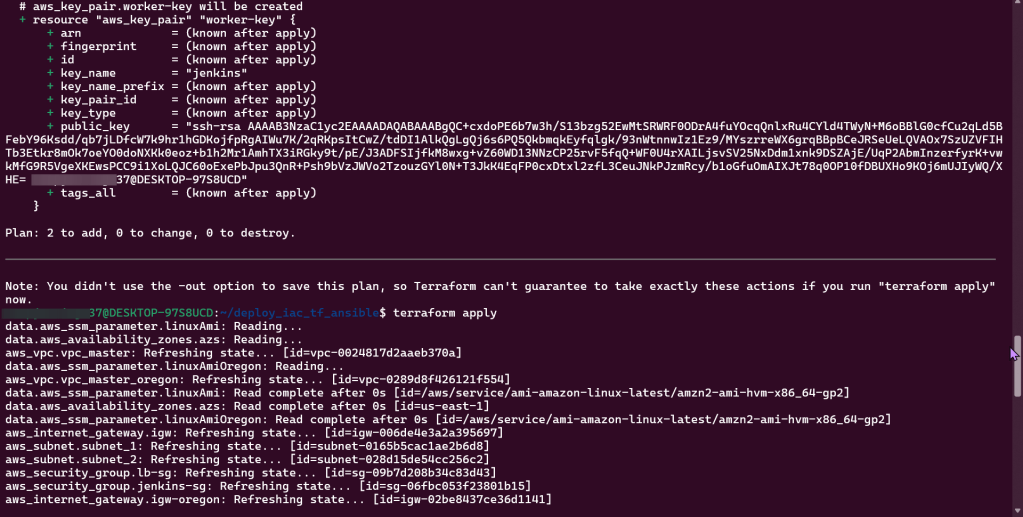
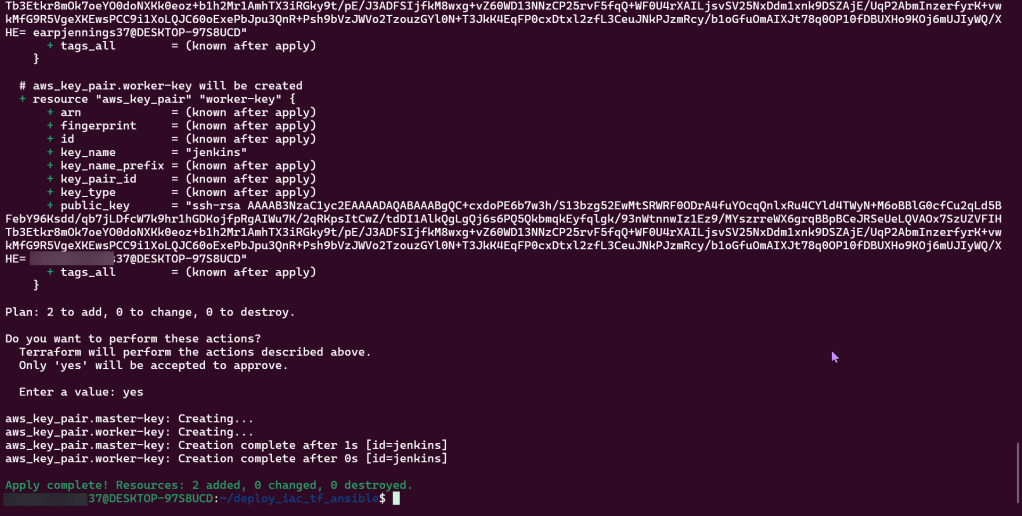
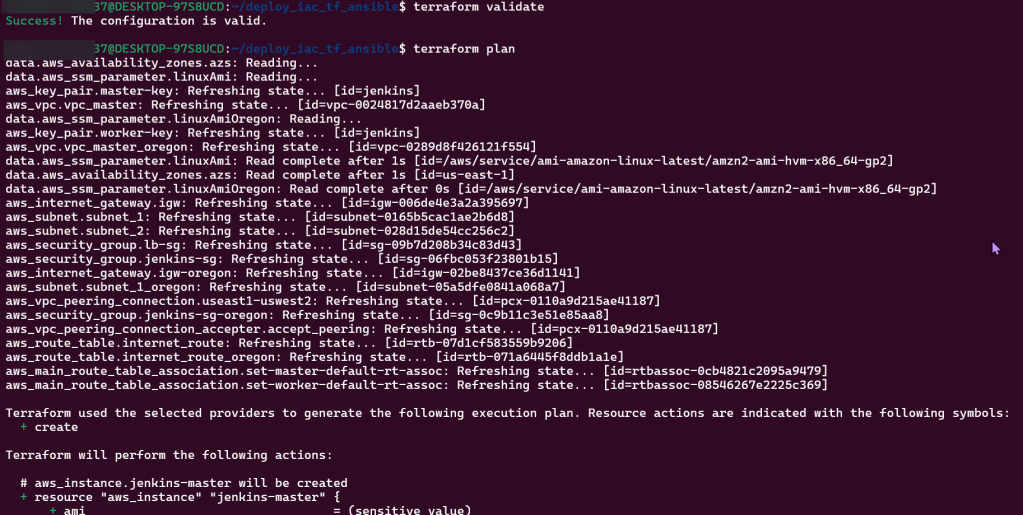
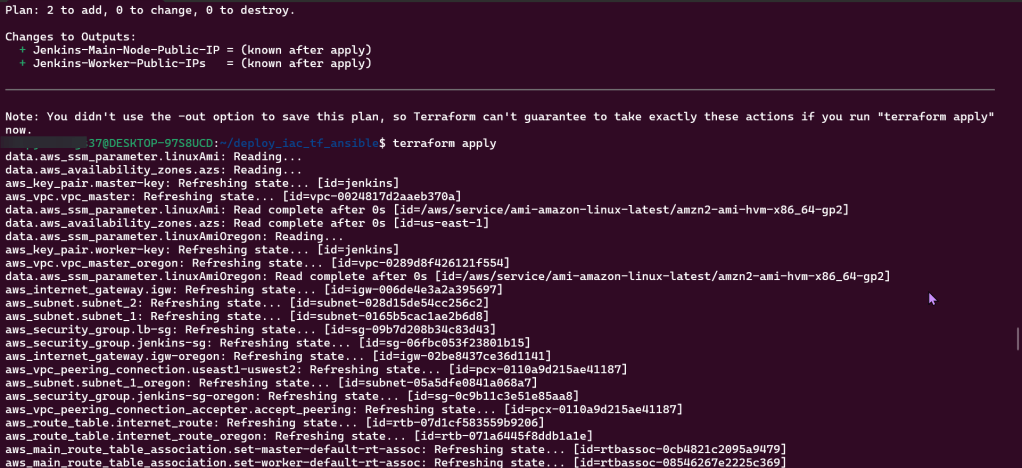
Terraform fmt, validate, plan, & apply:
Goal is to create:
Deploy Jenkins Master & Worker Instances
Lessons Learned:
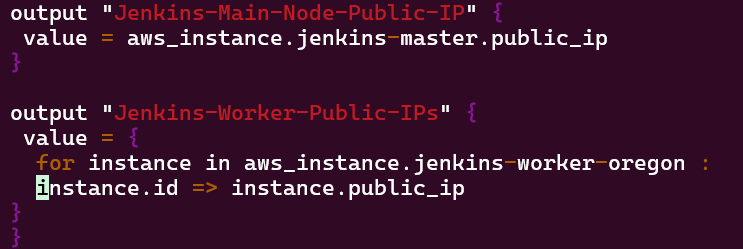
Created 1 new script (outputs) & edited 2 scripts (instances & variables)
Can connect instances over SSH & IP addresses
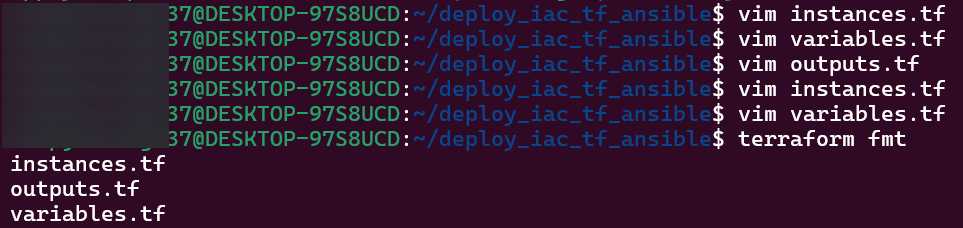
Vim instances, variables, & outputs:
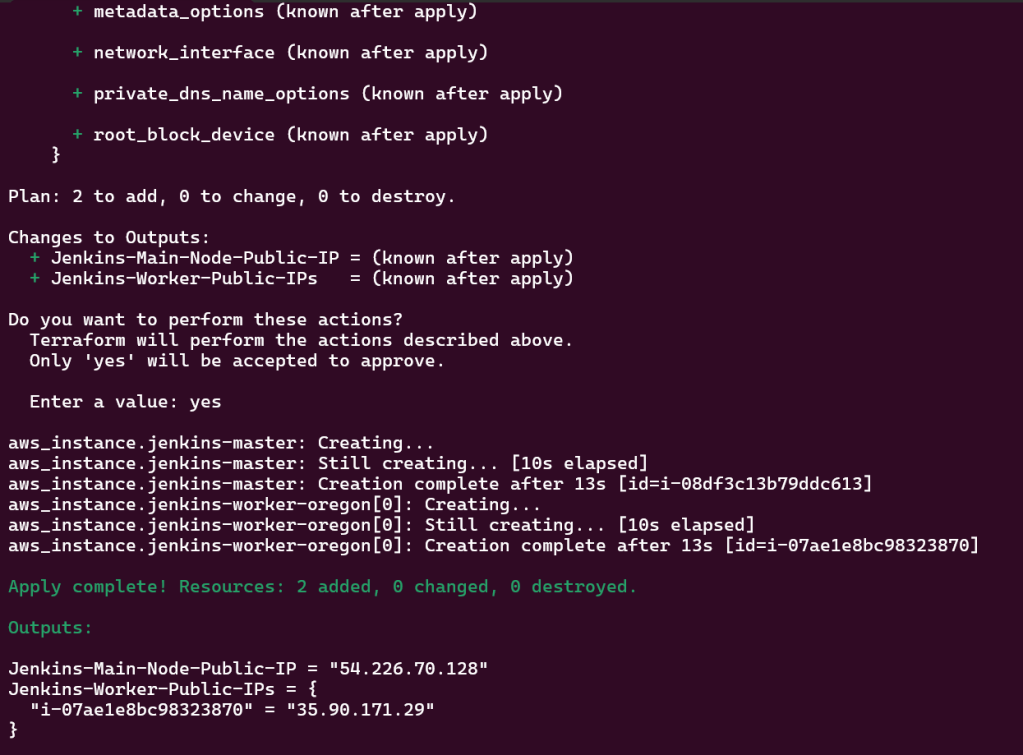
Terraform fmt, validate, plan, & apply:
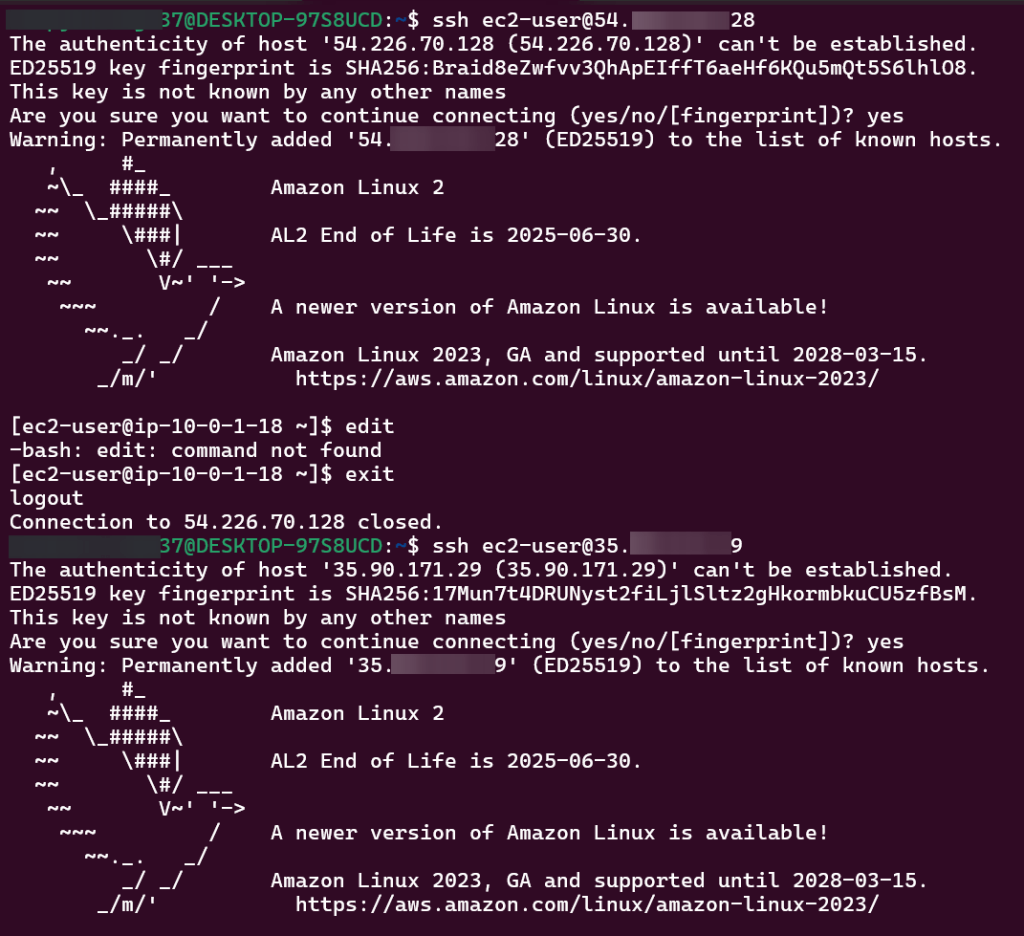
SSH into EC2 Jenkins Master & Worker Nodes:
Terraform Configuration Management w/Ansible:
Goal is to create:
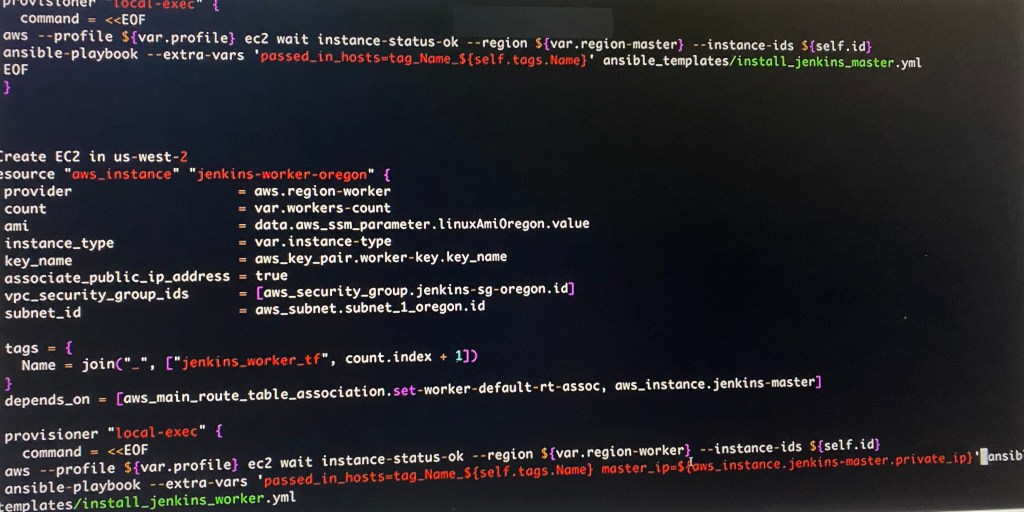
Configure TF Provision’s for Config Mgmt via Ansible
Lessons Learned:
Created new directory to hold 2 new scripts for Jenkins regions
Update script to call Ansible playbook
Mkdir ansible templates:
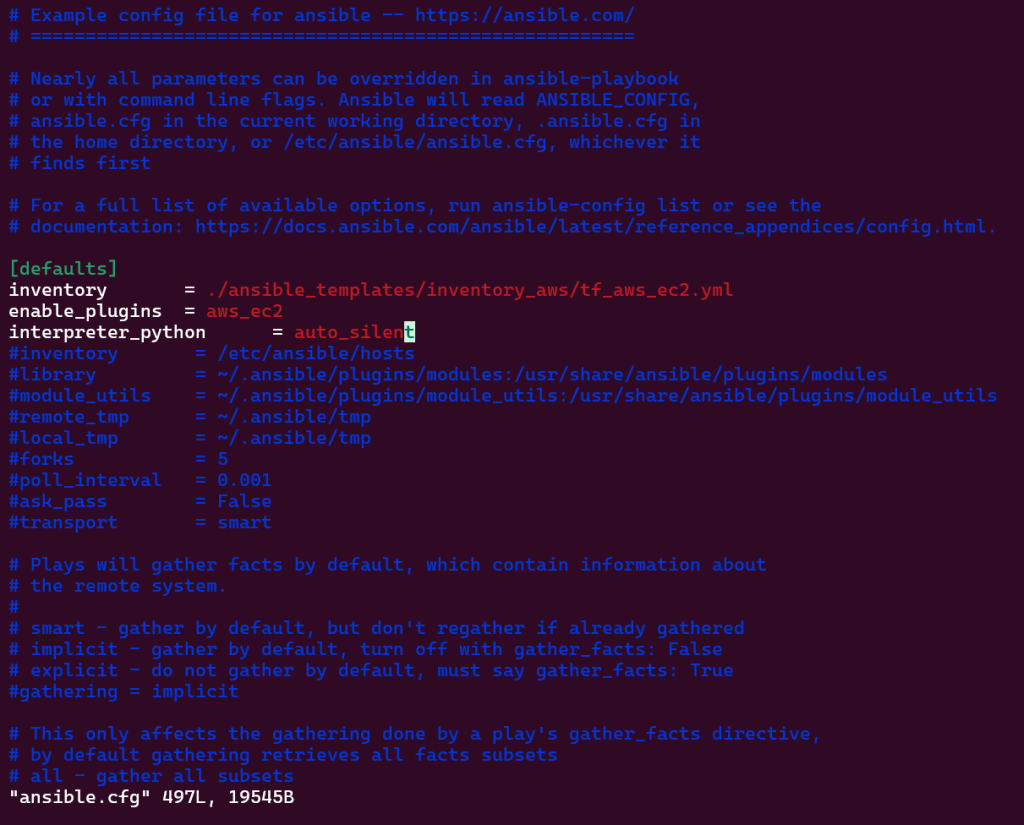
Vim ansible.cfg:
Mkdir inventory_aws:
wget -c: (might have to re-do)
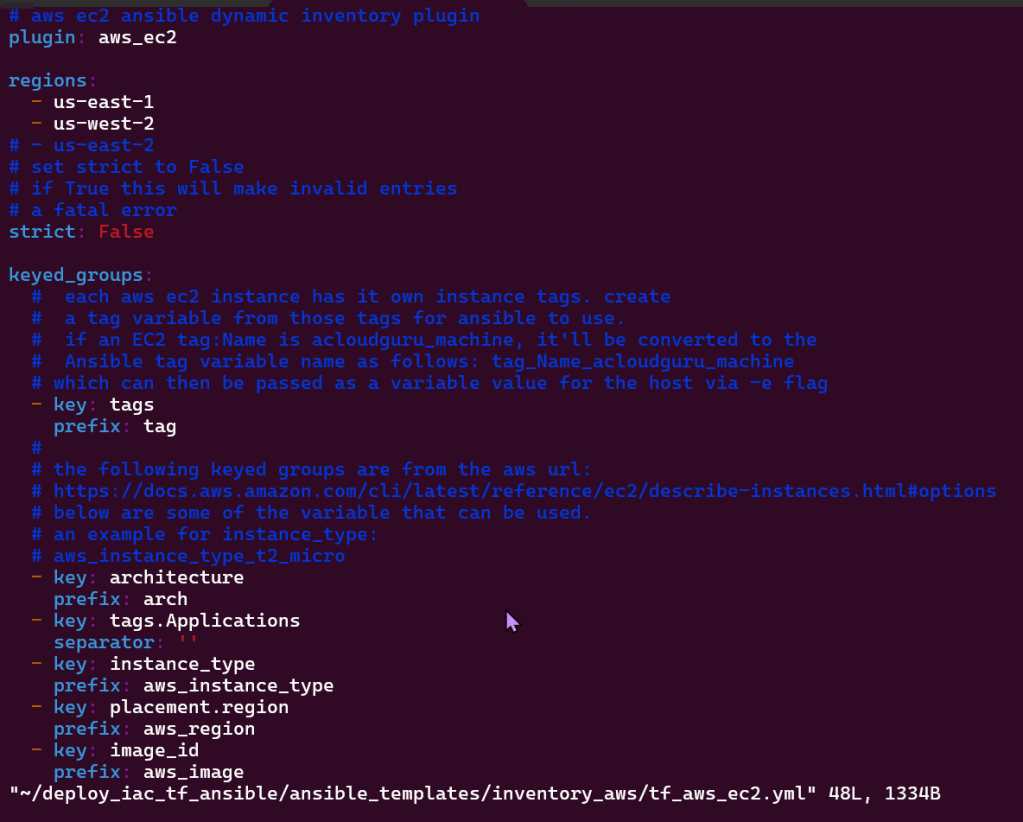
Vim ‘tf_aws_ec2.yml: (created from above)
Vim pip3 install boto3 –user:
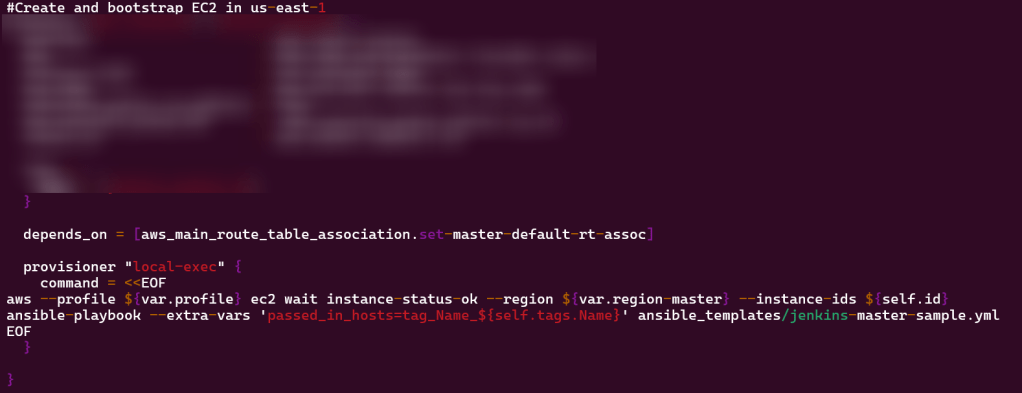
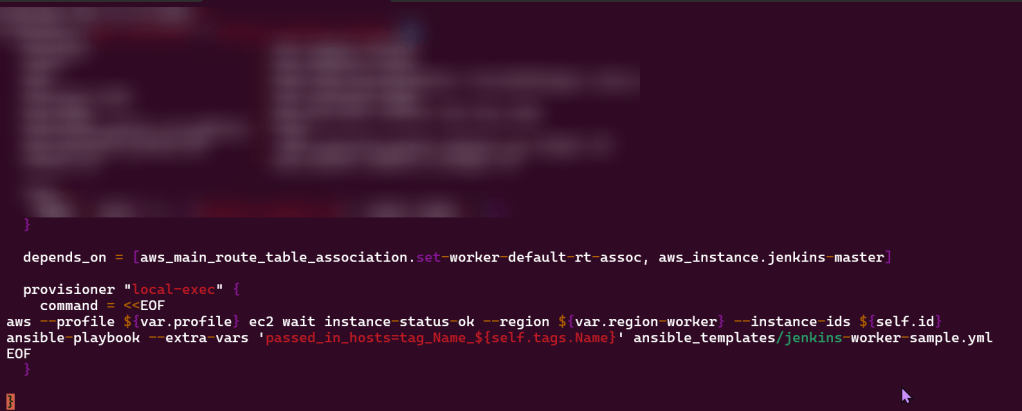
Vim instances.tf:
Terraform fmt, validate, plan, & apply:
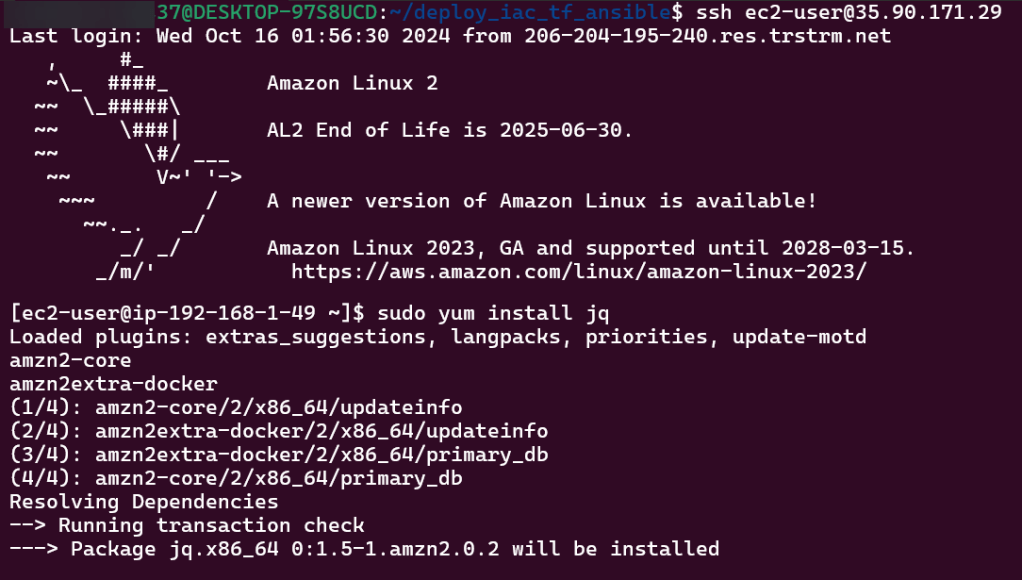
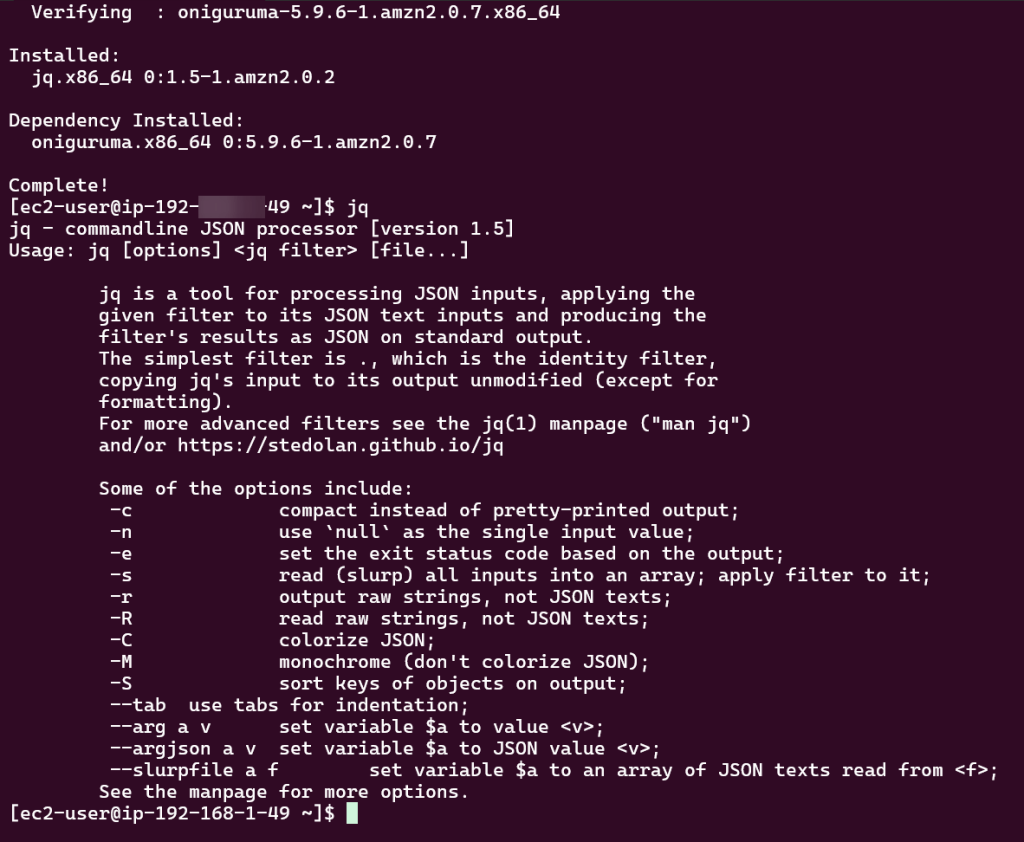
JQ:
sudo yum install jq
jq
Routing Traffic via ALB to EC2:
Goal is to create:
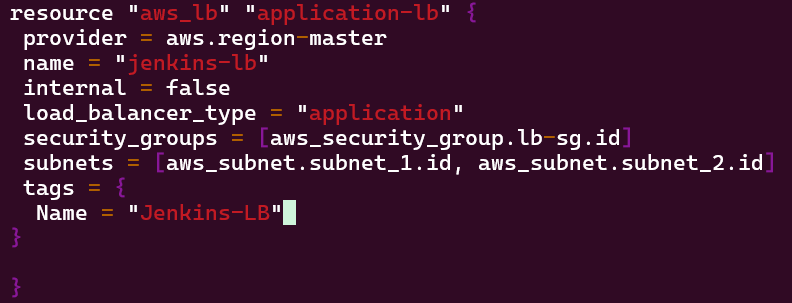
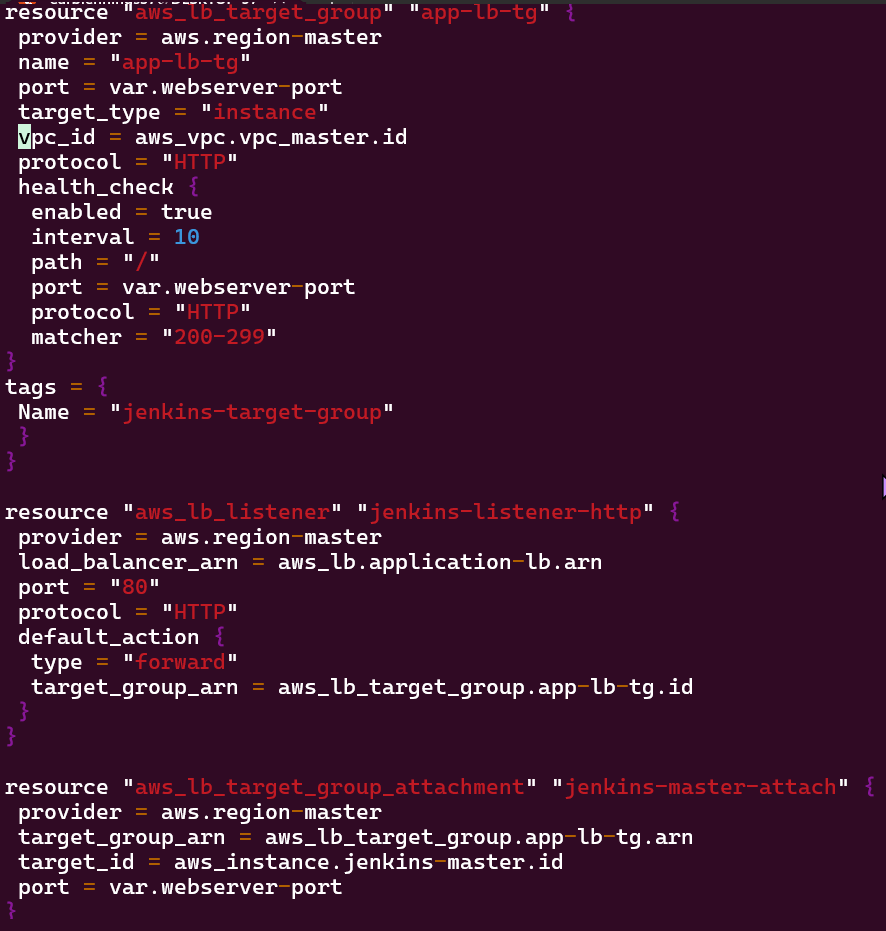
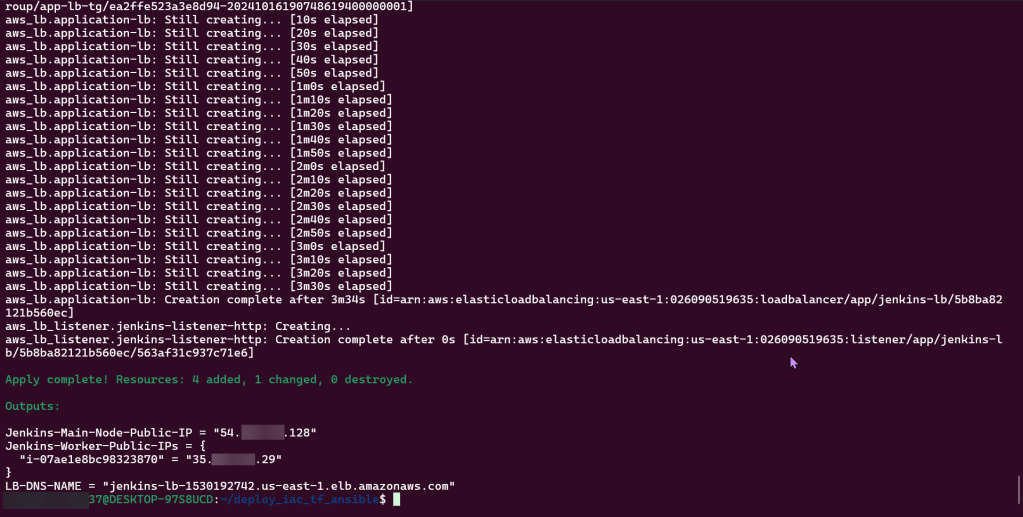
Create ALB to route traffic to EC2 node
Via Terraform run a web server behind ALB on EC2
Lessons Learned:
Use Ansible playbook on EC2 nodes to run Jenkins application
Create new playbook for ALB
Edit variable playbook for port information as well as the security groups playbook ingress rule
Vim alb.tf:
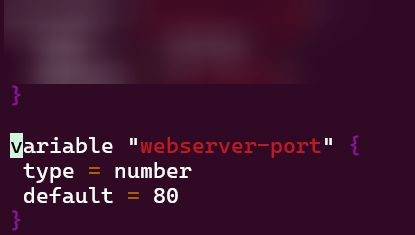
Vim variables.tf:
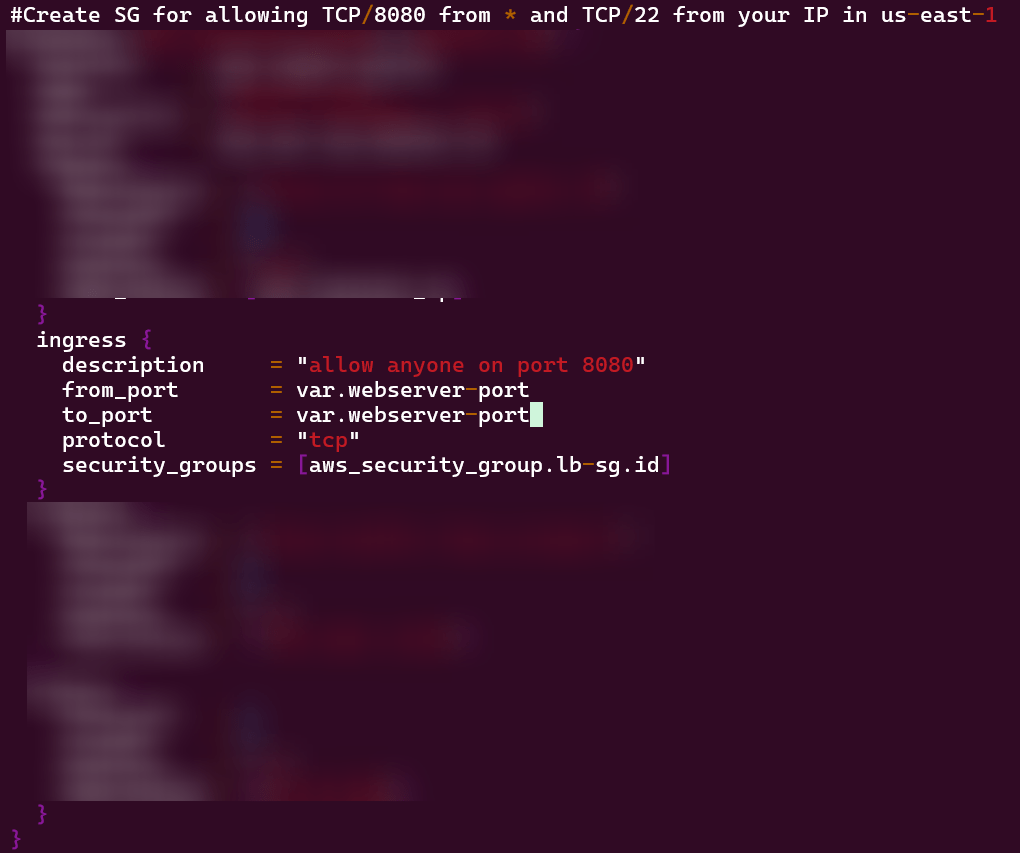
Vim security_groups.tf:
Vim outputs.tf:
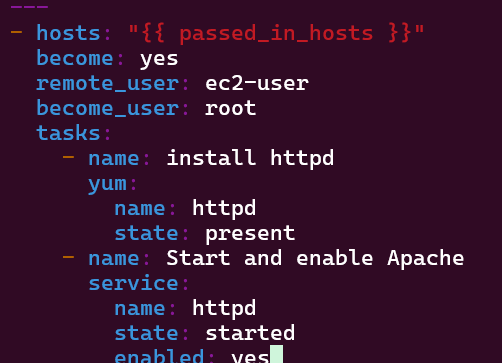
Vim jenkins-master-sample.yml:
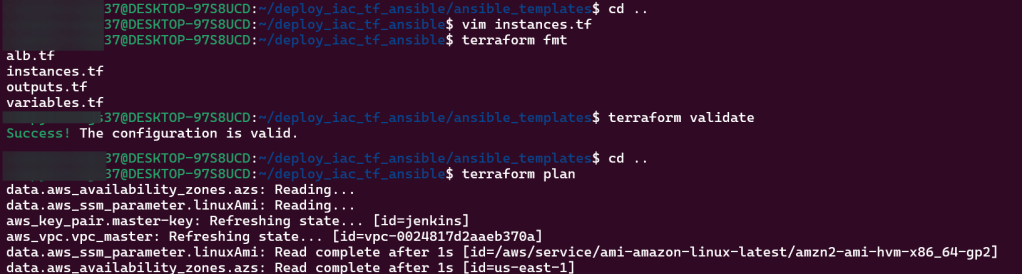
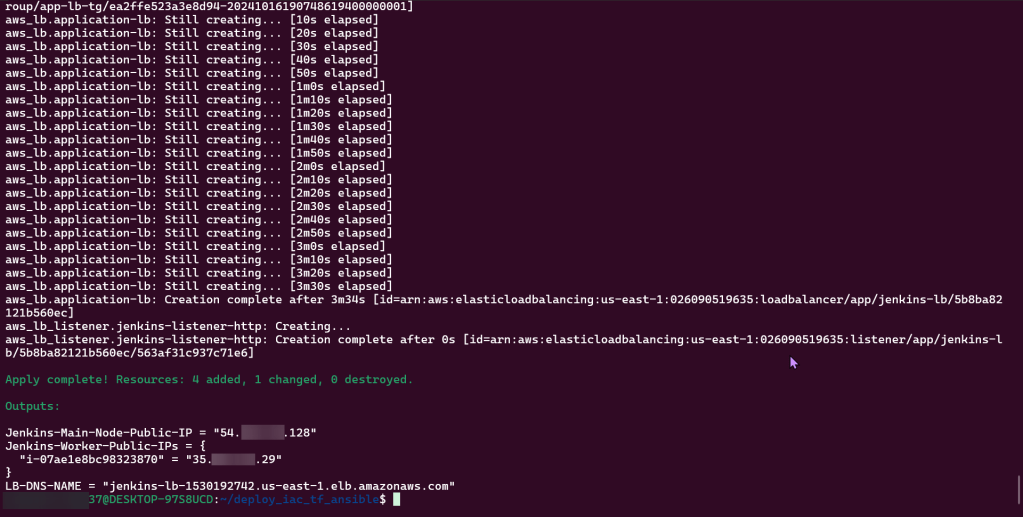
Terraform fmt, validate, plan, & apply:
Route 53 & HTTPs:
Goal is to create:
Create path for user to connect to Jenkins application from Route 53, ALB, & ACM
Lessons Learned:
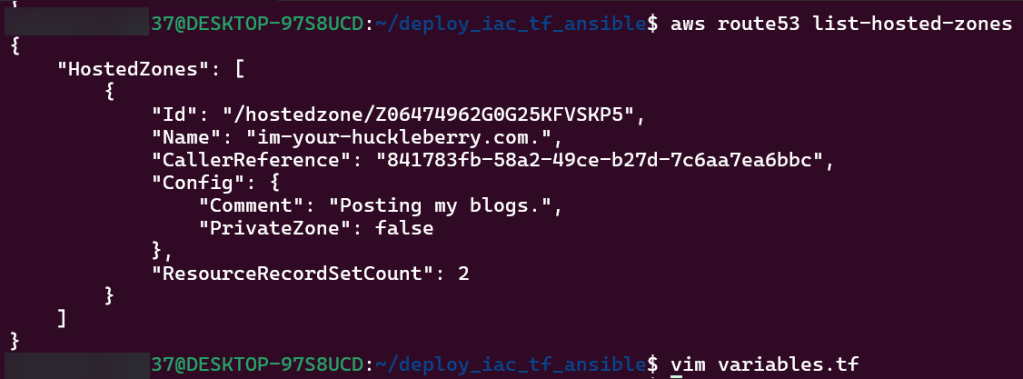
Create AWS Route 53 & generate SSL certificate
Connect w/public hosted zone connected pointing to DNS ALB
Traffic routed to Jenkins EC2 application
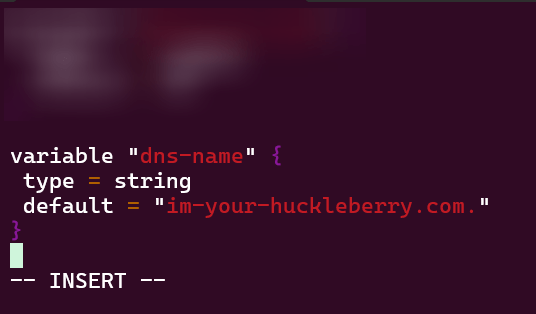
Vim variables.tf:
Vim acm.tf:
Vim dns.tf:
Vim alb.tf:
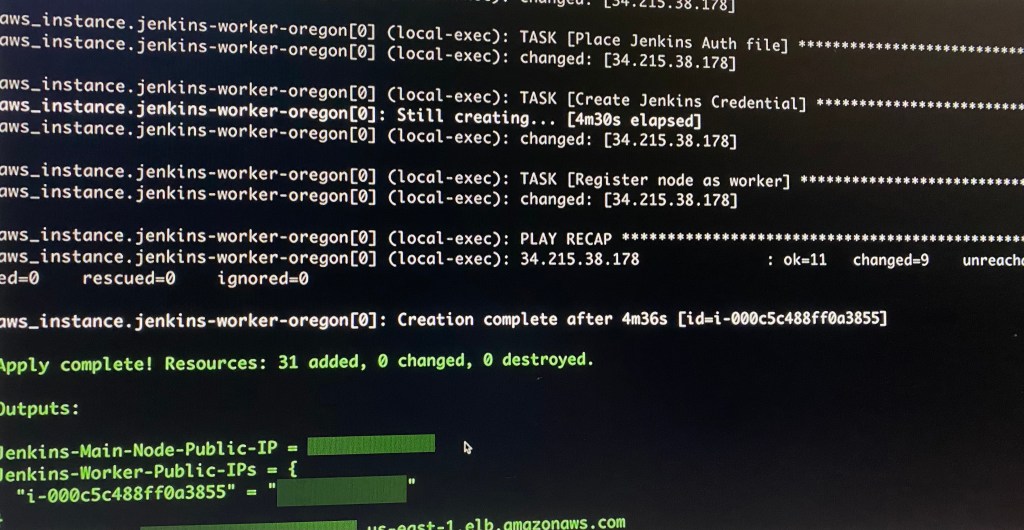
Terraform fmt, validate, plan, & apply:
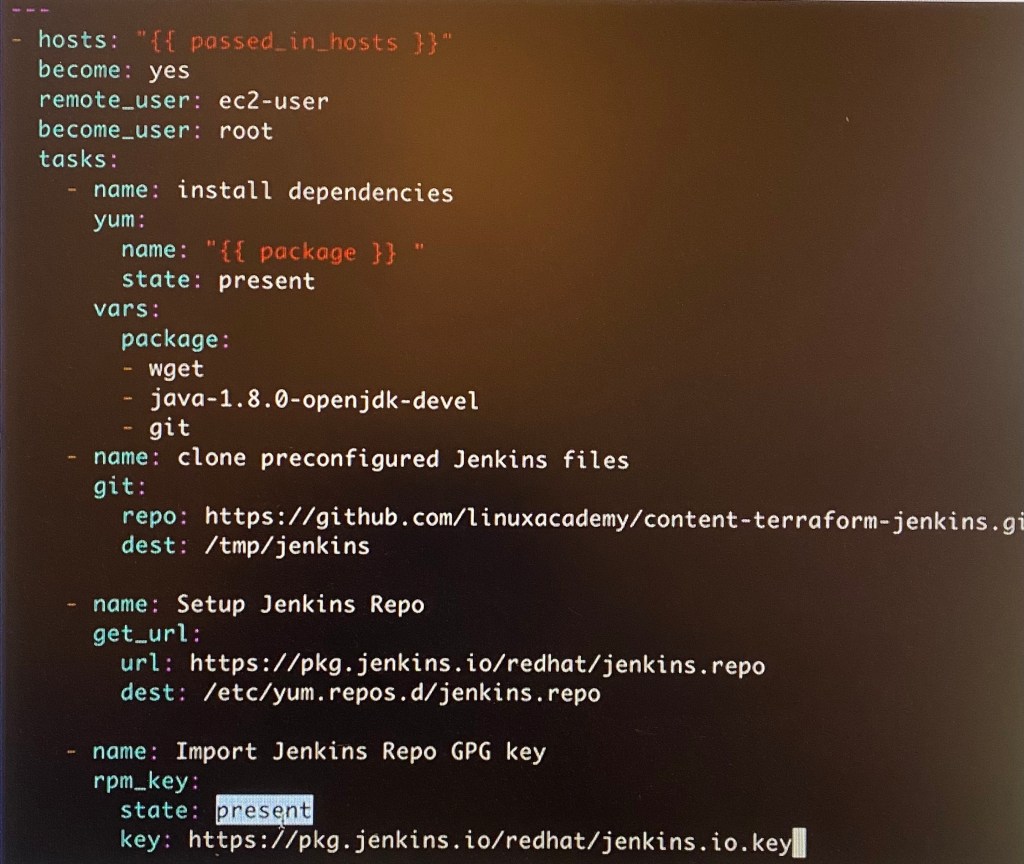
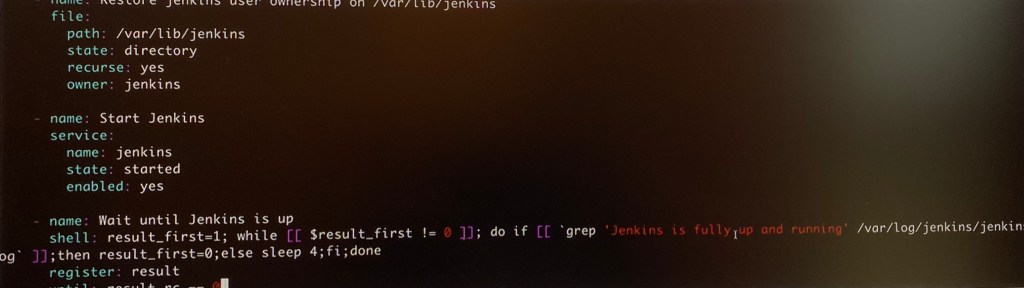
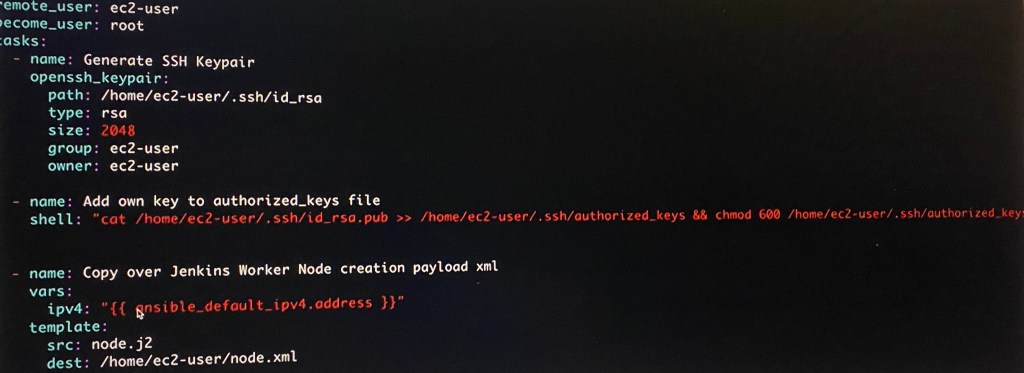
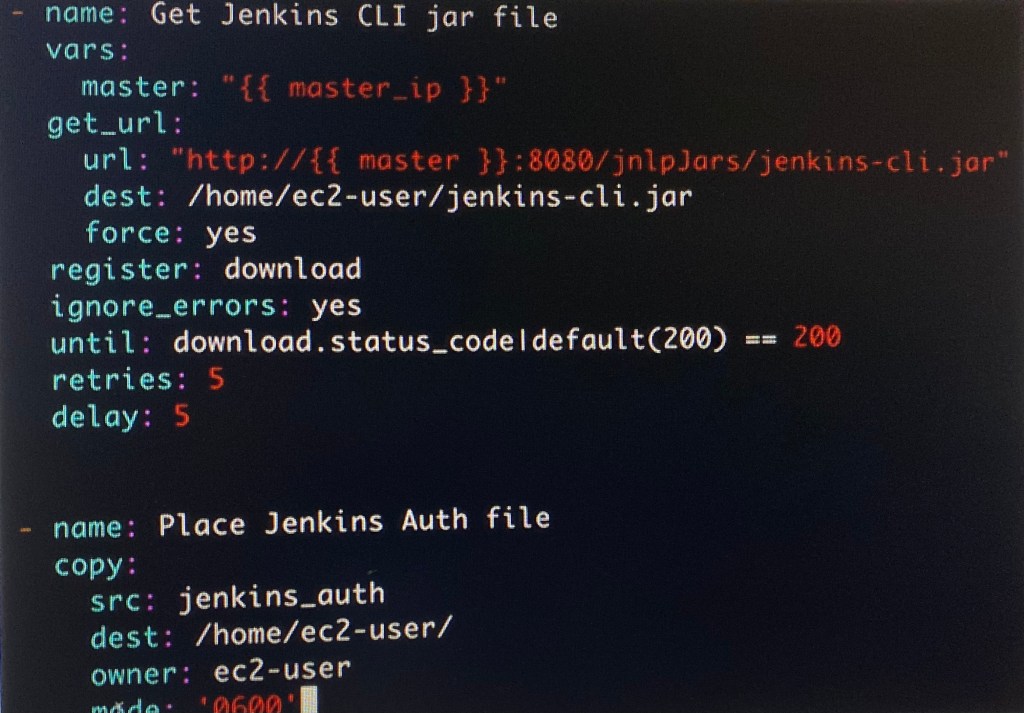
Ansible Playbooks:
Goal is to create:
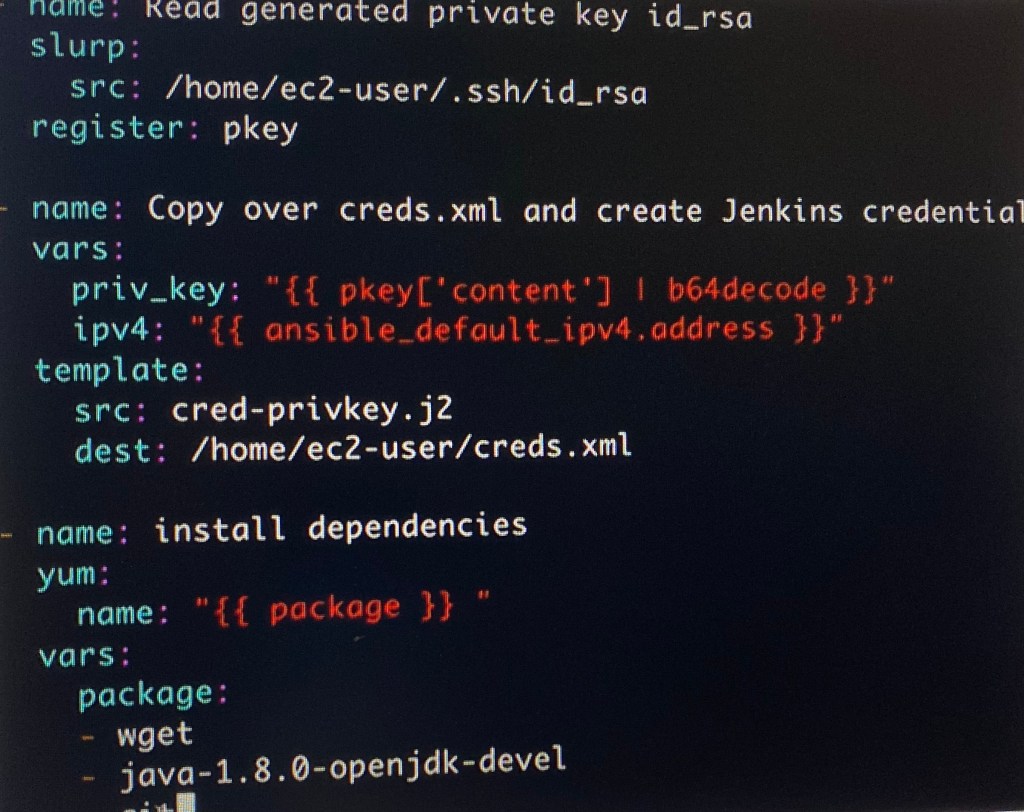
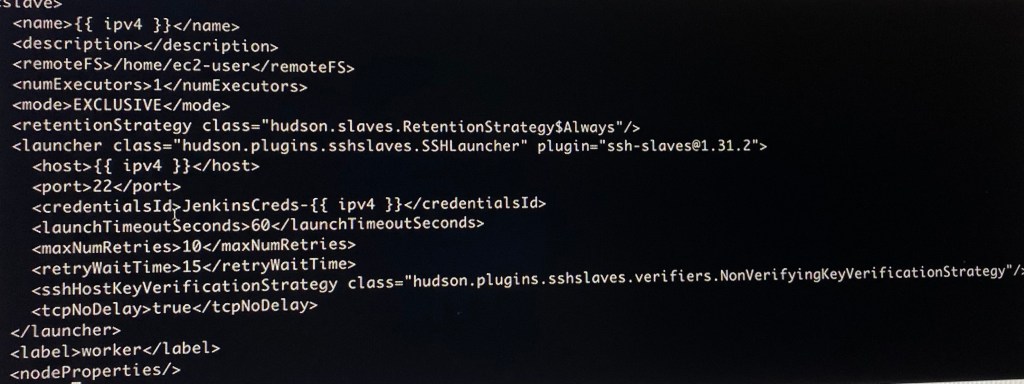
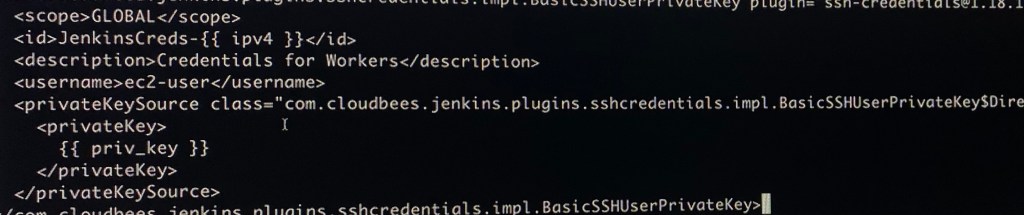
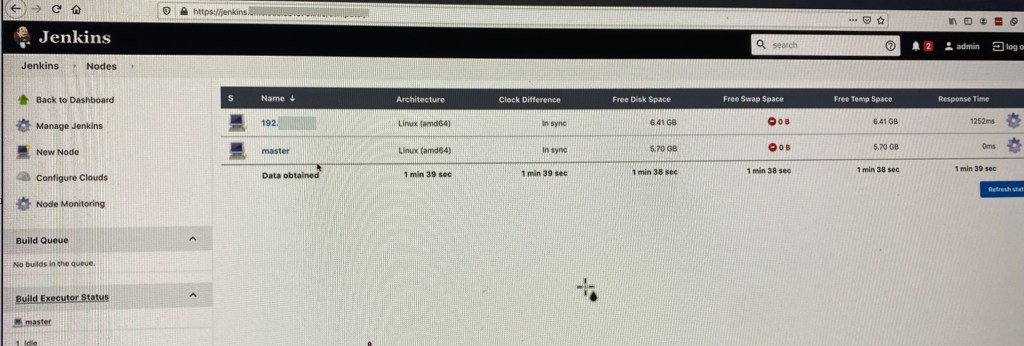
Building Ansible playbook w/tasks by installing Jenkins Master/Worker






























 Say When..