Updating your goodies in CloudFormation Stacks

Goal:

Wanna see what happens when one can update CloudFormation stacks w/direct updates & use change sets to update the stack? Well sit back & watch the show.

Lessons Learned:

  • Deploy a stack using AWS CloudFormation Templates
  • Update stack to scale up
  • Update stack to scale out

Deploy a stack using AWS CloudFormation Templates:

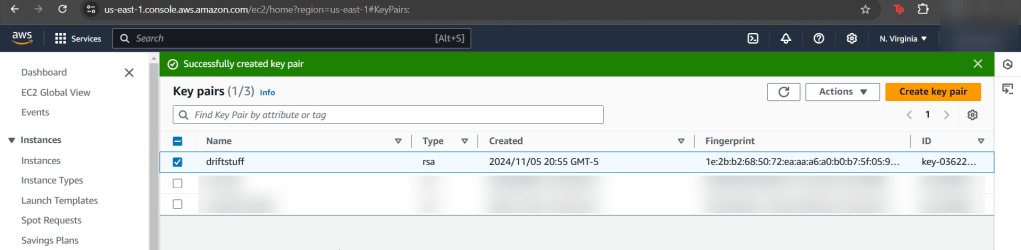
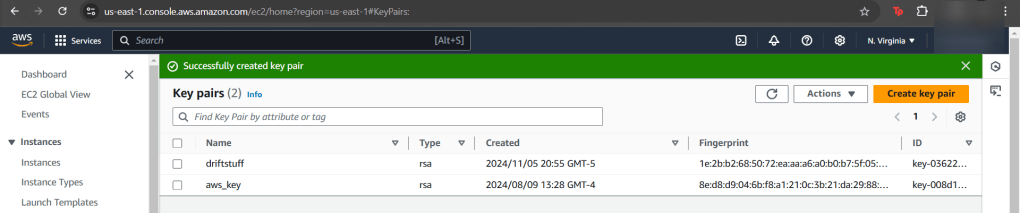
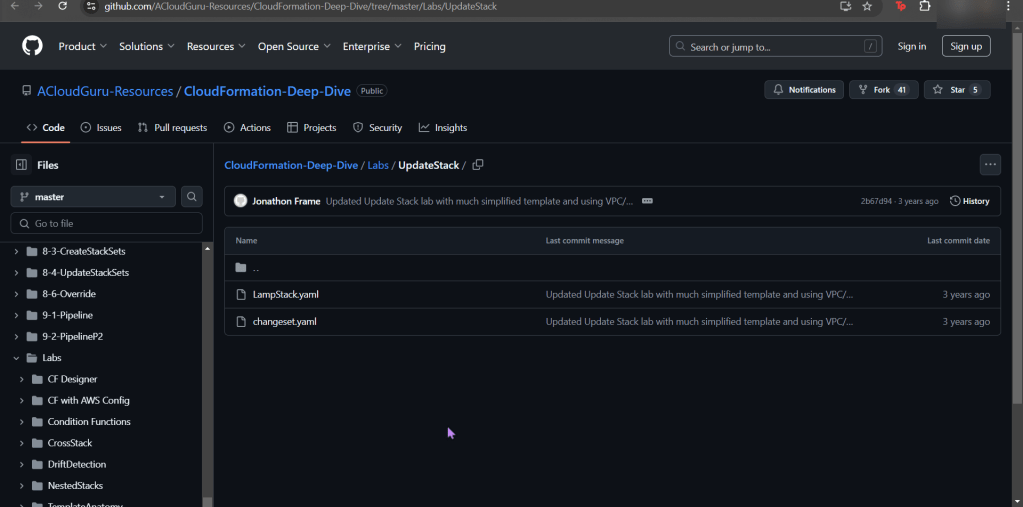
  • After downloading the stack, go create key pair. What are you waiting for? Go, quick, run, go!
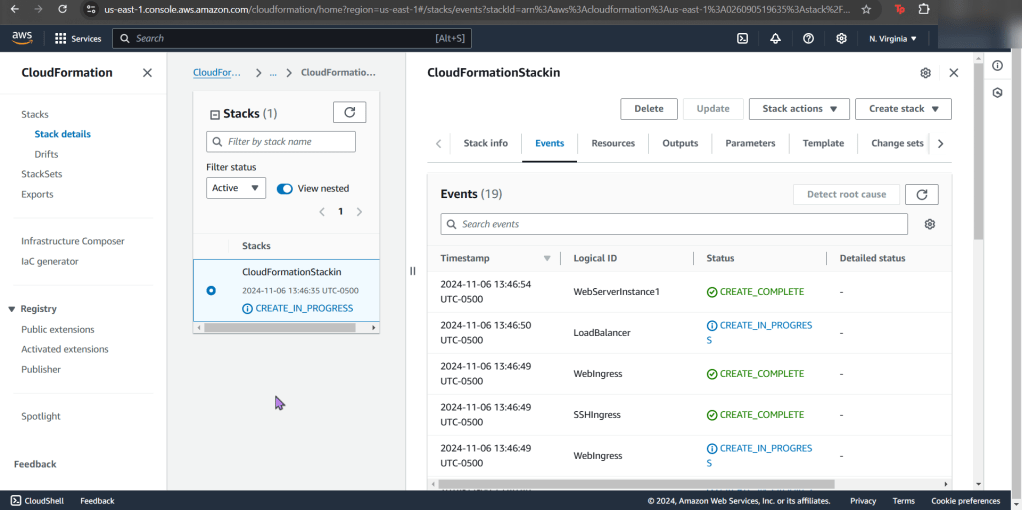
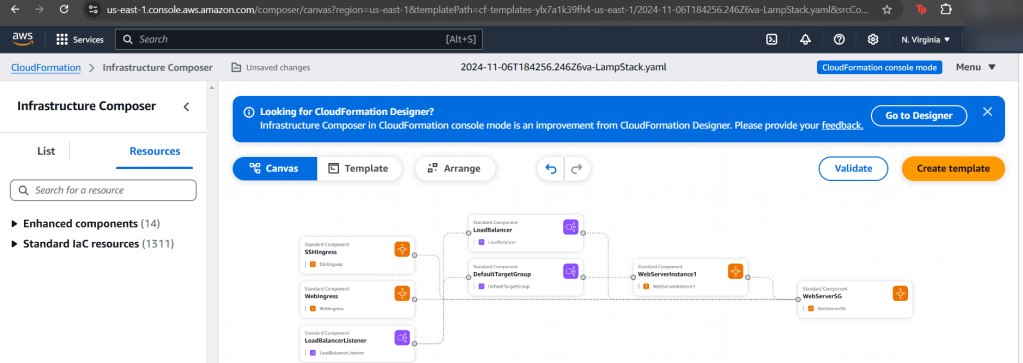
  • Remember the slick view one can peer into?!
  • Hope your stackin like this?

Update stack to scale up:

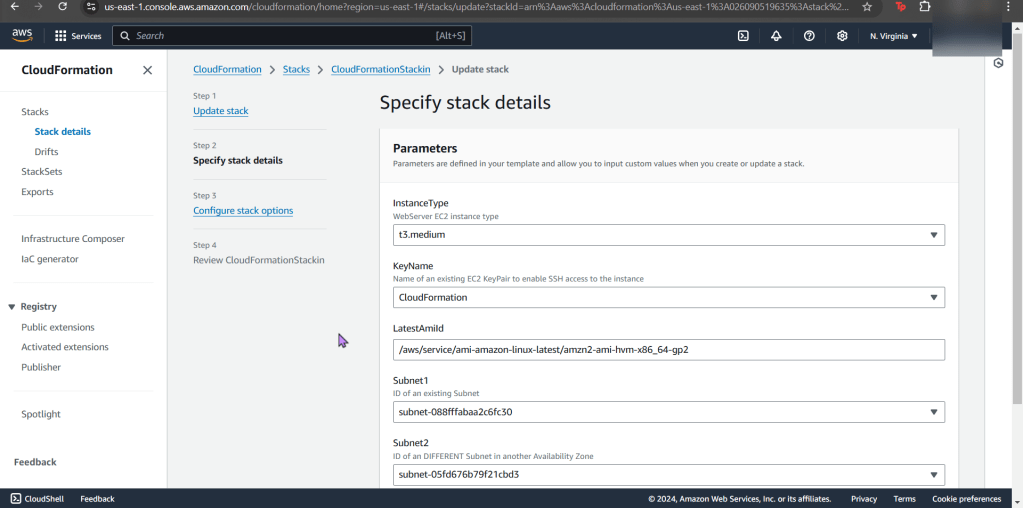
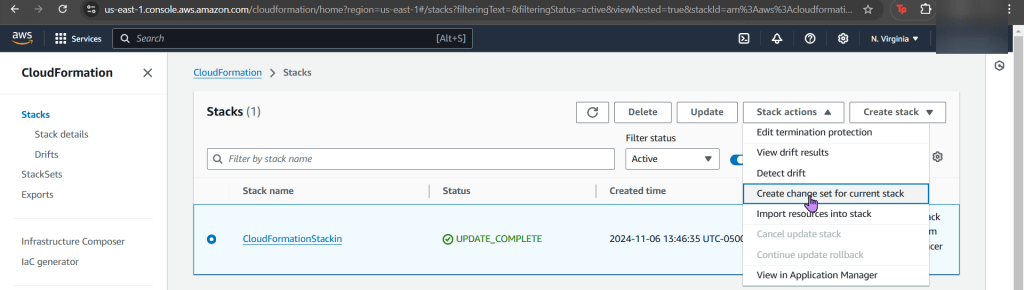
  • Yeah, you know what to do. Update the stack EC2 instance to medium. Just do it.

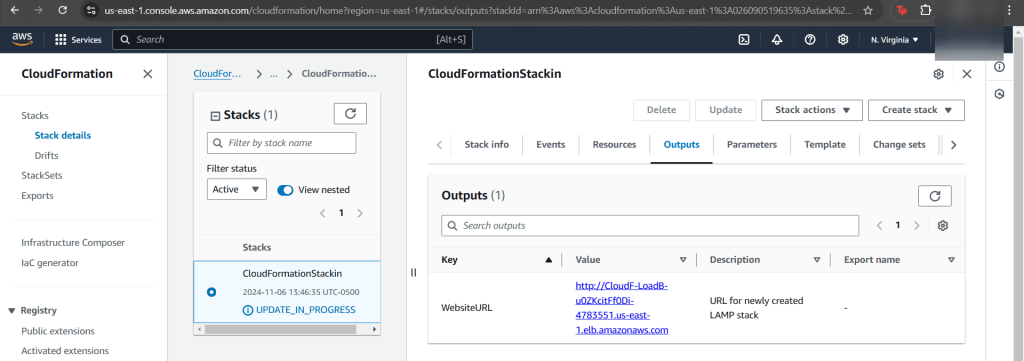
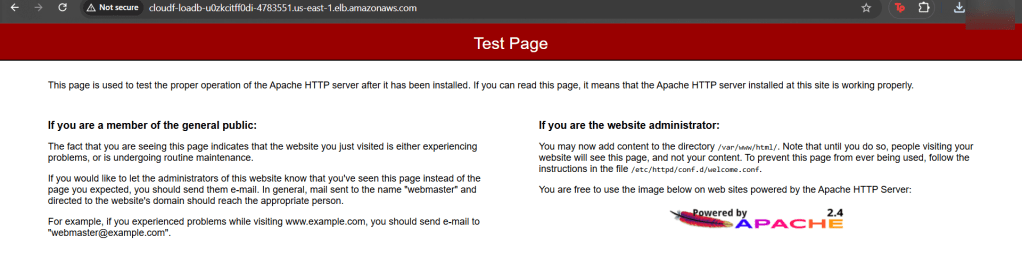
  • To double-check your work, snag that http above in “value”.
    • See the same test page below!?

Update stack to scale out:

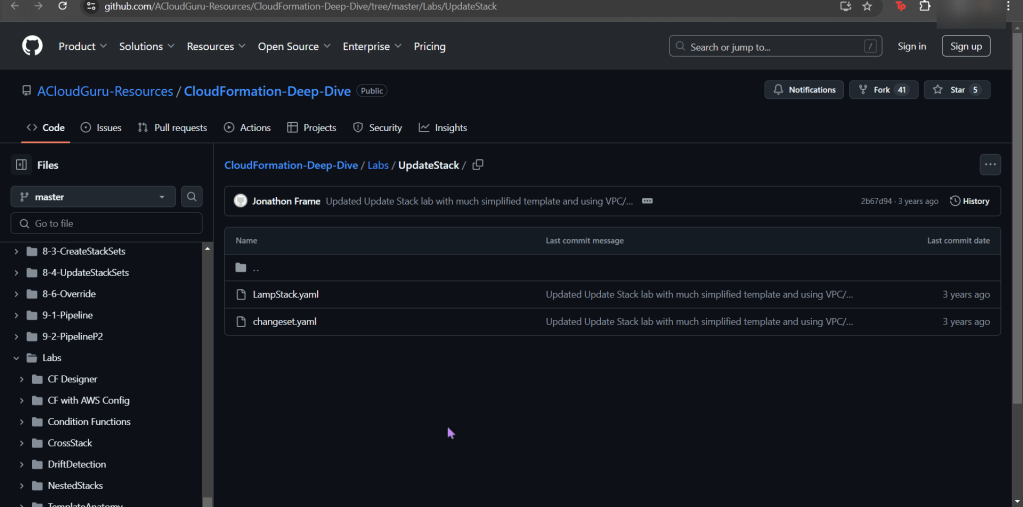
  • Lastly snag that bottom yaml file & re-upload into your stack #CHAAAAANGE
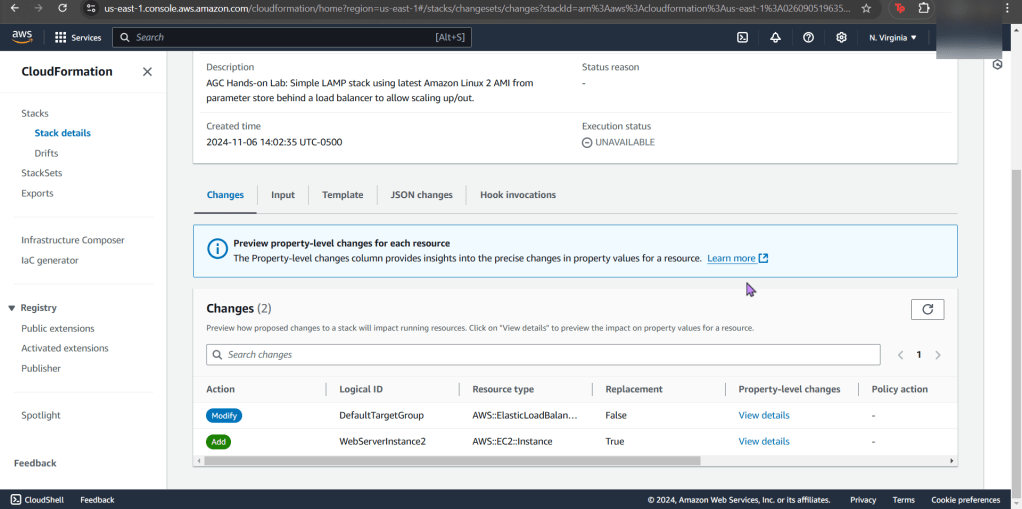
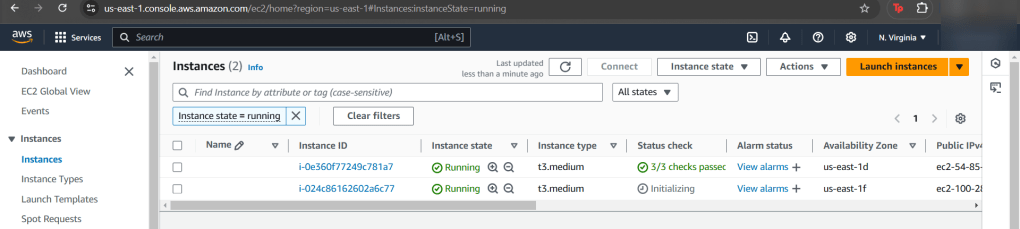
  • Difference here is we have 2 new instances added
  • Scroll to bottom of seeing the summary of changes
  • And like before, see the changes happening live!
    • I know, fancy – ooooo ahhhh
Play Detective w/CloudFormation

Goal:

Configuration draft is like poetry, & everyone hates poetry…Cloudformation can assist in bringing the stack back in sync to the original template after IDing the drift.

Lessons Learned:

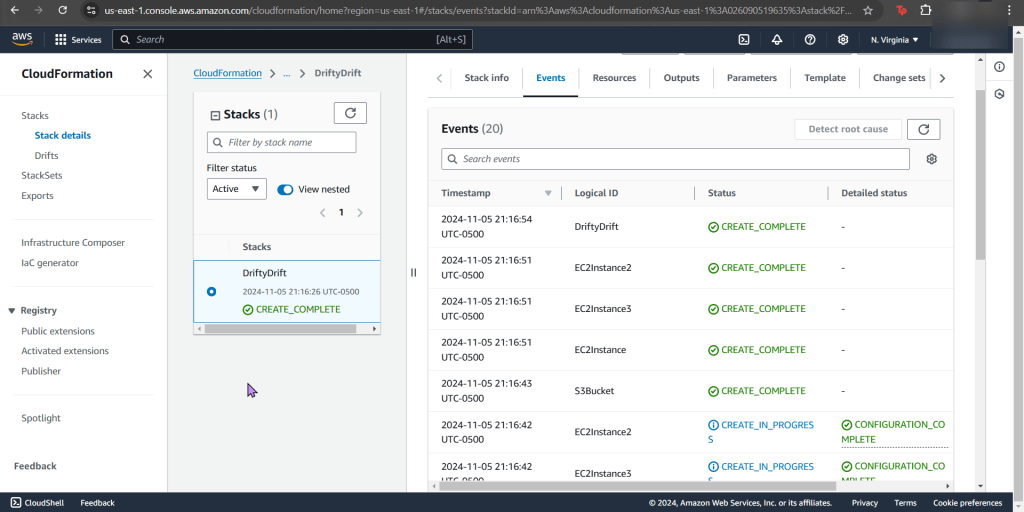
  • Create CloudFormation Stack
  • Terminate an EC2 instance for stack drfit
  • Eliminate drift from stack

Create Key Pair:

  • Before you get into the house, gotta have keys right?!

Create CloudFormation Stack:

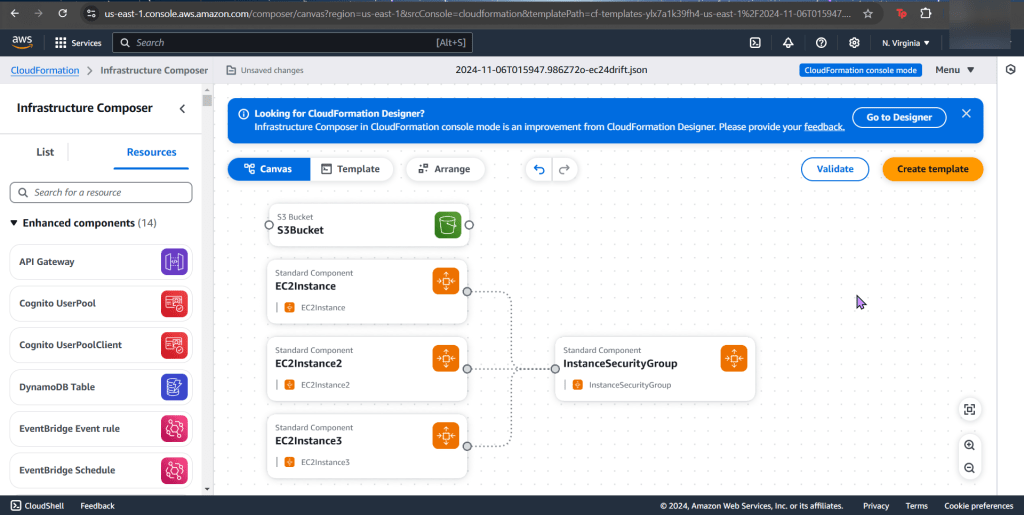
  • I think what AWS has in the “infrastructure composer” is sick, both options of “canvas” and “template” are so slick, also toggling between “YAML” & “JSON” is epic!
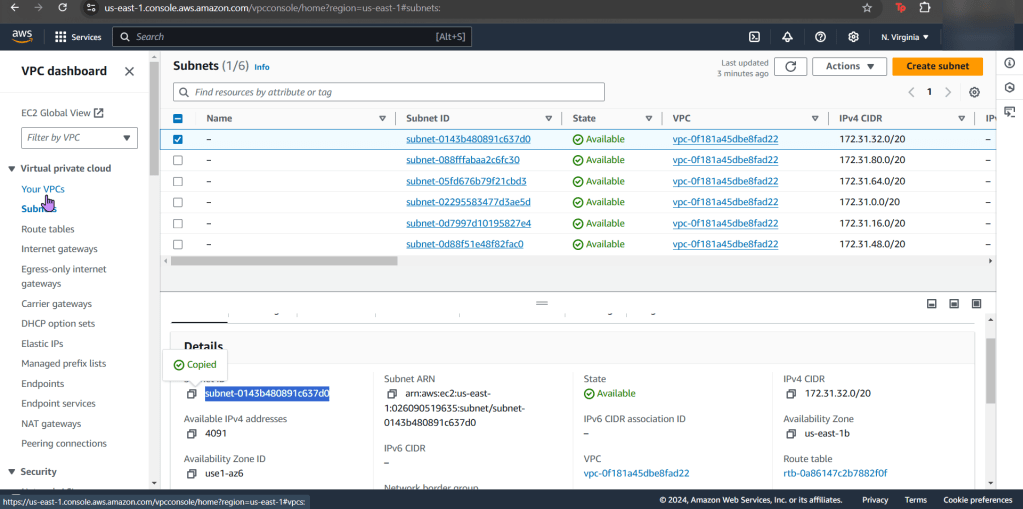
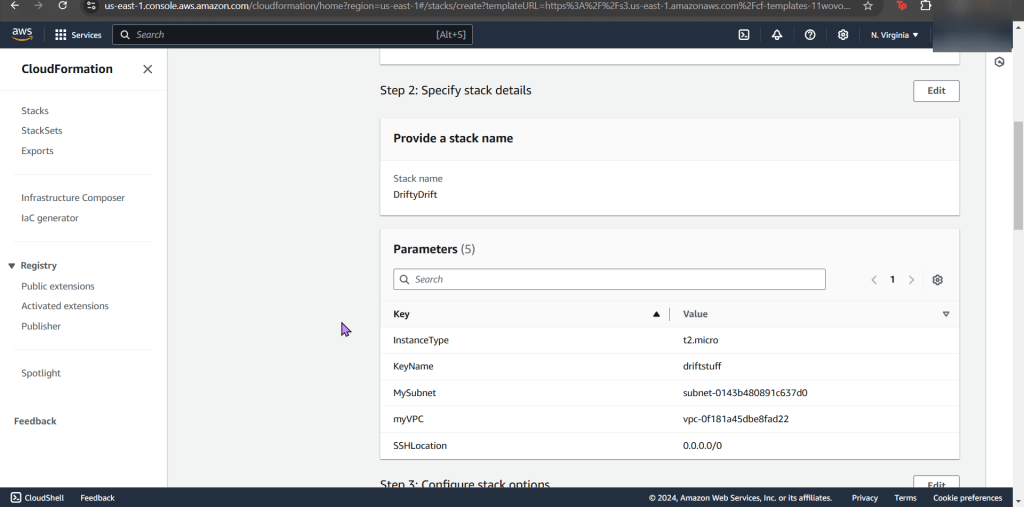
  • After the template is created, go ahead & select your VPC as well as subnet of choice
  • Tahhhhh DAhhhhhhhhhhhhhhhhhh!!!!

Terminate an EC2 instance for stack drift:

  • Annnnnd now its time to run some EVILLL experiments, muuhh-hahahaha… ahemm..
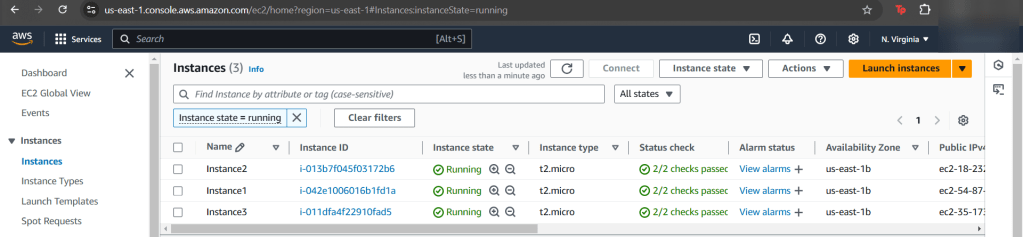
    • Go to your EC2 instances
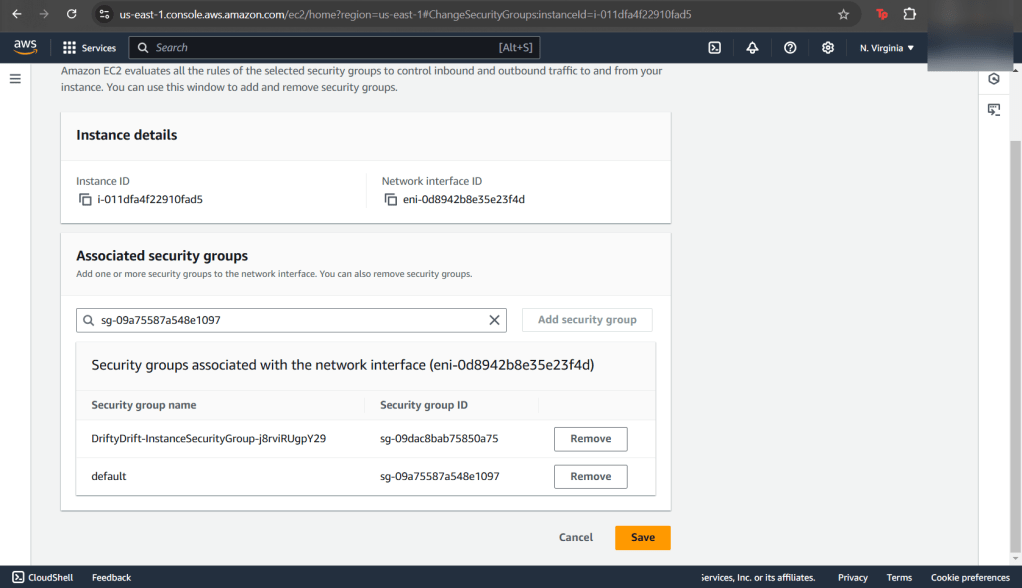
  • Change instance 3 security groups
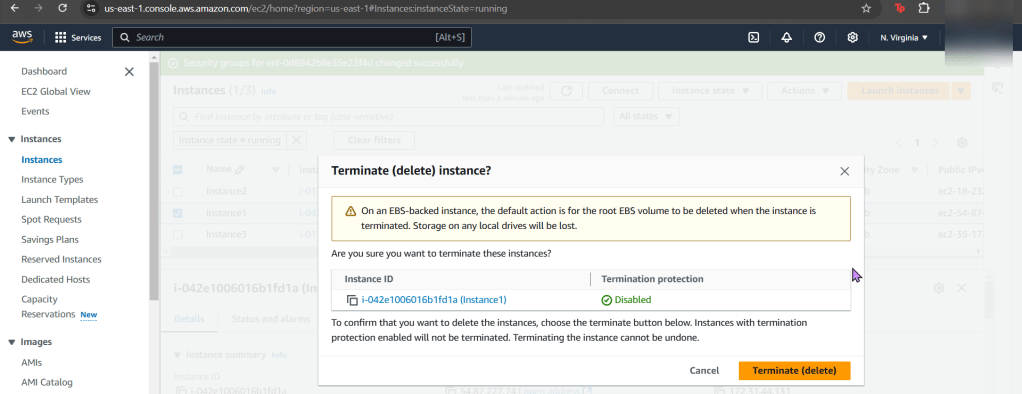
  • Delete/Terminate instance 1!!
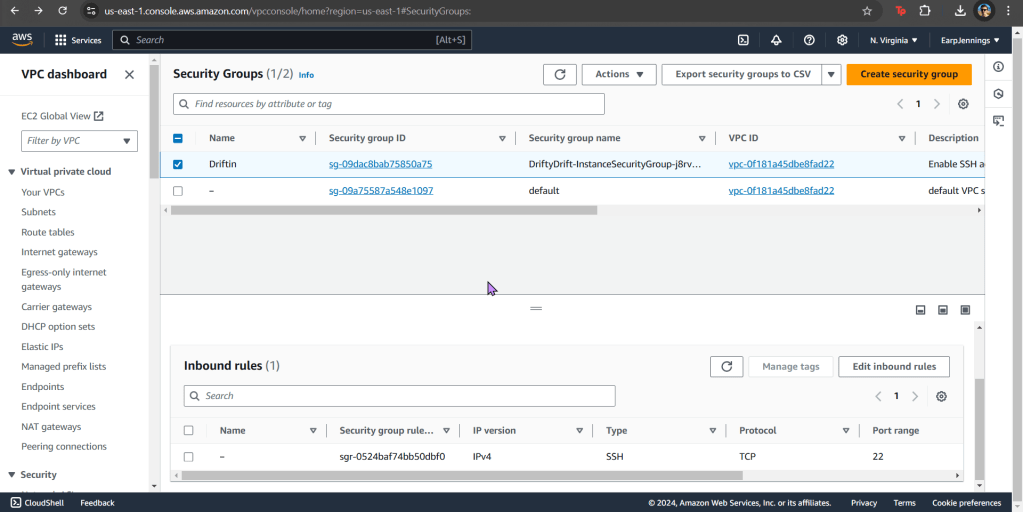
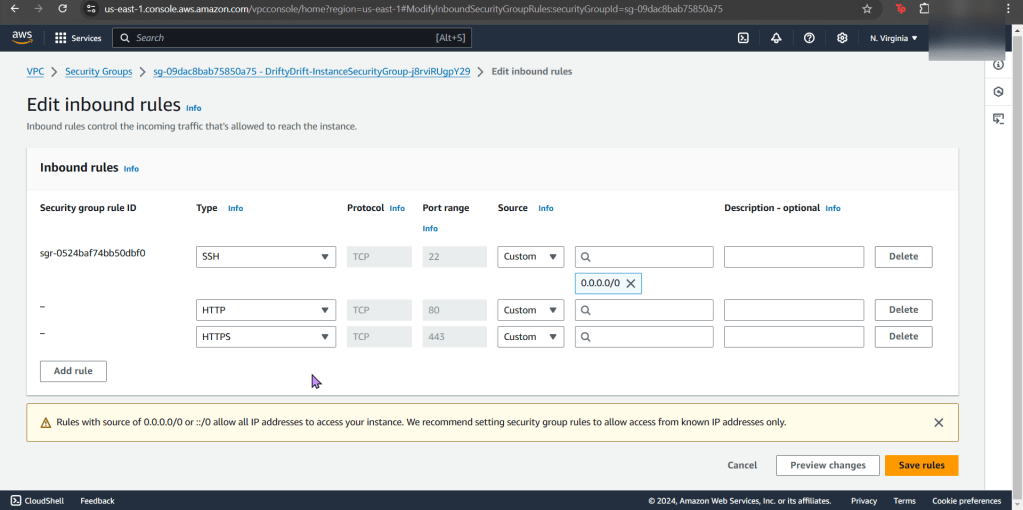
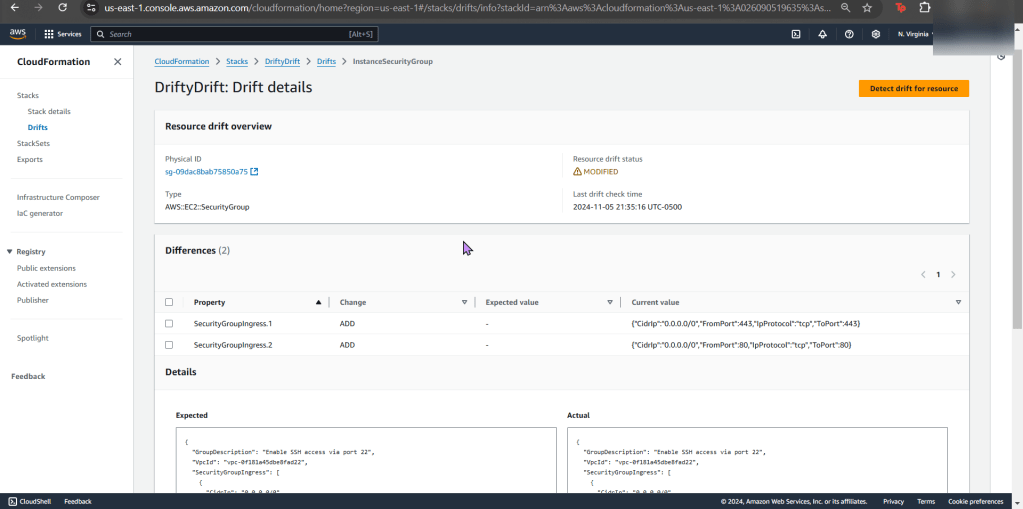
  • Now edit your security group inbound rules
    • Add HTTP & HTTPs
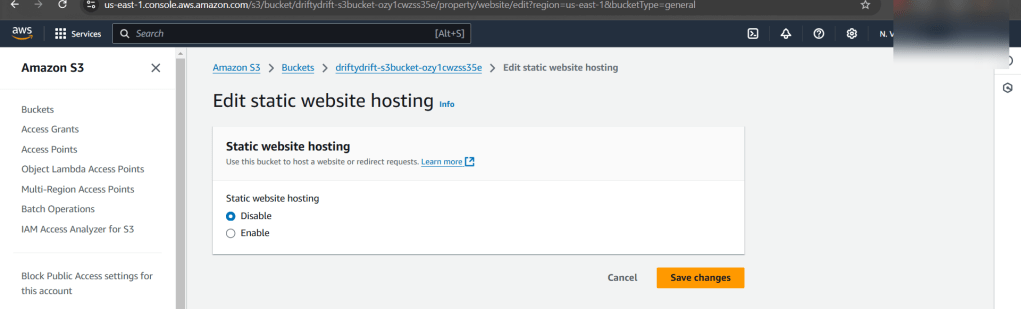
  • Go to S3
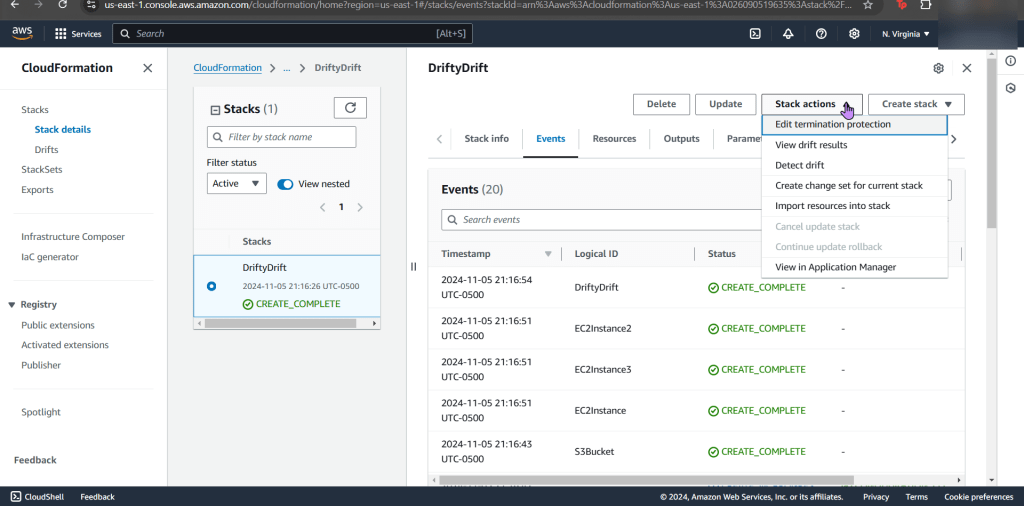
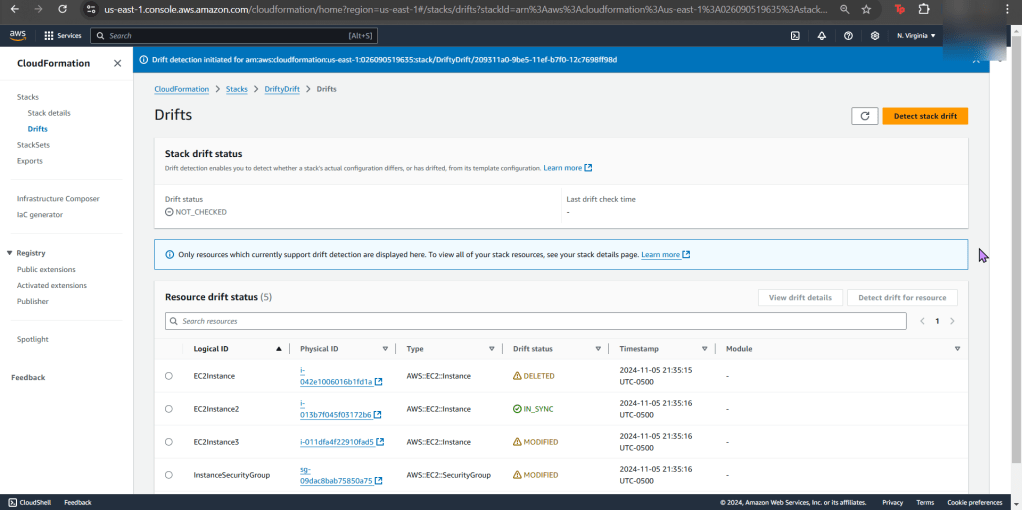
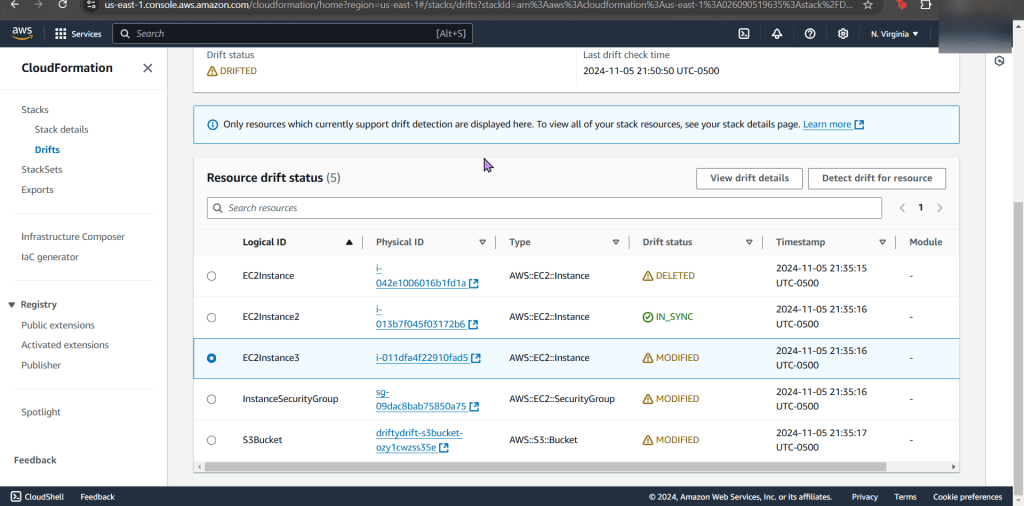
  • Detect drift on CloudFormation stack
  • You can see the details of your drift detection & compare the before/after

Terminate Drift on Individual Resource:

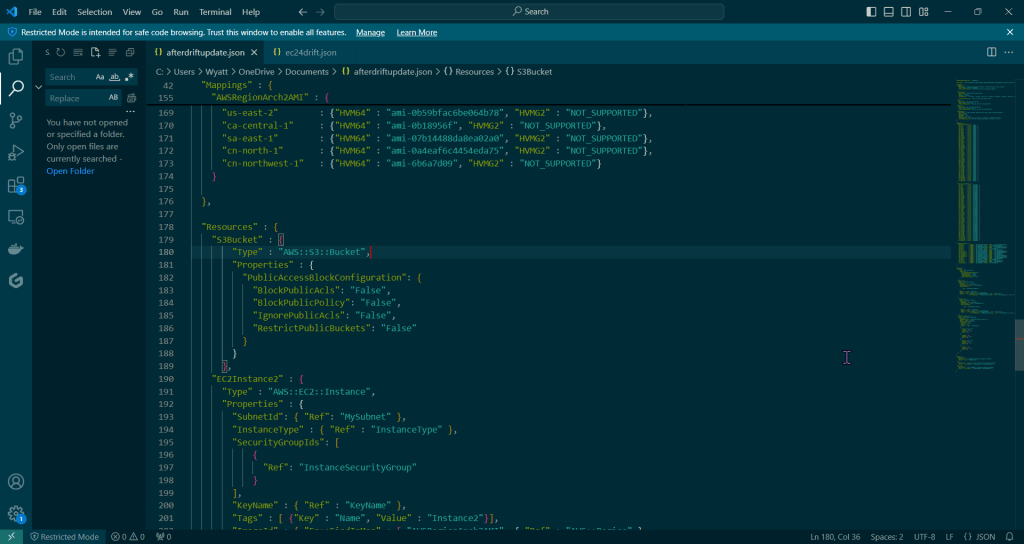
  • Put the “afterdriftdetection” file in & prepare for re-upload

Update Stack to Eliminate Drift:

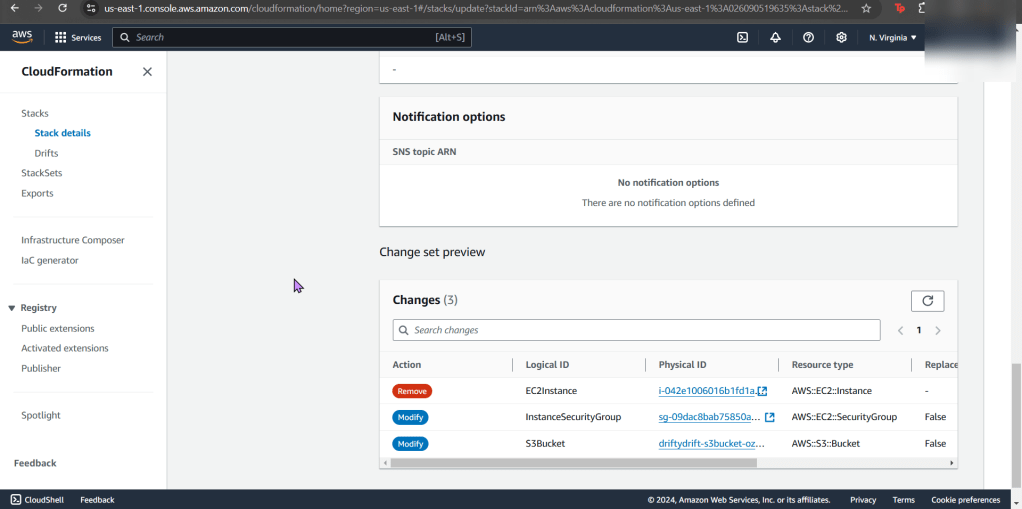
  • Go giggles, you can manually re-add the security group and re-enable the s3 static web hosting… OR just upload the other file & see the magic happen.
    • Cuz as as seen above, AWS tells you the difference for the drift & w/that code you can re-update the file for re-upload. #ohhhyeaaaaah
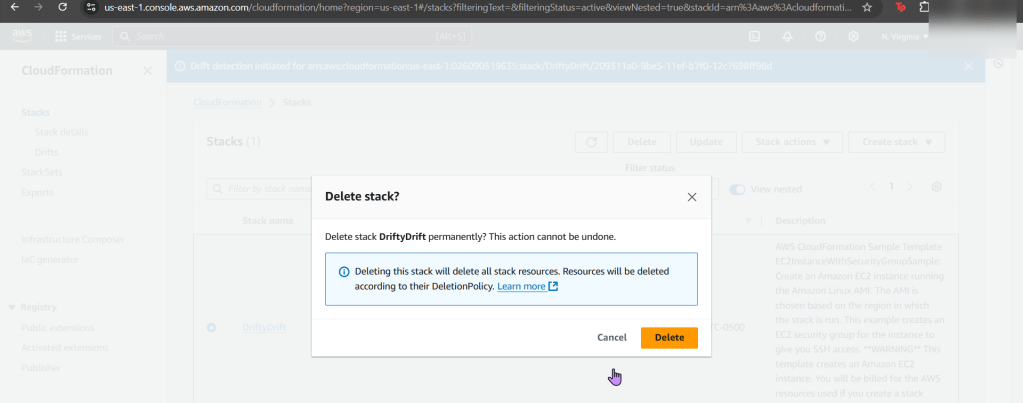
  • Dont forget to delete your stack if your done, orrrr it will stay there – – – … 4Evahhhh