Just Deploy Kubernetes App w/Helm already!

Goal:

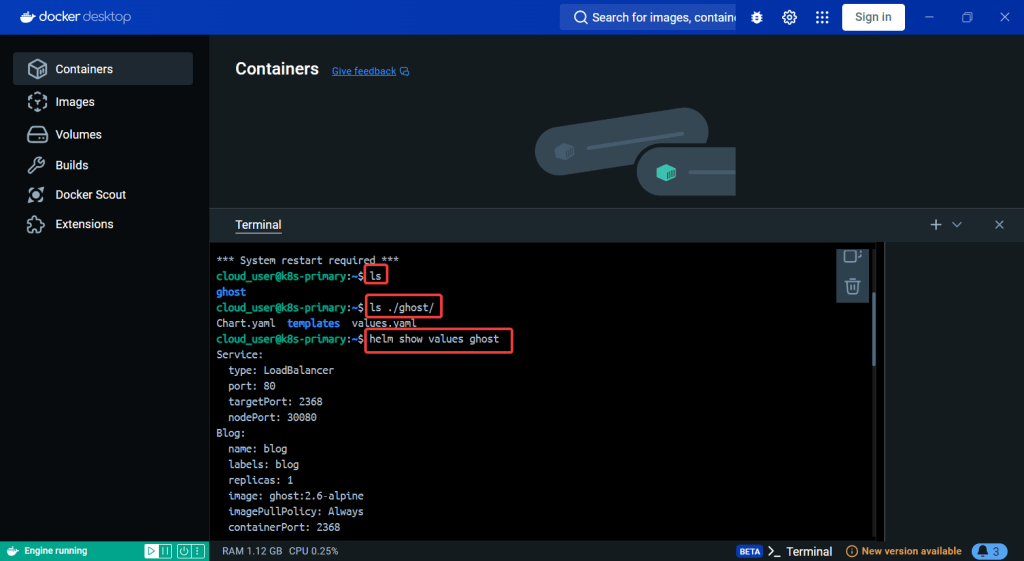
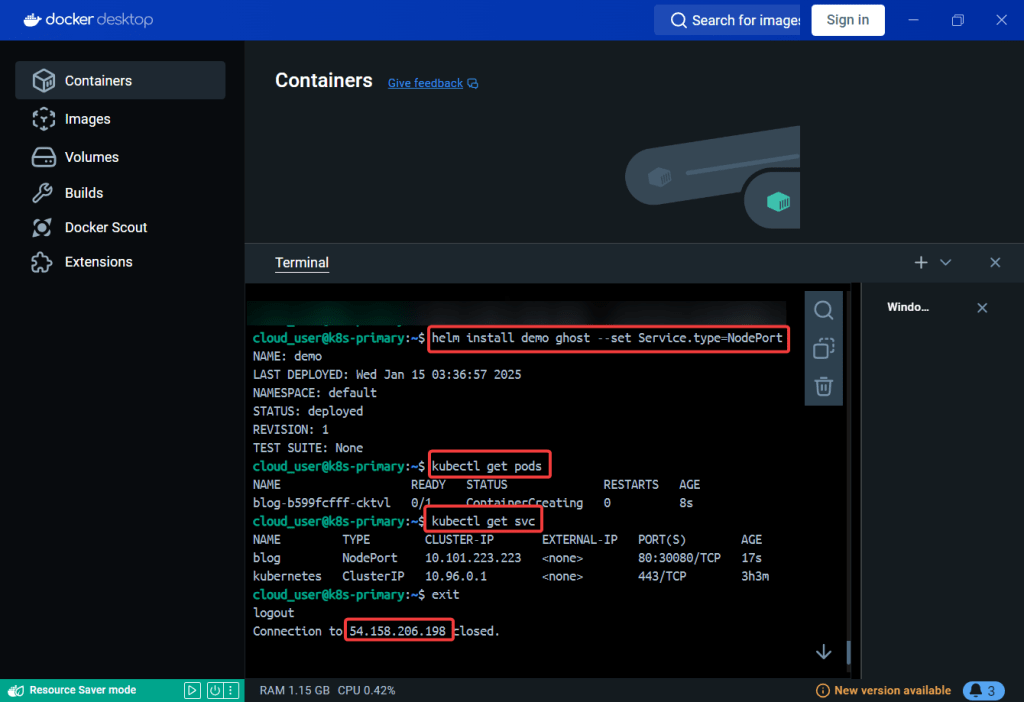
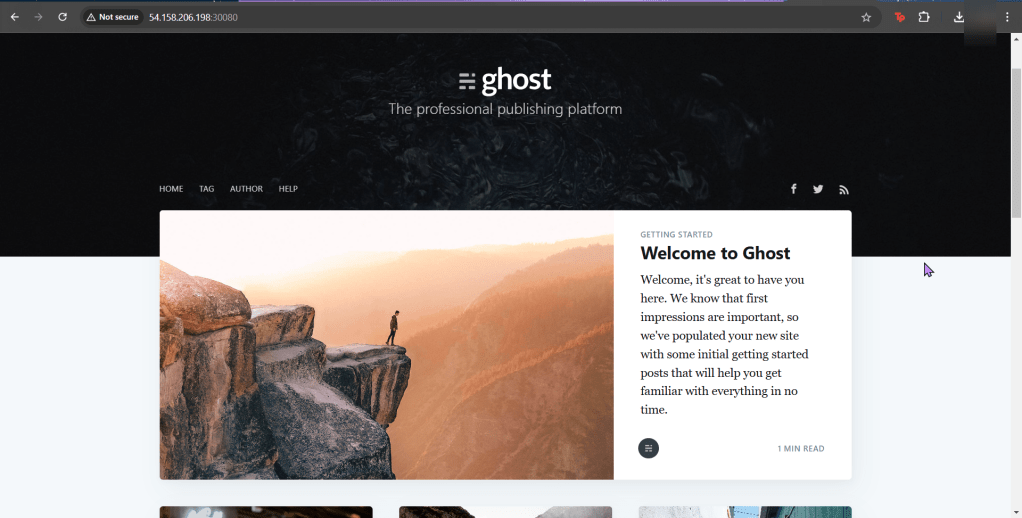
Ever heard of Helm? Or Kubernetes? You have? … Are you lying? Nonetheless, below is how to use the tools to easily manage apps in Kubernetes.

Lessons Learned:

  • Do it. Just do it. Install Helm.
    • Helm has official installer script to grab latest version of Helm & install locally
  • Put the lime in the coconut…aka – Install a Helm Chart in the Cluster

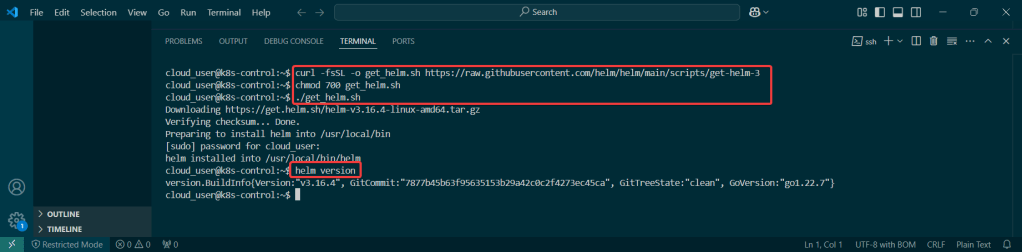
Do it. Just do it. Install Helm:

Curl & chmod to get Helm:

Put the lime in the coconut…aka – Install a Helm Chart in the Cluster:

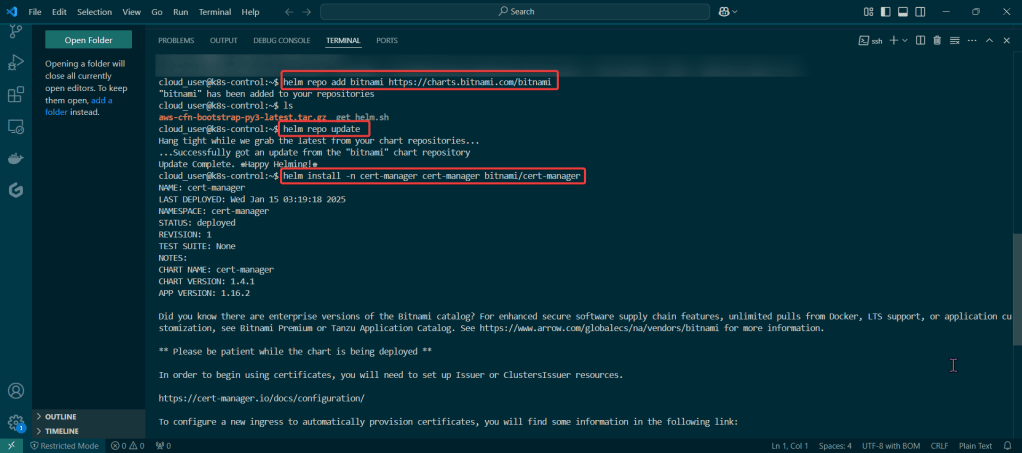
Add Bitnami, update chart listing, & install cert-manager namespace:

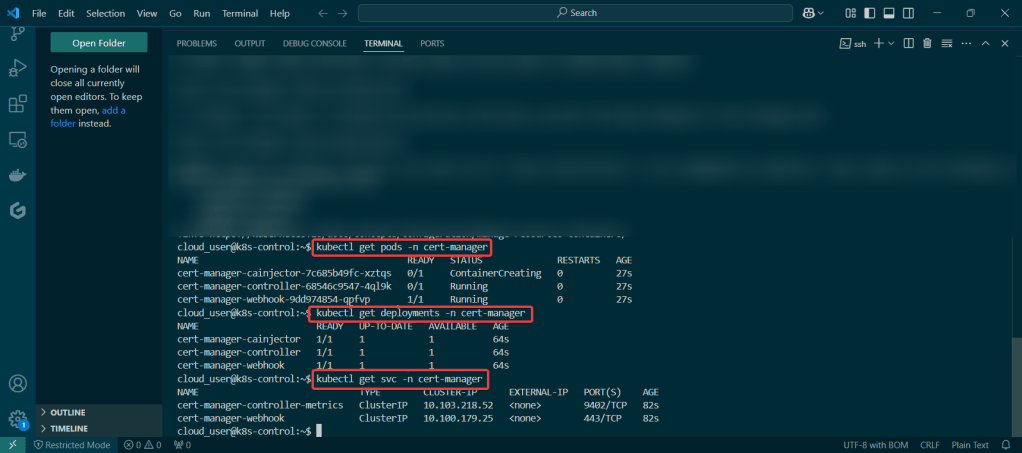
View pods, deployment, & services created by installing Helm:

TF + EKS = Deployed Yo!

Goal:

Look man, I just wanna set up a tin EKS cluster w/a couple nodes using Terraform.

Lessons Learned:

  • Configure AWS CLI
  • Deploy EKS Cluster
  • Deploy NGINX Pods
  • Destroy!!!

Configure AWS CLI:

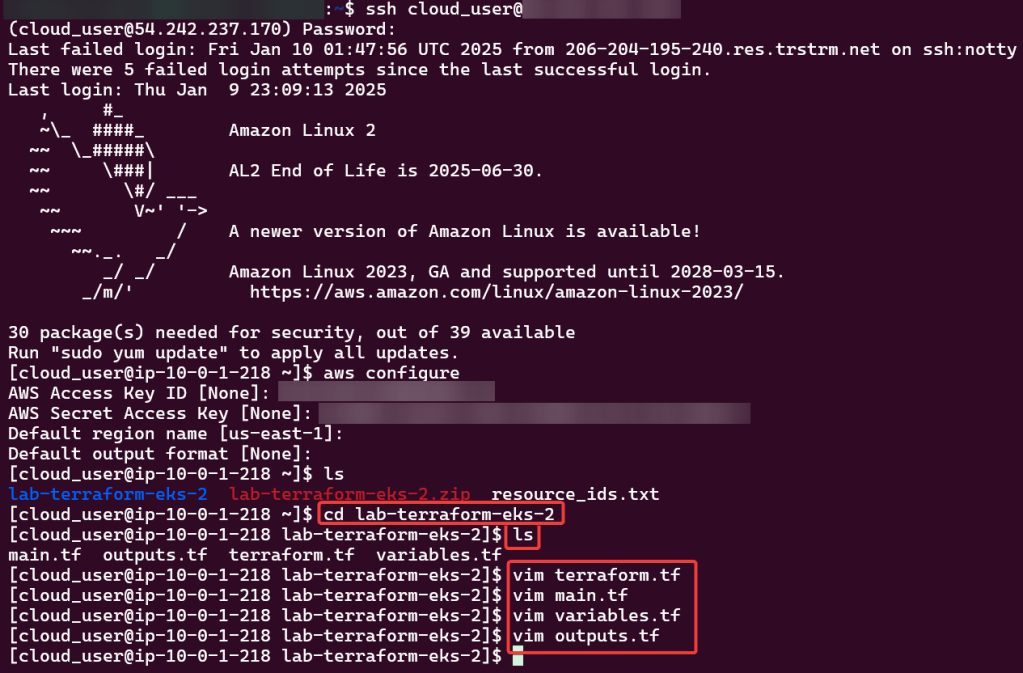
Use Access & Secret Access Key:

Change Directory:

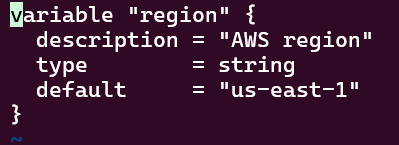
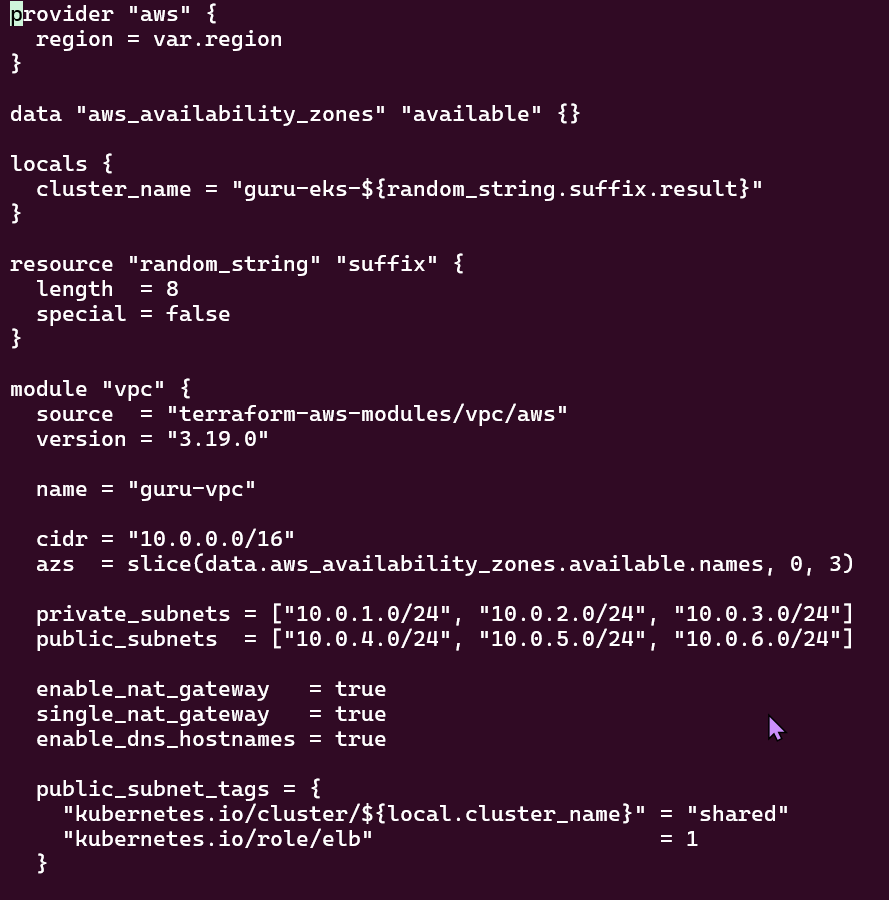
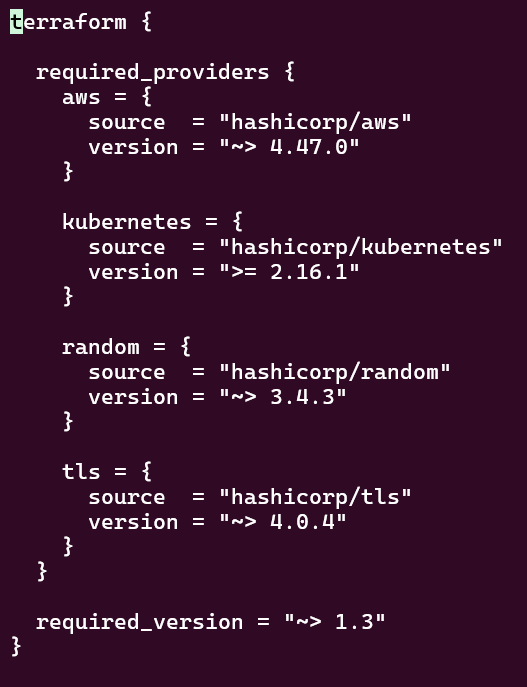
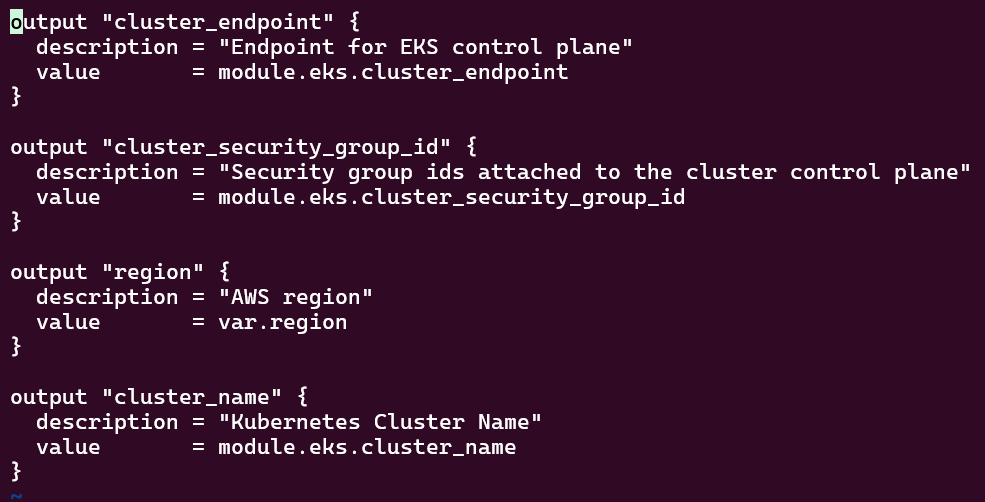
Review TF Configuration Files:

Deploy EKS Cluster:

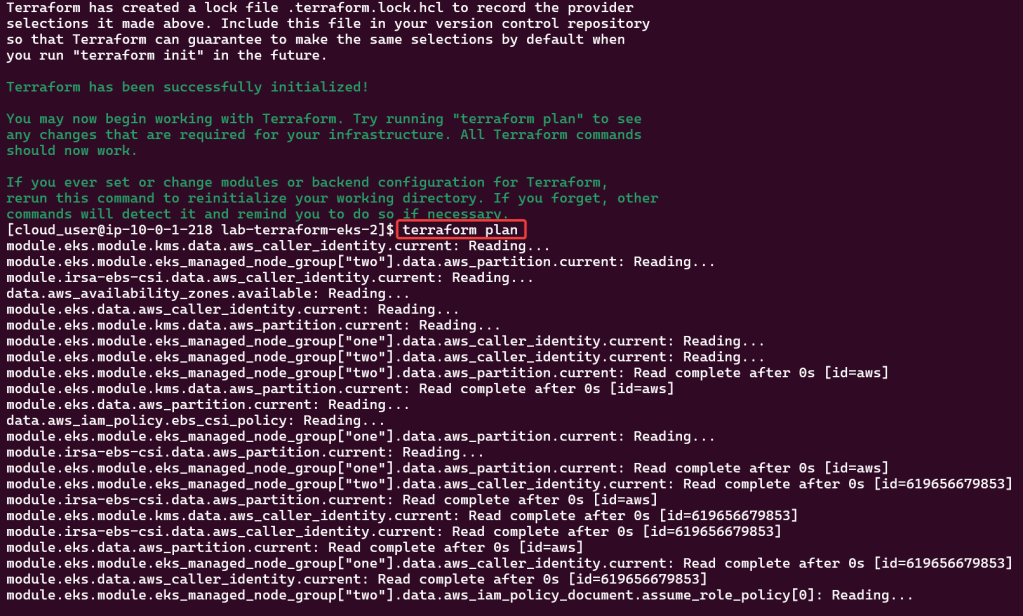
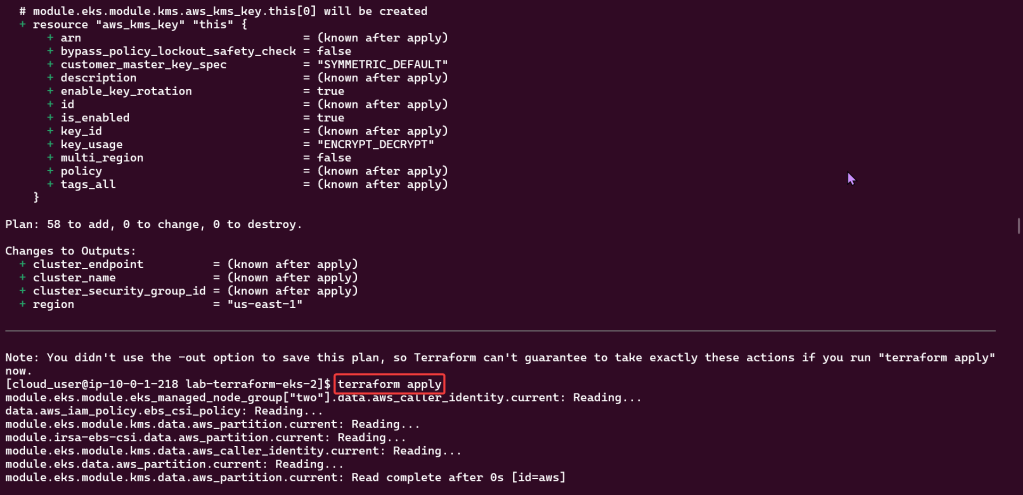
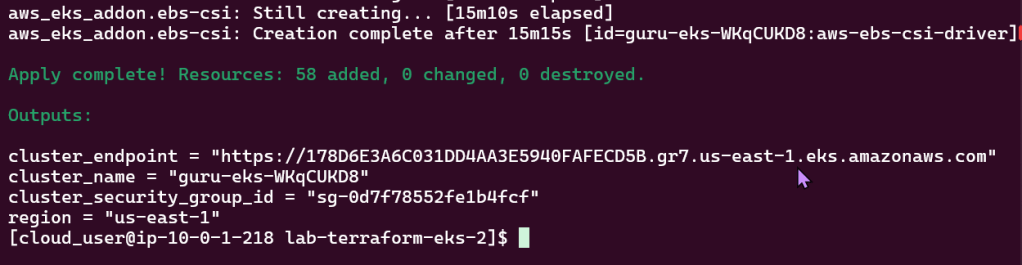
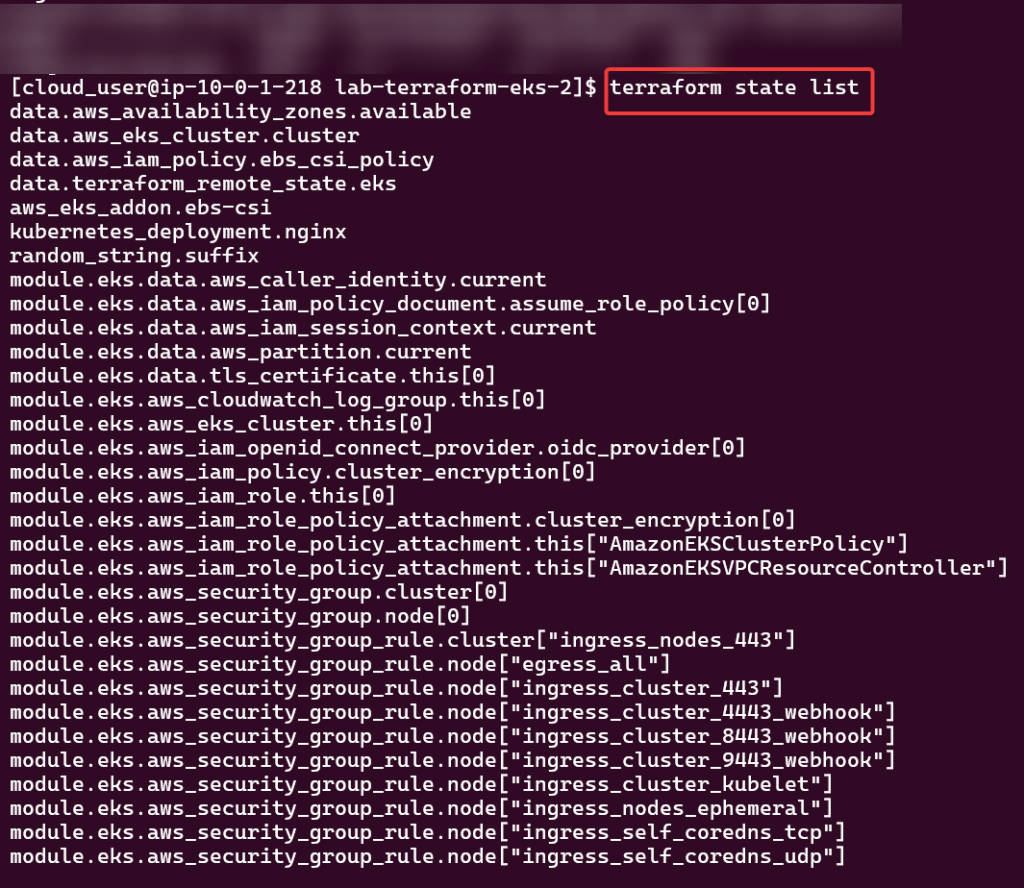
Terraform init, plan, & apply:

Kubectl to chat w/yo EKS cluster:

Check to see your cluster is up & moving:

Deploy NGINX Pods:

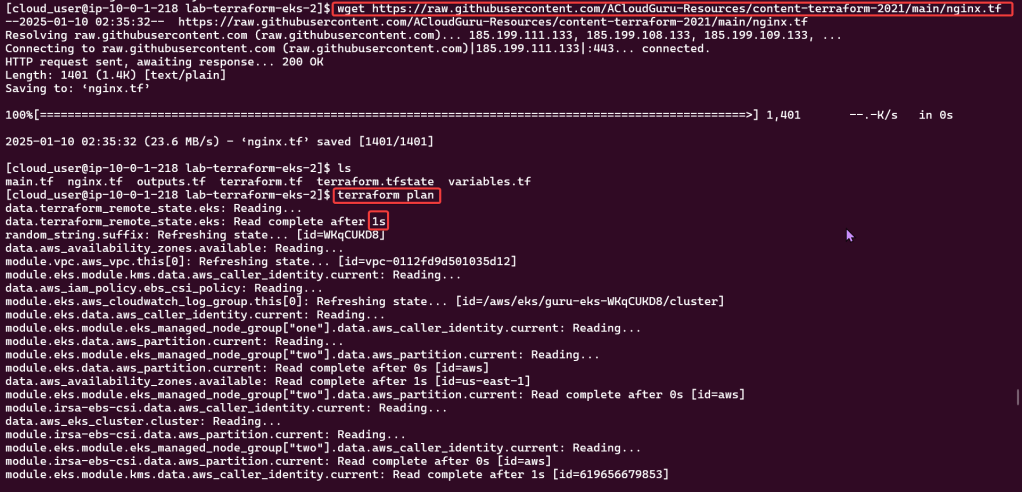
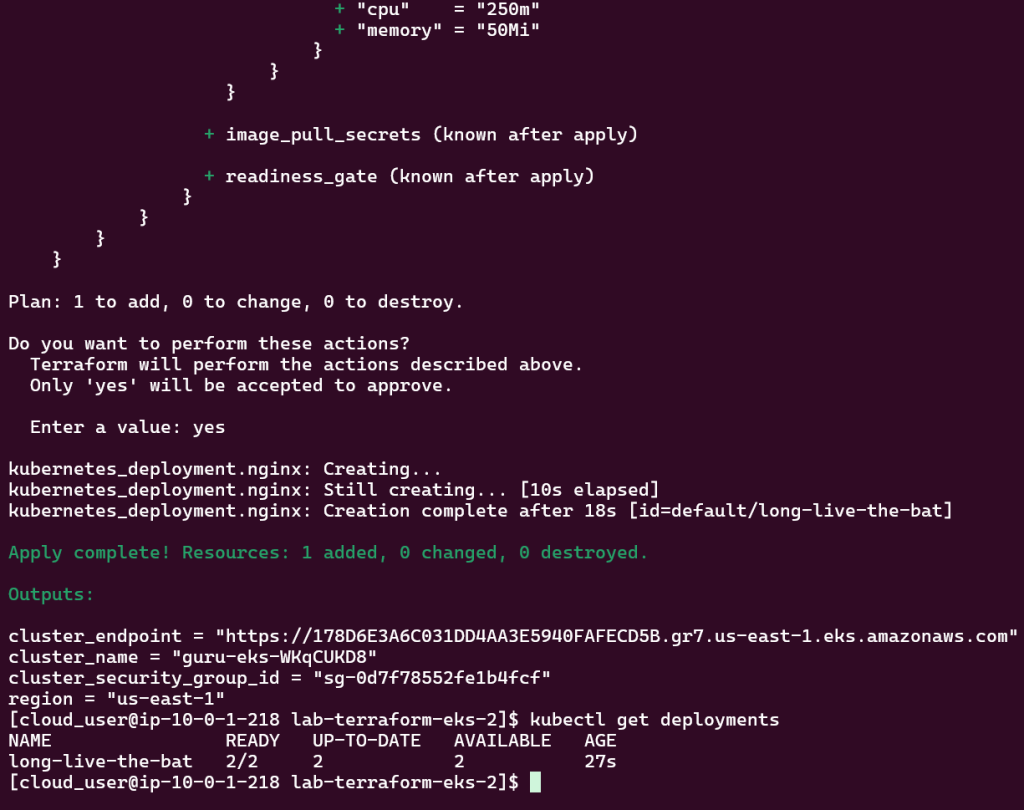
Deploy to EKS Cluster:
Check again if your cluster is up… & MOVINGG!:

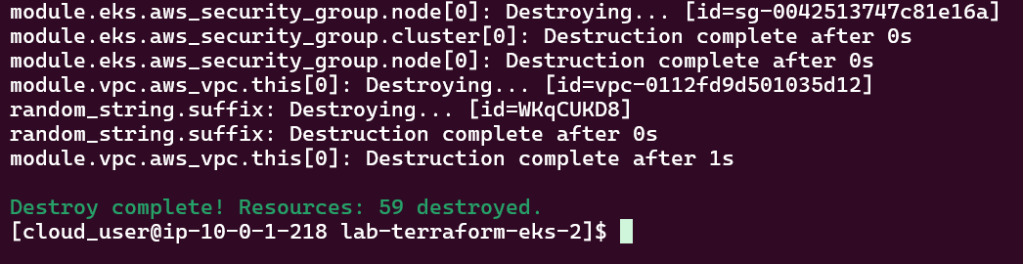
Destroy!!

Kubernetes Clusters w/EKS is Kewl as (S)hell!

Shells are da bomb right? Just like in Mario Kart! Cloud Shell can be dope too in creating a Kubernetes cluster using EKS, lets party Mario.

  • Create an EKS cluster in a Region
  • Deploy a Application to Mimic the Application
  • Use DNS name of Load Balancer to Test the Cluster

AWS Stuff:

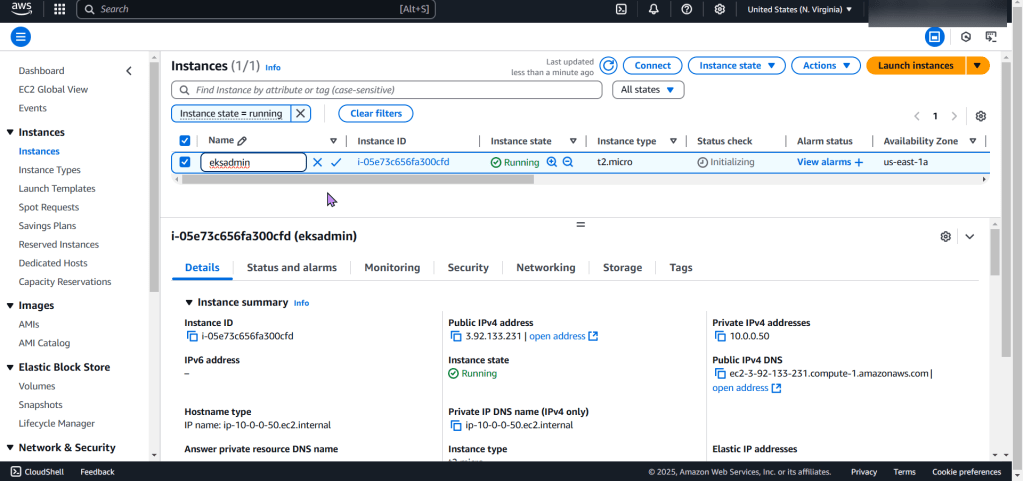
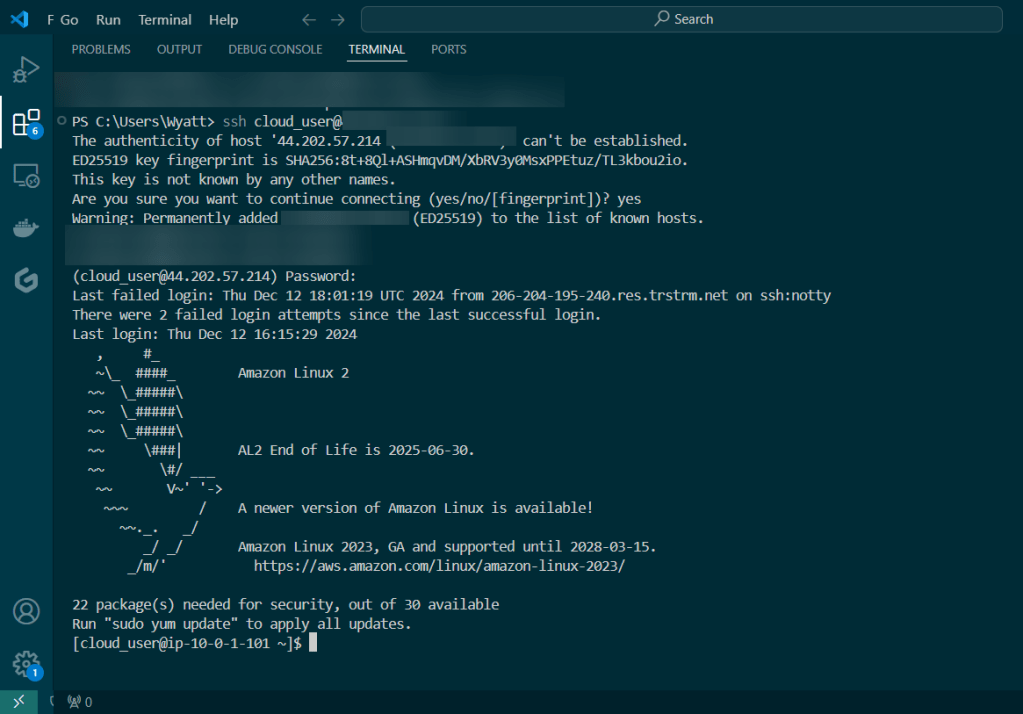
Create EC2:

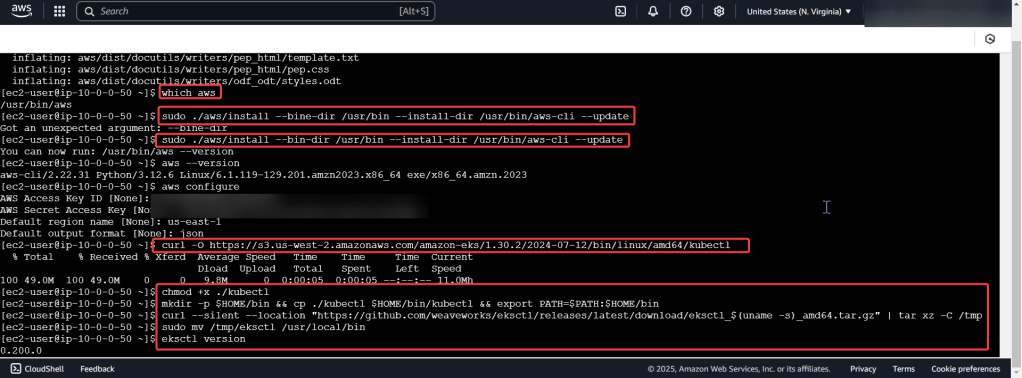
Download AWS CLI v2, kubectl, ekcctl, & move directory files:

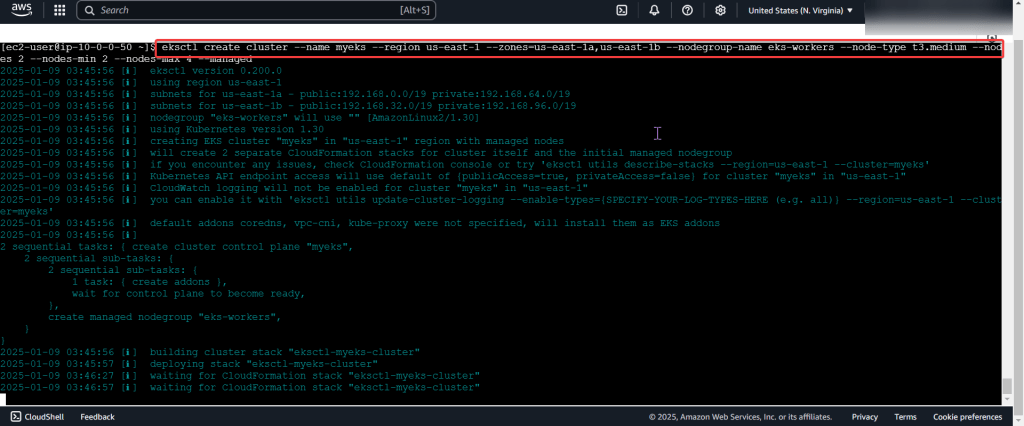
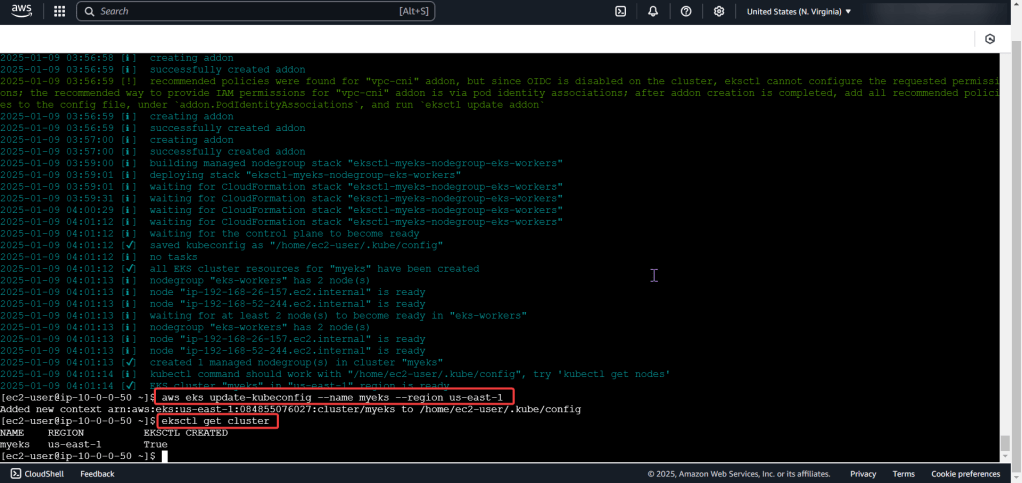
Create the cluster, connect, & verify running eksctl:

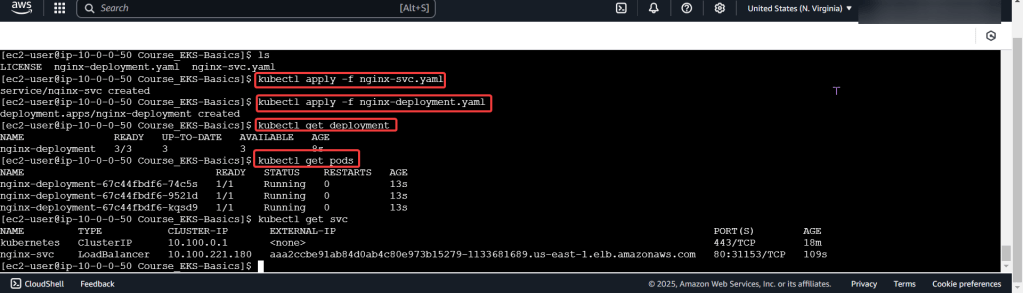
Run thru some kubectl applys to yaml files & test to see those pods running:

  • Now curl the load balancer DNS name…walllll-ahhhhh

Kubernetes Cluster & Terraform

Goal:

Lets see if I can deploy a web app to my EKS cluster & Terraform. After EKS cluster is deployed w/Terraform I’ll provision the cluster & run Node.js & use MongoDB as the backend DB.

Basically it goes like this:

  • Web Browser – – – EKS Cluster – – – Public Endpoint
  • Namespace – – – Node.js – – – Docker Image Repository – – – MongoDB

Lessons Learned:

  • Deploy EKS Cluster w/Terraform:
  • Complete Terraform Configuration:
  • Deploy Web App w/Terraform:
  • Scale Kubernetes Web App:

Deploy EKS Cluster w/Terraform:

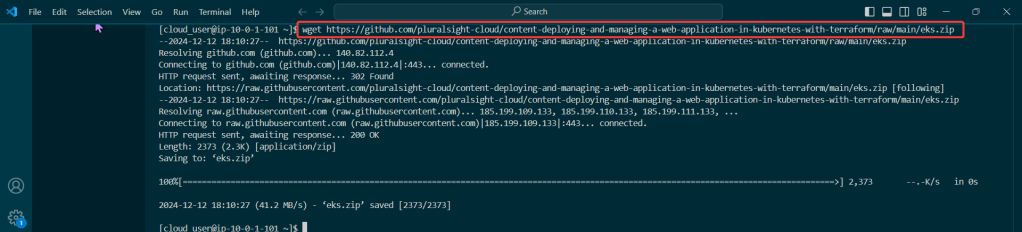
  • Cloud User – – – Security Credz – – – Access Keys
  • Add key details in CLI

Couple Commands to Leverage for Sanity Check:

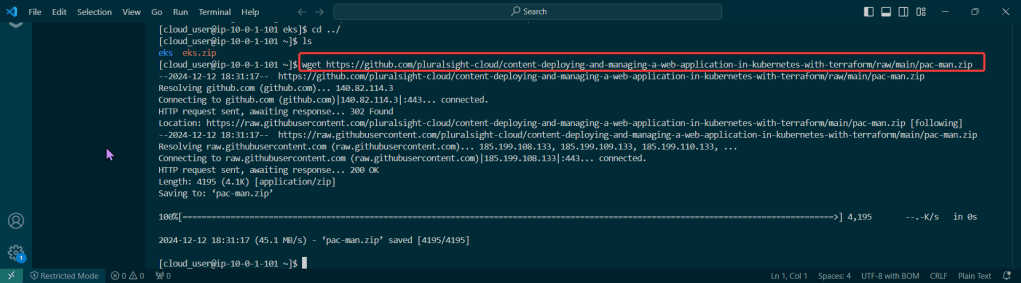
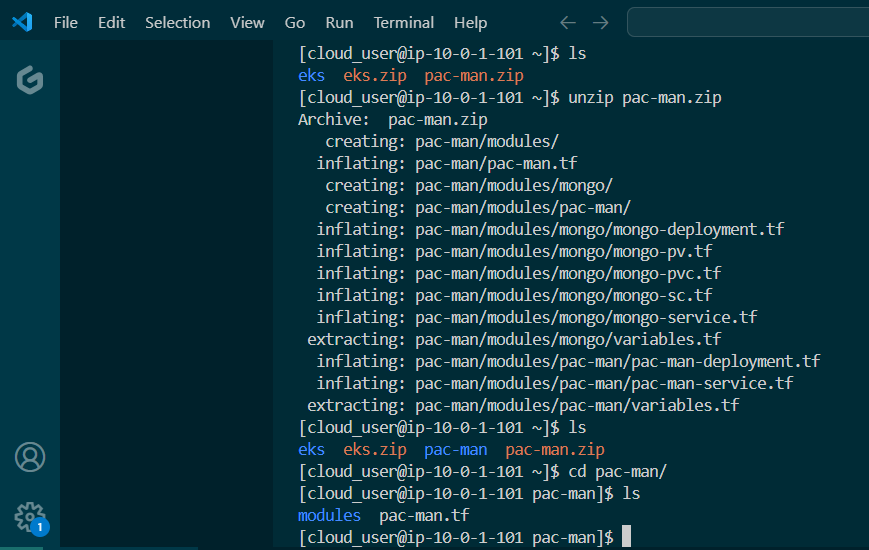
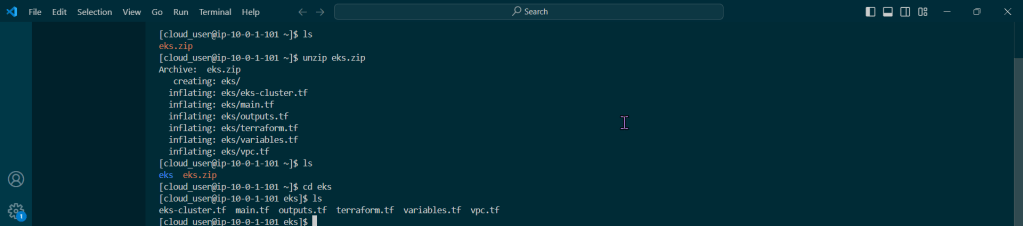
  • LS files
  • Unzip
  • LS
  • CD
  • LS
    • Now can see all TF files

Terraform – init, fmt, apply:

Complete Terraform Configuration:

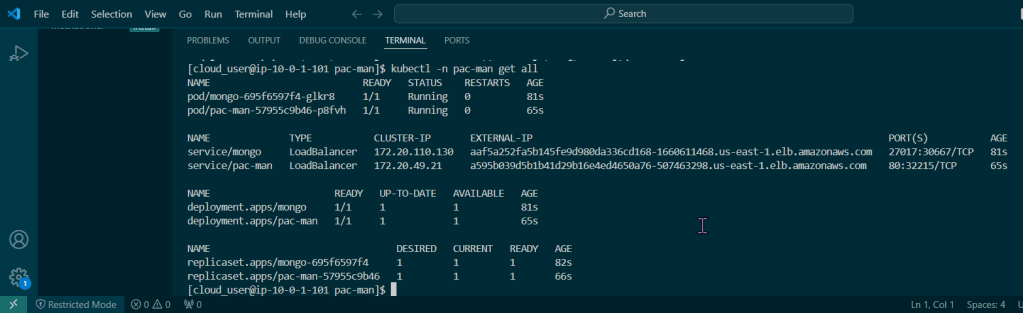
Double Check its Running:

Couple Commands:

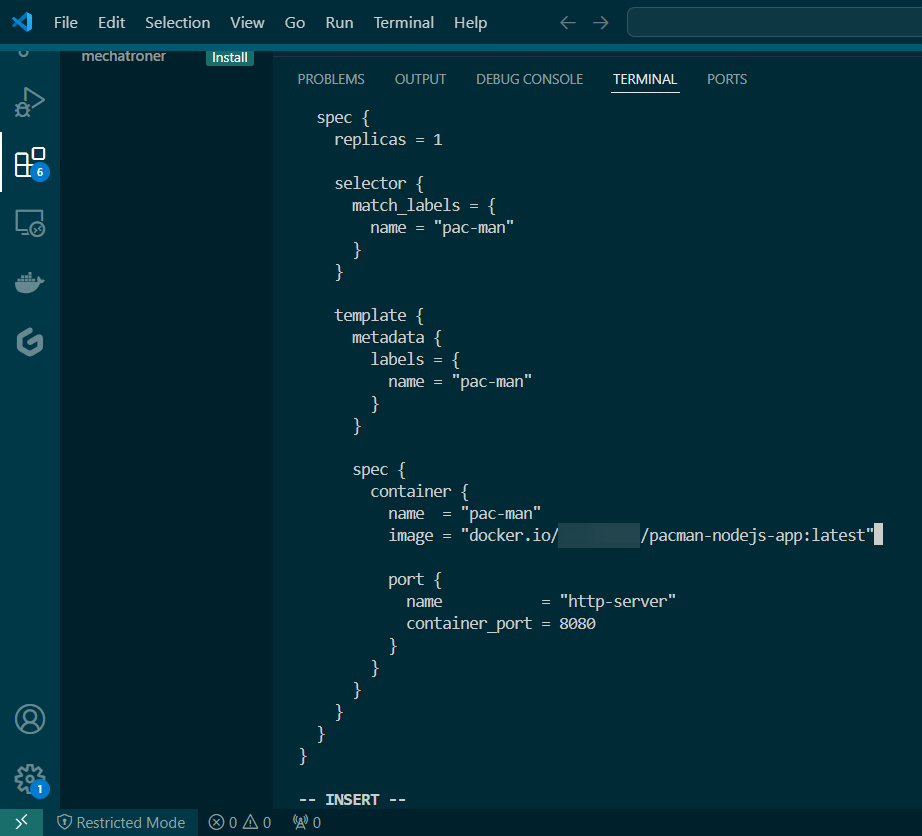
Vim modules/pac-man/pac-man-deployment.tf:

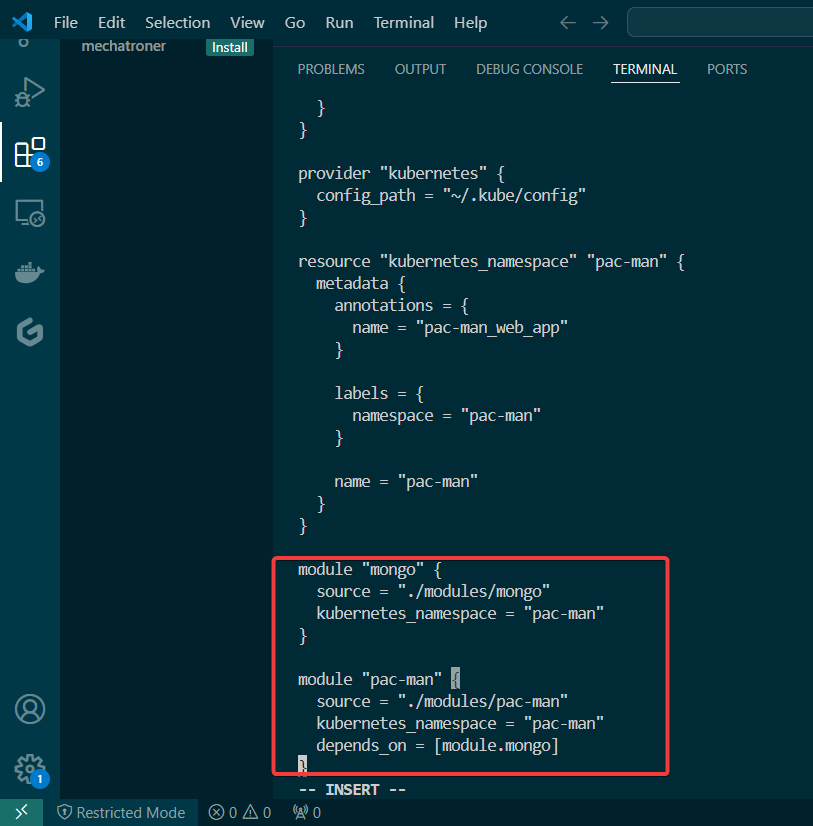
Vim pac-man.tf:

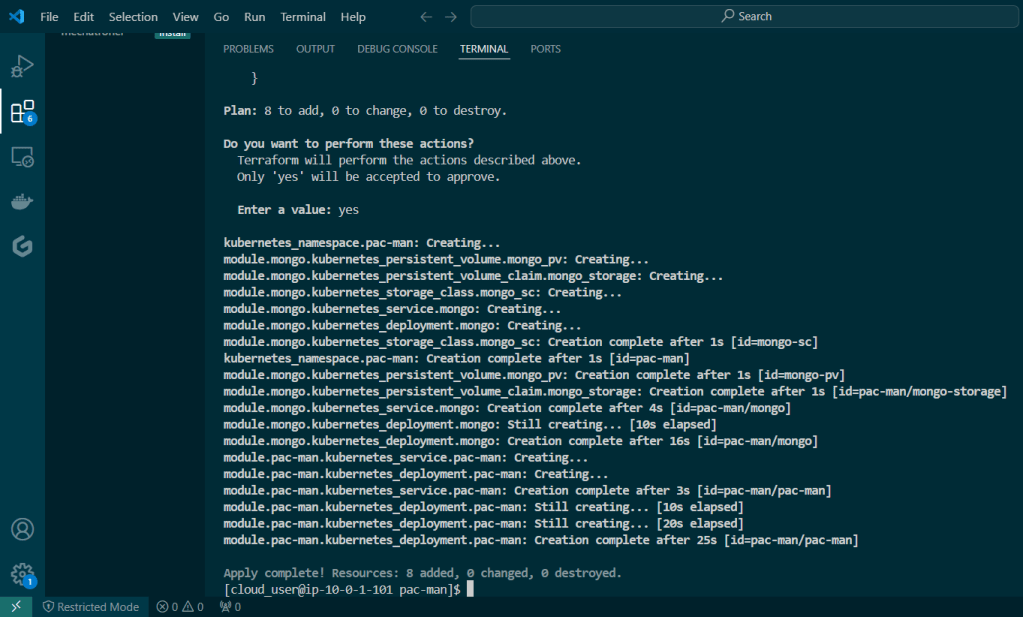
Terraform – Fmt, Init, & Apply:

Deploy Web App w/Terraform:

Scale Kubernetes Web App:

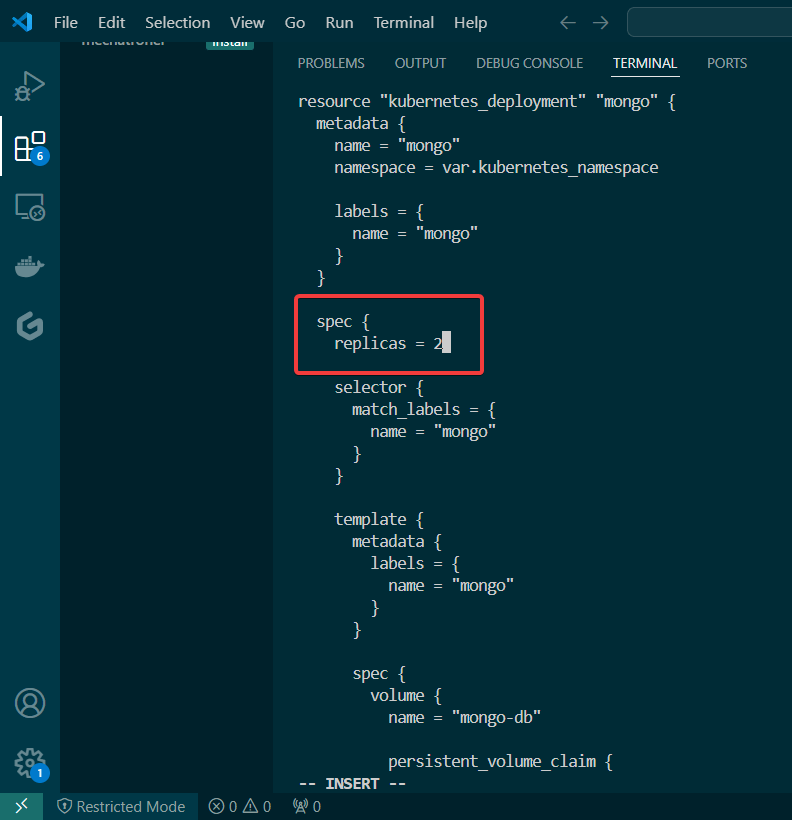
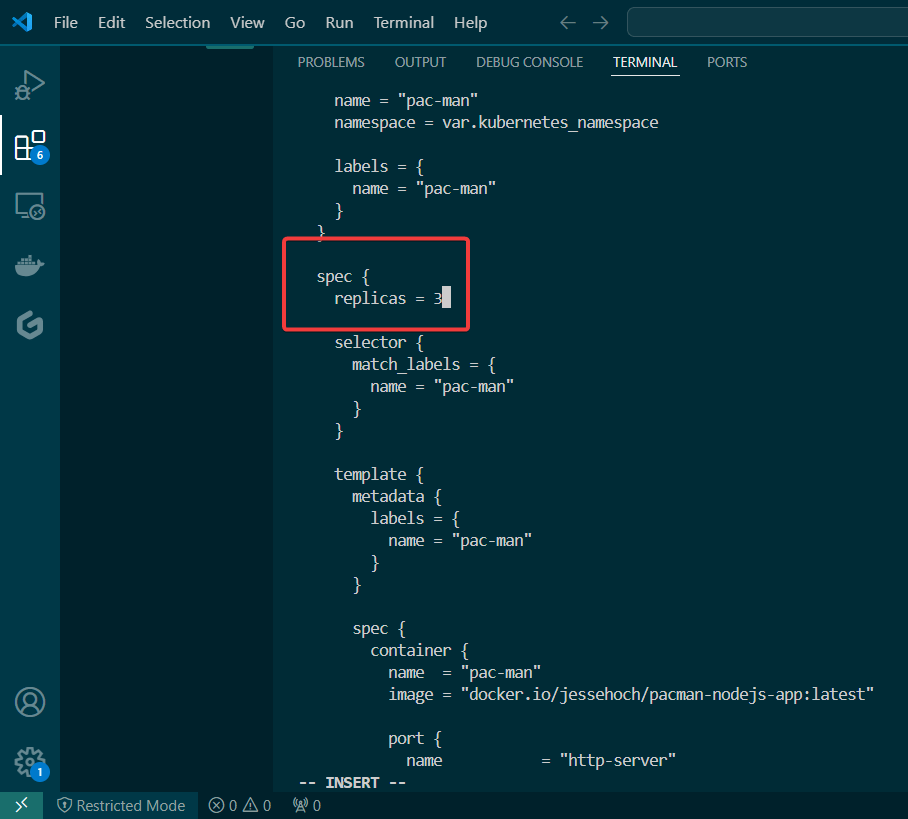
Change Deployment Files

  • MongoDB = 2
  • Pacman Pods = 3

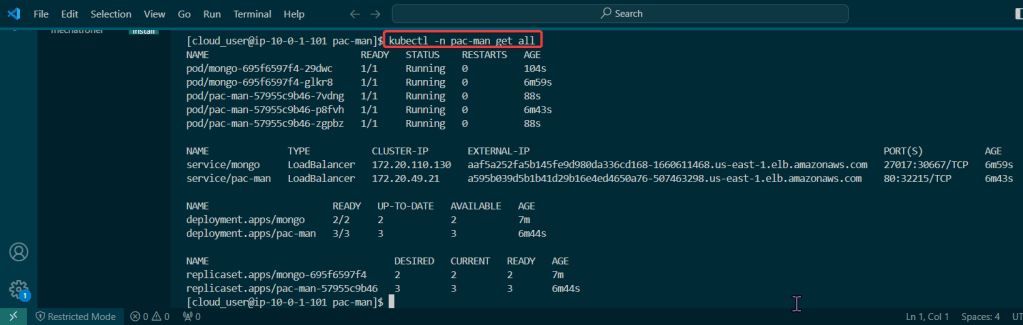
Double Check Working:

Prometheus 2 the movie, Featuring Kubernetes & Grafana

Goal:

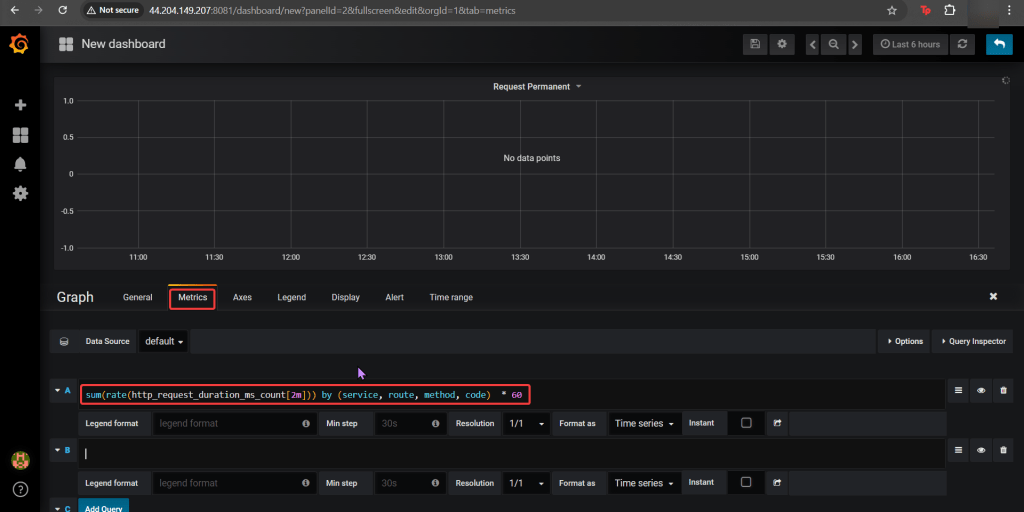
Imma monitor a CI/CD pipeline w/3 tools, wanna see if we use Prometheus to synthesize the data & Grafana to display the data? Our goal is get some insight on performance dawg!

Lessons Learned:

  • Use Helm to install Grafana
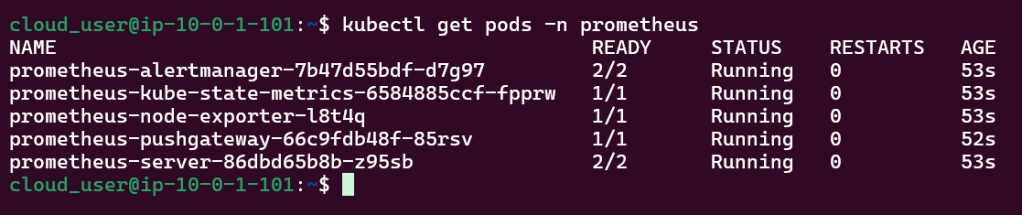
  • Install Prometheus in Kubernetes Cluster
  • Install Grafana in Kubernetes Cluster

Use Helm to install Grafana

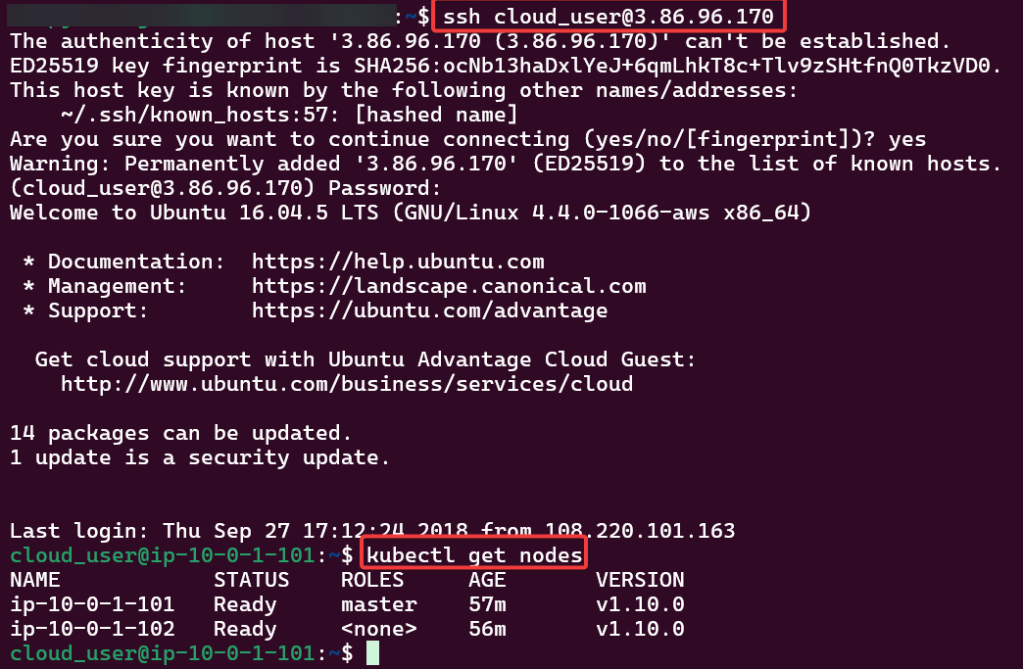
SSH into Master Public IP:

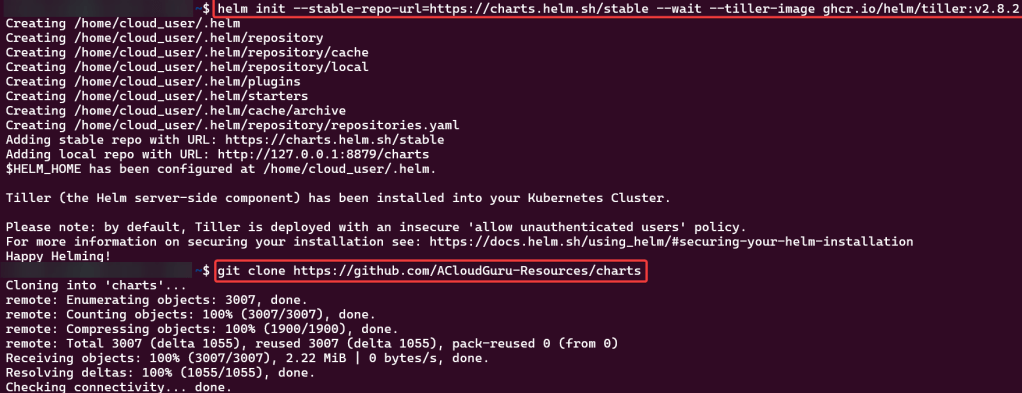
Initiate Helm:

Install Prometheus in Kubernetes Cluster

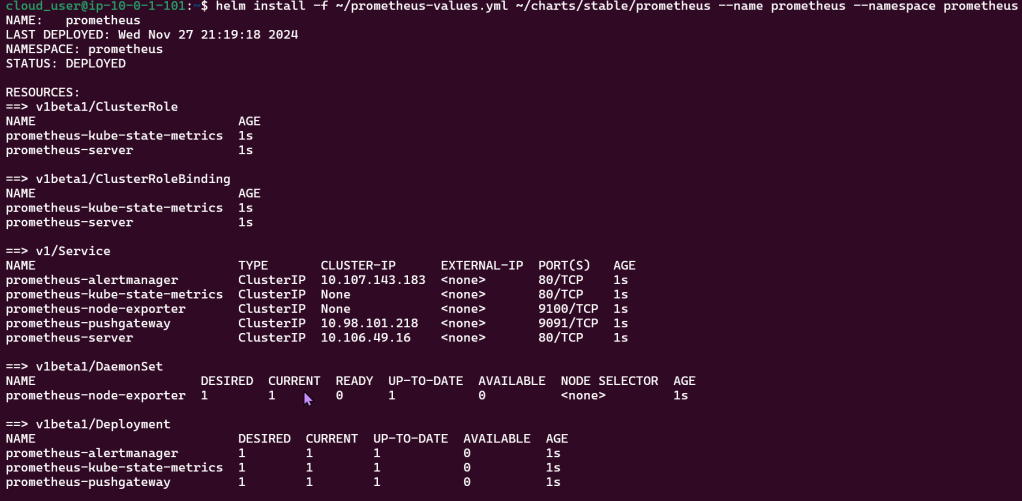
Create Prometheus YAML File:

Install Prometheus:

Install Grafana in Kubernetes Cluster

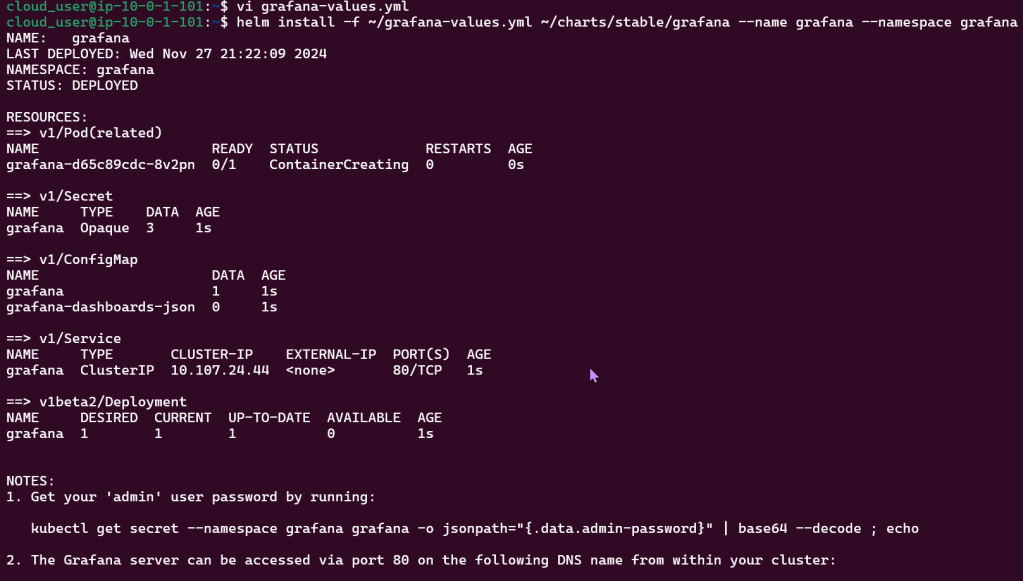
Create Grafana YAML File:

Install Grafana:

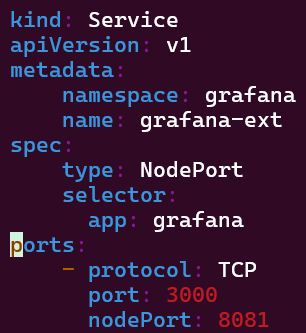
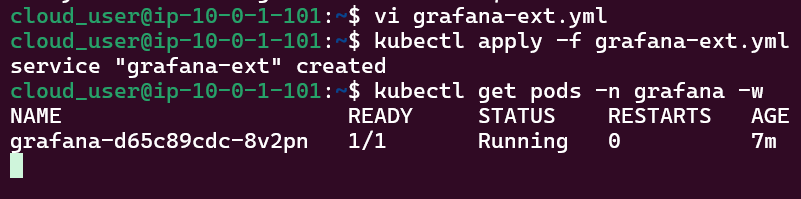
Create Grafana-Extension YAML File:

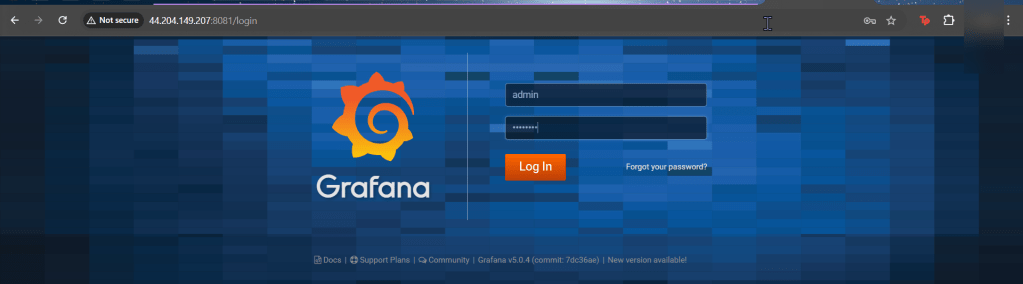
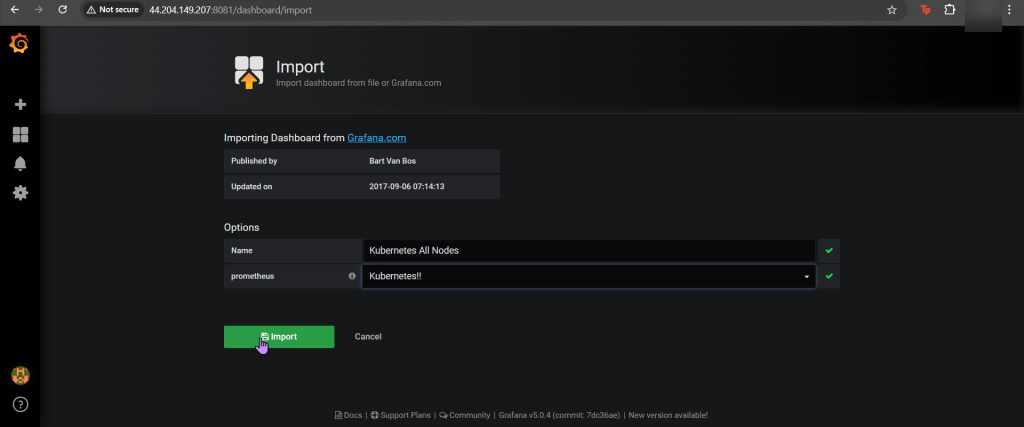
Log-in to Grafana:

Xbox Controller w/EKS & Terraform

Goal:

Okay, were not using Xbox controllers… but PS5 controllers! JK.. but what we will mess w/is deploy an EKS cluster to create admission controllers from a Terraform configuration file.

  • So what had happen was…
    • Deploy homebrew w/AWS CLI, kubectl, & terraform
    • Which will communicate to AWS EKS & VPC.
    • Got it? Okay dope, lets bounce.

Lessons Learned:

  • Installing Homebrew, AWS CLI, Kubernetes CLI, & Terraform
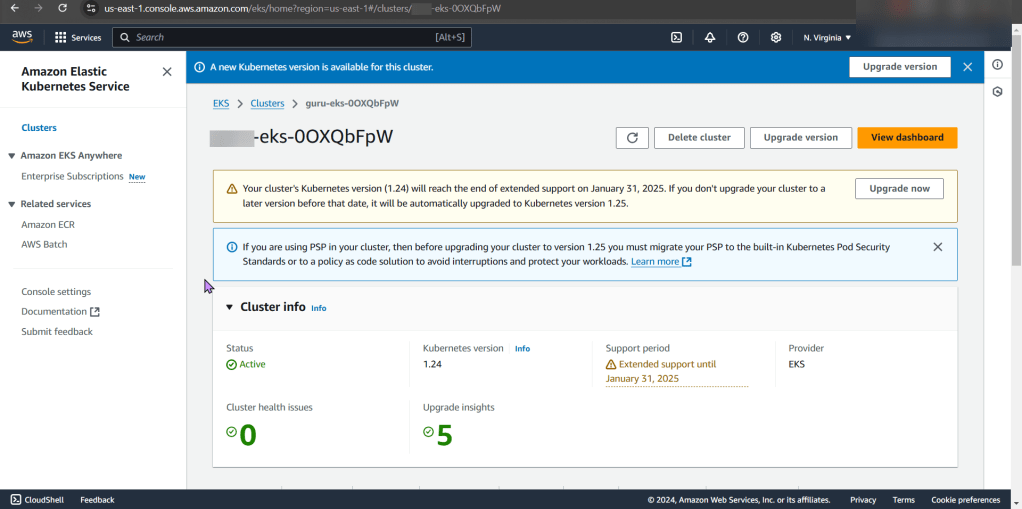
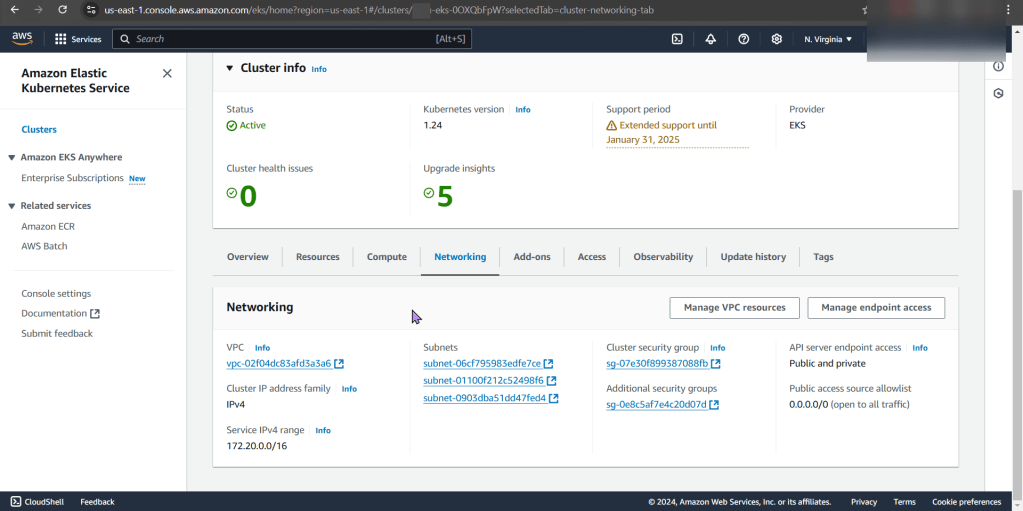
  • Deploy EKS Cluster

Install da Toolzz:

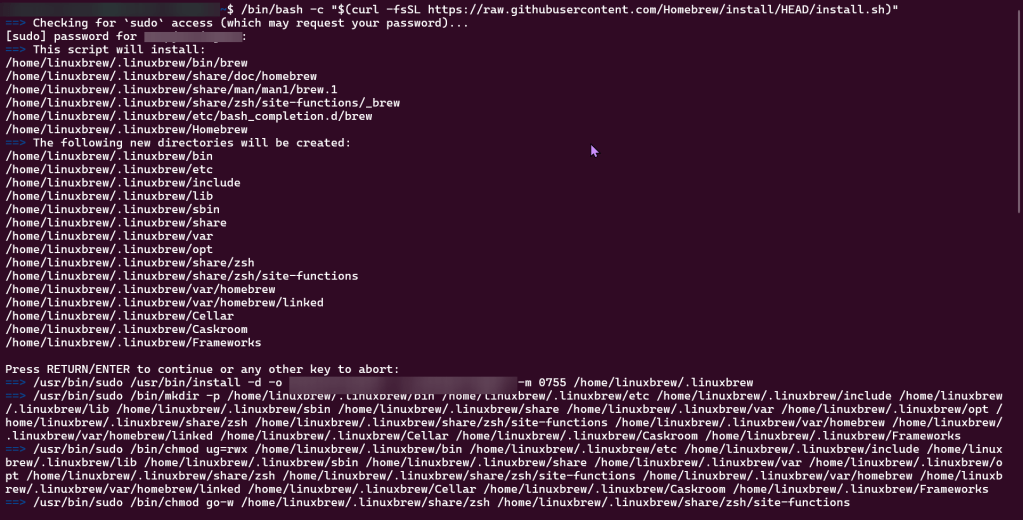
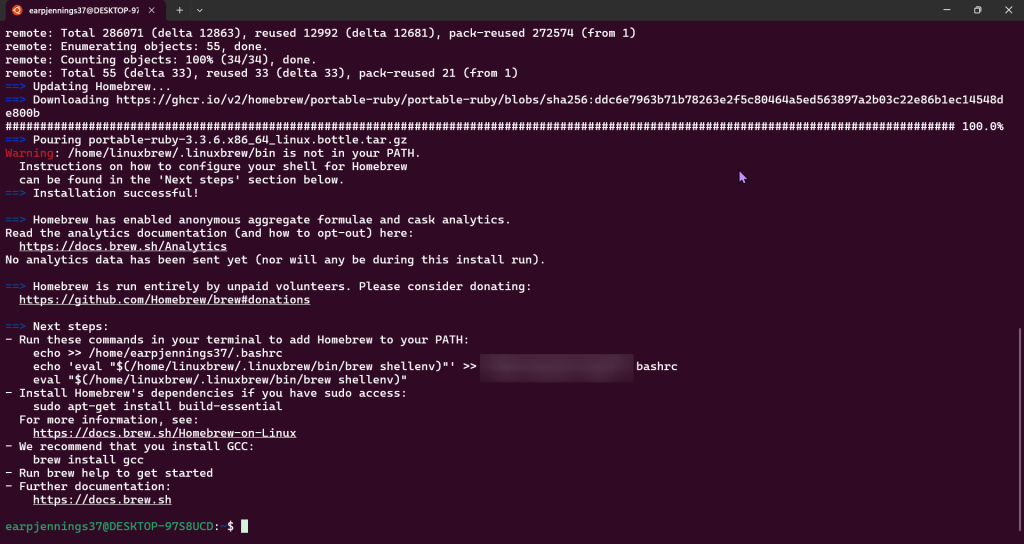
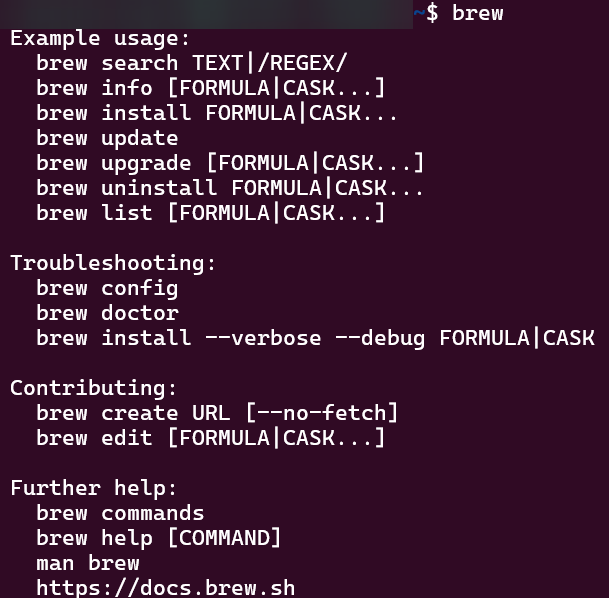
Homebrew:

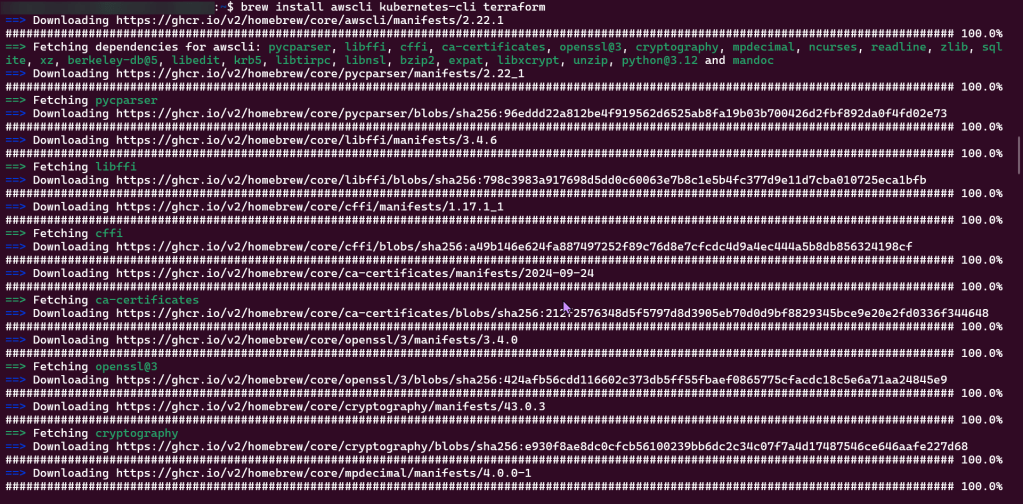
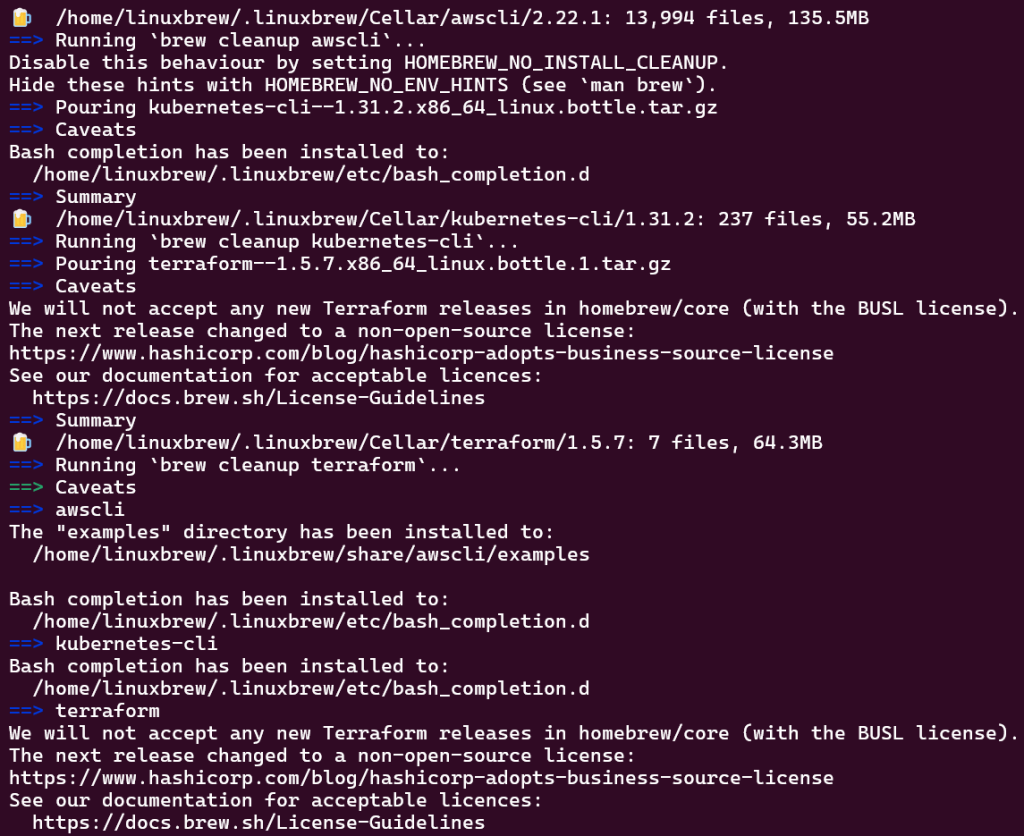
Brew Install:

  • AWS CLI
  • Kubernetes-cli (kubectl)
  • Terraform

Deploy EKS Cluster

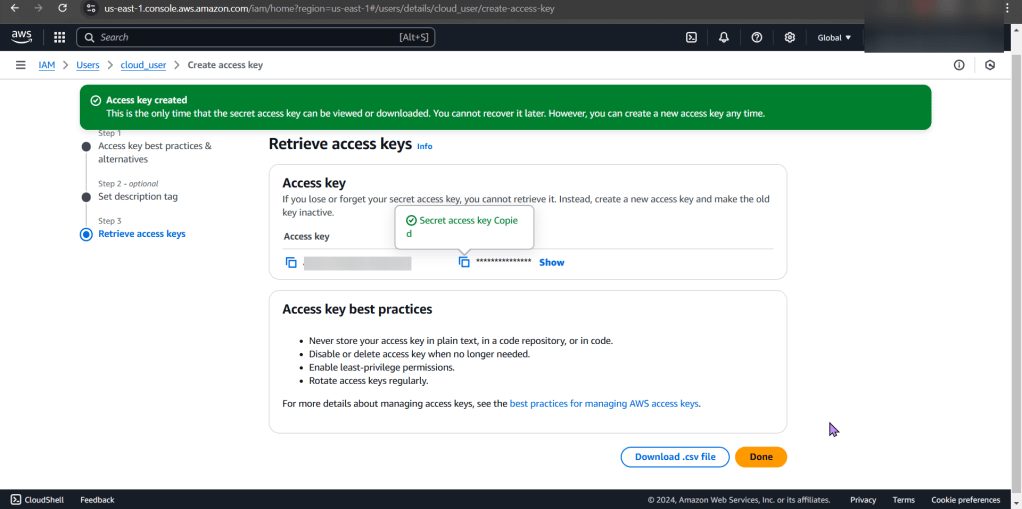
Create Access Keys:

Clone Repo:

Move into EKS Directory:

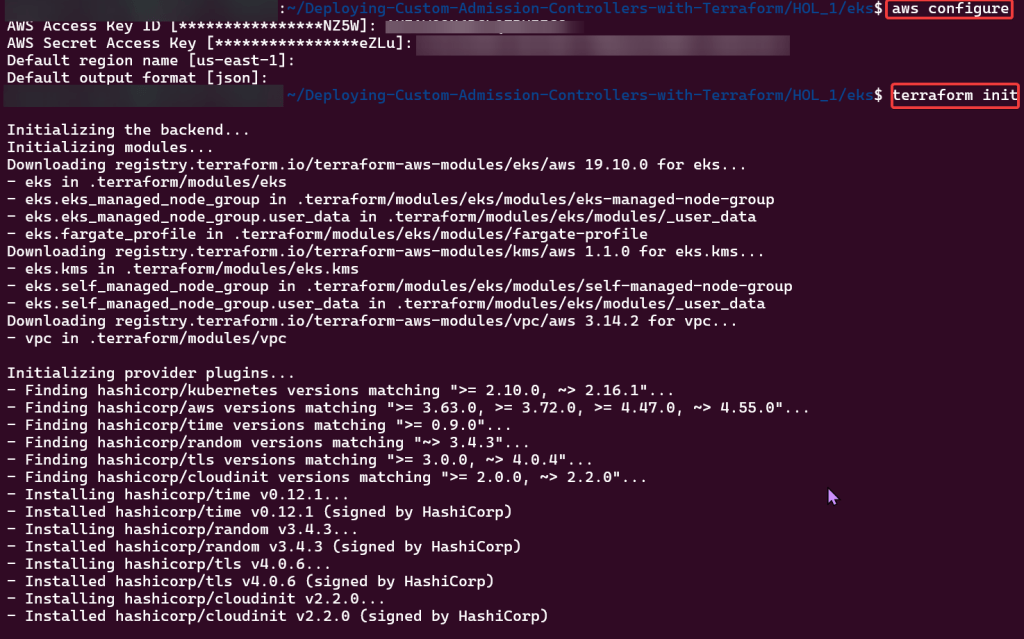
Initialize Directory:

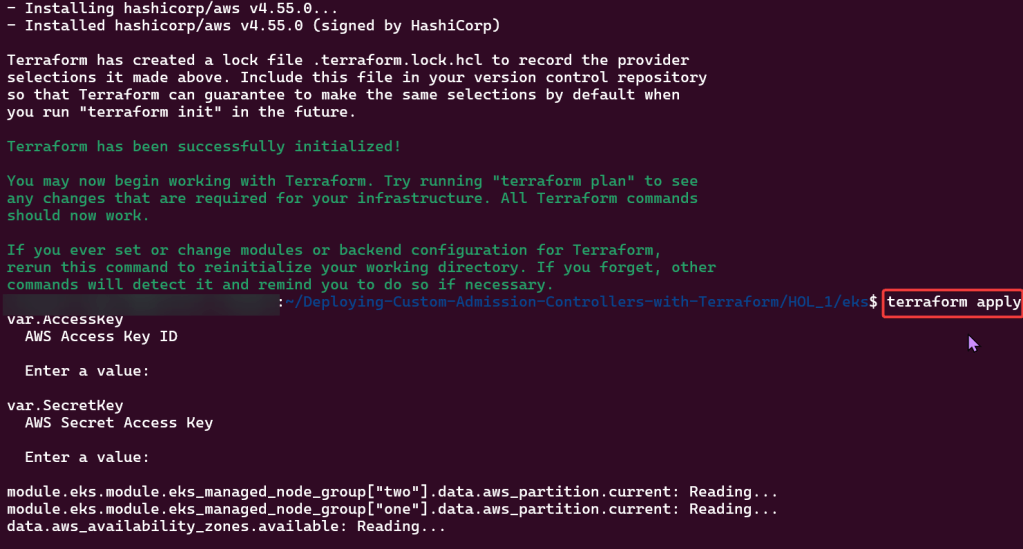
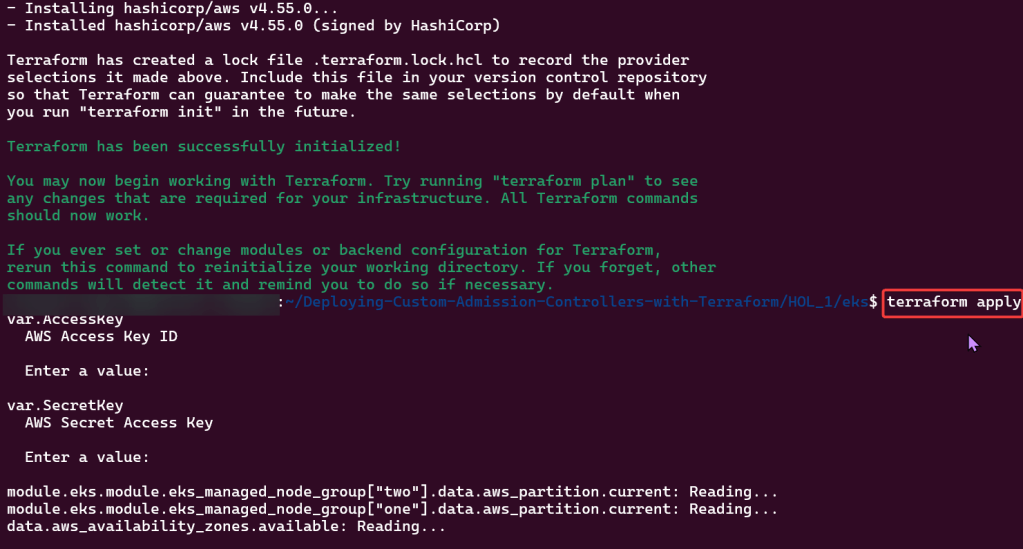
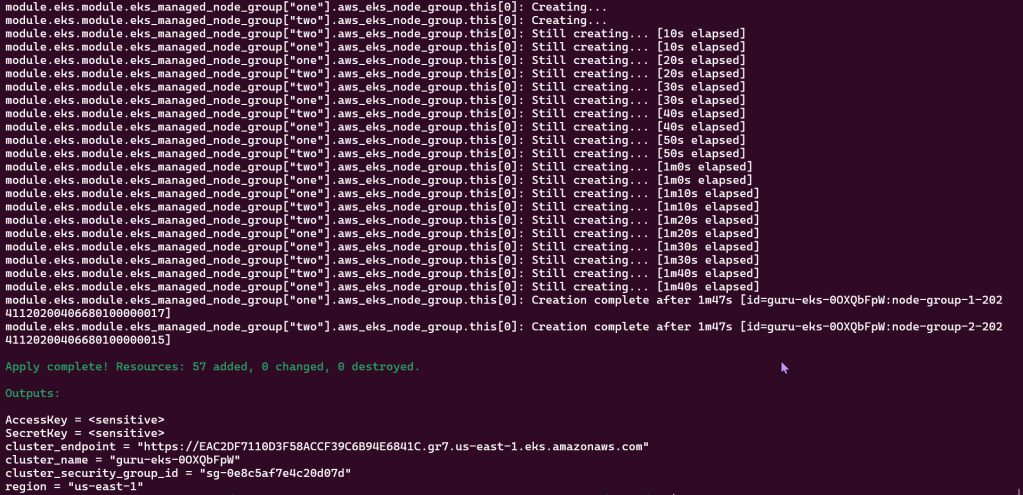
Apply Terraform Configuration:

Configure Kubernetes CLI w/EKS Cluster:
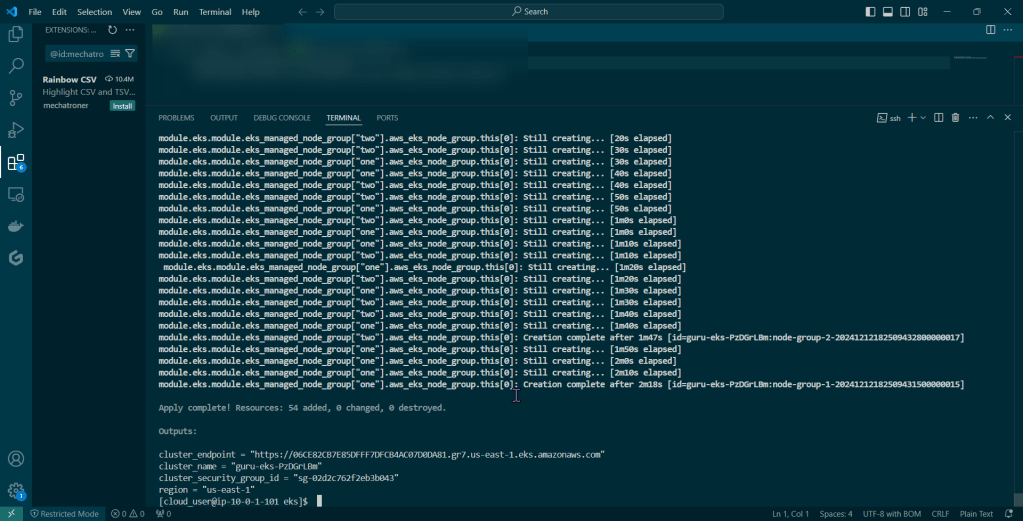
Are you connected bruh?