

Summary of Steps Below:
- Create Github repo
- git add
- Git Commands
- git add .
- git commit -m
- git push
- HCP Migrate VCS Workflow
- dev
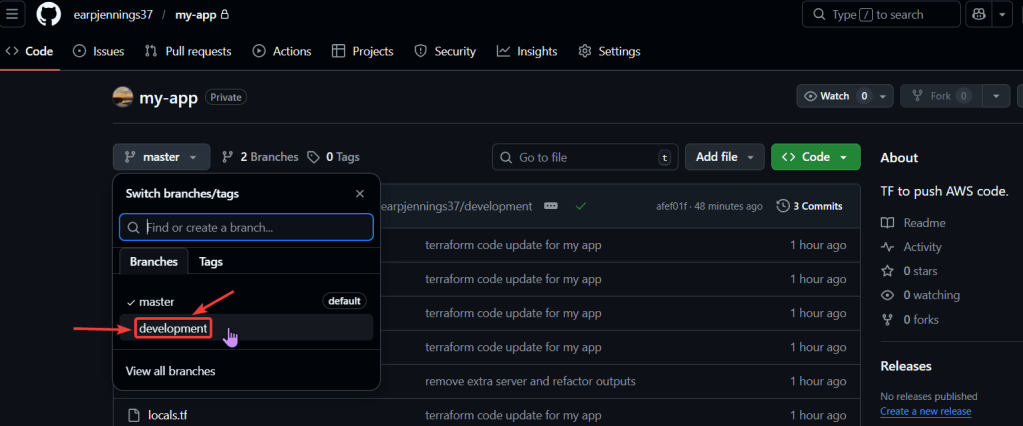
- In Github Add development branch
- Use VCS to deploy DEVELOPMENT
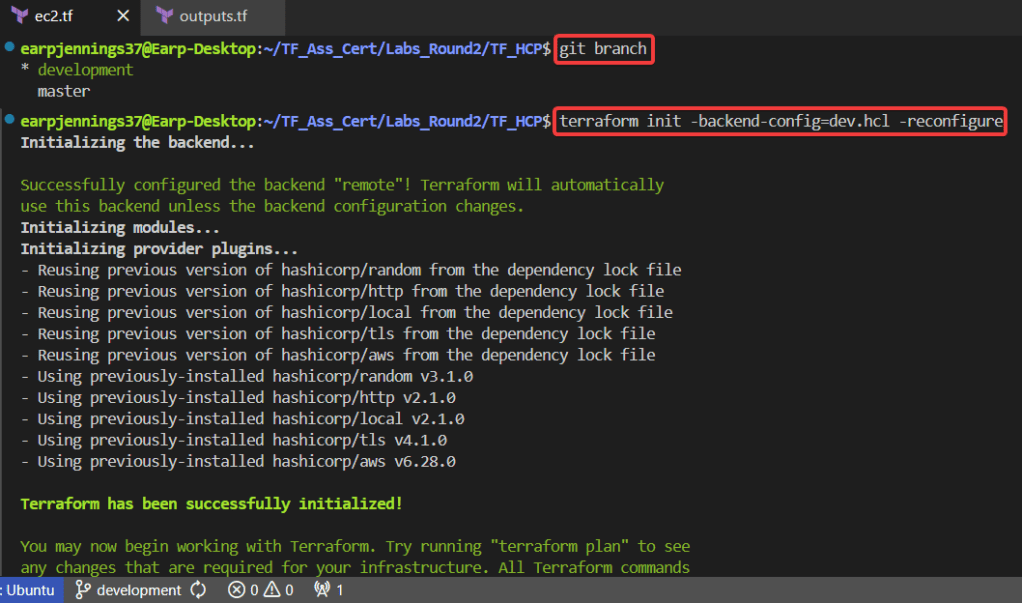
- git branch -f
- git checkout development
- git branch
- git status
- terraform init -backend-config=dev.hcl -reconfigure
- terraform validate
- terraform plan
- CAN NOT do..
- terraform apply
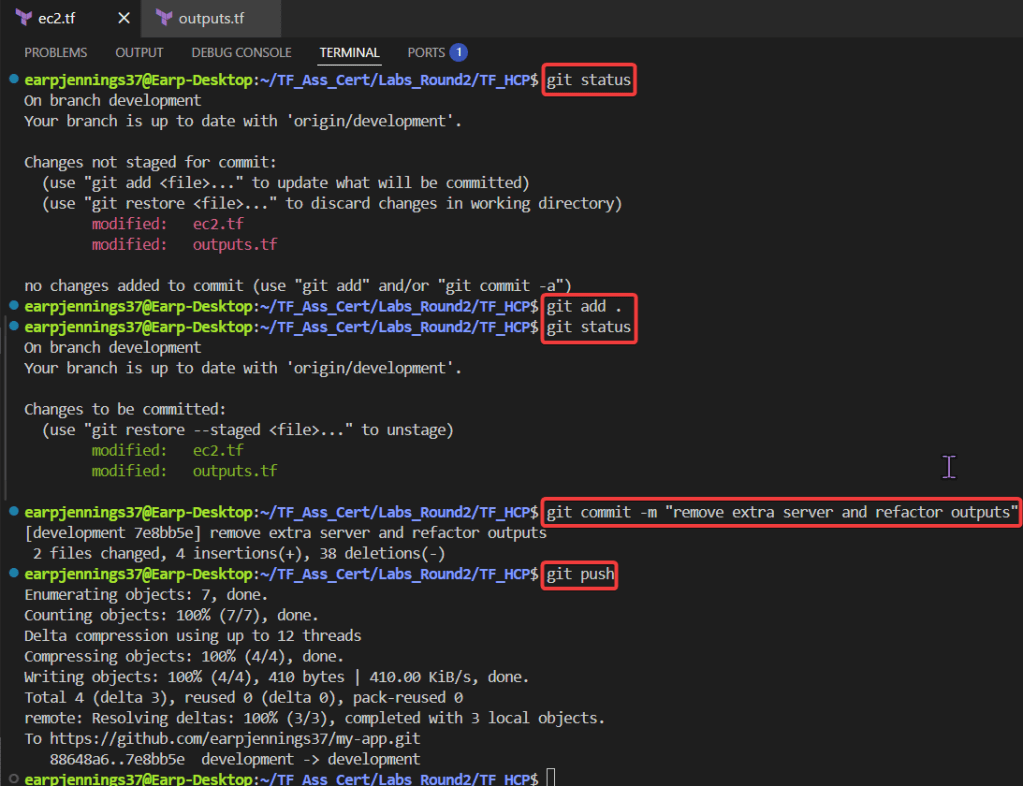
- Git Commands
- git status
- git add .
- git commit -m “remove extra server & refactor outputs”
- git push
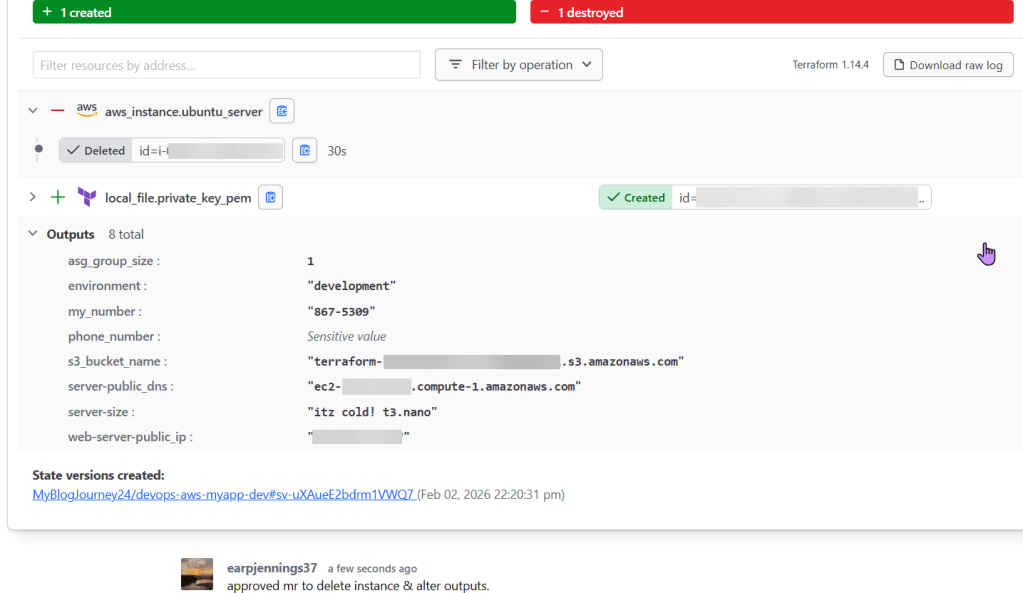
- HCP
- Approve
- Github
- Review development branch to main
- Use VCS to deploy PRODUCTION
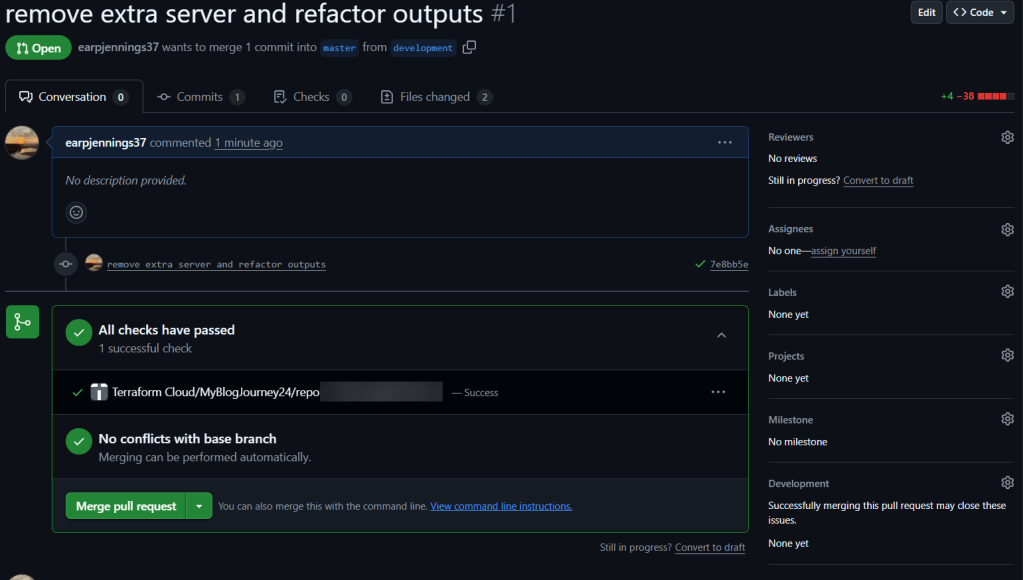
- Github
- Merge pull request
- HCP
- Automaticlaly KO pipeline & approve
- Github & HCP
- See the MR merged/approved
- Github
- AWS Console
- Review new resources added or destroyed
Create New GitHub Repo:
git initgit remote add origin https://github.com/<YOUR_GIT_HUB_ACCOUNT>/my-app.git
Commit changes to github:
git add .git commit -m "terraform code update for my app"git push --set-upstream origin master
Migrate VCS Workflow:
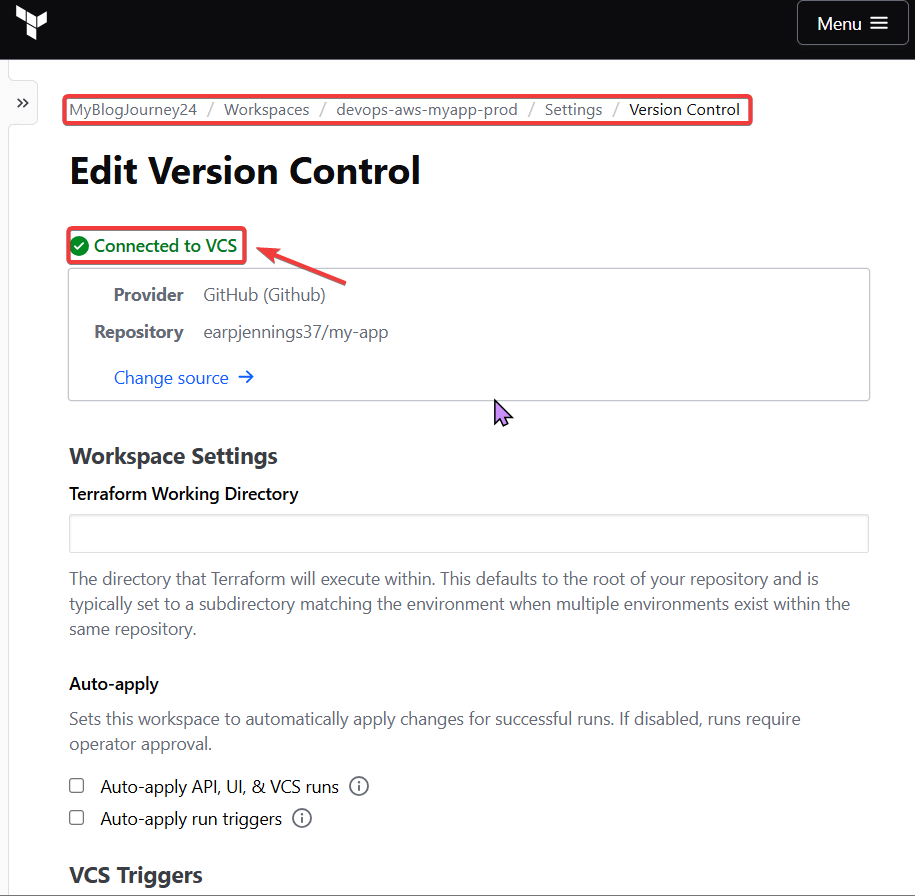
add development github branch:
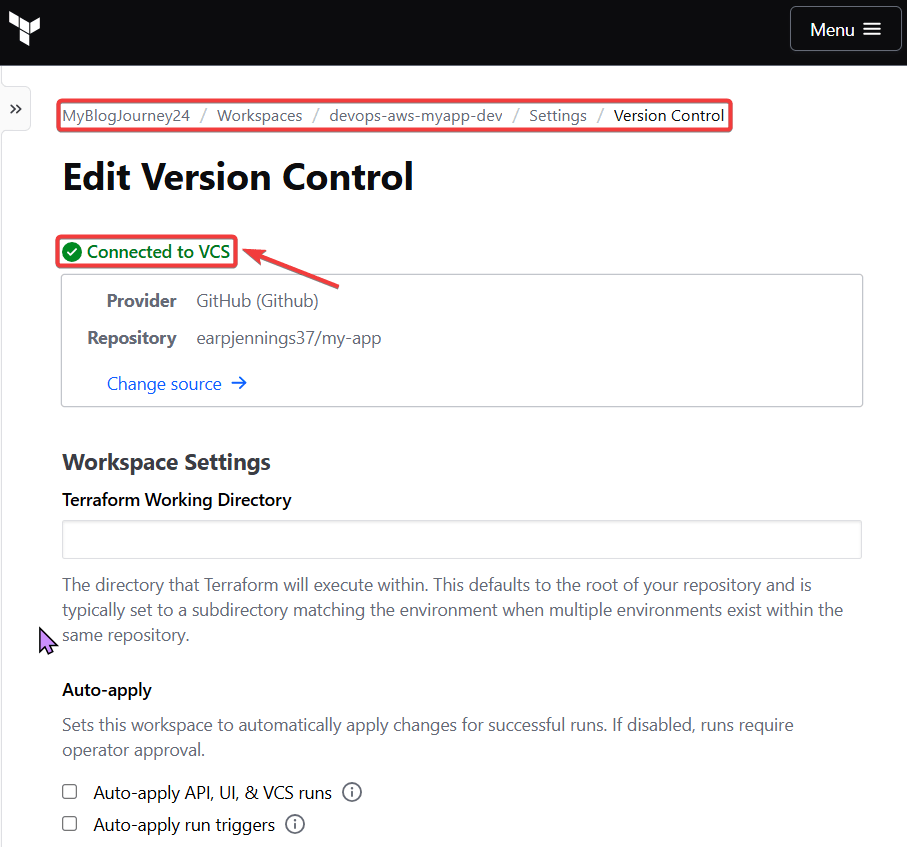
Use VCS to deploy development:
git branch -f development origin/developmentgit checkout developmentgit branchterraform init -backend-config=dev.hcl -reconfigureterraform validateterraform plan
- Remember, cant do this…..

git statusgit add .git commit -m "remove extra server & refactor outputs"git push
- Approve in HCP & can review Github development branch to main
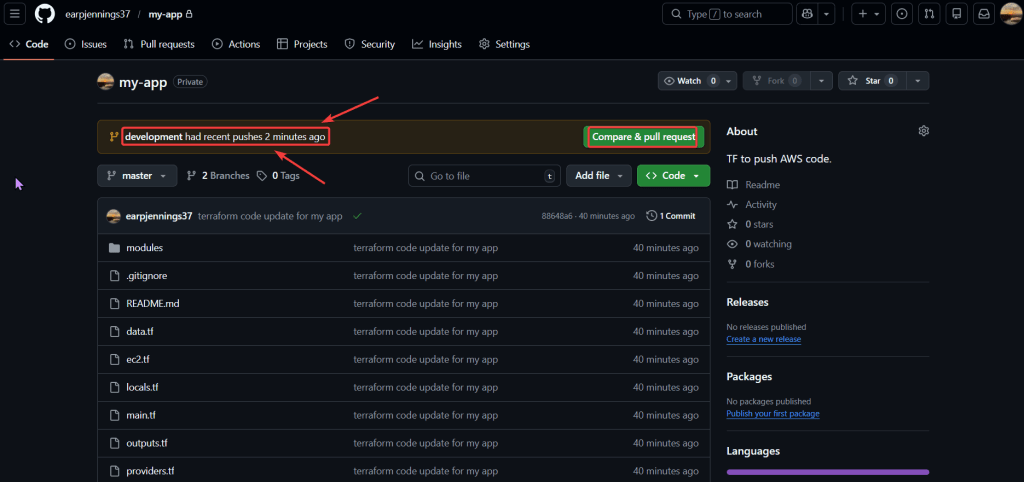
Use VCS to deploy main/production:
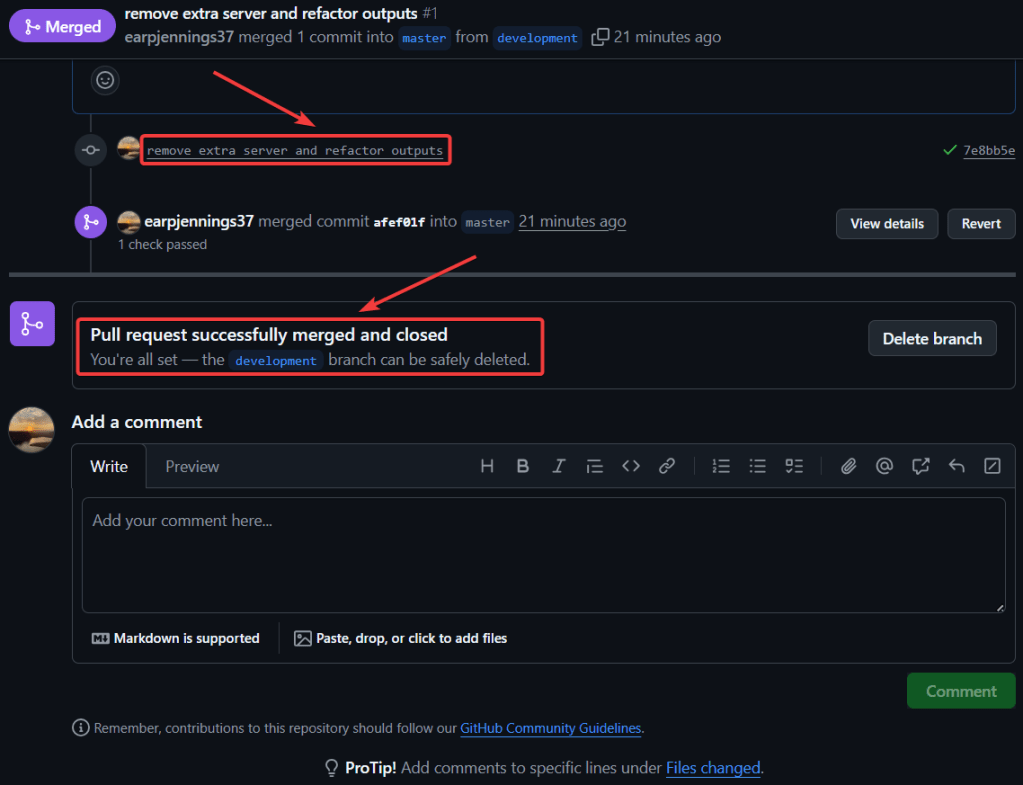
- Github:
- IF development goes well & passes, then can merge pull request
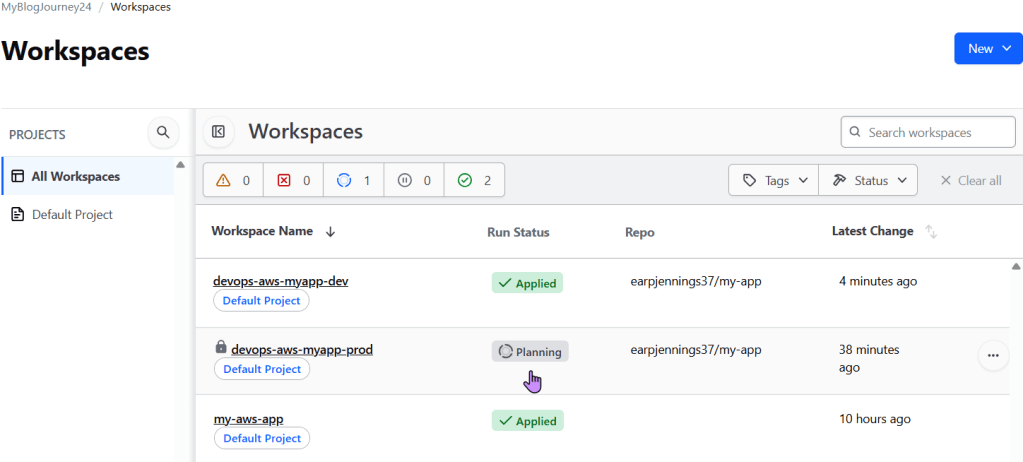
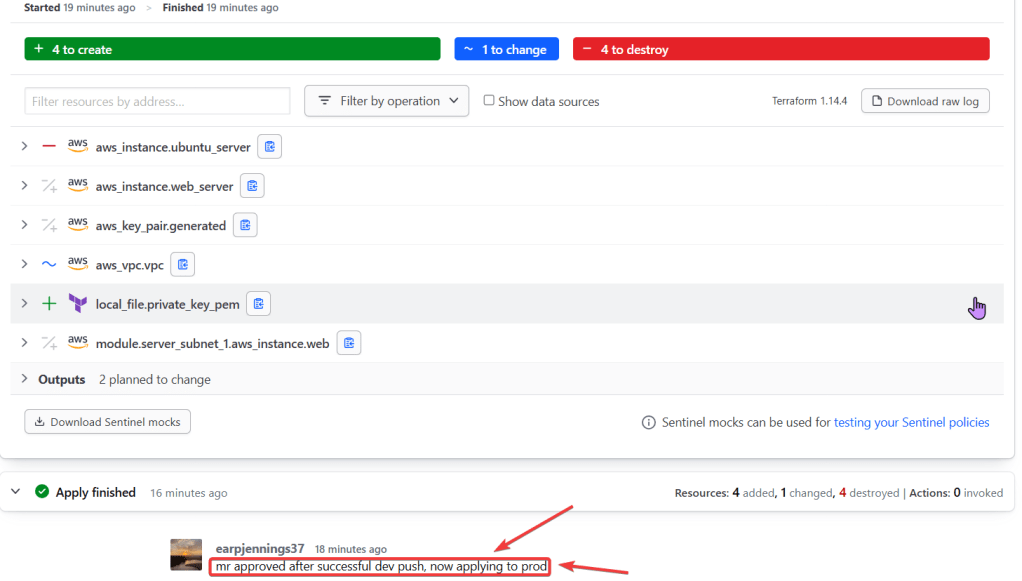
- HCP:
- Automatically KO the pipeline for production & can approve
- Github:
- Can see the MR has merged from development to production
- AWS Console:
- Check to see your resources
 Say When..