

Series of blog posts show progress of updating/adding to EKS Cluster, this post covers adding HCP VCS Workflow w/Github Actions. See other blog-posts below:
Part 1: GitHub Actions validation
- Fastest improvement and immediately useful for both repositories.
- Infrastructure repository:
terraform fmt -checkterraform init -backend=falseterraform validate- TFLint
- Trivy IaC scanning
- Checkov
- GitOps repository:
- YAML lint
- Kubeconform
- Trivy Kubernetes scanning
- Kubescape
- Render selected upstream Helm charts with your values
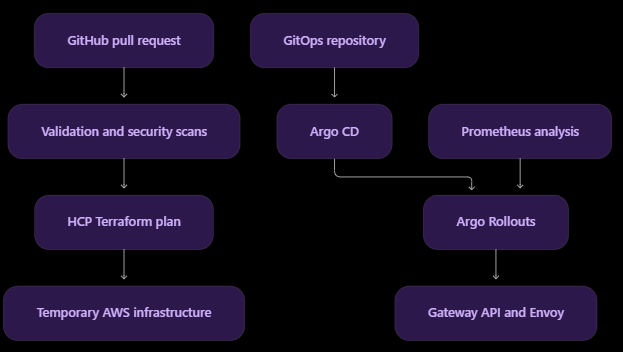
Create the workflow folder
- Sources:
- https://github.com/earpjennings37/say_when_infra/blob/main/.github/workflows/terraform-validate.yaml
Phase 1A: Terraform formatting and validation
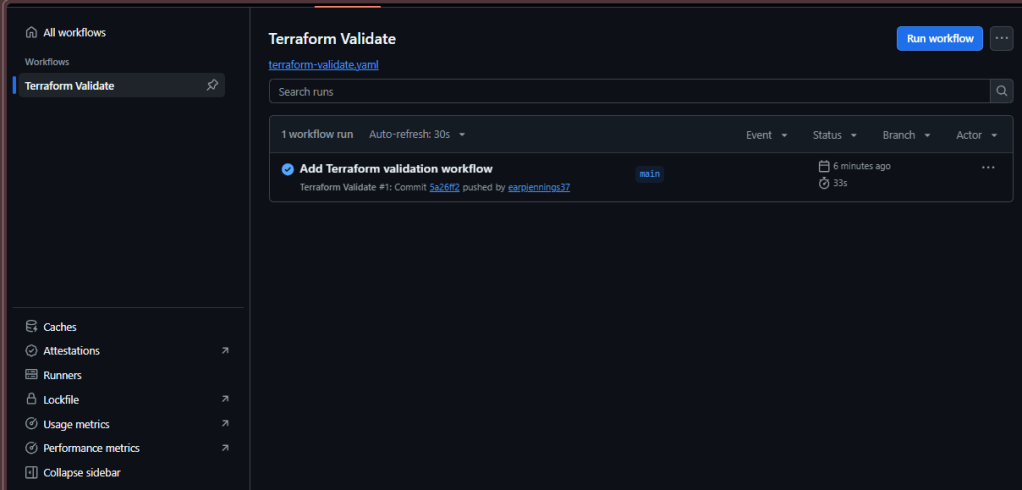
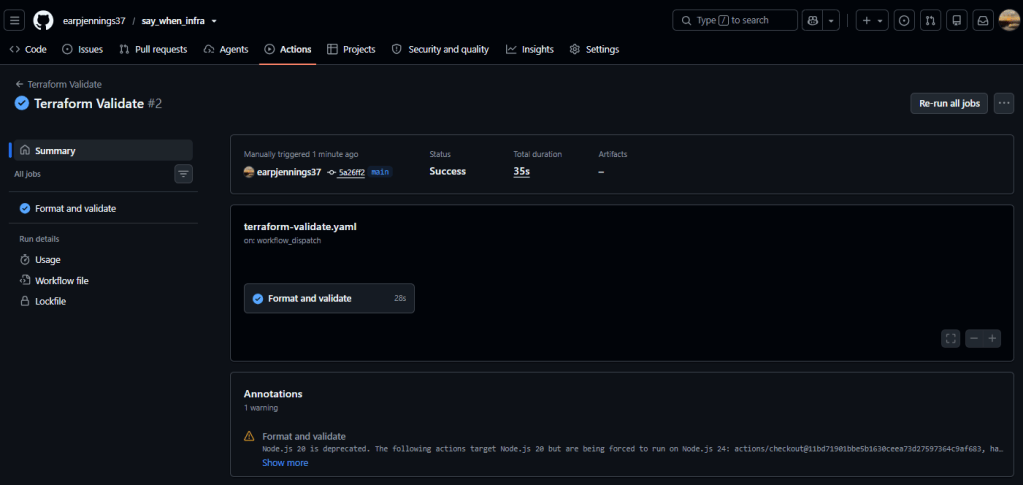
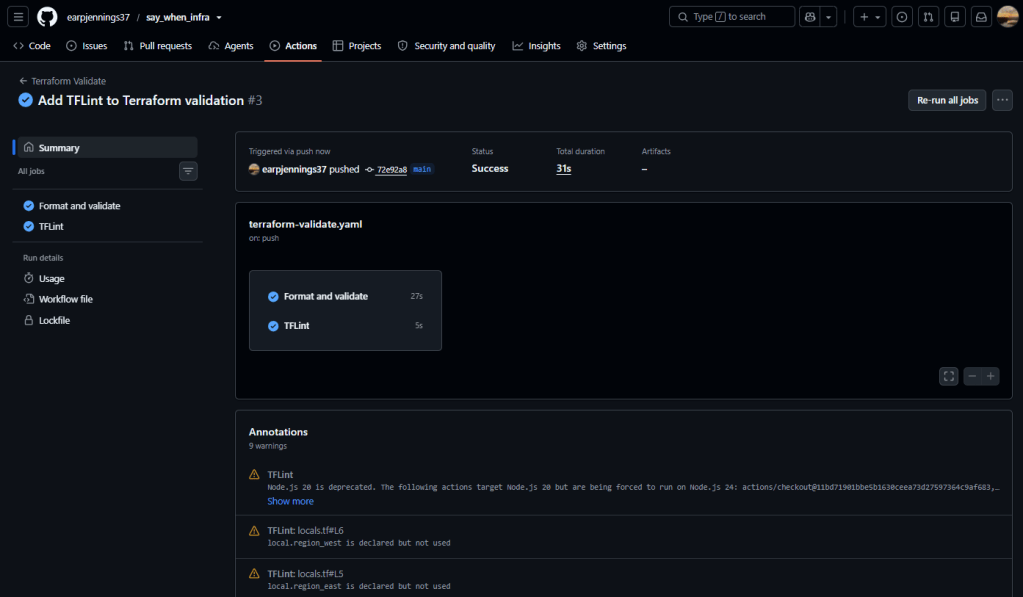
Phase 1B: add TFLint:
- Statically identifies Terraform problems and AWS-provider issues beyond basic syntax validation.
- Sources:
- The workflow initially blocks only TFLint findings classified as errors. Warnings remain visible without immediately breaking your pipeline. After resolving the baseline warnings, you can raise enforcement later.
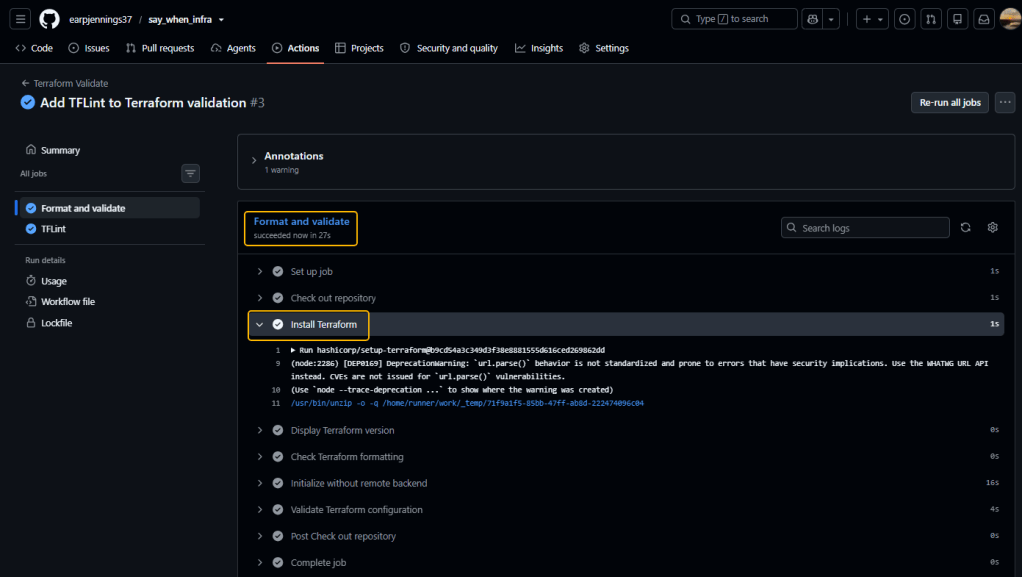
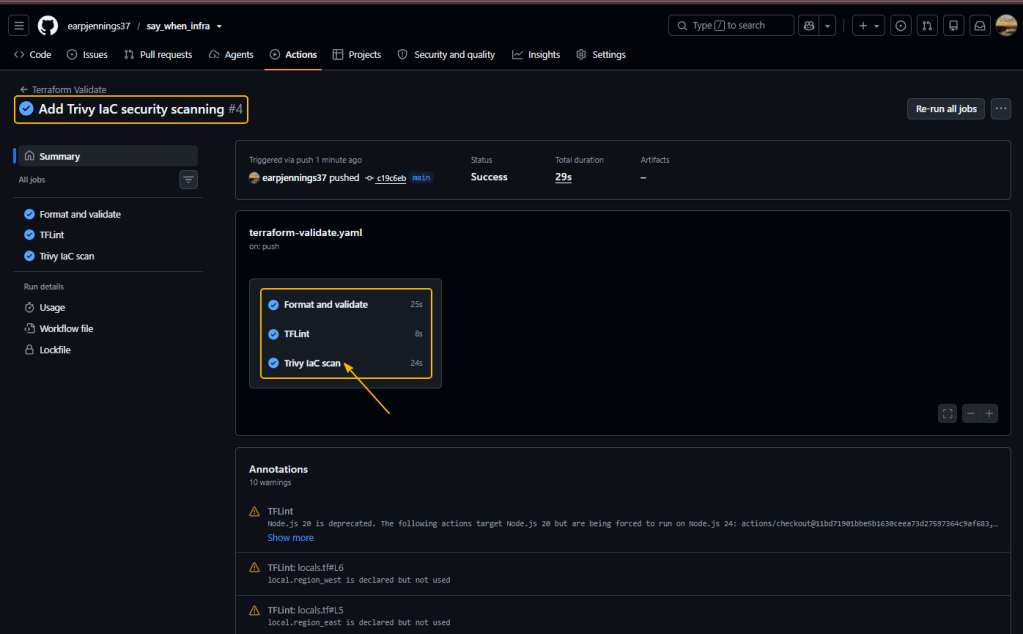
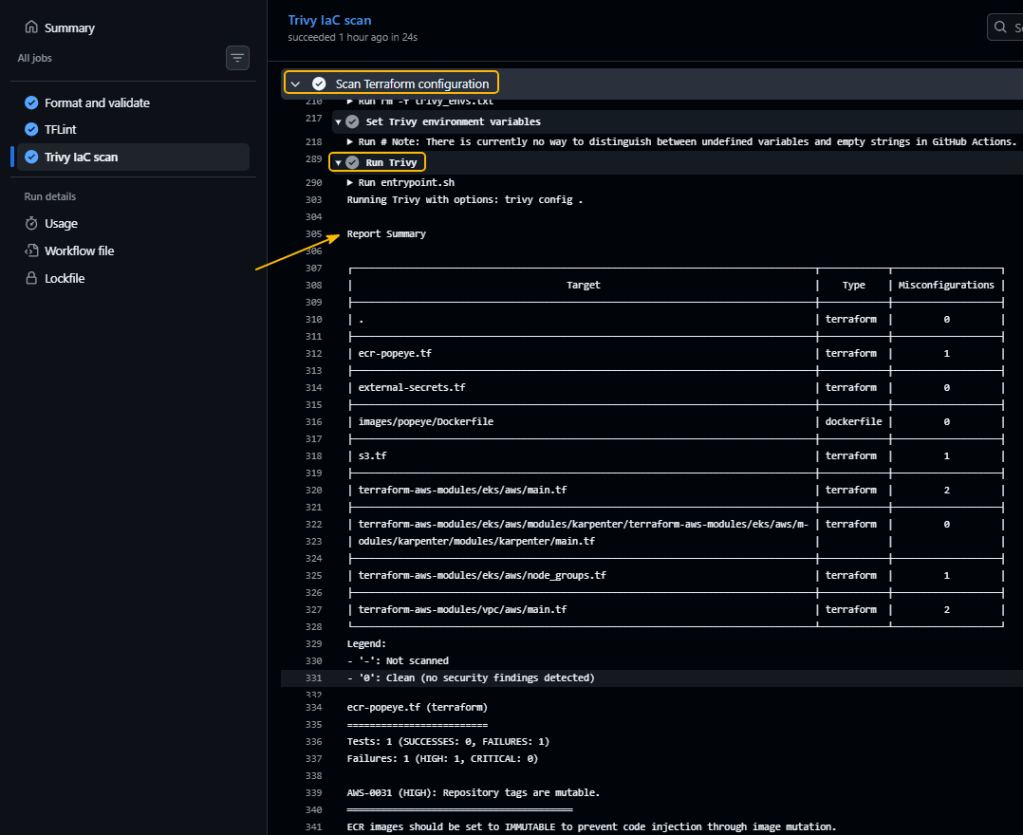
Phase 1C: add IaC security scanning
- Trivy IaC scanning in report-only mode so you can review existing findings before making them block pull requests.
Phase 2A: YAML linting:
====================---extends: defaultrules: document-start: disable line-length: max: 160 level: warning comments: min-spaces-from-content: 1 indentation: spaces: 2 indent-sequences: true truthy: allowed-values: - "true" - "false"====================
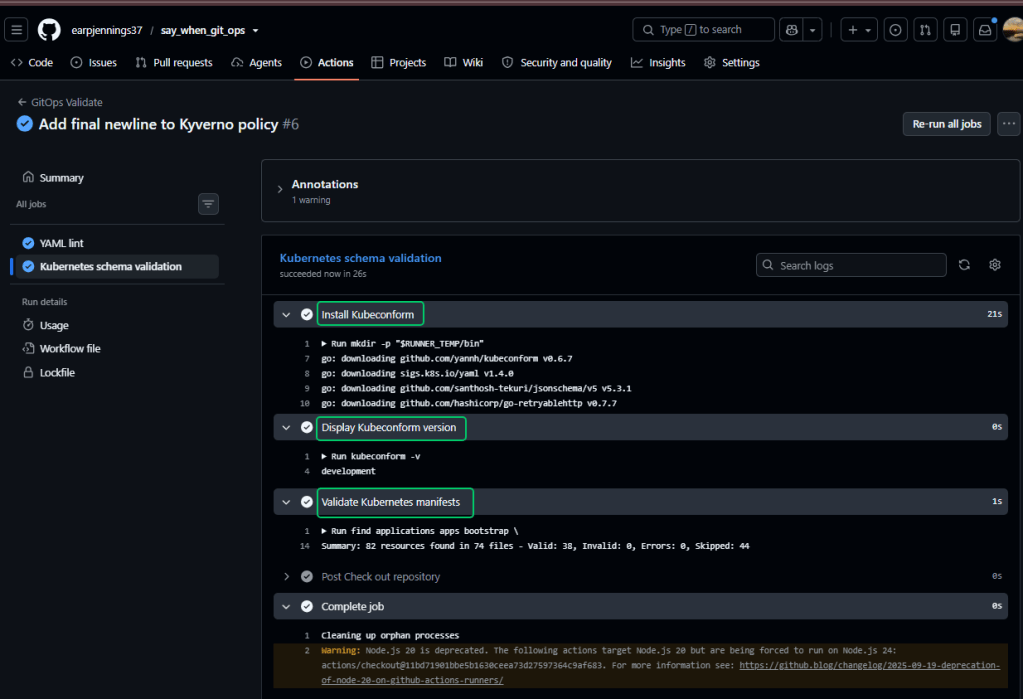
Phase 2B: Kubeconform.
- Important details:
values.yamlfiles are excluded because they are Helm inputs, not complete Kubernetes resources.-strictcatches unexpected or misspelled Kubernetes fields.-ignore-missing-schemasallows CRDs such as Argo CD Applications, Karpenter, Kyverno and Gateway API resources while still validating standard Kubernetes resources.
Phase 2c: Helm rendering validation & OCI Charts
- You will see 2 separate sections
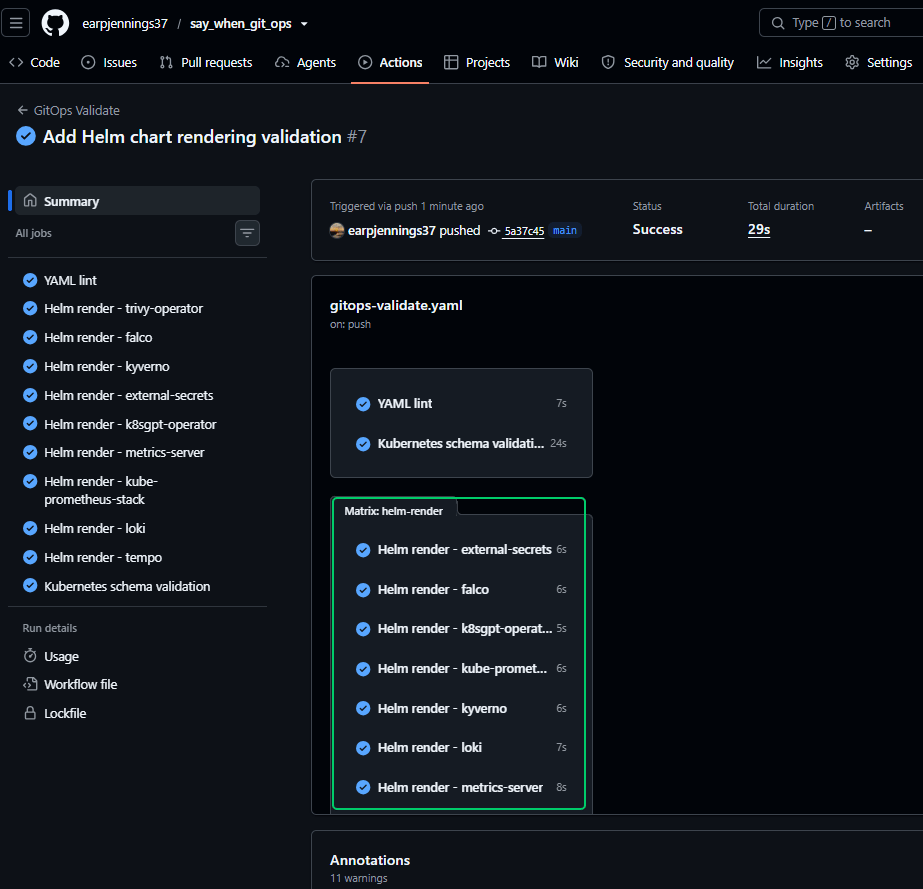
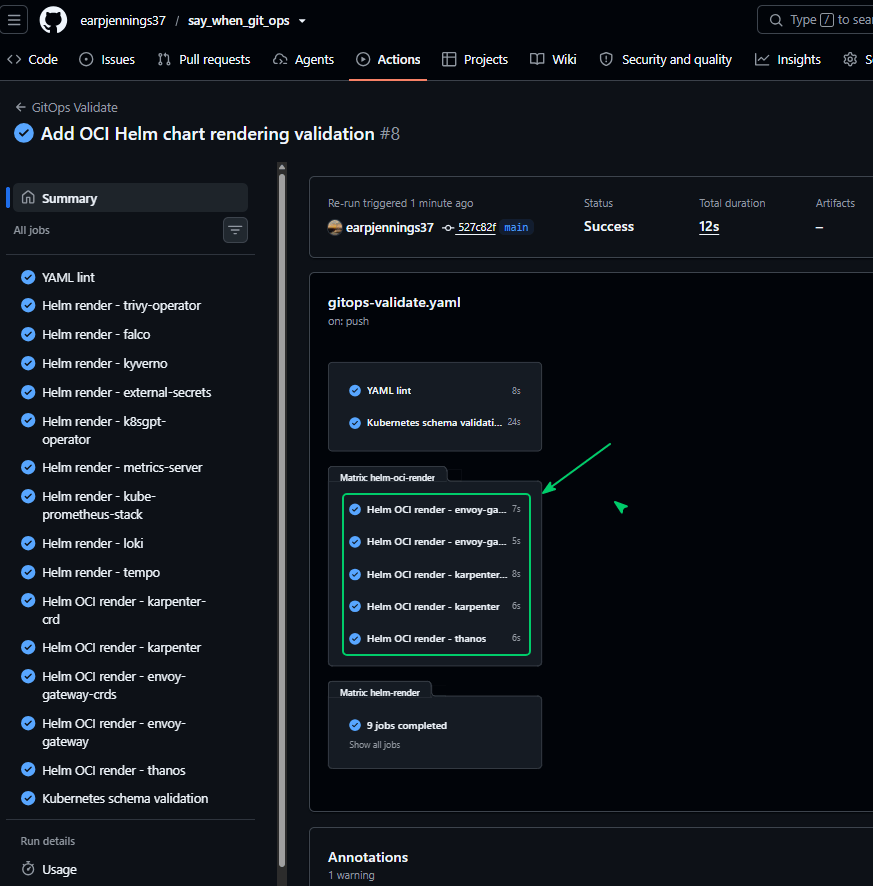
Part 2: HCP Terraform
- HCP retains the Terraform state outside AWS, so after validation works:
- Create HCP Terraform organization and workspace.
- Migrate local state to HCP Terraform.
- Remove all Terraform state files from Git tracking.
- Configure state protection.
- Connect the infrastructure GitHub repository.
- Use HCP dynamic AWS credentials rather than permanent access keys.
- Require approval before apply.
- Destroy AWS infrastructure through the tracked HCP run.
What HCP Terraform will do Once Complete
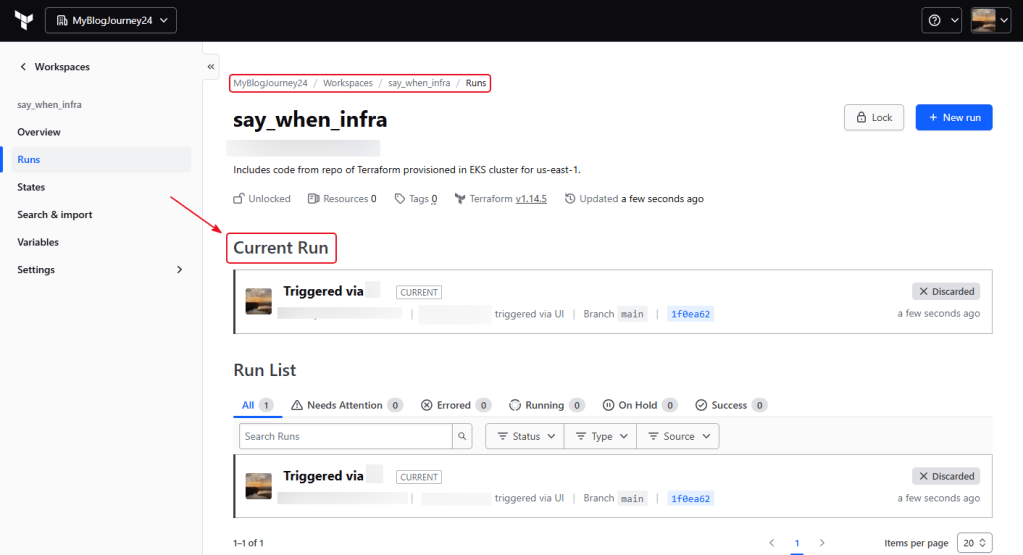
- GitHub changes trigger HCP Terraform plans.
- HCP securely stores the Terraform state.
- Pull requests can receive speculative plans.
- Applies require manual confirmation.
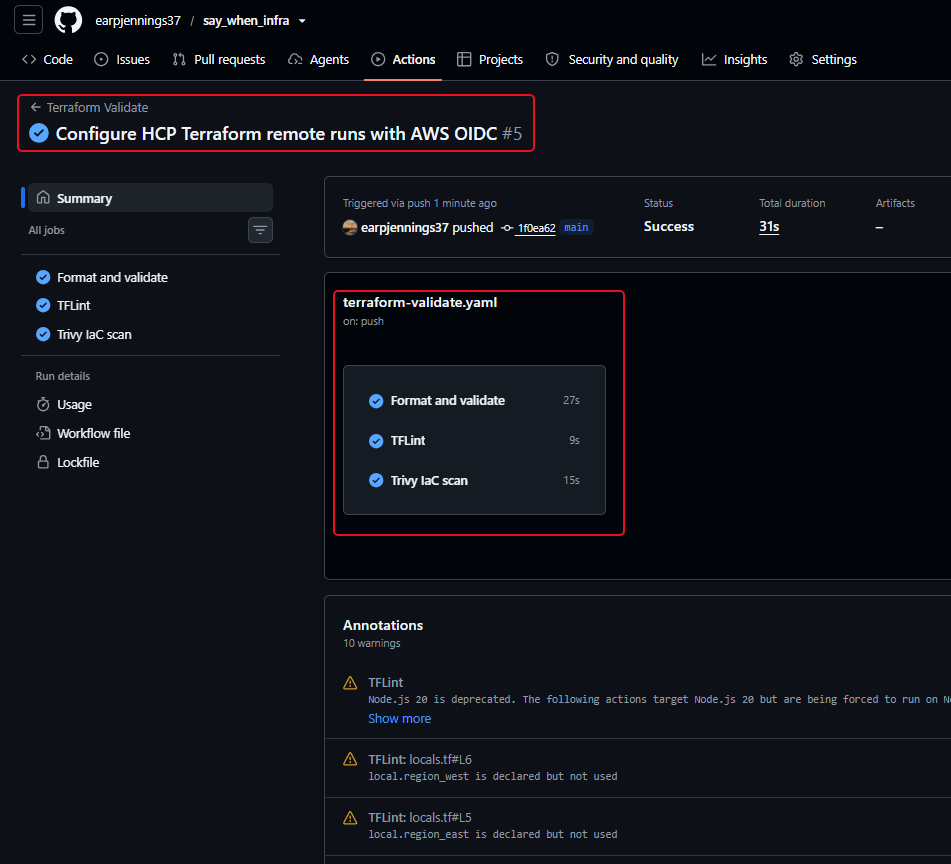
- Your existing GitHub Actions continue running formatting, TFLint and Trivy.
terraform destroyremoves your billable AWS infrastructure, while the HCP workspace retains state and run history.
terraform plan
Phase 1: connect the repository
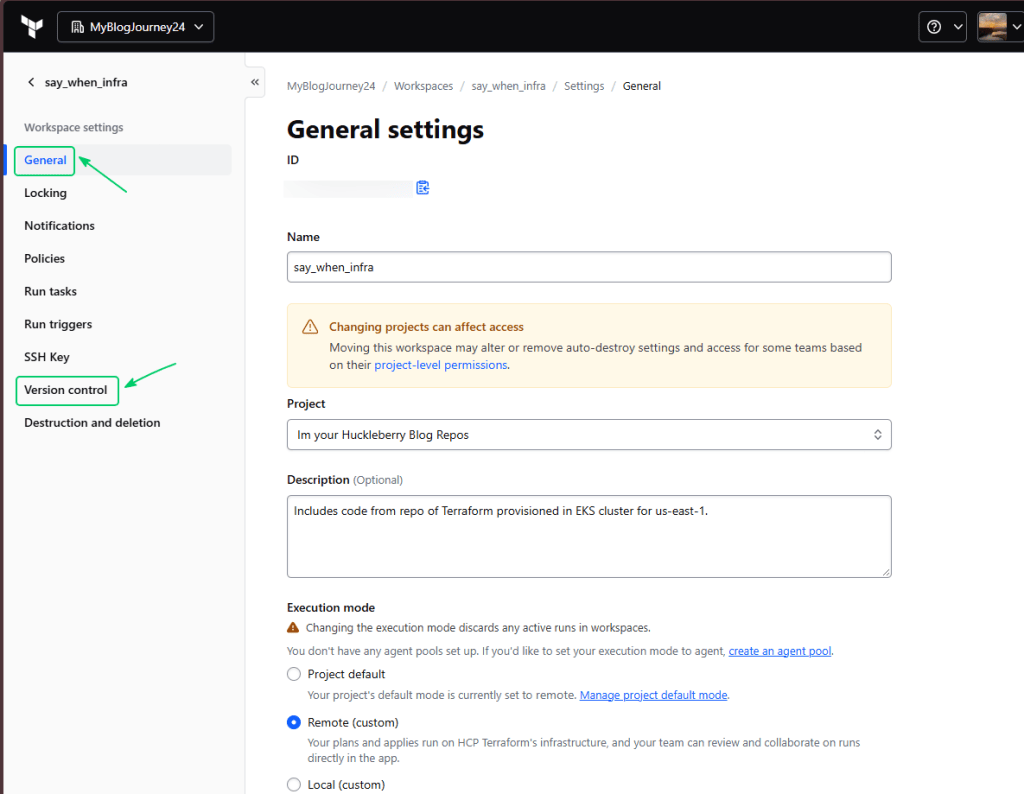
Phase 2: Terraform Configuration & HCP Trust
- Sources:
- Stays outside the cluster’s Terraform state, so destroying EKS will not remove HCP’s ability to rebuild it.
- The trust is restricted to your exact HCP organization, project and workspace.
run_phase:*allows the same role for both plans and applies, following HashiCorp’s documented pattern. developer.hashicorp.com AdministratorAccessis broad. It is a practical home-lab baseline because this configuration provisions IAM, EKS, VPC, S3, ECR and other services. The strict OIDC trust, manual HCP approval and dedicated lab account reduce exposure. A custom least-privilege policy can be a later hardening phase.- Directory should be
infra/bootstrap/hcp-terraform- main.tf
- variables.tf
- outputs.tf
- version.tf
- Directory should be
==========terraform fmt==========terraform init -upgrade==========terraform validate==========terraform plan \ -out=hcp-bootstrap.tfplan==========terraform apply \ hcp-bootstrap.tfplan==========terraform output \ -raw hcp_terraform_role_arn==========
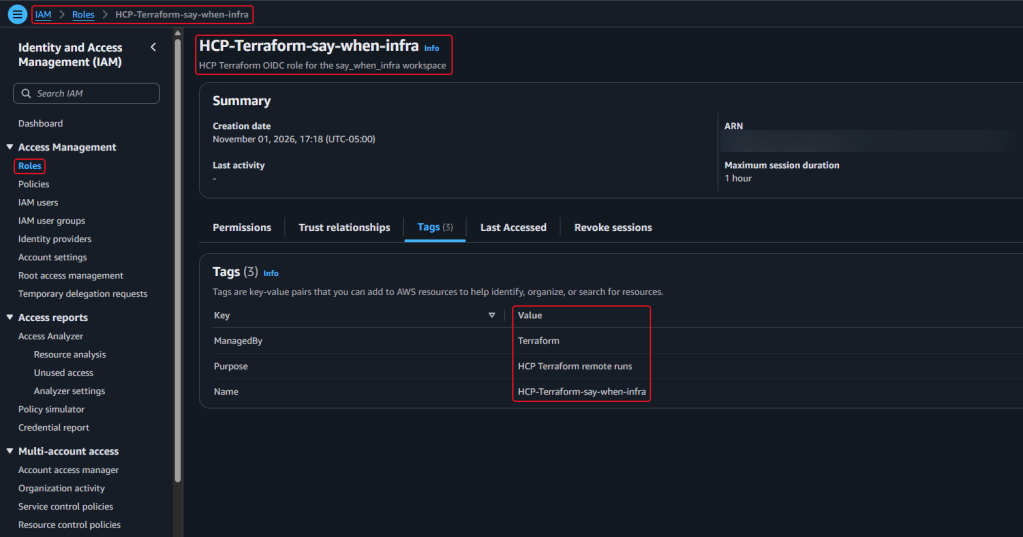
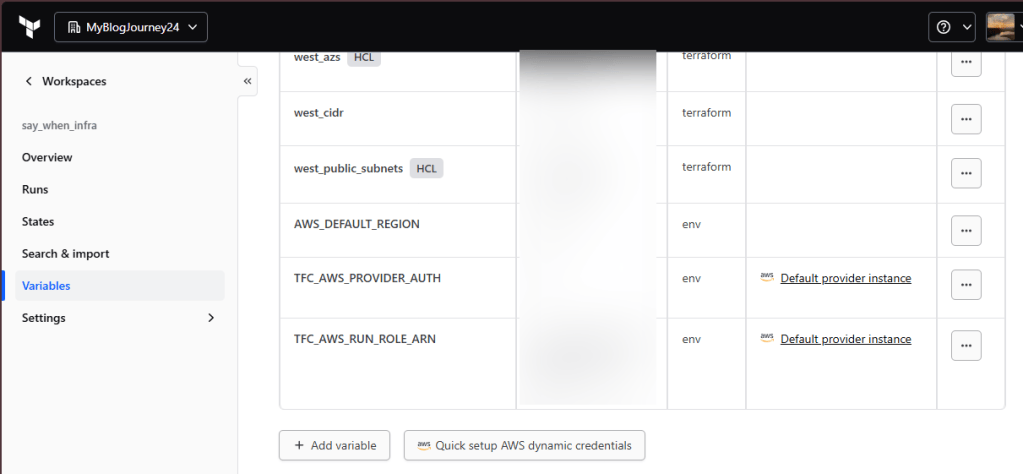
Phase 3: HCP Environment Variables
- Take what you created in the terraform outputs
Phase 4: Update Providers Block
==========terraform { cloud { organization = "MyBlogJourney24" workspaces { name = "say_when_infra" } }==========terraform login app.terraform.io==========terraform initInitializing HCP Terraform...Initializing modules...Initializing provider plugins...- Reusing previous version of hashicorp/aws from the dependency lock file- Reusing previous version of hashicorp/kubernetes from the dependency lock file- Using previously-installed hashicorp/aws v5.100.0- Using previously-installed hashicorp/kubernetes v3.3.0HCP Terraform has been successfully initialized!You may now begin working with HCP Terraform. Try running "terraform plan" tosee any changes that are required for your infrastructure.If you ever set or change modules or Terraform Settings, run "terraform init"again to reinitialize your working directory.==========
Phase 5: Git push & check Github as well as HCP
Phase 6: Finale of HCP
- You now have:
- GitHub-connected HCP workspace
- Remote Terraform execution
- Remote state ready for the first apply
- Manual apply approval
- AWS OIDC dynamic credentials
- No long-lived AWS keys in HCP
- GitHub Actions Terraform validation
- The HCP AWS OIDC provider and IAM role can remain when the cluster is destroyed. IAM roles and OIDC providers do not incur ongoing AWS charges.
terraform destory


